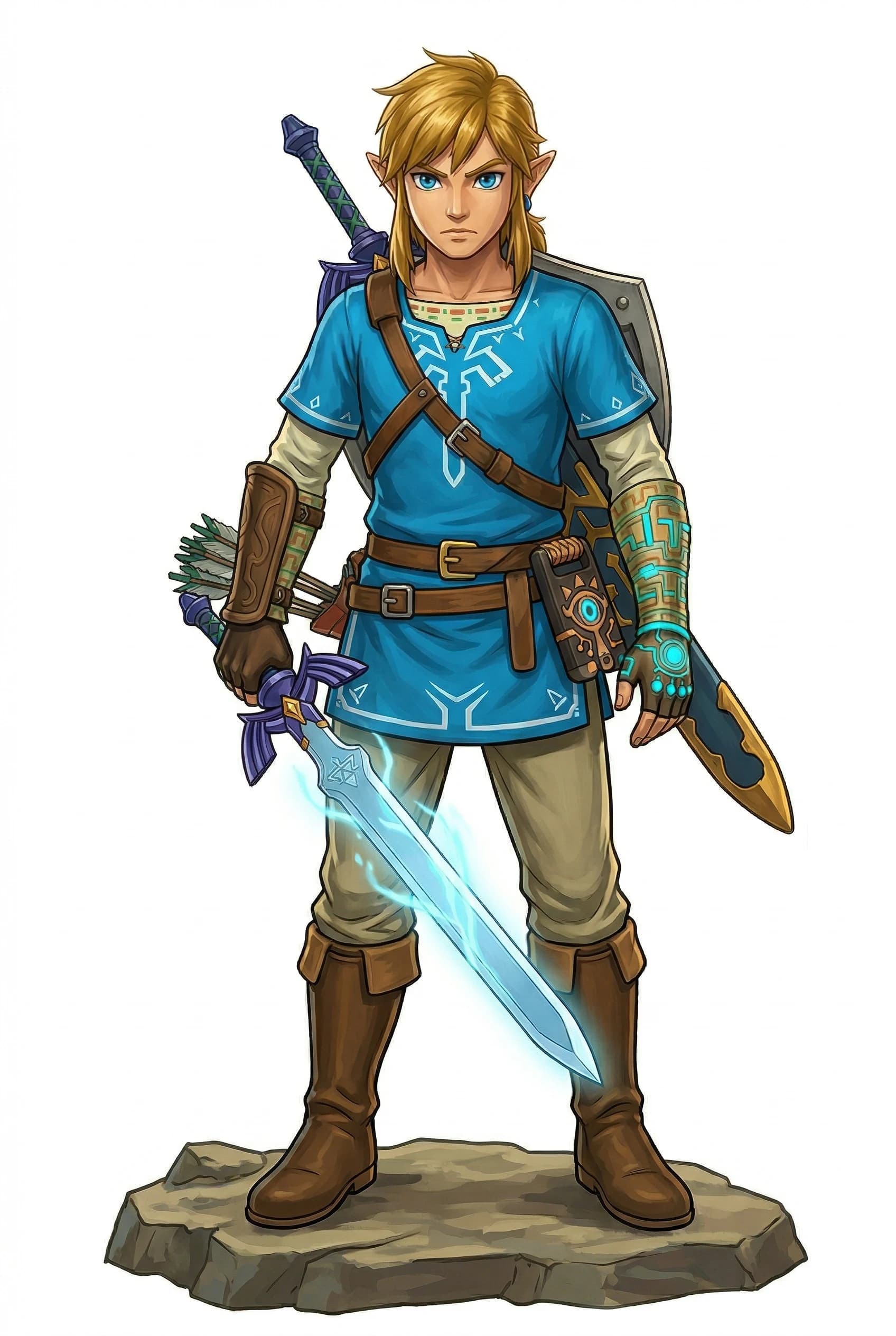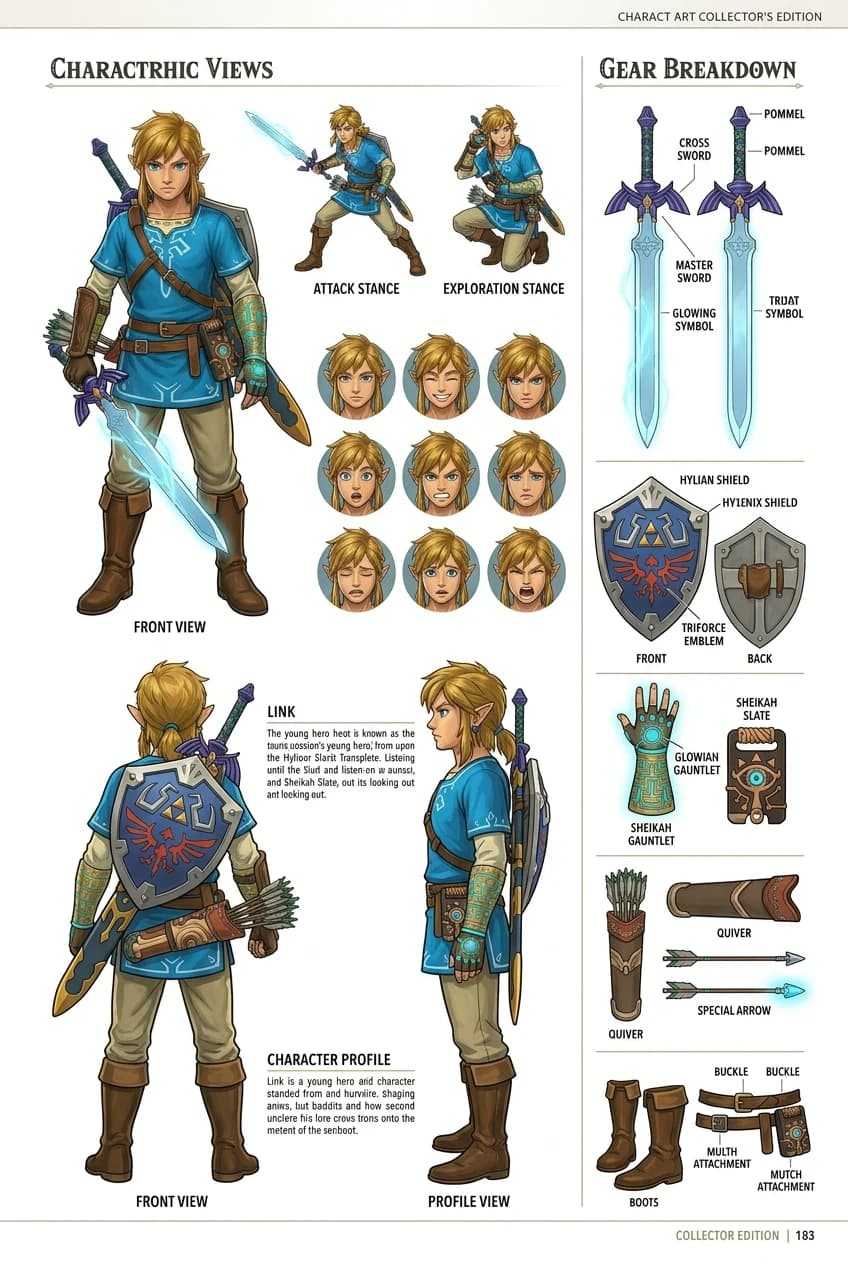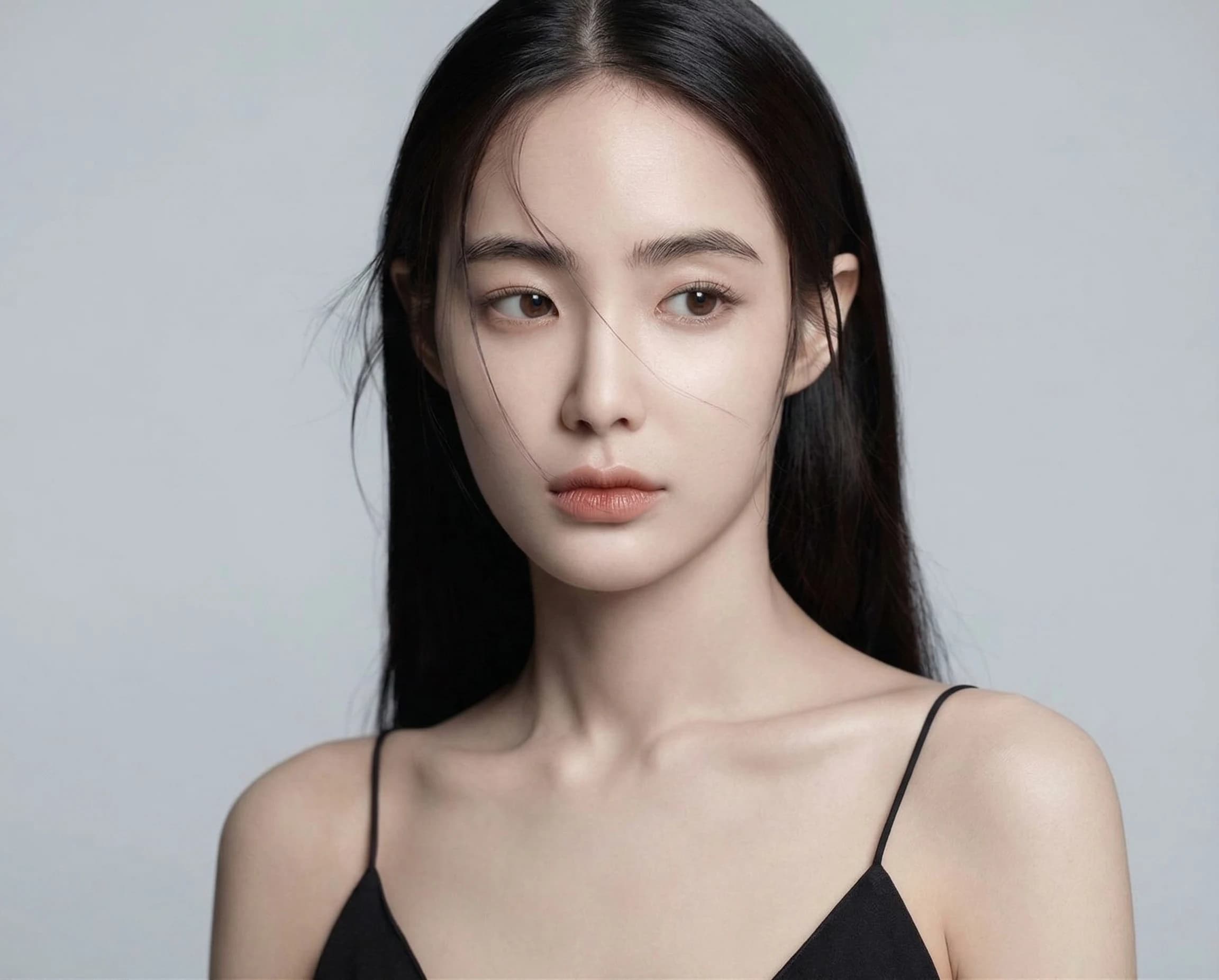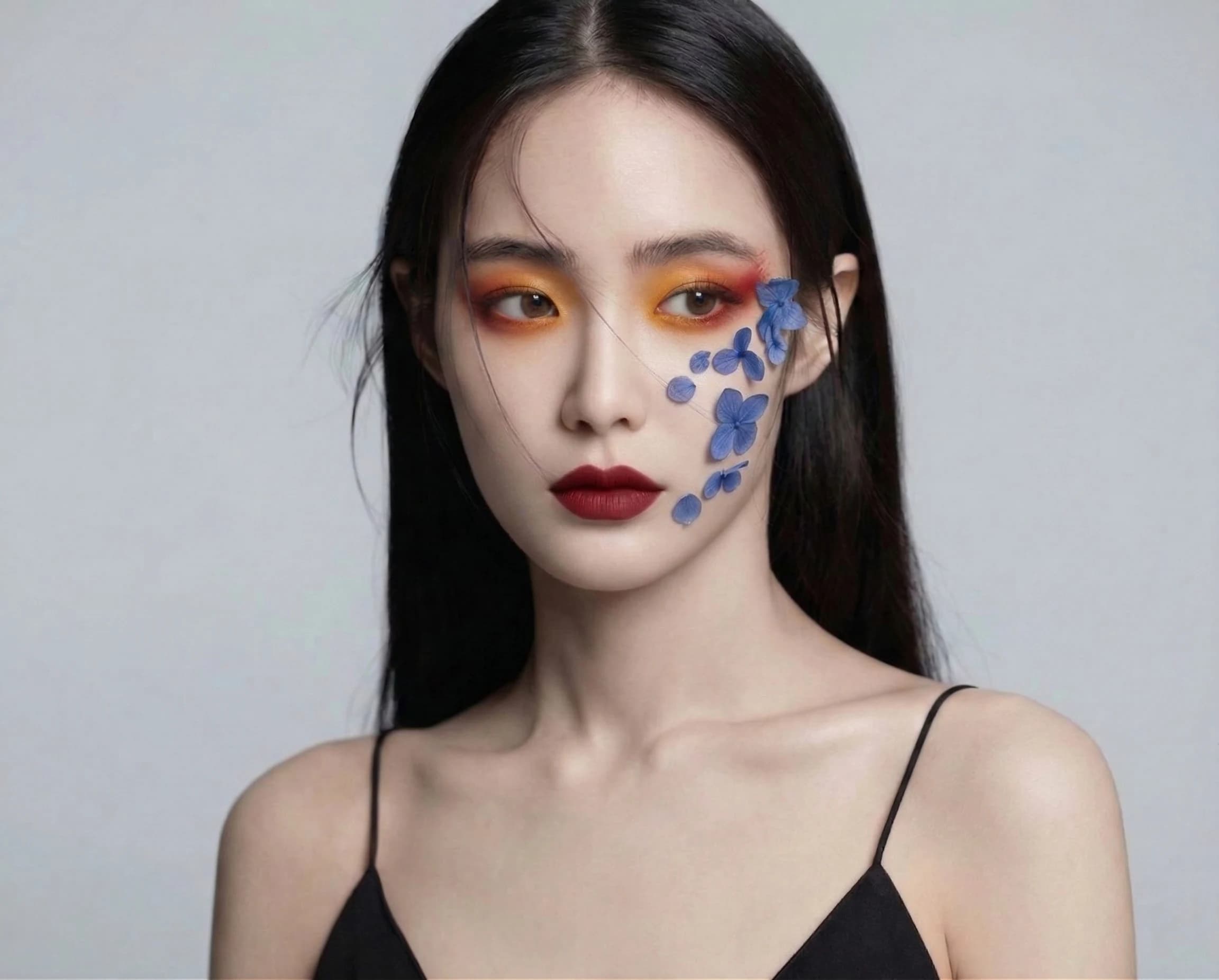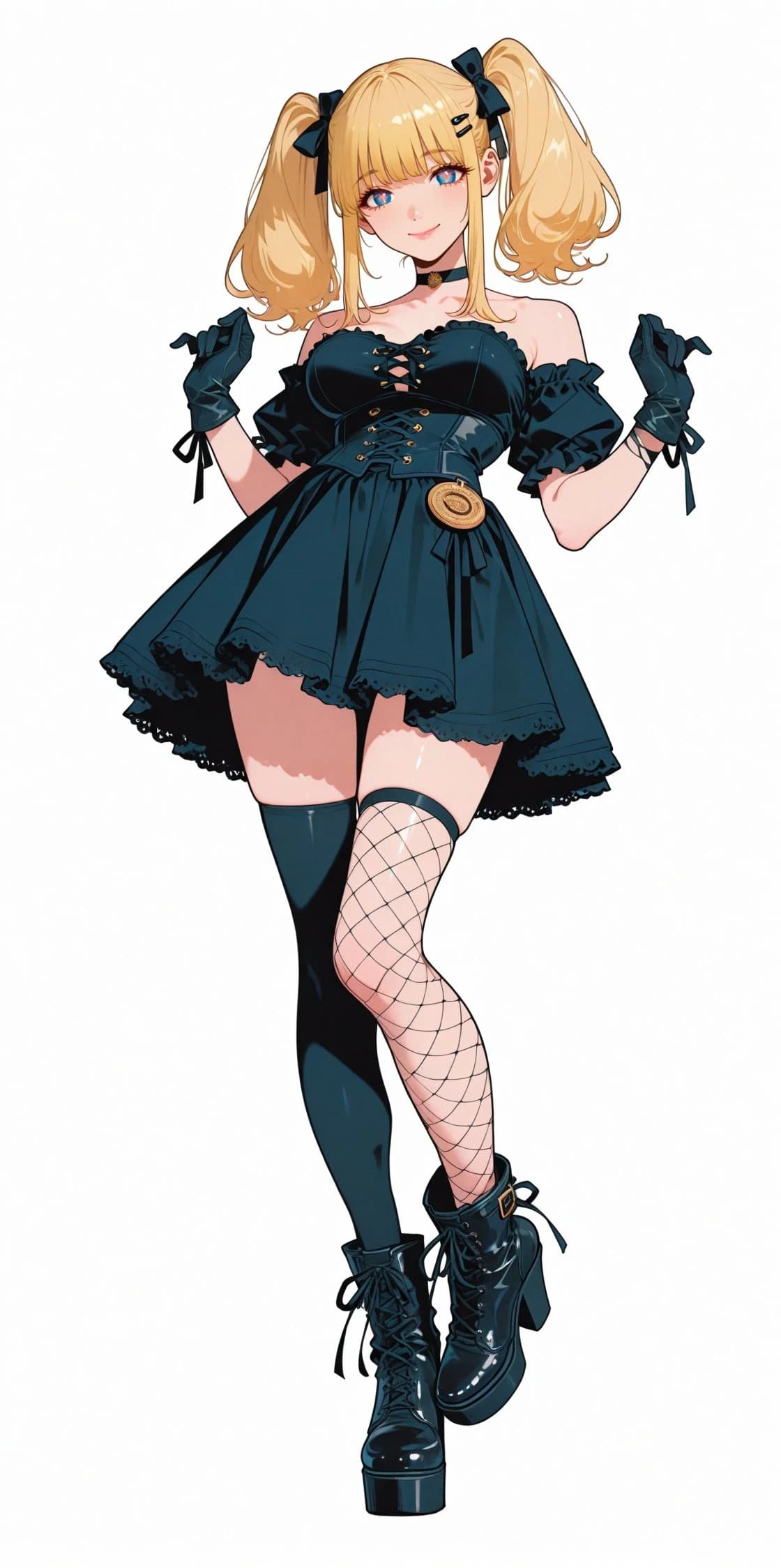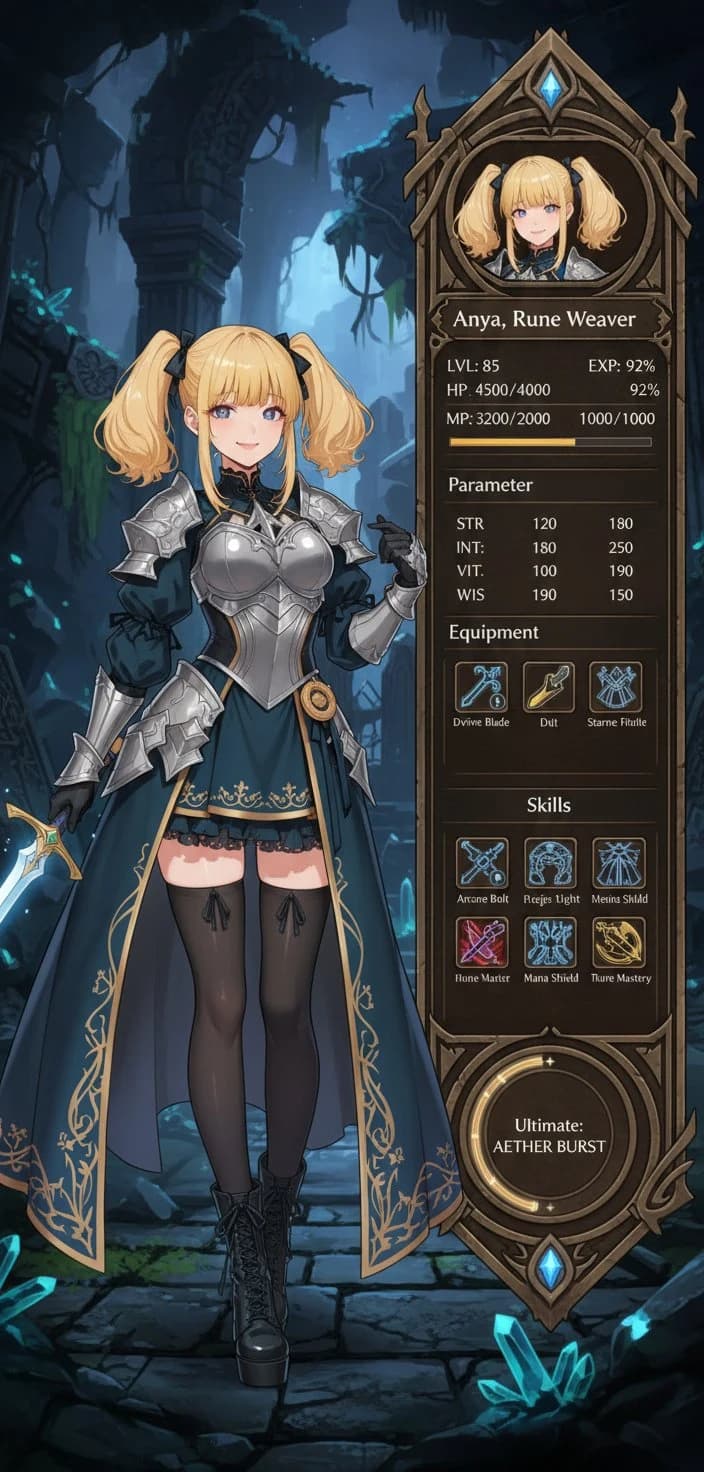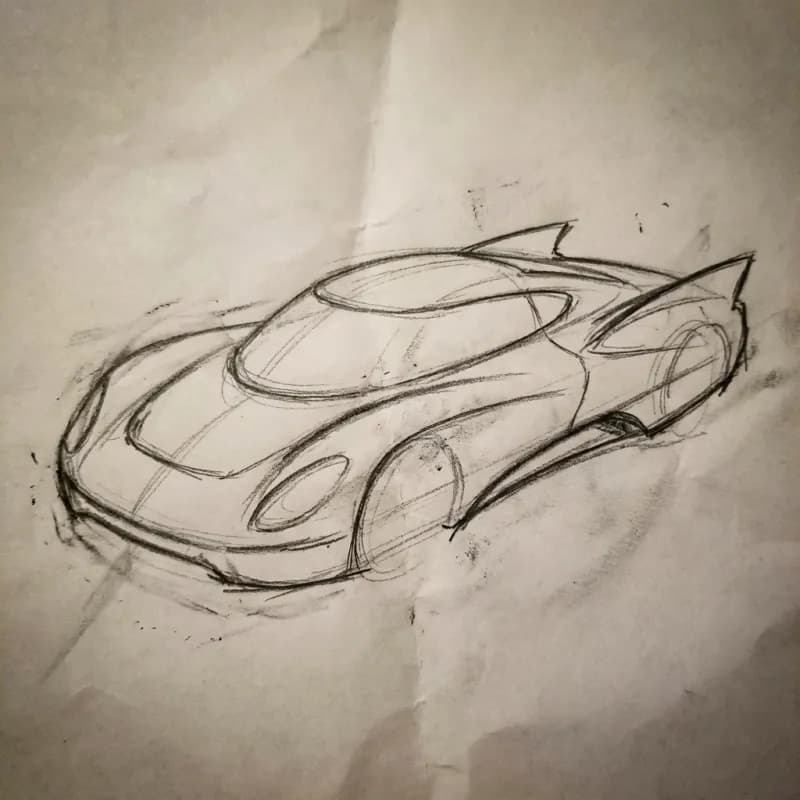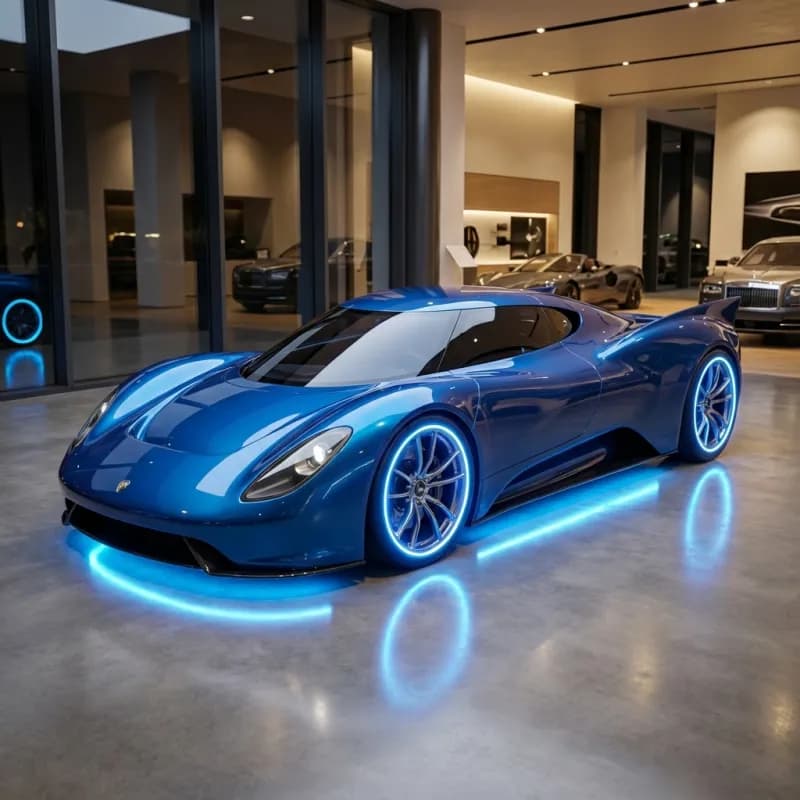
Nano Banana 2

Pro-level image quality at Flash-level speed. Think before you render, with built-in image and web search.

Nano Banana 2Google Search EnhancementPrompt enhancementCharacter Consistency4K Clarity

Nano Banana 2 AI Image Generator | Thinking-Led Composition, Search Enhancement, 4K, Multi-Image Compositing

The more efficient edition of Nano Banana Pro, built on Gemini 3.1 Flash Image. It generates faster, uses fewer credits, and is tuned for everyday iterative editing.
  • Faster output: great for testing multiple directions quickly and iterating until it feels right
  • Lower credit cost: at similar image quality, each image costs less than Pro
  • Google Image Search: exclusive to NB2, so the model can reference real images while generating
  • Adjustable thinking depth: use minimal for quick drafts and switch to high for complex compositions
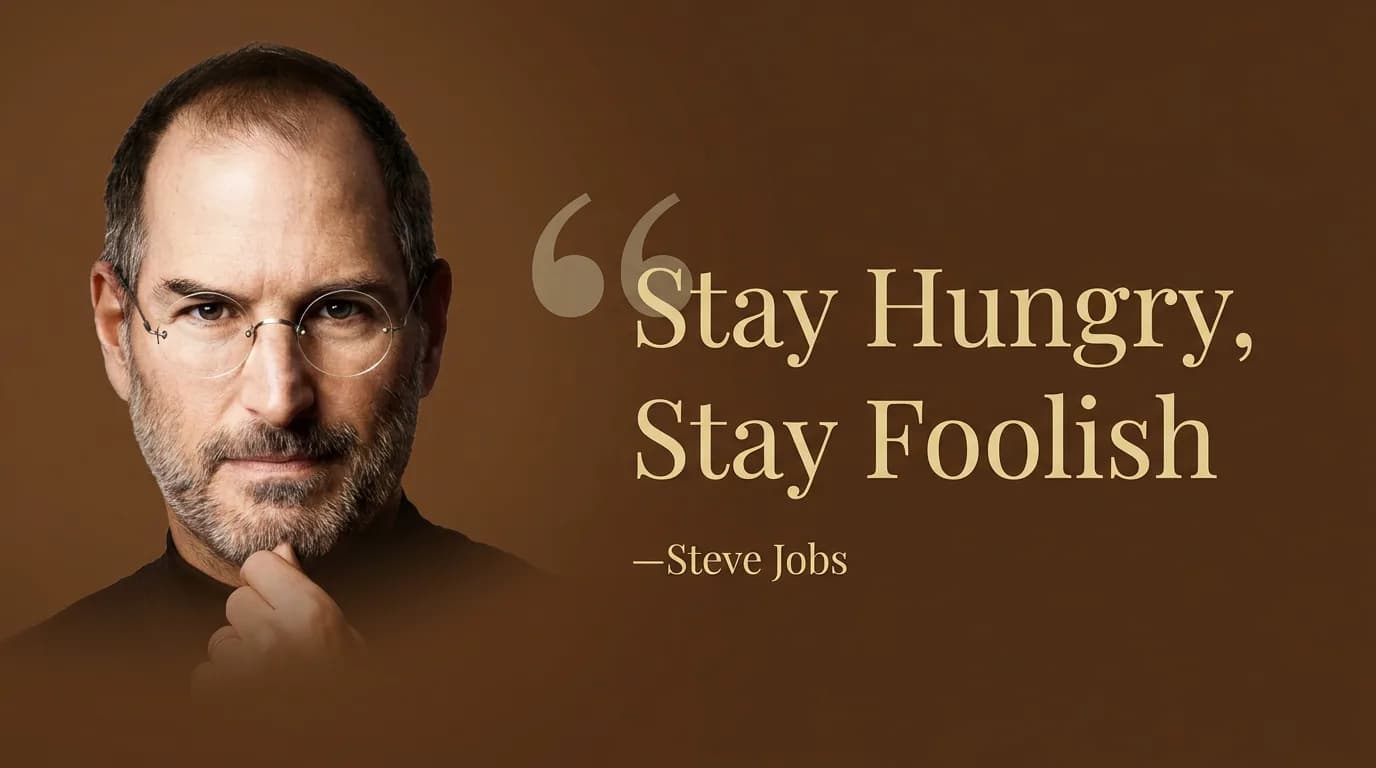
Steve Jobs quote card example

“Create a wide-format quote card with a brown background. Set “Stay Hungry, Stay Foolish” in light gold serif type, followed by “—Steve Jobs”. Place the portrait on the left with a soft gradient fade, and let the quote take up about three quarters of the layout on the right.”

Core capabilities of Nano Banana 2

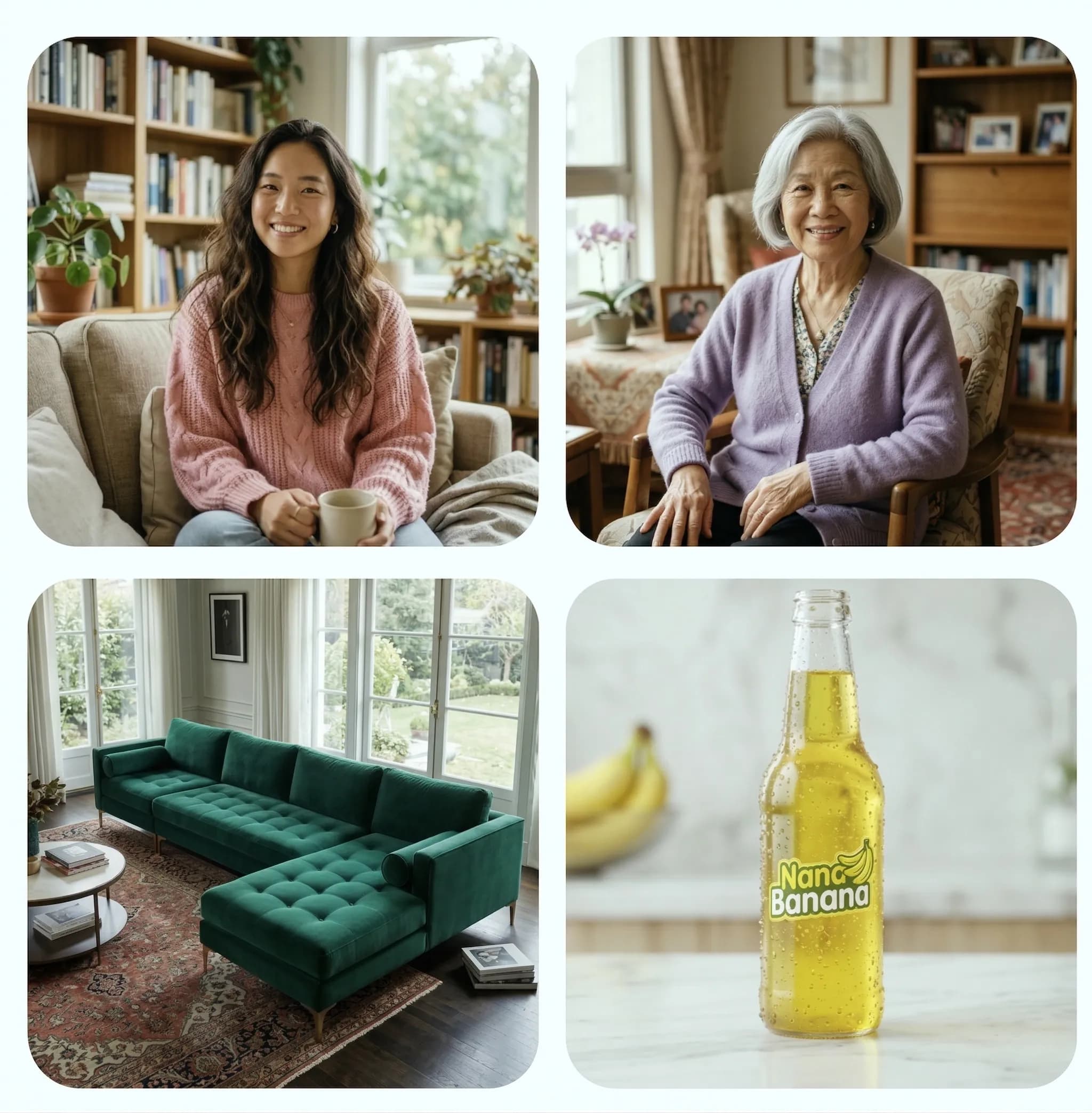
Before
Thinking composition reference elements
After
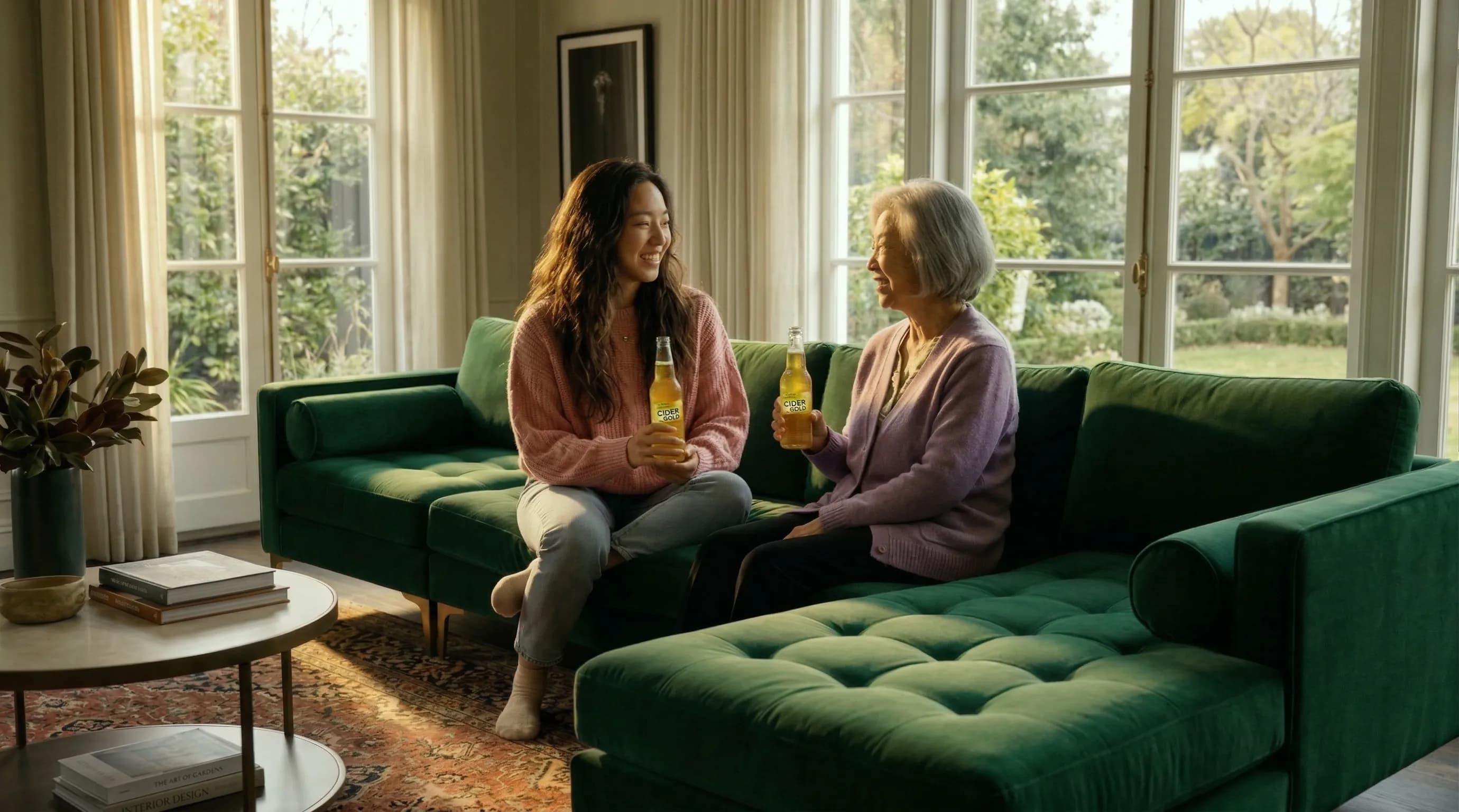
Thinking composition merged scene result

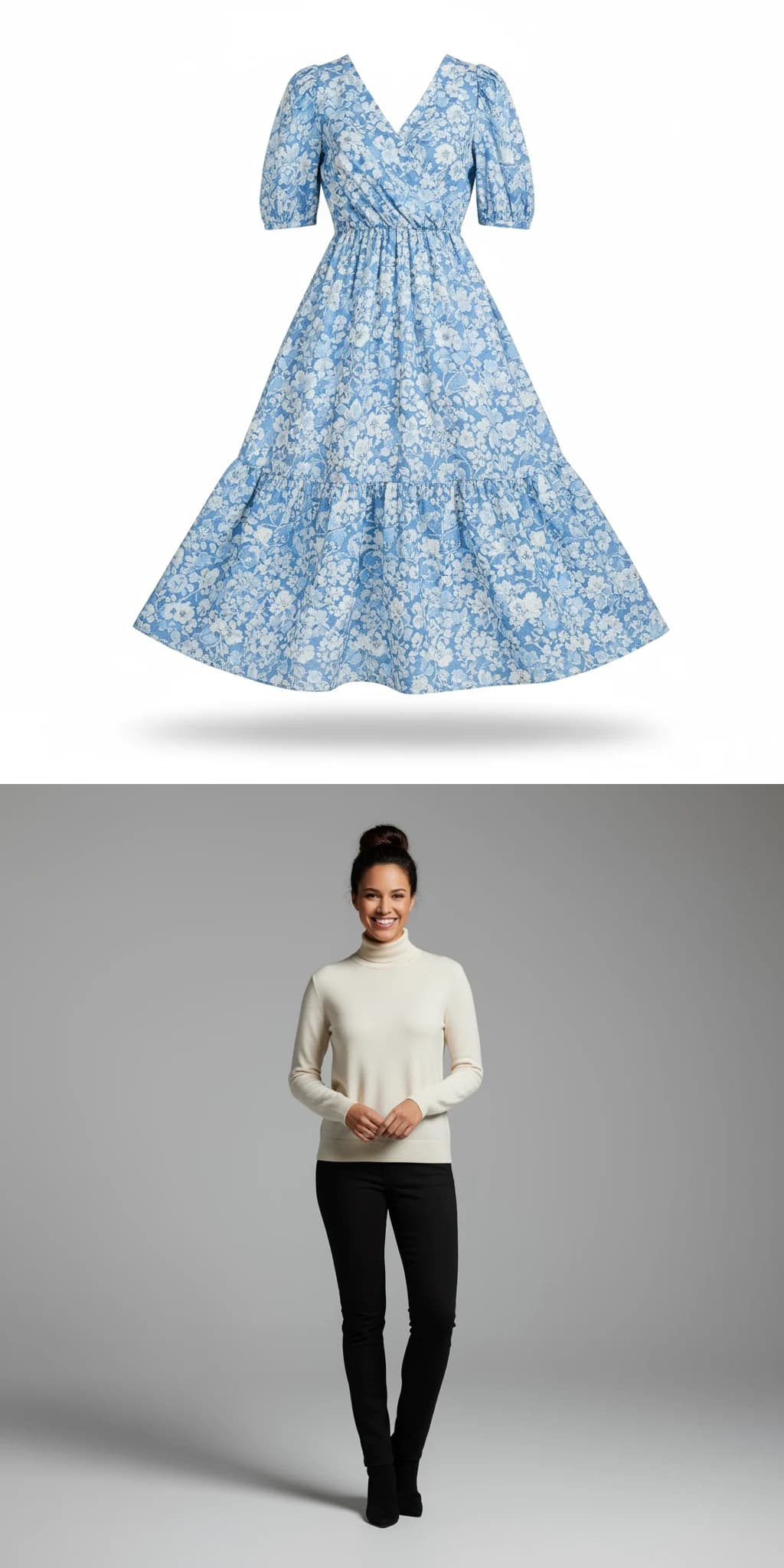
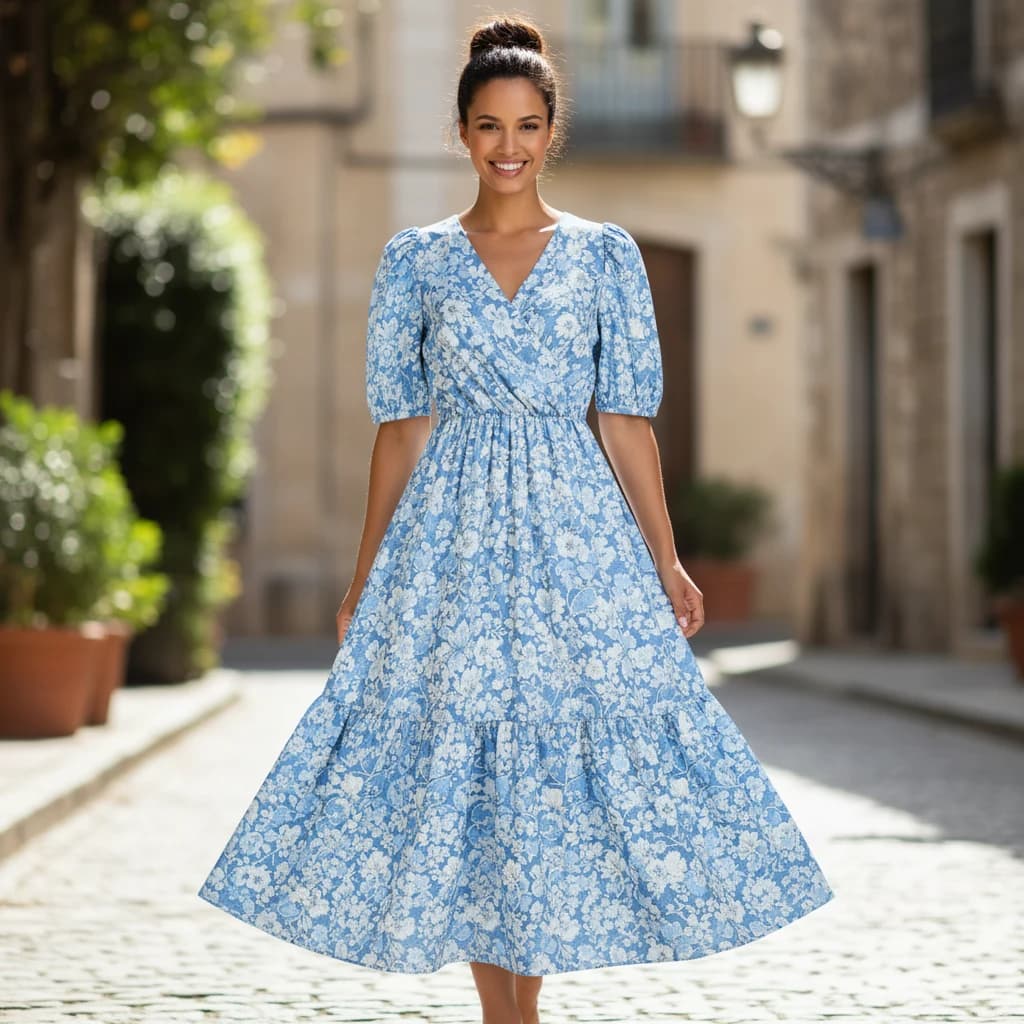
“Blend the elements from these images organically into a single scene.”

Thinking-led composition

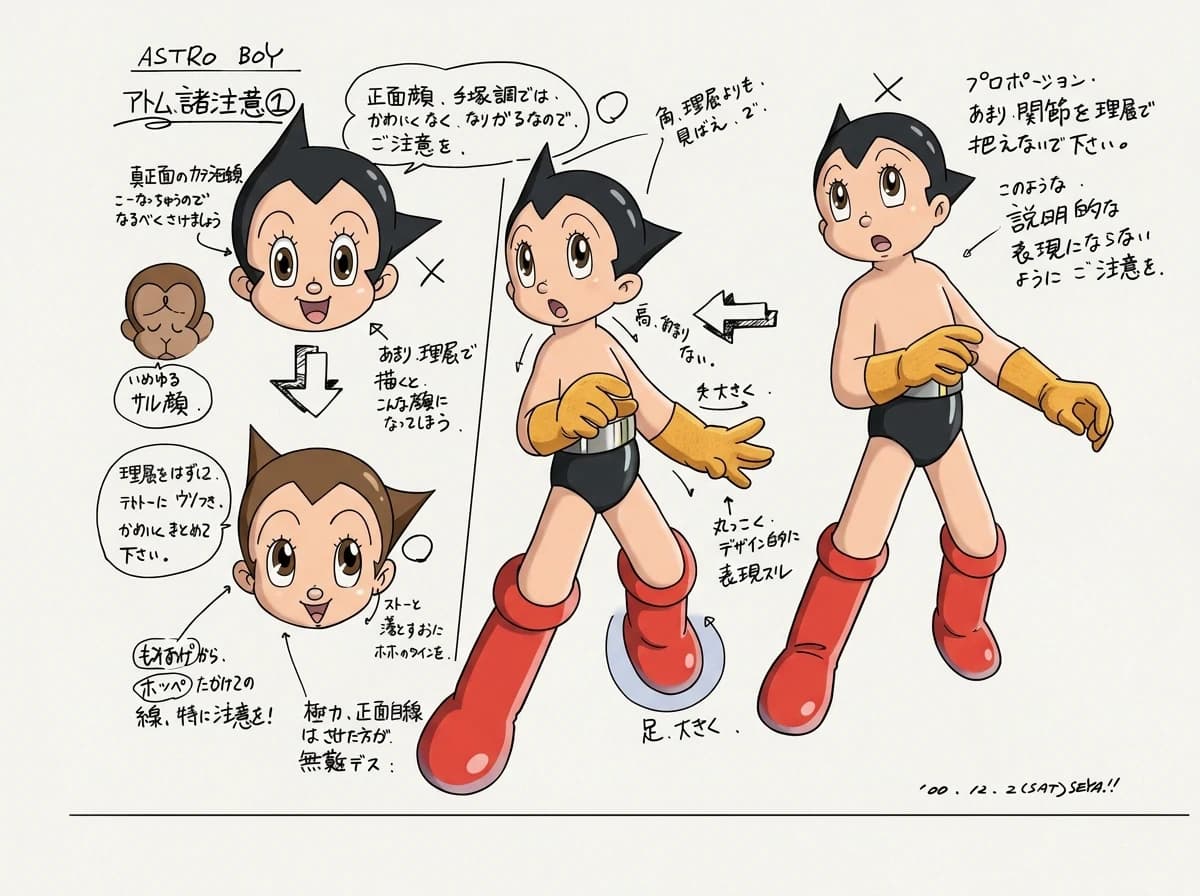
Nano Banana 2 comes with a Thinking reasoning engine. When you give it multiple reference images, it first plans subject relationships, spatial placement, and visual focus, then organizes scattered elements into one natural, cohesive scene. It performs especially well with complex collage composites, poster drafts, and multi-element narrative visuals.

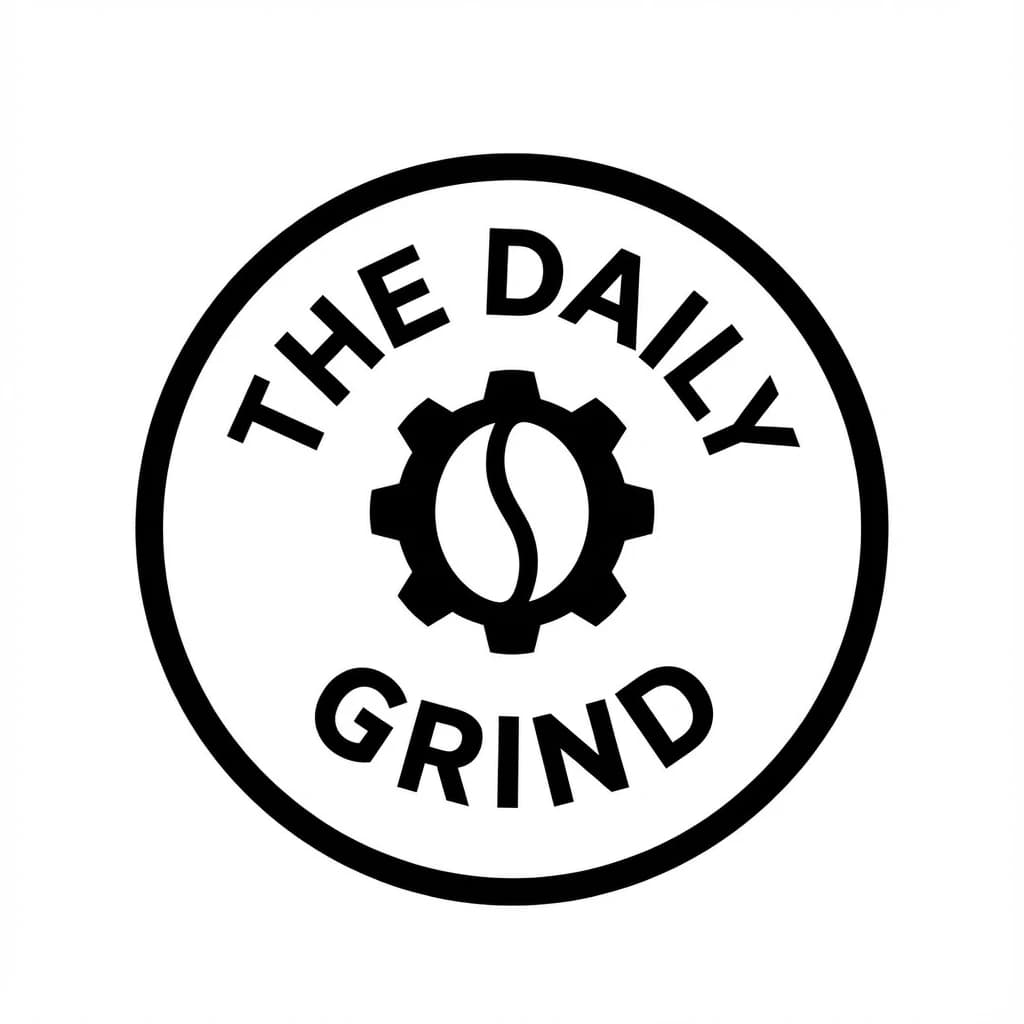
The Daily Grind logo text accuracy example

“Design a black-and-white circular badge logo for a coffee shop called "The Daily Grind". Place the brand name along the arc with exact, readable spelling. Put a coffee bean and gear icon in the center. Use bold sans-serif type and a minimalist professional look.”

Accurate text in images

Gemini is especially strong at rendering text. If you clearly describe the copy, the font style in plain language, and the overall design direction, it can quickly produce image assets with accurate spelling and professional typography.

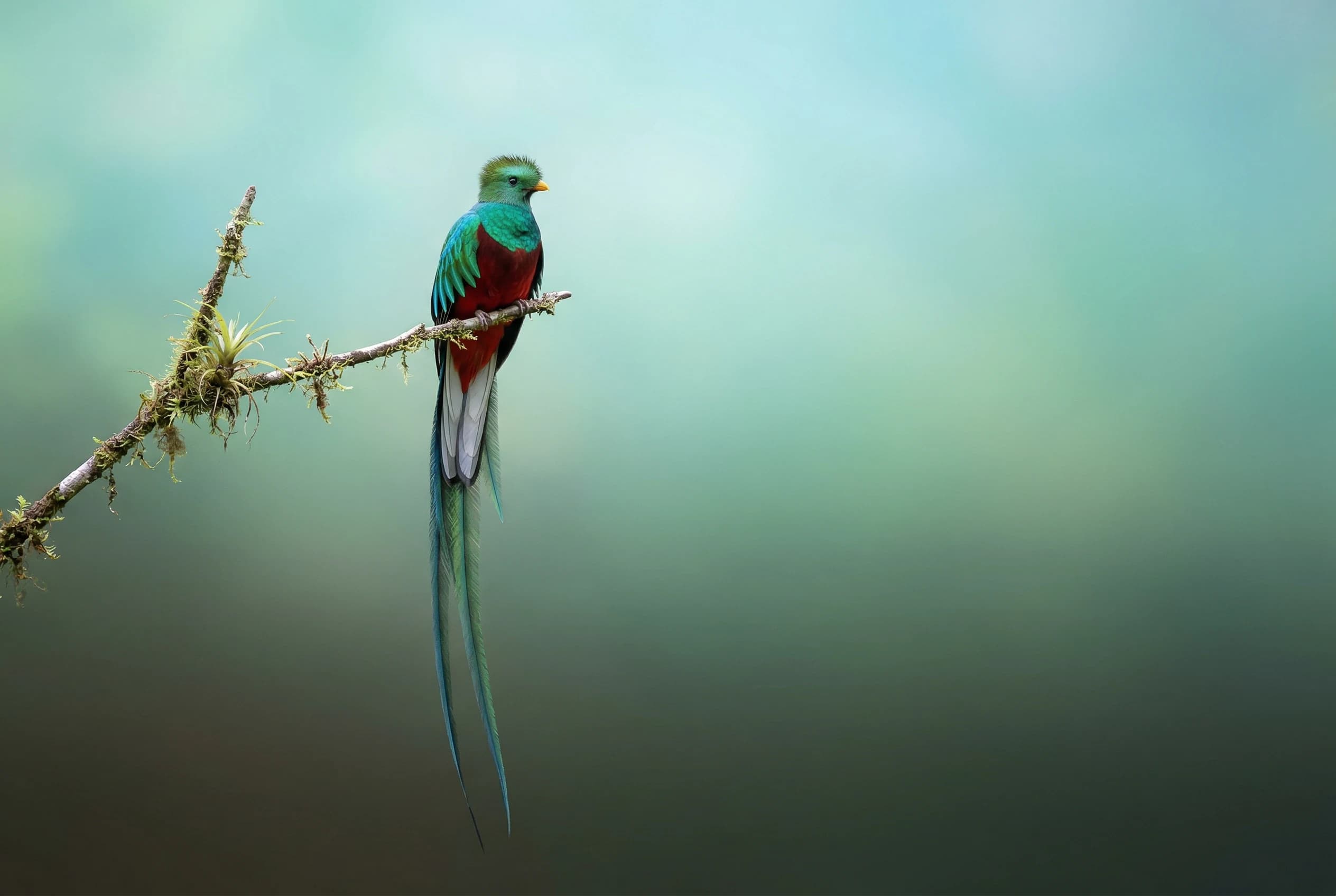
Resplendent quetzal 3:2 wallpaper example

“Search for real images of the resplendent quetzal, then create a clean 3:2 wallpaper based on them with a natural top-to-bottom gradient background.”

Built-in Google Search enhancement

Start by searching real images of the resplendent quetzal, then turn that reference into a clean 3:2 wallpaper. The plumage, posture, and long-tail proportions stay closer to reality, which is especially useful for rare animals and other subjects that are easy to get wrong.

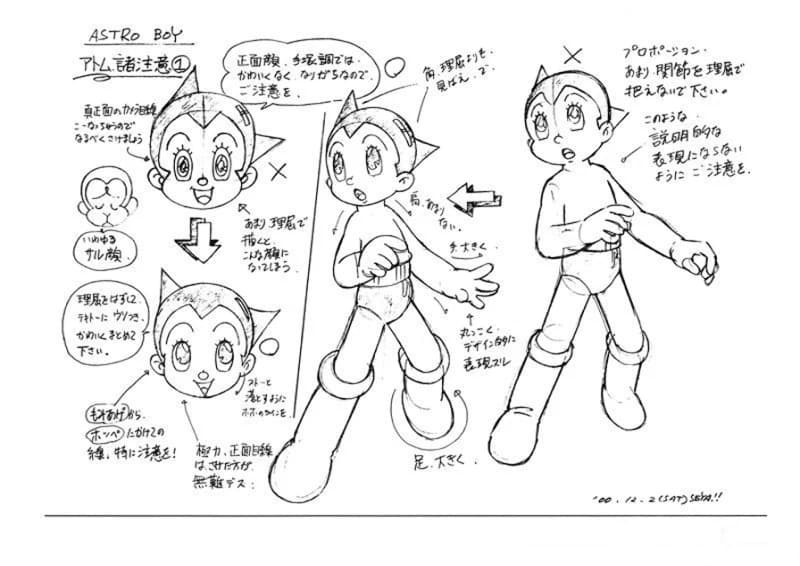
Before
Sequential storytelling and comic creation Before
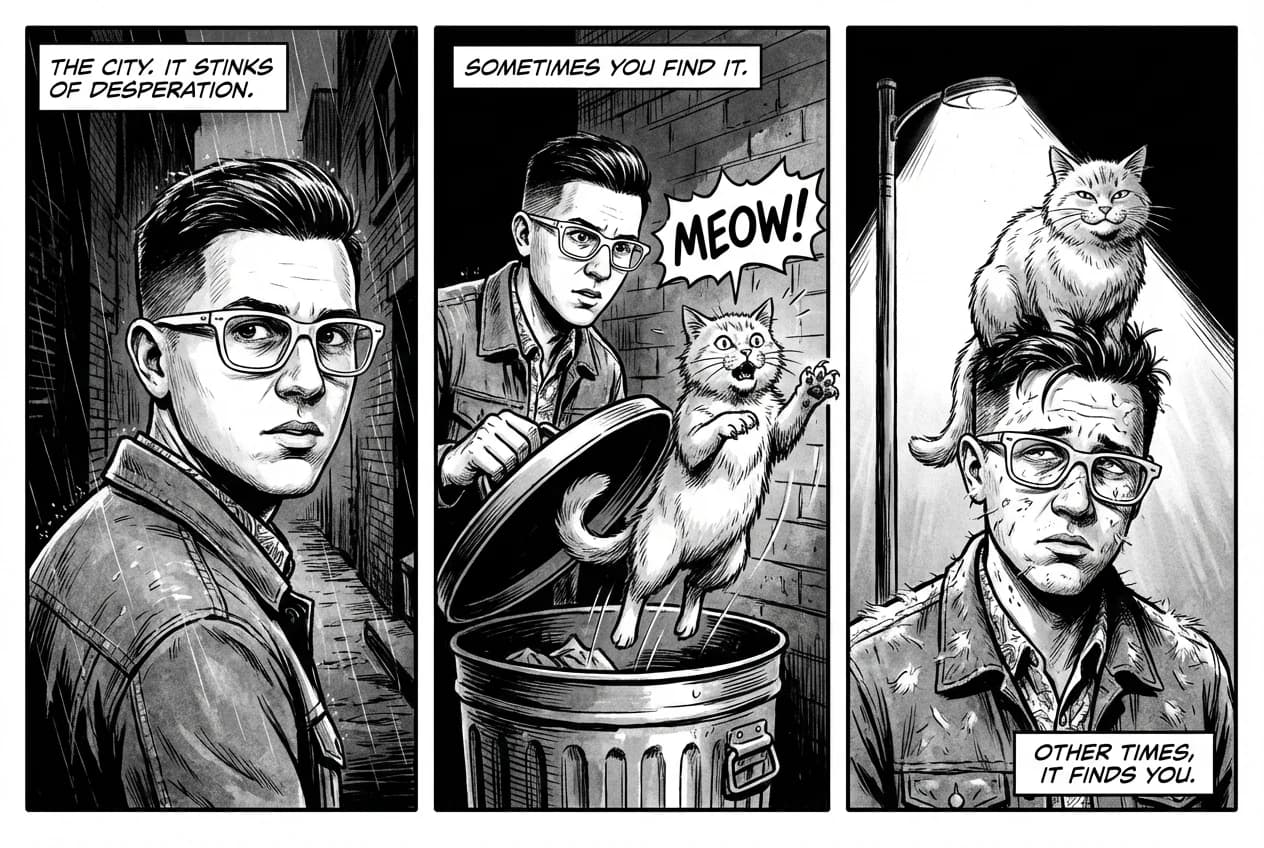
After
Sequential storytelling and comic creation After

“Using this character, create a 3-panel black-and-white comic in a film noir style about discovering a stray cat in a dark alley.”

Sequential storytelling and comic creation

With Gemini 3.1 Flash character consistency, Nano Banana 2 can keep the same character appearance across multi-panel comics. Provide one reference image and it can build a complete visual story from storyboard beats to finished panels.

How to choose between Nano Banana 2, base Nano Banana, and Nano Banana Pro

If speed, repeated edits, and multi-image references matter most to you, Nano Banana 2 is usually the best fit for day-to-day creation.

Nano Banana AI

Positioning
Fast generation, mostly single-pass output
Generation speed
Fastest
Output resolution
Up to 1K
Reference image limit
3 images
Aspect ratios
Standard ratios
Multi-image and iteration
Basic support, more single-pass oriented
Text rendering
Basic
Google Search enhancement
Not supported
Thinking mode
Not supported

Nano Banana 2

Positioning
The more efficient Pro edition, built for everyday iteration
Generation speed
Faster than Pro, better for repeated edits
Output resolution
0.5K / 1K / 2K / 4K
Reference image limit
14 images (10 objects + 4 characters)
Aspect ratios
14 options, including ultra-long 1:8 and 8:1 formats
Multi-image and iteration
Multiple images at once, the smoothest for continuous editing
Text rendering
Clear and reliable, great for posters and infographics
Google Search enhancement
Text search + image search
Thinking mode
Supported, with adjustable depth

Nano Banana Pro

Positioning
Professional asset production and final-stage refinement
Generation speed
Slower, quality first
Output resolution
1K / 2K / 4K
Reference image limit
11 images (6 objects + 5 characters)
Aspect ratios
Standard ratios
Multi-image and iteration
Supported, better for smaller-scale refinement
Text rendering
Highest precision, best for final artwork
Google Search enhancement
Text search only
Thinking mode
Supported, deep reasoning

NB2 is the better fit for frequent day-to-day creation and repeated edits. Pro is better for a smaller number of final-stage refinements. If you're unsure, start with NB2 and switch to Pro when you need higher precision.

Best ways to use Nano Banana 2

A better prompt makes iterative editing much more reliable. These proven patterns improve control and final image quality right away.

01

Describe the subject with specifics, not broad labels

Spell out the material, pattern, and structural traits instead of using a broad term like “fantasy armor”. The clearer the details, the more stable the character or product appearance becomes.

02

Add the use case and placement context

Say what the image is for and where it will be used. That works much better than only saying “make a logo.” Industry, tone, and context directly affect composition and finish.

03

Get a direction first, then refine step by step

The first generation is not the final version. Get a result that points in the right direction, then adjust lighting, materials, or camera feel one by one. That is much more efficient than rewriting the whole prompt every time.

04

Break complex scenes into staged instructions

Do not pack multi-object, multi-layer scenes into one paragraph. Split background, subject, props, and mood into consecutive steps so the model can build the image more reliably.

05

Describe what you want, not what you don't

Instead of repeating “no cars” or “no crowd,” directly describe an environment that naturally excludes those elements. Positive descriptions are more stable and less likely to disrupt the main subject.

06

Use camera language to lock in composition

If you do not specify camera language, the model has to guess. State the shot size, angle, and camera distance clearly, and both narrative control and composition reliability improve.

Nano Banana 2 FAQ

Can Nano Banana 2 search the web?

Yes. After you enable Prompt Enhancement, NB2 supports two kinds of search enhancement: text search for live information such as weather, scores, and trending topics, plus NB2-exclusive image search. The model can reference real Google images during generation. For example, when drawing a rare animal, it can search real images first so the details stay more accurate.

Can it keep the same character consistent across images? Can it make multi-panel comics?

Yes, and this is one of its strongest use cases. You can use up to 14 reference images at once. If you specify that the face shape, hairstyle, and clothing stay the same and only change the scene, pose, or camera, it is much more stable than relying on text alone. You can also build multi-panel comics and storyboards around the same character.

Is it good for product visuals and local edits?

Yes. Upload a product image, keep the shape, logo, and colors unchanged, and only swap the background, surface, lighting, or props. It works well for commercial-looking product visuals. Local follow-up edits are usually more stable than redrawing the whole image from scratch.

Can I generate a few directions first and then keep refining one?

Yes. Quickly generate 3 to 5 composition or style directions first, then pick one and keep refining the headline, materials, or lighting. This works especially well for posters, covers, and event visuals.

What resolutions, reference image limits, and aspect ratios are supported?

You can choose from four resolution tiers: 0.5K is the fastest and 4K is the sharpest. You can upload up to 14 reference images at the same time. There are 14 aspect ratios, from 1:1 squares to ultra-tall 1:8 posters.

How fast is Nano Banana 2?

Nano Banana 2 is built on Gemini 3.1 Flash Image. It is the faster edition of Nano Banana Pro, optimized for faster generation and lower cost, which makes it a strong fit for daily iterative editing and quickly exploring multiple directions.

Can it generate images with text in them?

Yes. Text rendering is quite accurate. Poster headlines, annotations, menu text, and data labels can be generated directly inside the image, which makes it great for infographics, posters, and cards with integrated text.

Do generated images contain watermarks?

Images generated by Google include a SynthID digital watermark. It is an invisible marker embedded at the pixel level and does not affect the visual result. If you need to remove other types of visible watermarks, you can use Pilio's image watermark remover.

What is the pricing for Nano Banana 2 (NB2)?

After you sign up, you get a free quota that lets you try Nano Banana 2's generation and editing features right away. For detailed pricing and plans, check the account page.

What is the relationship between Nano Banana 2 and Google's original model?

Nano Banana 2 is built on Google Gemini 3.1 Flash Image (`gemini-3.1-flash-image-preview`). On top of that, Pilio adds productized features such as multi-image reference, continuous editing, Google Search enhancement, and prompt optimization, so you can use it directly in the browser without configuring any API.

How should I choose between Nano Banana 2 and Nano Banana Pro?

NB2 is built on Gemini 3.1 Flash Image and serves as the more efficient edition of Pro. It generates faster, costs less, and uniquely offers image search enhancement plus adjustable thinking depth, which makes it ideal for everyday iterative editing and quickly exploring multiple directions. Pro is built on Gemini 3 Pro Image, with stronger complex instruction following and higher-fidelity text rendering, making it better for final-stage professional assets. Choose NB2 for daily creation and Pro when you want the absolute best single-image quality.

Can I adjust the thinking mode?

Yes. NB2 uses minimal thinking depth by default for the fastest generation speed. For more complex compositions, you can switch to high mode for finer reasoning and better image quality. In both modes the AI thinks before it renders, but high spends more time working through composition details.

Can it translate text inside an image?

Yes. Upload an image containing foreign-language text and tell the model to translate it into the target language. It keeps the original layout and design style while replacing the text content. That makes it useful for posters, menus, manuals, and social media graphics.