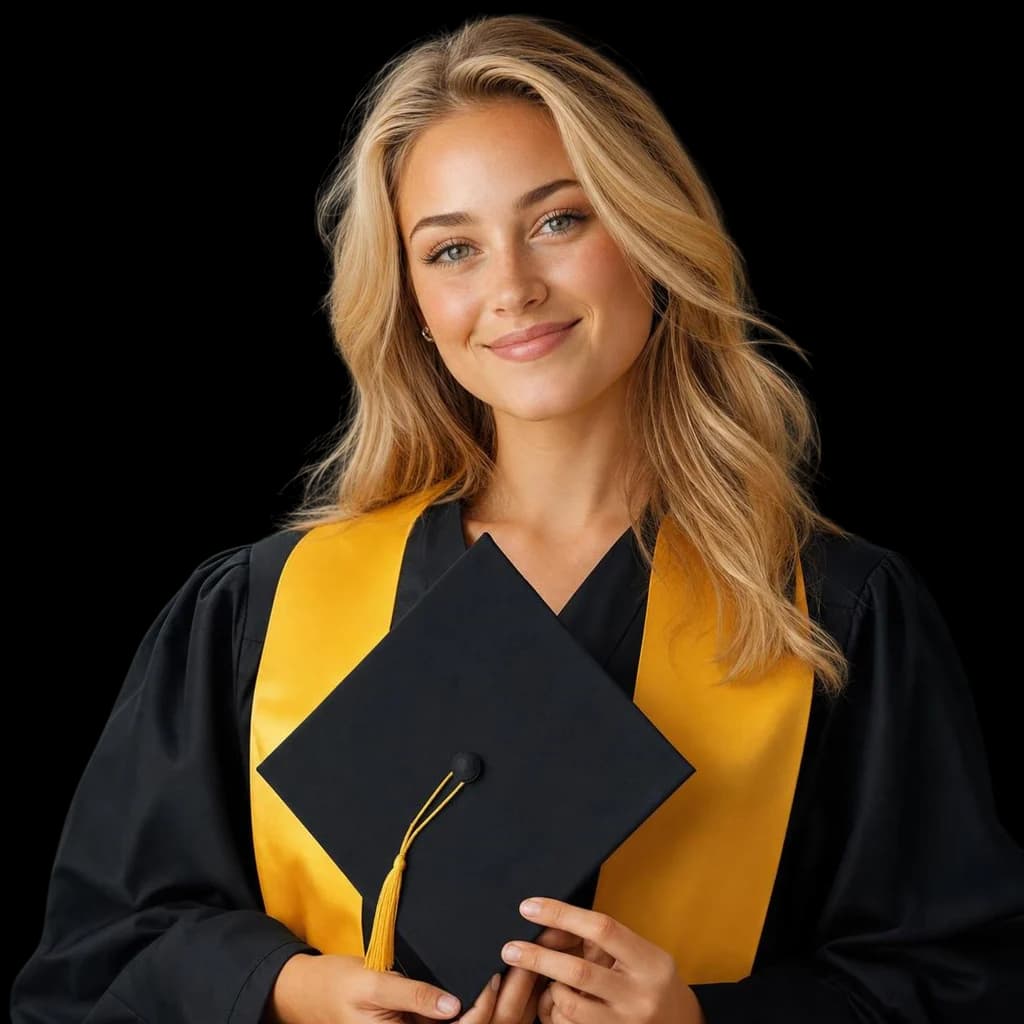
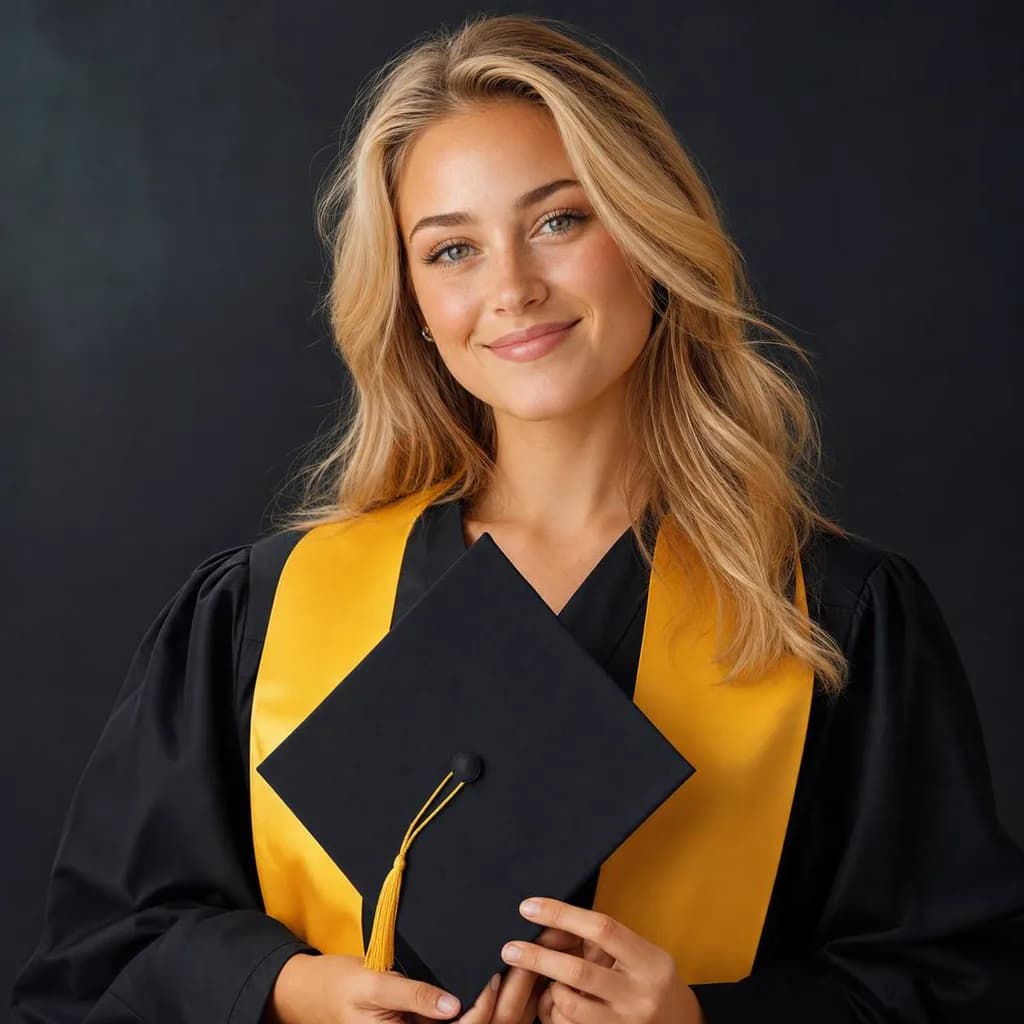
Portrait and headshot cleanup
Remove cluttered or distracting backgrounds from portraits and headshots. AI preserves fine hair strands, skin edges, and natural lighting for professional-looking results
AI precisely separates subjects from backgrounds, preserving fine details like hair, edges, and semi-transparent areas
Remove cluttered or distracting backgrounds from portraits and headshots. AI preserves fine hair strands, skin edges, and natural lighting for professional-looking results
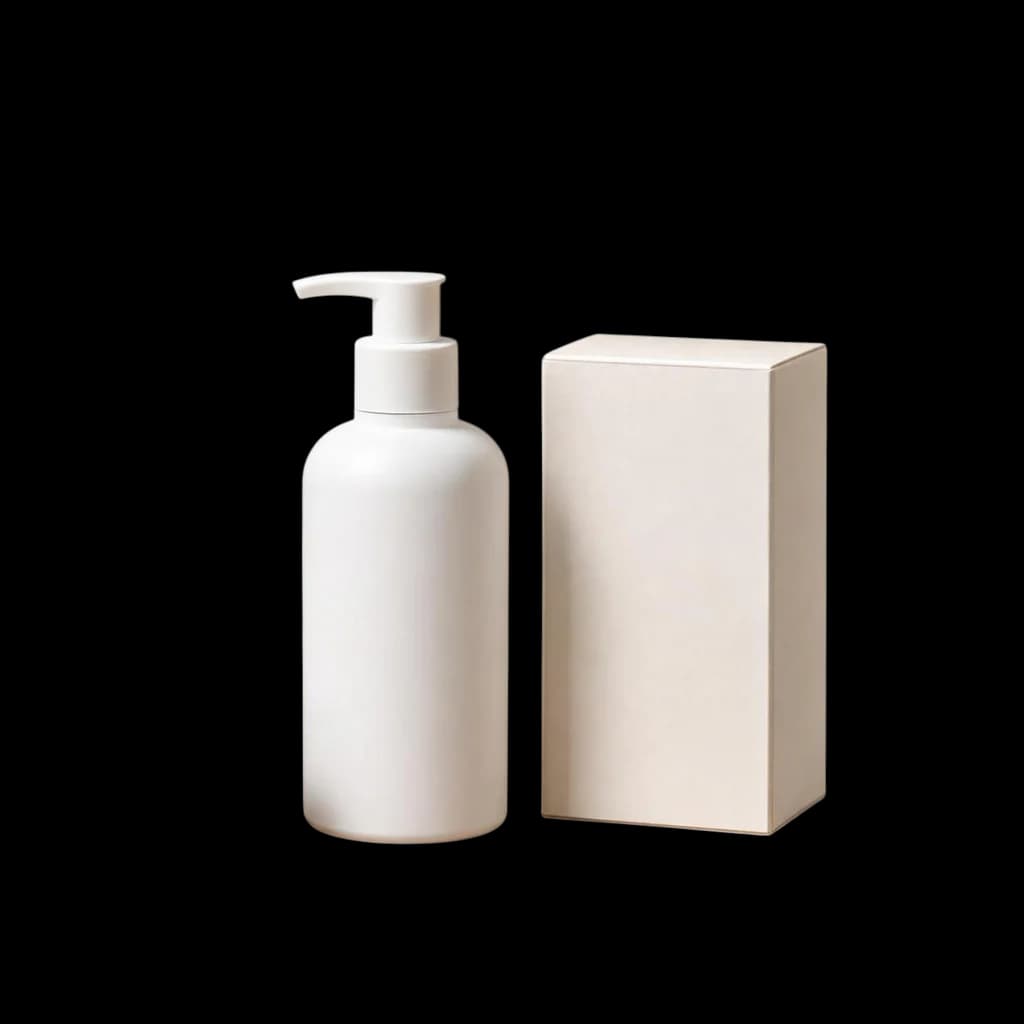
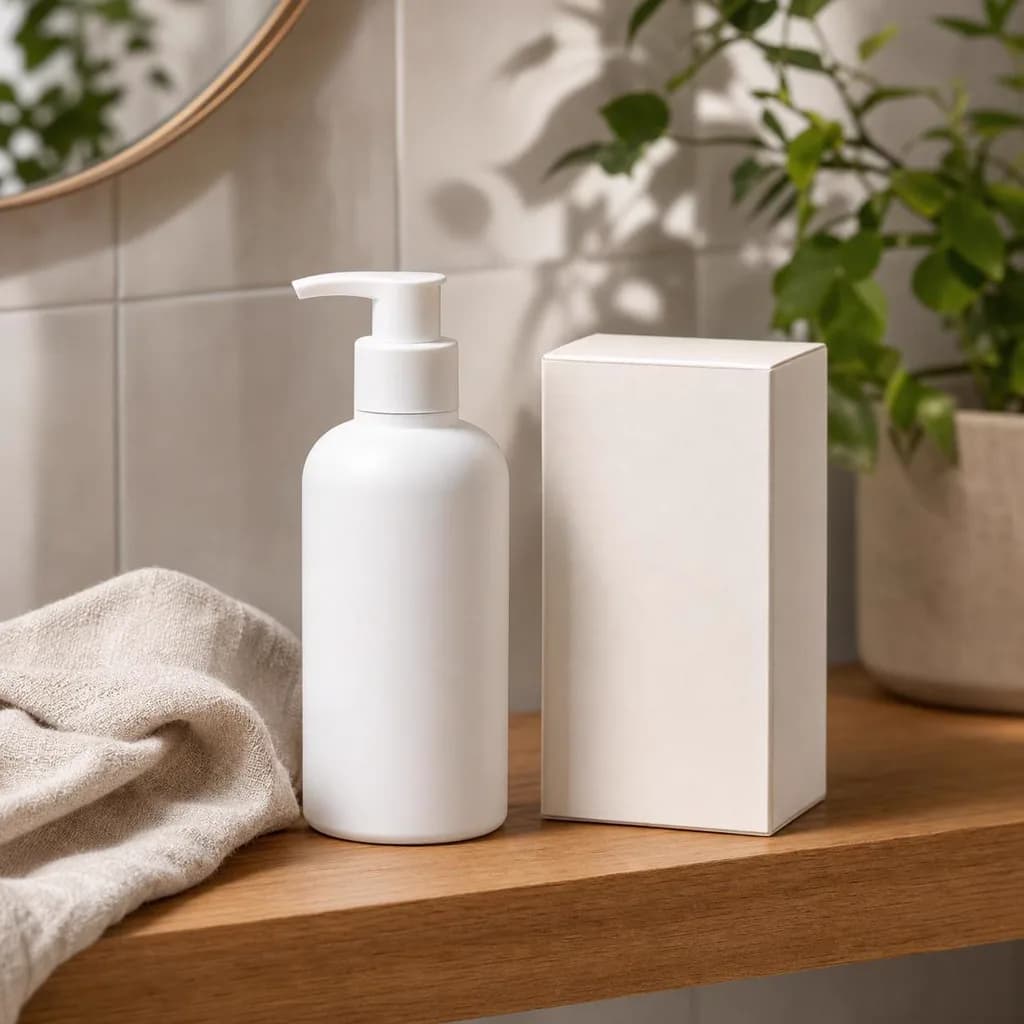
Isolate products from studio or lifestyle backgrounds for clean catalog images. Edges stay sharp and colors remain accurate for marketplace listings
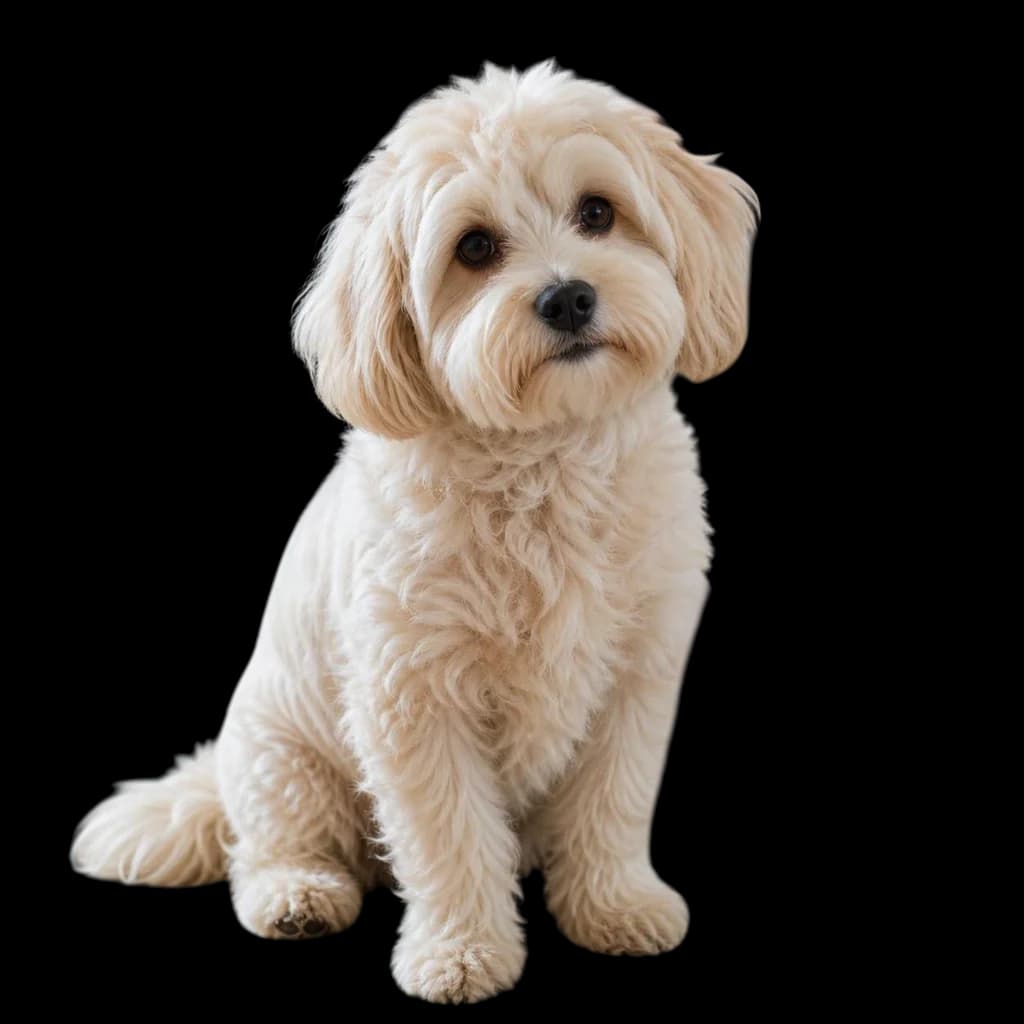
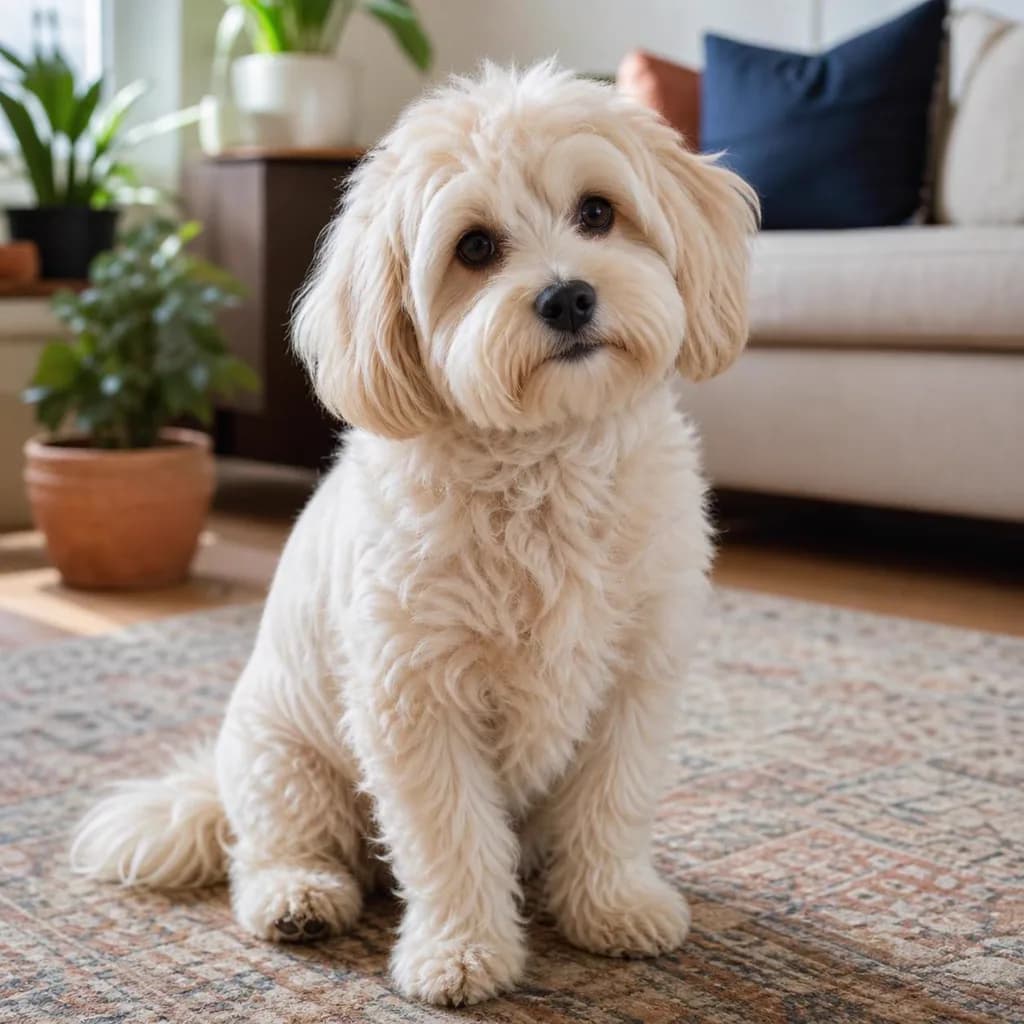
Separate pets from busy backgrounds while keeping fur edges and whiskers intact. Works well for pet portraits, adoption listings, and social media posts


Remove backgrounds from profile photos, promotional images, and marketing collateral. Get transparent PNGs ready for any design composition


Click upload or drag images into the workspace. Supports PNG, JPEG, WebP, and HEIC. You can add multiple images at once for batch processing

AI automatically detects the subject and removes the background. The process takes just a few seconds, even for complex scenes with hair or fur

Review the result with a transparent preview. Download the image as a high-quality transparent PNG at original resolution
Real feedback from real users
I run an online boutique and need clean product images daily. This tool saves me hours compared to manual Photoshop work. The edge quality is impressive

Sarah
The hair detection is surprisingly good. I use it for professional headshot cleanup and the results look natural enough for LinkedIn and company profiles

Yuki
Perfect for quick social media posts. I remove backgrounds from product shots and drop them onto branded templates in seconds

Marco
Batch processing is a game changer. I uploaded 50 product photos and had them all done in under a minute. Clean edges with few visible artifacts

David
Still have questions? Email support@pilio.ai