


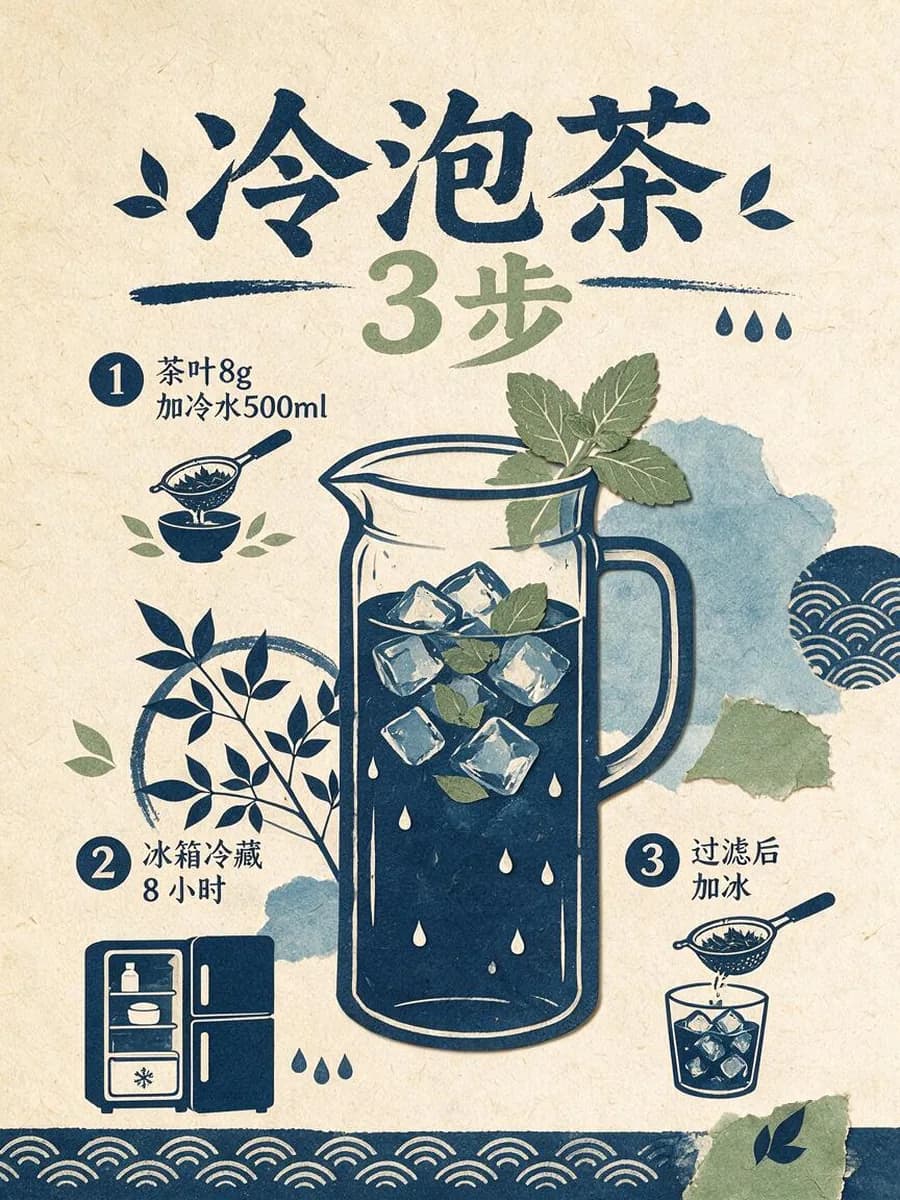
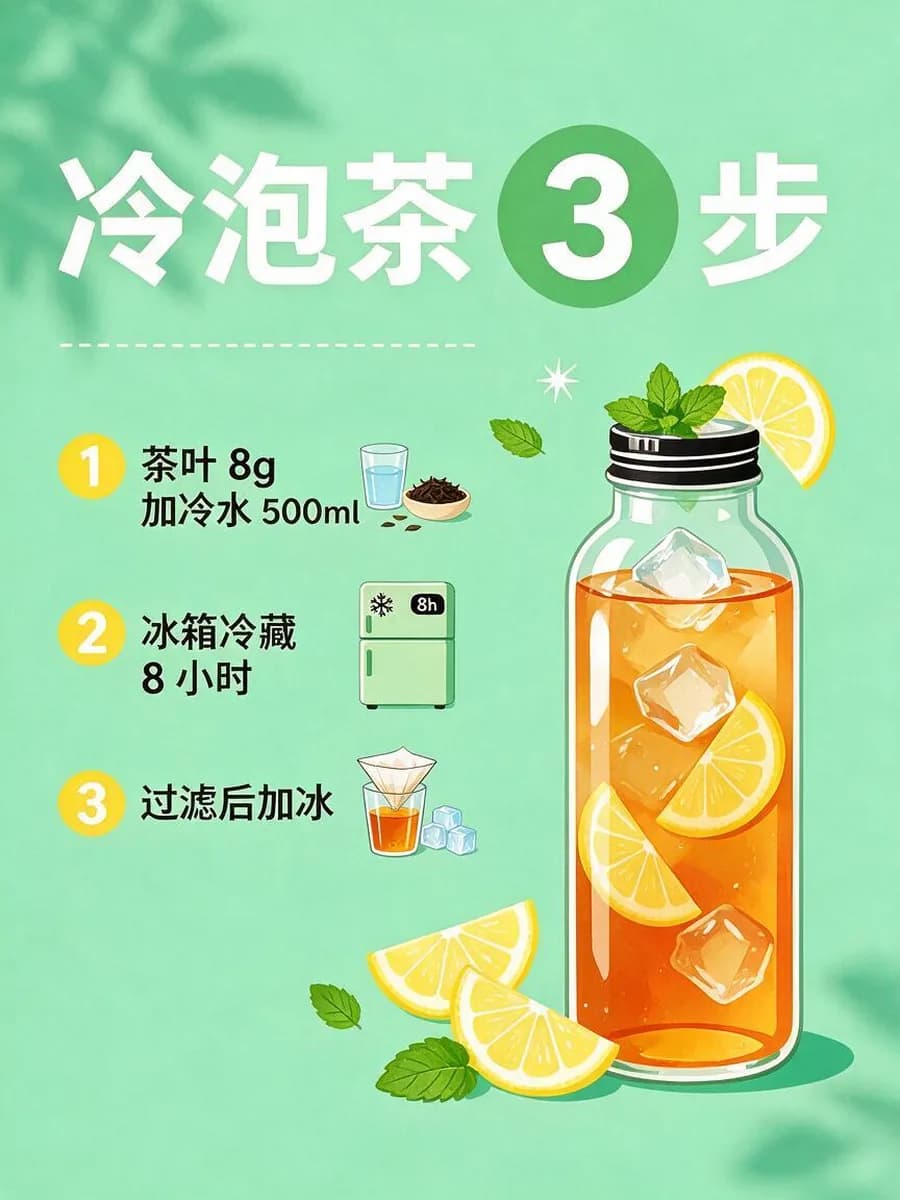
Seedream 5.0 Pro

ByteDance's image model built to fit steps, data and text in many languages into one image. Every image on this page was made with Seedream 5.0 Pro

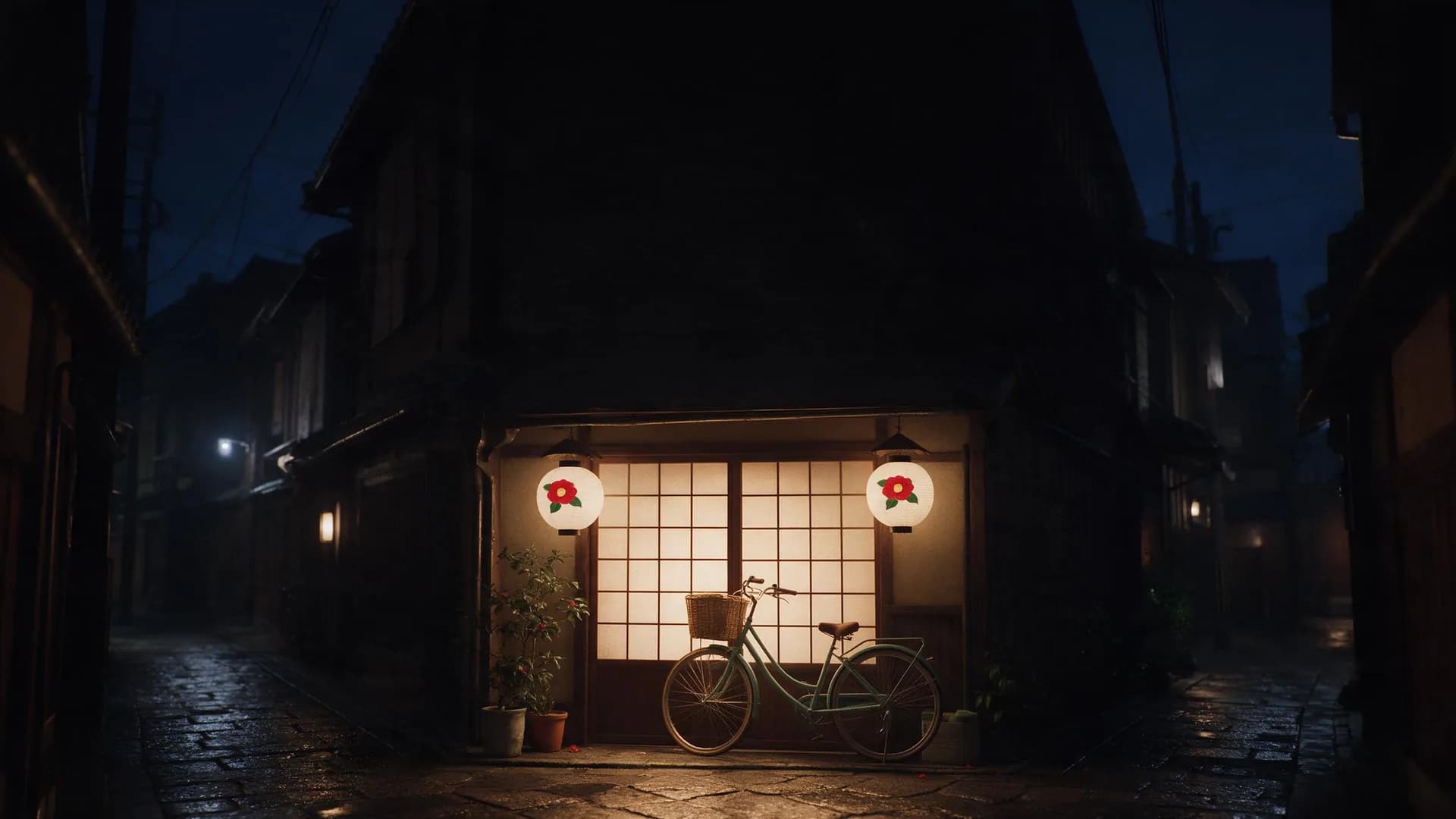
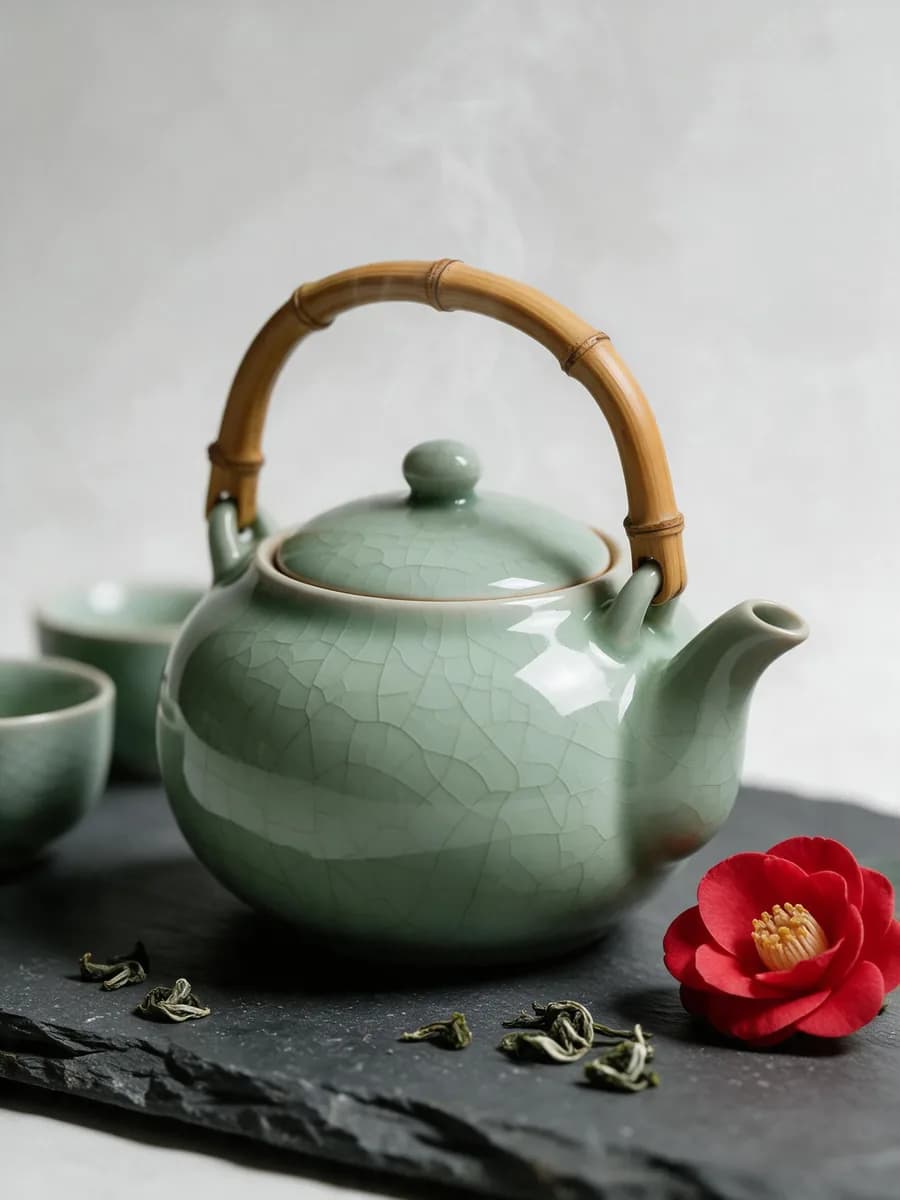
Covers, ads and posters for one tea house, all from Seedream 5.0 Pro

Open any image to make your own version with the same prompt

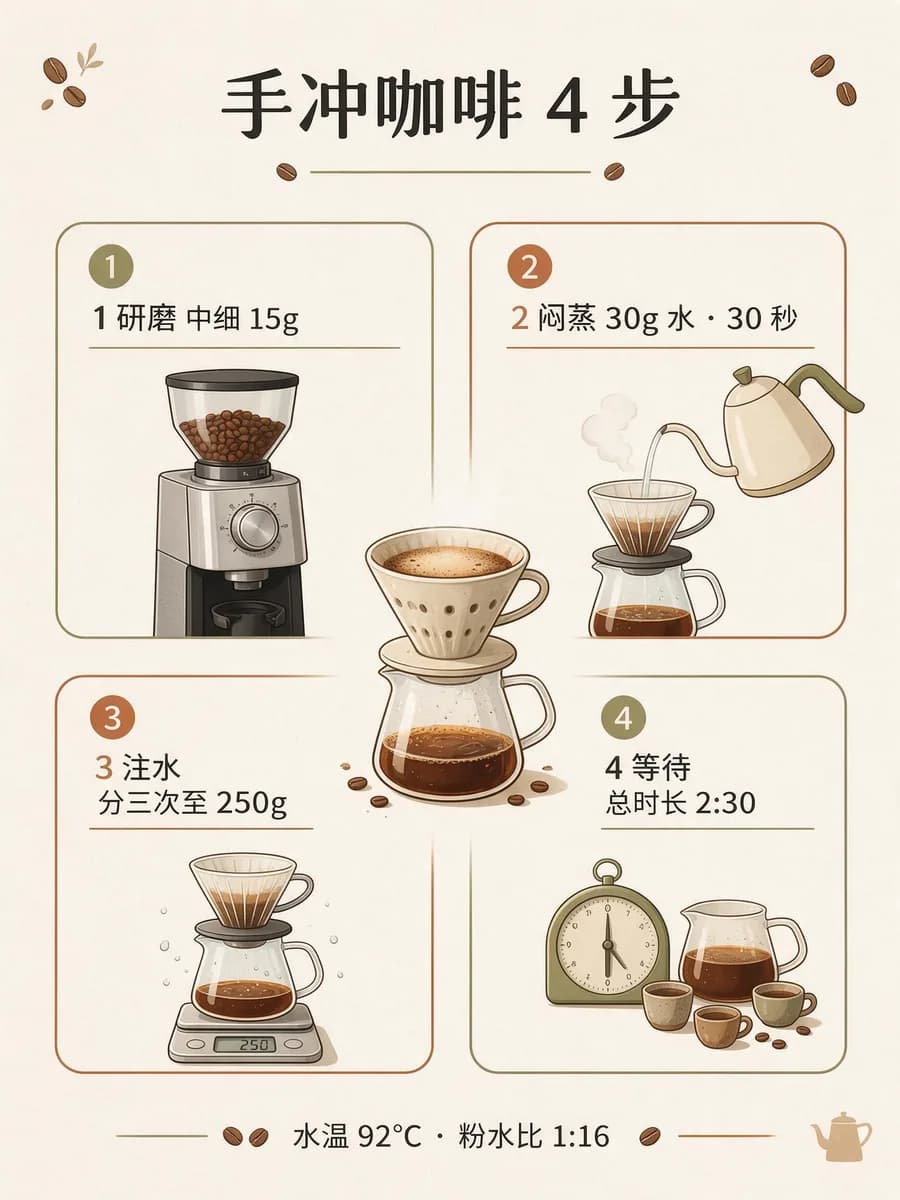
A screenful of facts, laid out as one readable image

Charts, timelines, columns and small text in one pass, no layout tool needed
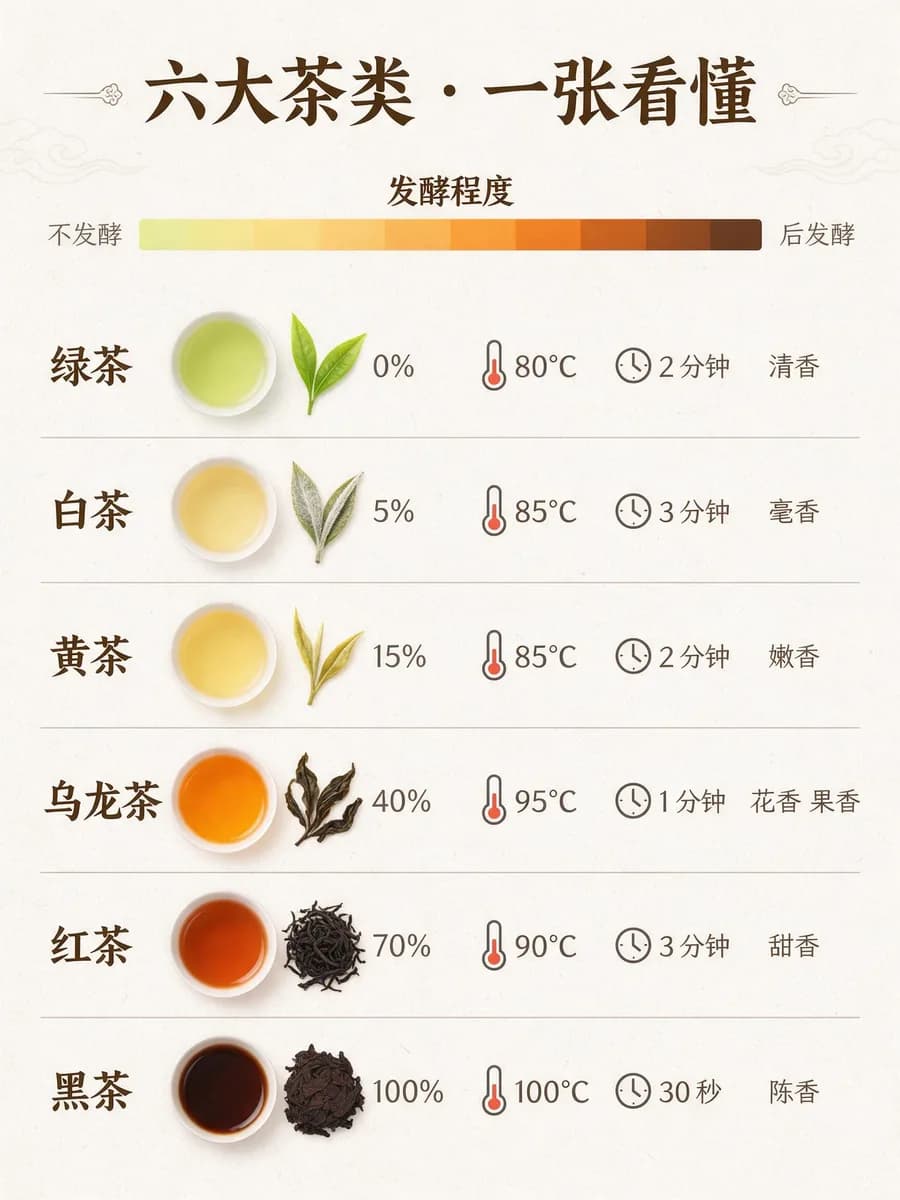
  • Seedream 5.0 Pro infographic of six tea types ordered by oxidation, from green to dark tea, with water temperature and steeping time
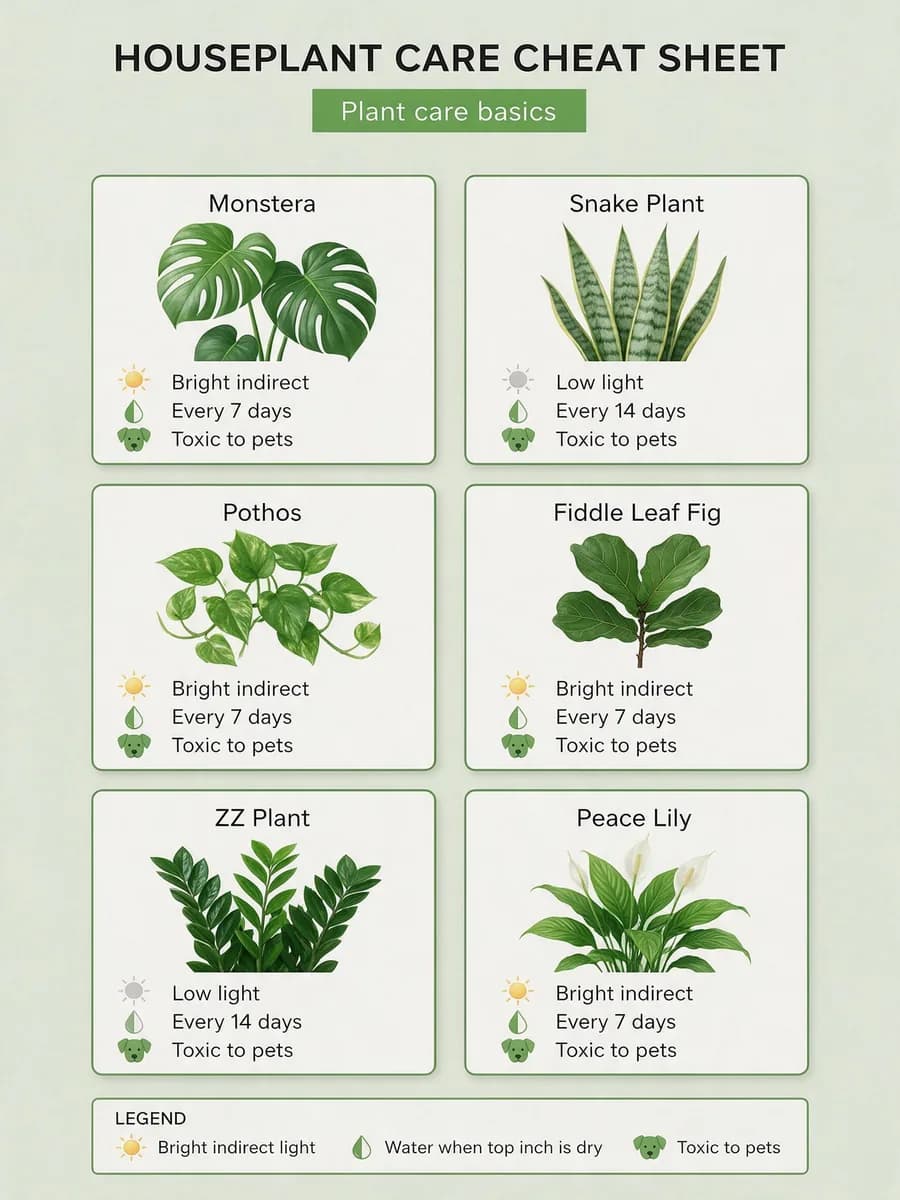
  • Houseplant care cheat sheet with six plant cards showing light, watering frequency and pet safety
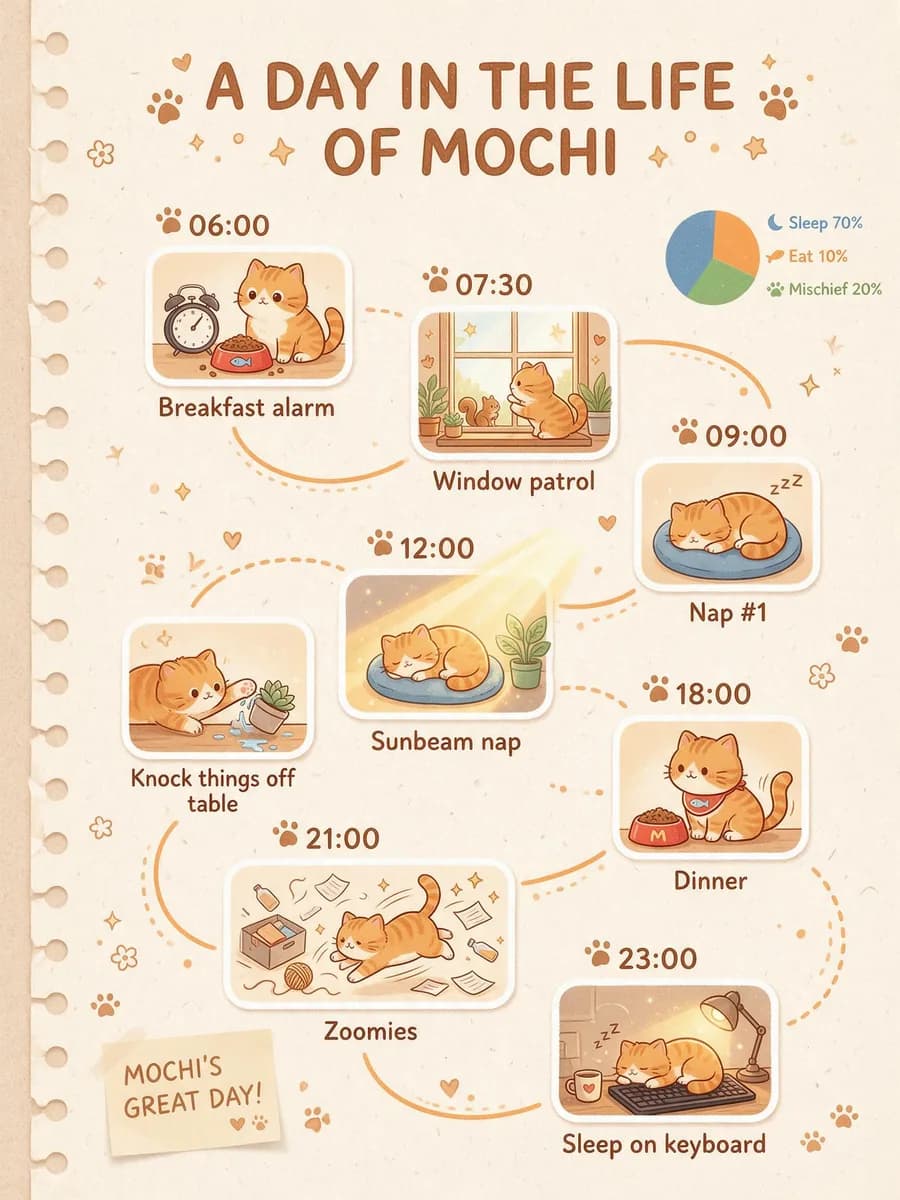
  • Timeline infographic of a day in the life of Mochi the orange cat, eight time stops with illustrations and a pie chart
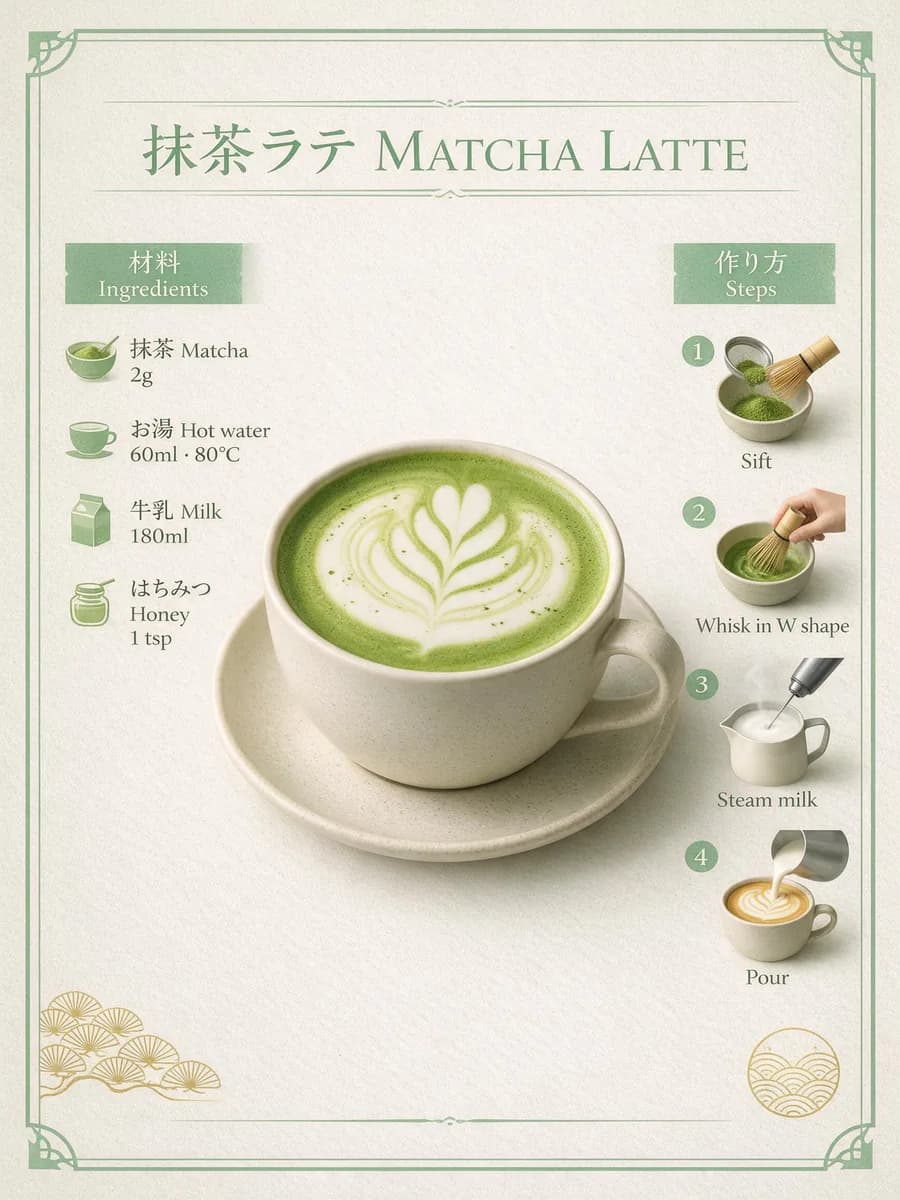
  • Japanese and English matcha latte recipe card with ingredient amounts on the left and four steps on the right
Try this prompt

Chinese, Japanese and English in the same image

ByteDance supports in-image text in over ten languages. The same poster switched to Japanese keeps its layout
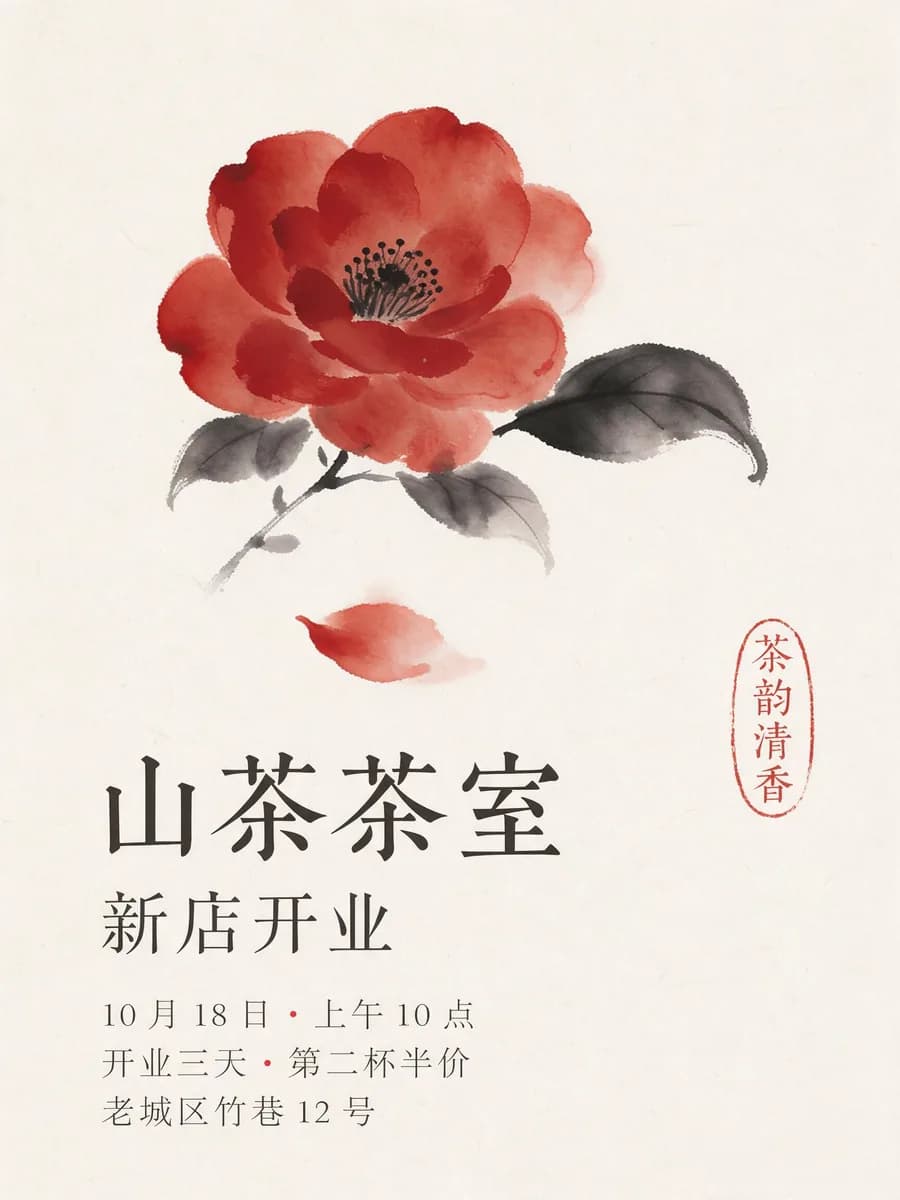
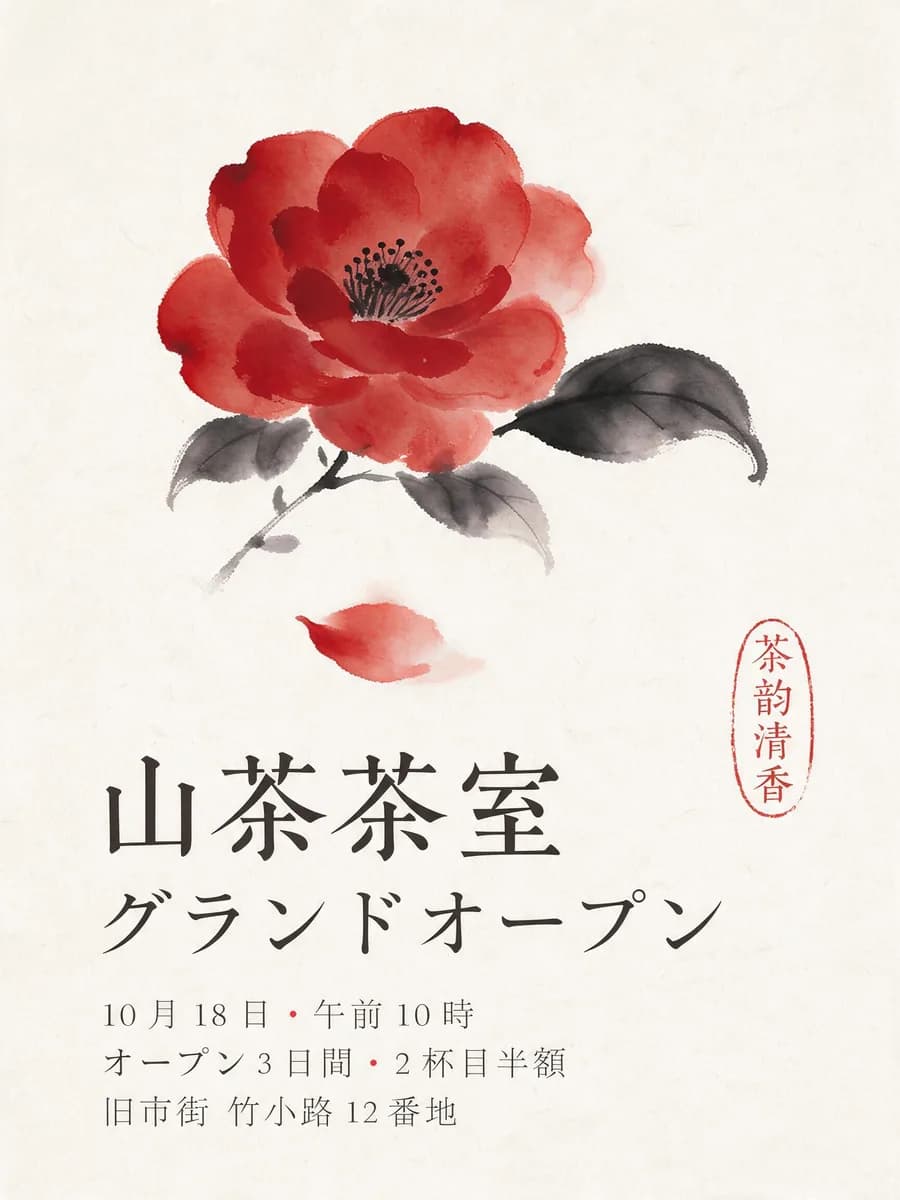
  • Chinese grand-opening poster for a tea house made with Seedream 5.0 Pro: ink-wash camellia, name and opening details
  • The same poster switched to Japanese, with the flower, seal and layout unchanged
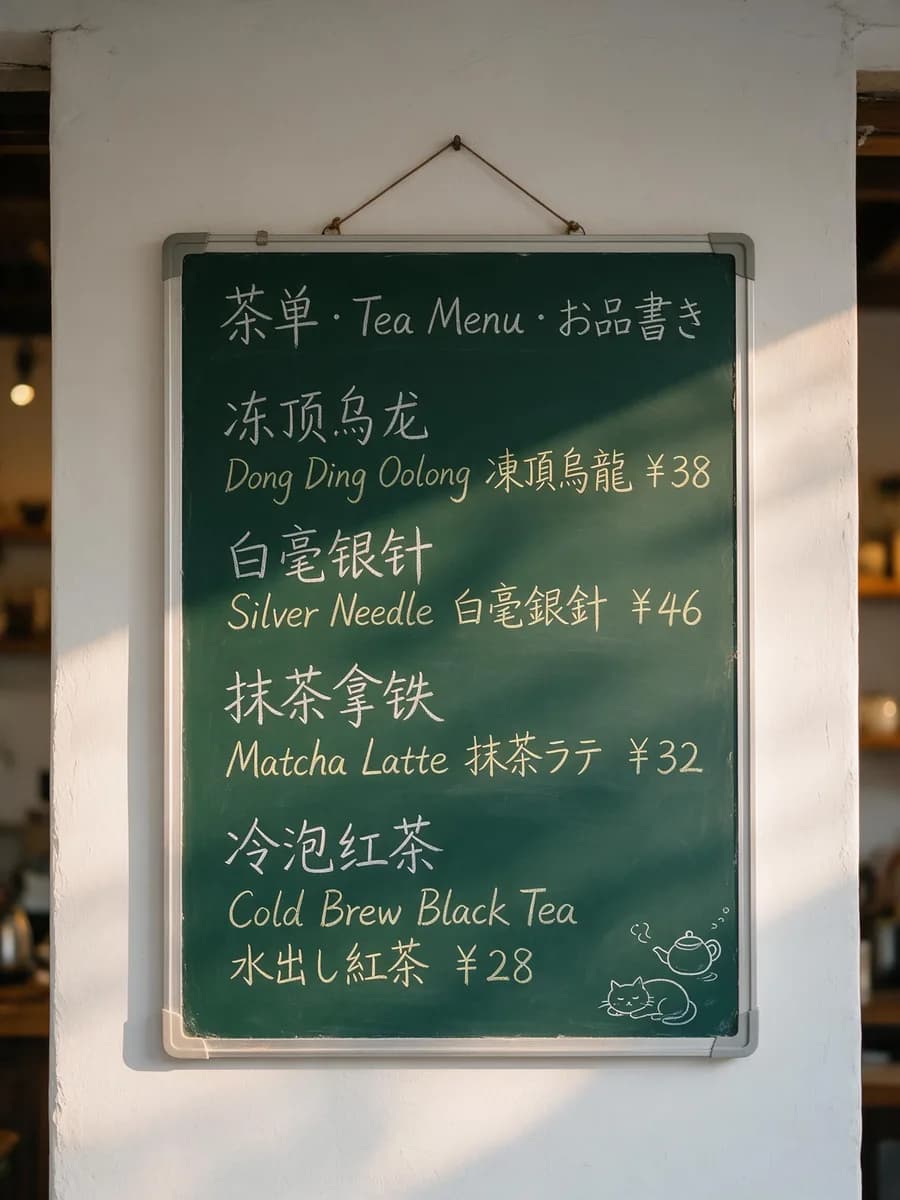
  • Tea house chalkboard menu with tea names and prices in Chinese, English and Japanese
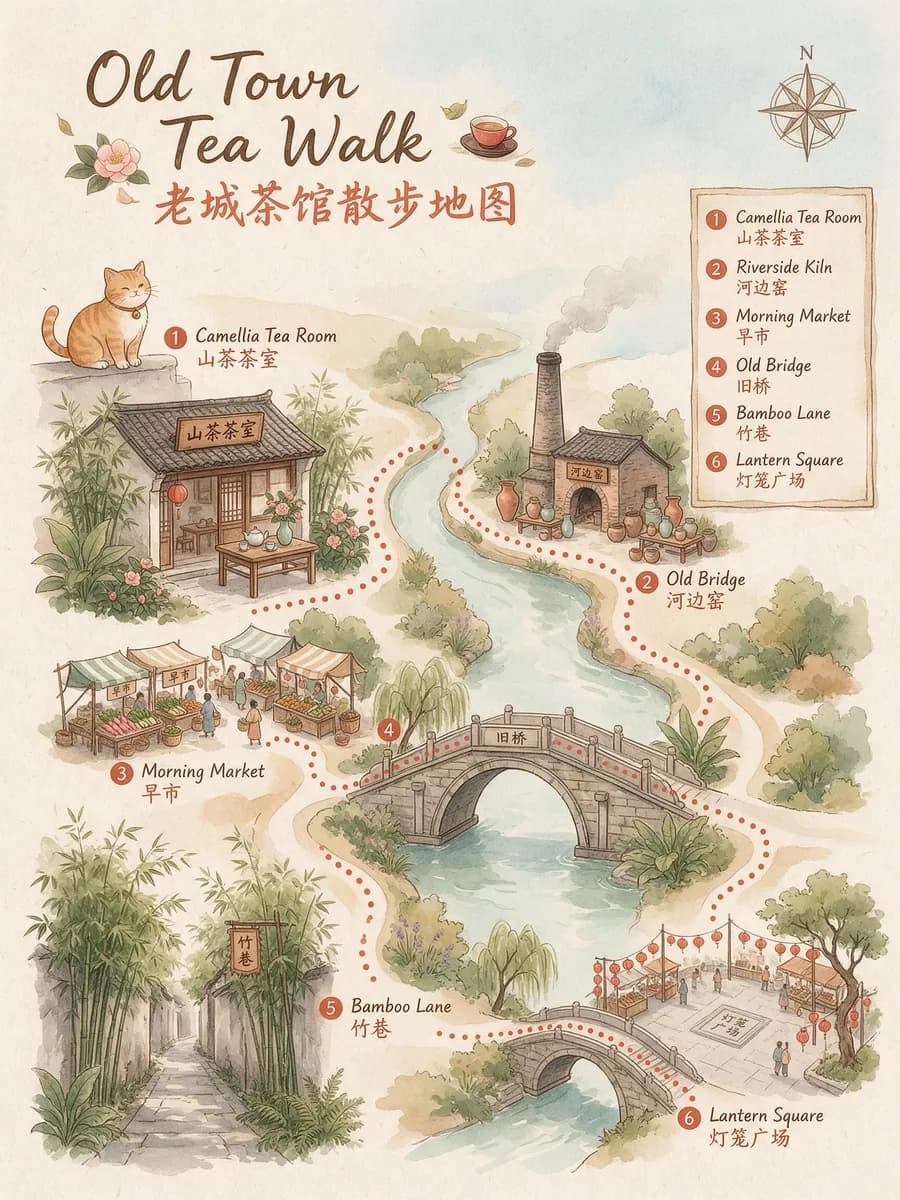
  • Bilingual illustrated walking map with six stops labeled in Chinese and English
Try this poster

Parts in assembly order, shots in story order

Exploded views, storyboards and photos built from a sketch keep their structure and perspective
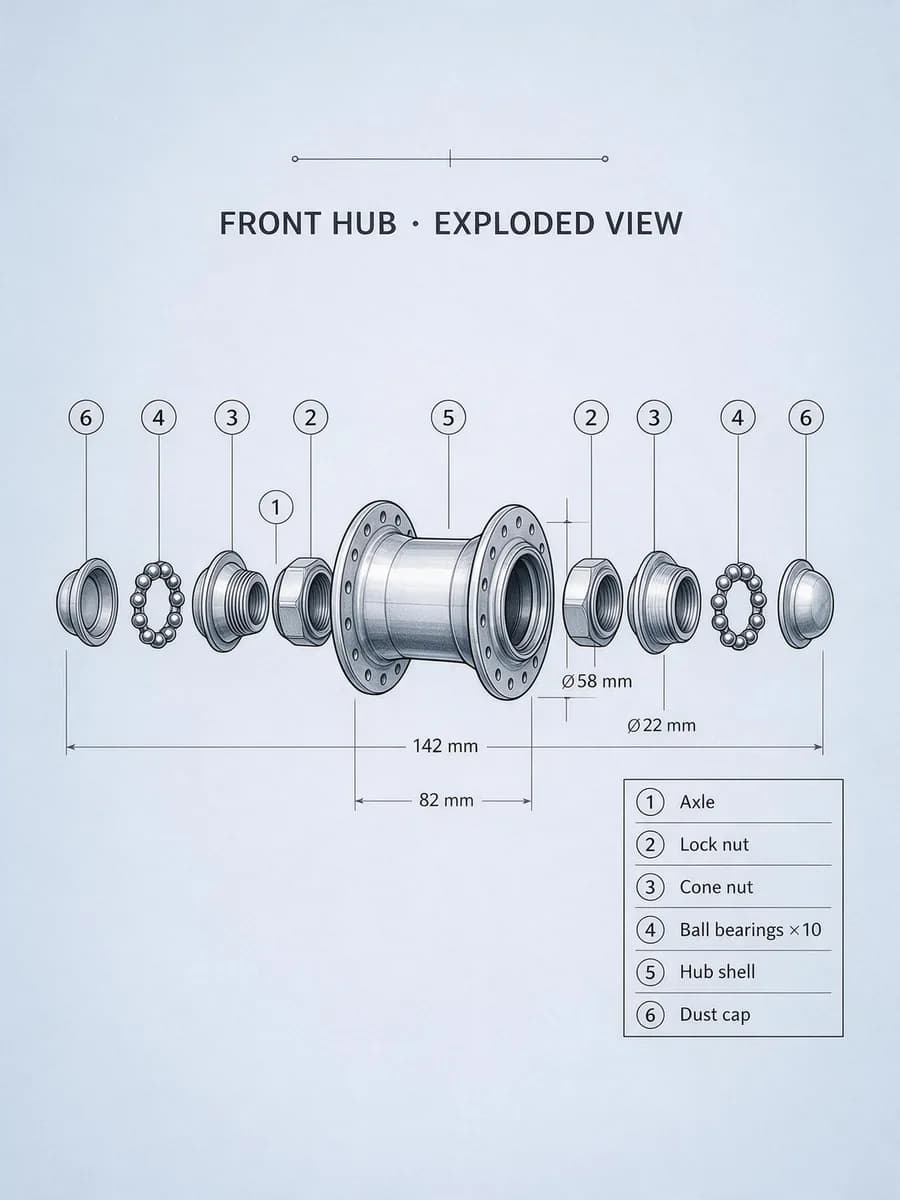
  • Exploded view of a bicycle front hub with parts in order along the axle and numbered English labels
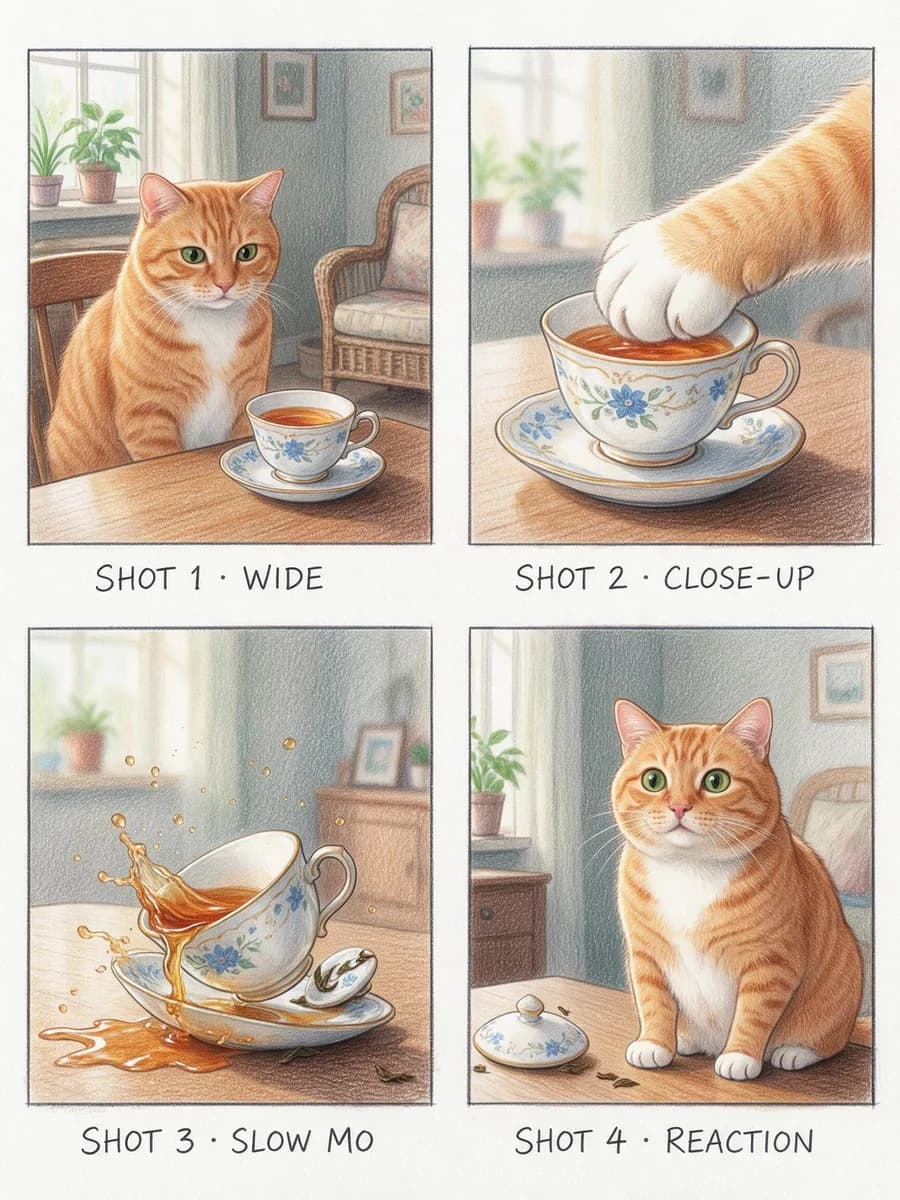
  • Four-panel storyboard of an orange cat knocking over a teacup: wide, close-up, slow motion, reaction
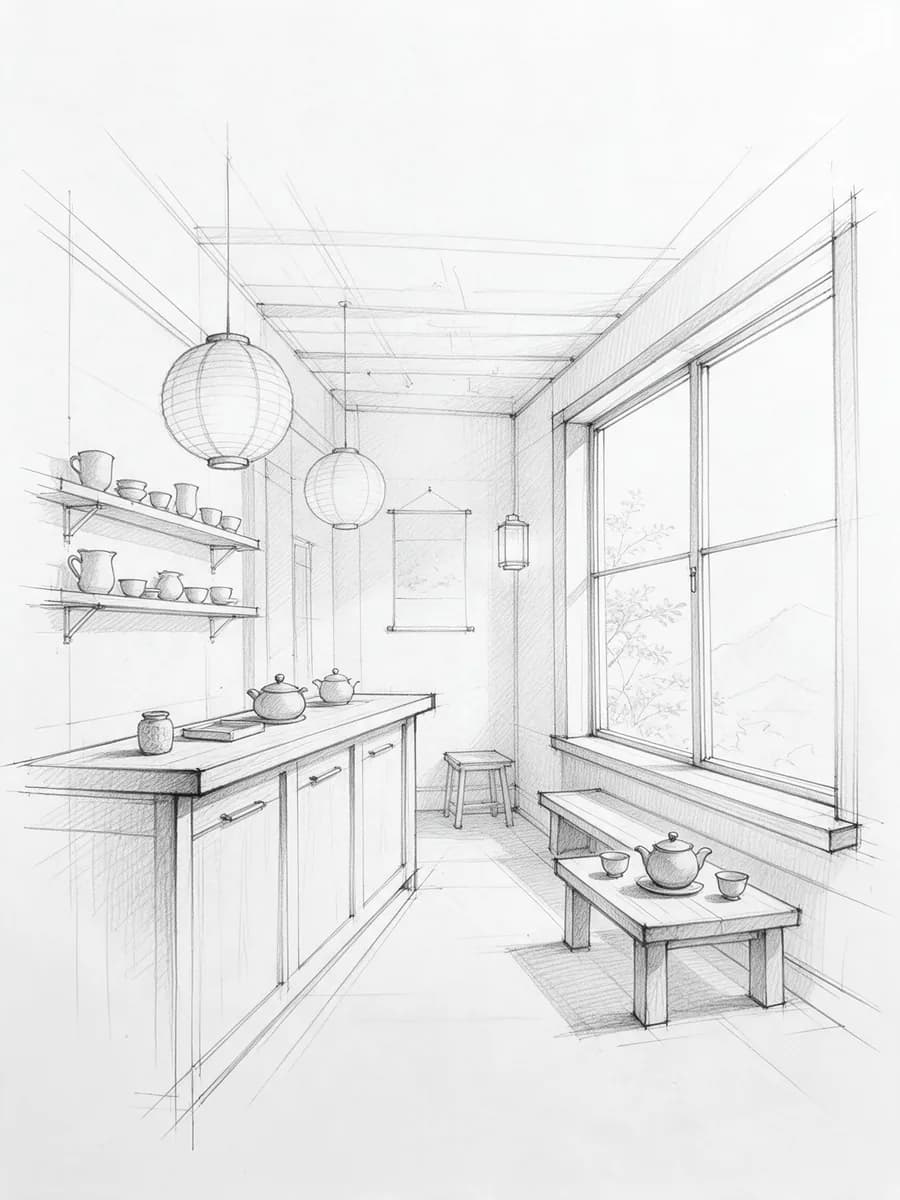
  • An architect's pencil sketch of a tea house interior
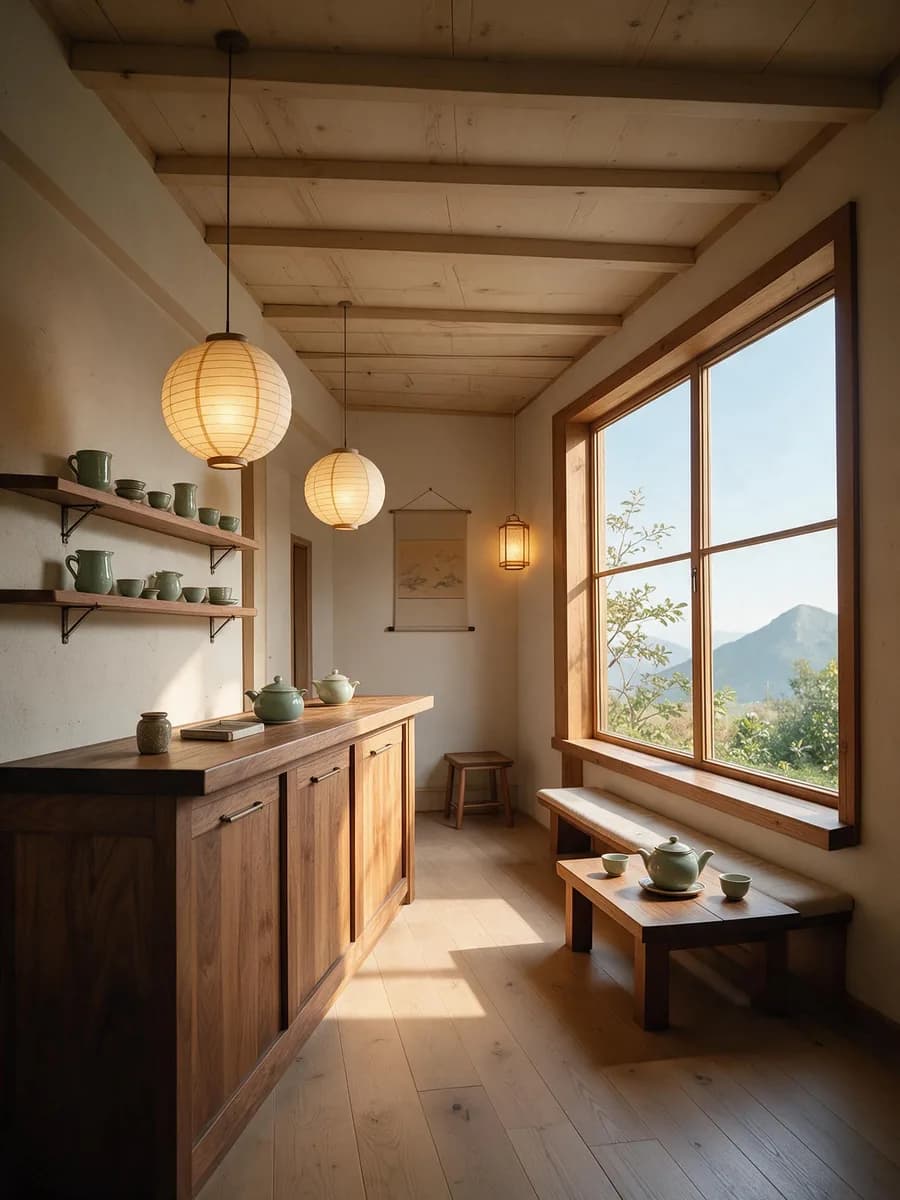
  • A photo generated from the sketch, with the counter, lanterns and window where the sketch put them
Try this prompt

Turn your next notes into one image

Share Pilio once to get 20 free credits, enough for two 1K images

Seedream 5.0 Pro: ByteDance's model for images packed with information

Seedream 5.0 Pro (Seedream 5 Pro) is ByteDance's flagship image generation and editing model. It is best at fitting steps, labels and data into one readable image, and it also makes photoreal photos and product shots. Use it online in Pilio for text-to-image, edits and compositions with up to 10 reference images, at 1K or 2K
  • Dense infographics, menus and posters with legible small text
  • In-image text in over ten languages, per ByteDance
  • Diagrams, storyboards and sketch-to-photo with structure intact
  • 7.02 credits per 1K image, 11.67 credits per 2K image
A 21:9 infographic made with Seedream 5.0 Pro, From Leaf to Cup: the camera moves from the full chart into the small captions for plucking and withering, pans to oxidation and fixing, then pulls back

Seedream 5.0 Pro, Seedream 5.0 Lite or GPT Image 2.5

Lite wins on 4K and more references, Pro wins on information layout

Seedream 5.0 Pro

Best for
Dense infographics, multilingual layouts, diagrams and storyboards
Resolution
1K / 2K
Credits per image
1K 7.02, 2K 11.67
Reference images
Up to 10
Not yet in Pilio
4K, web search, layer separation, box-select edits

Seedream 5.0 Lite

Best for
4K posters and illustrations
Resolution
2K / 3K / 4K
Credits per image
2K–4K 6.42
Reference images
Up to 14
Not yet in Pilio
Web search

GPT Image 2.5

Best for
Long passages, UI mockups and long layouts
Resolution
1K / 2K / 4K
Credits per image
1K 2, 2K 7, 4K 11
Reference images
Up to 16
Not yet in Pilio
Custom sizes not available

Pick Seedream 5.0 Pro for a readable infographic or multilingual poster, Seedream 5.0 Lite for 4K or up to 14 references, and GPT Image 2.5 for long text and UI mockups

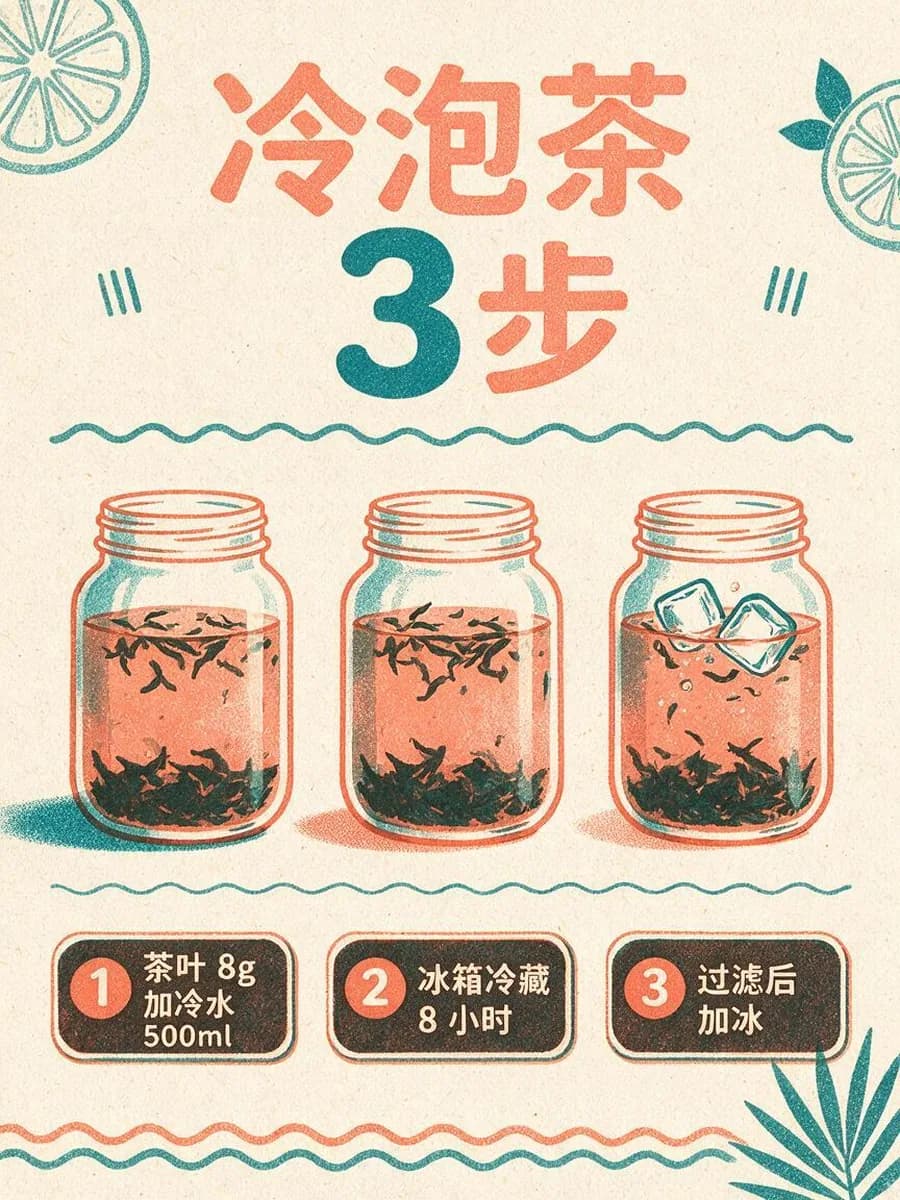
One cold-brew poster, from a line of text to a 2K final

  1. Write the structure and every line

    List the title, the steps and each line of text, with the exact words in quotes

  2. Make 4 versions at 1K, pick one

    1K is fast and cheap, so get 4 styles in one run before you commit

  3. Change one thing, then export 2K

    For example, swap only the background color and keep text and art, then finish at 2K

Seedream 5.0 Pro pricing, limits and settings

How much does Seedream 5.0 Pro cost?
It is billed per image: 7.02 credits at 1K and 11.67 credits at 2K. The first reference image is included; each extra one adds 0.42 credits.
Can I use Seedream 5.0 Pro for free?
Yes. Post about Pilio on social media and submit the link in your account to get 20 free credits, enough for two 1K images. You can claim once a day, up to five times, and new accounts also start with a few free credits.
Are Seedream 5 Pro and Seedream 5.0 Pro the same model?
Yes. ByteDance calls it Seedream 5.0 Pro; Pilio uses the shorter Seedream 5 Pro, and the model ID is seedream-5-pro.
How is Seedream 5.0 Pro different from Seedream 5.0 Lite?
Pro is stronger at infographics, multilingual text and structured diagrams, at 1K or 2K. Lite offers 2K to 4K and up to 14 references, at 6.42 credits per image. Both make 1, 2 or 4 images per run.
Where can I use Seedream 5.0 Pro online?
Right on this page. Write a prompt, optionally upload references, choose an aspect ratio and 1K or 2K, and click generate to open the Pilio studio.
What kind of images is it good at?
Dense infographics, step guides, menus and posters, multilingual signs, photoreal products and interiors, and scenes that several references need to control together.
Can I use text only? How many references can I add?
A prompt alone is enough. References are optional: up to 10 PNG, JPG or WebP files. Say what each one is for, like "the person in image 1, the teapot in image 2".
How do I change just one thing? Is there box select or layer separation?
Upload the original, say which subject, composition and text must stay, then say what to change this round. Pilio does not offer box select, sketch markup or layer separation yet.
Can it write text in other languages?
It officially supports in-image text in over ten languages, and the Chinese, English and Japanese on this page were written by the model. Proofread numbers, brand names and small text before publishing.
Should I choose 1K or 2K? Is 4K available?
Check composition and text at 1K, then export the final at 2K for sharper small text. Pilio does not offer 4K for this model.
Can I get several versions in one run?
Yes. Choose 1, 2 or 4 images per run; each image is billed separately, so compare directions at 1K before you export the final at 2K.
Can I use the images commercially? Are they watermarked?
Results have no visible watermark. Commercial use depends on your prompt, reference material and local laws, so check before you publish.