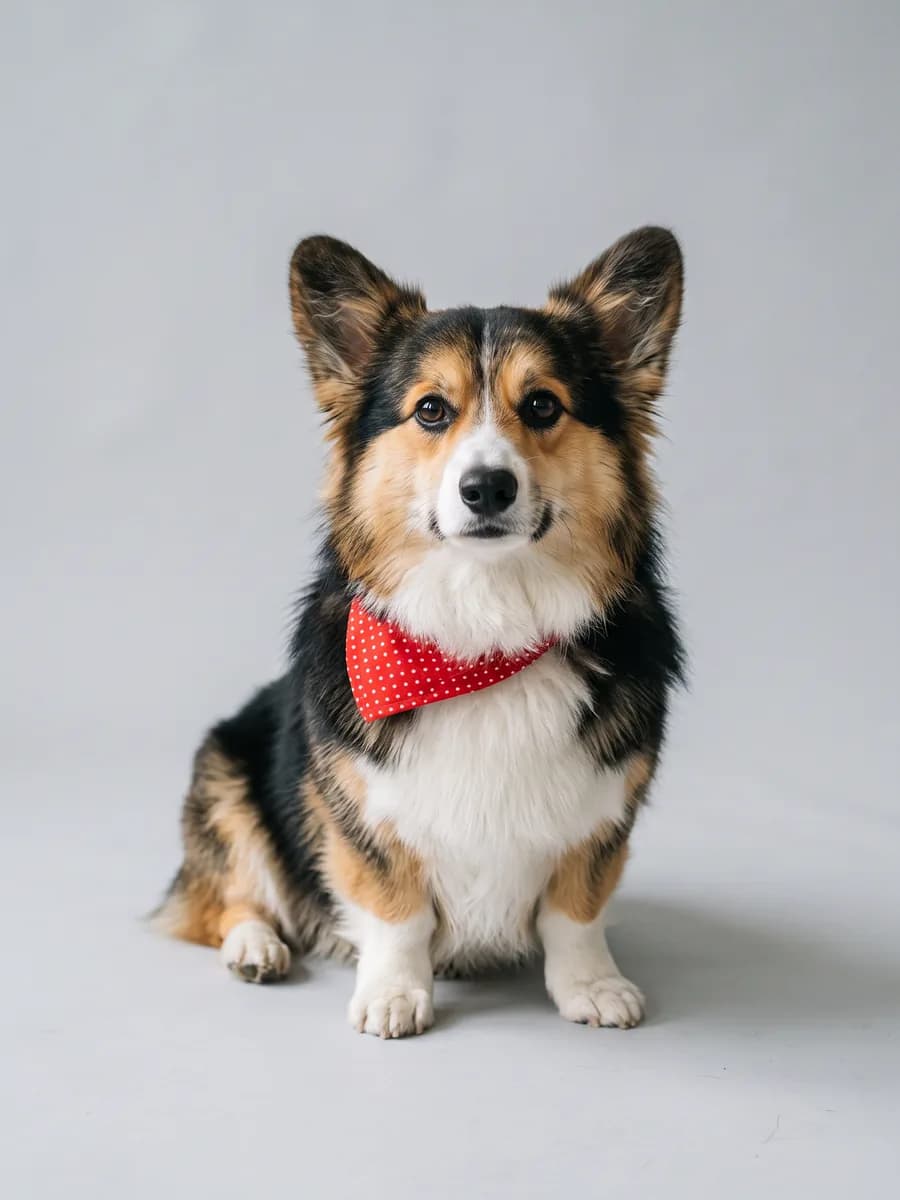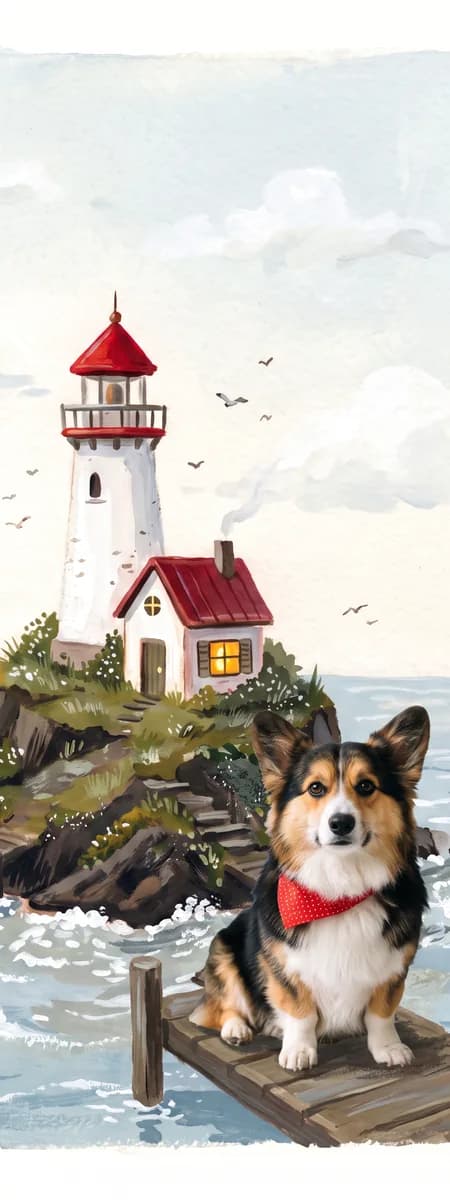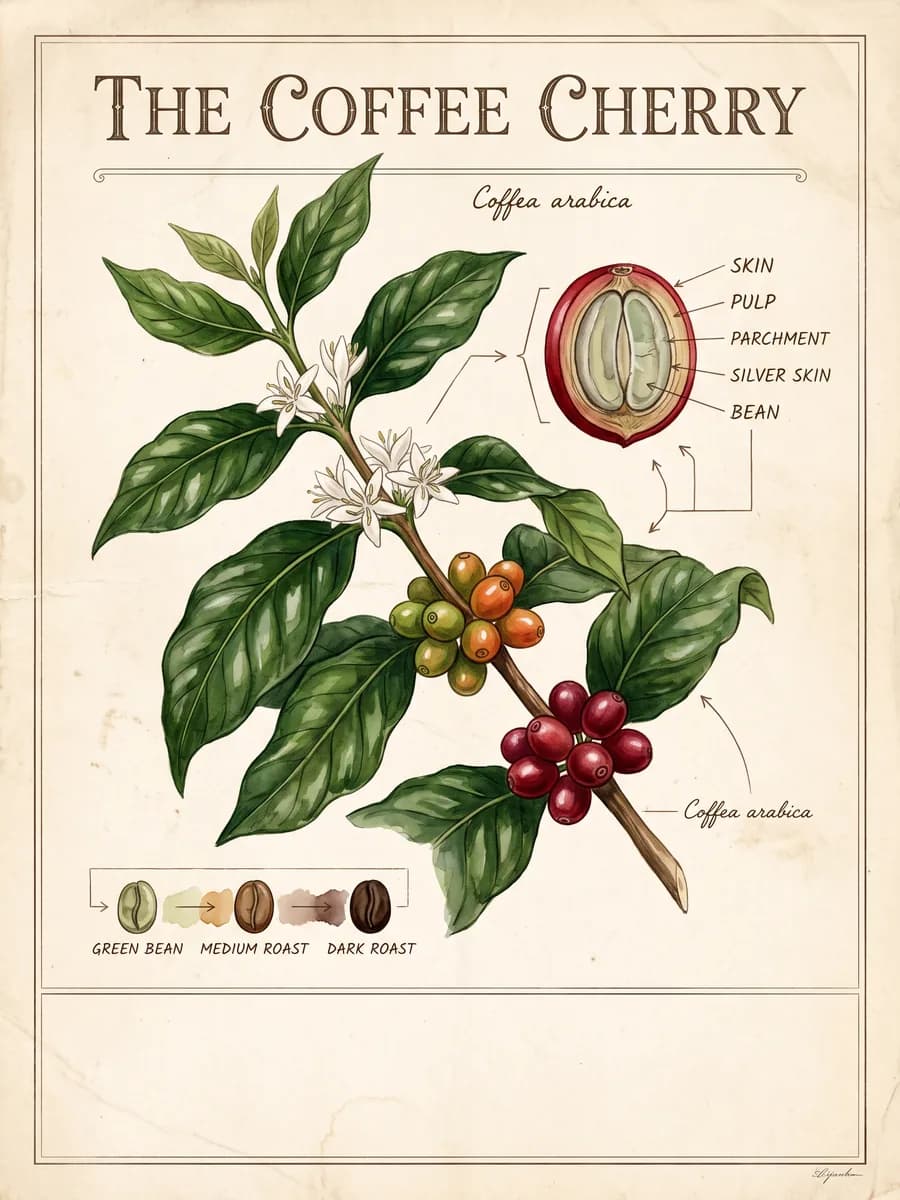
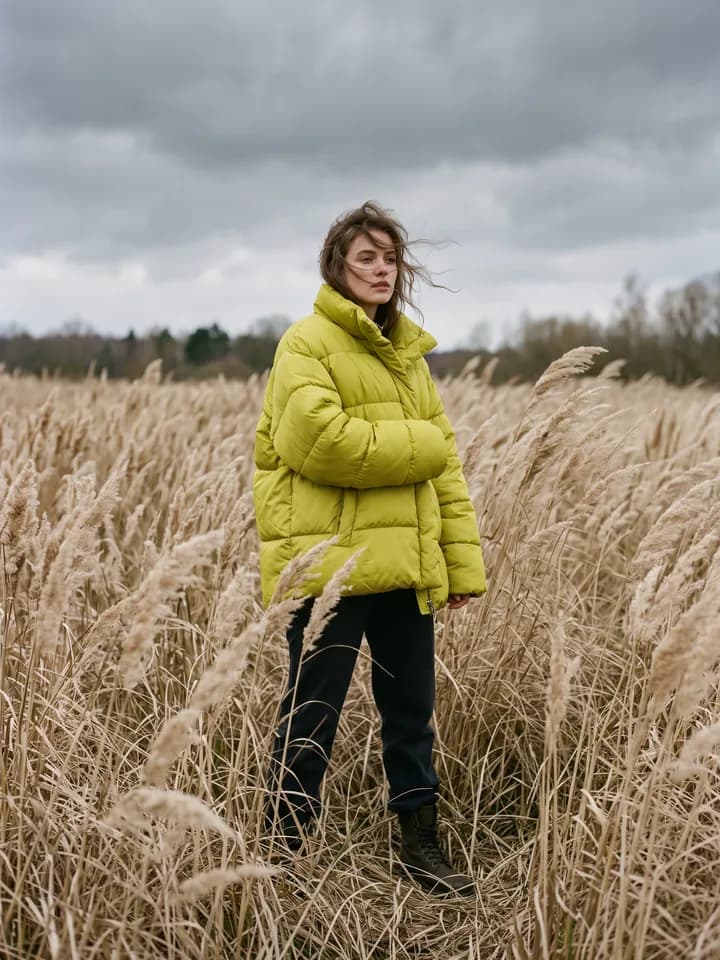

Nano Banana 2.1 AI Image Generator and Editor

Edit only what you describe and keep the same person across every image. Every picture on this page was made with Nano Banana 2.1

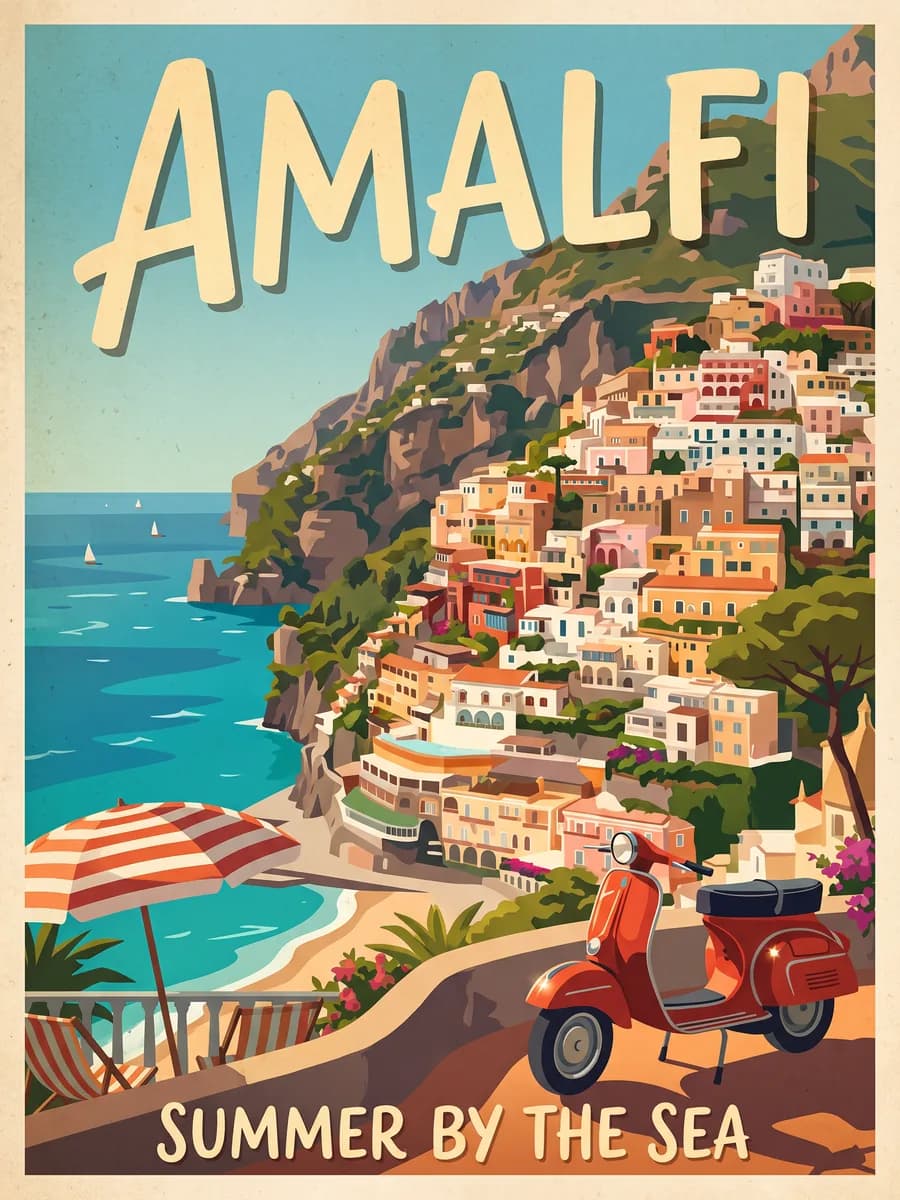
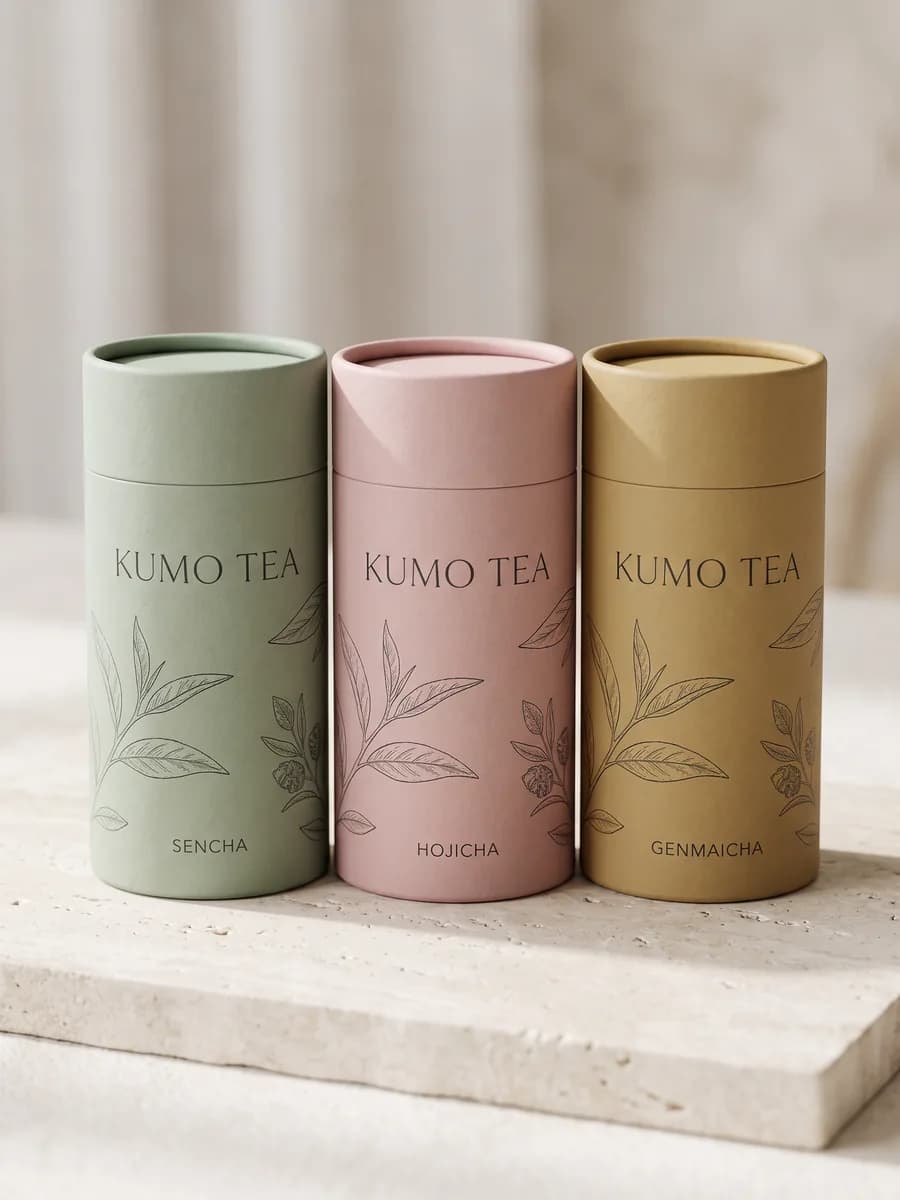
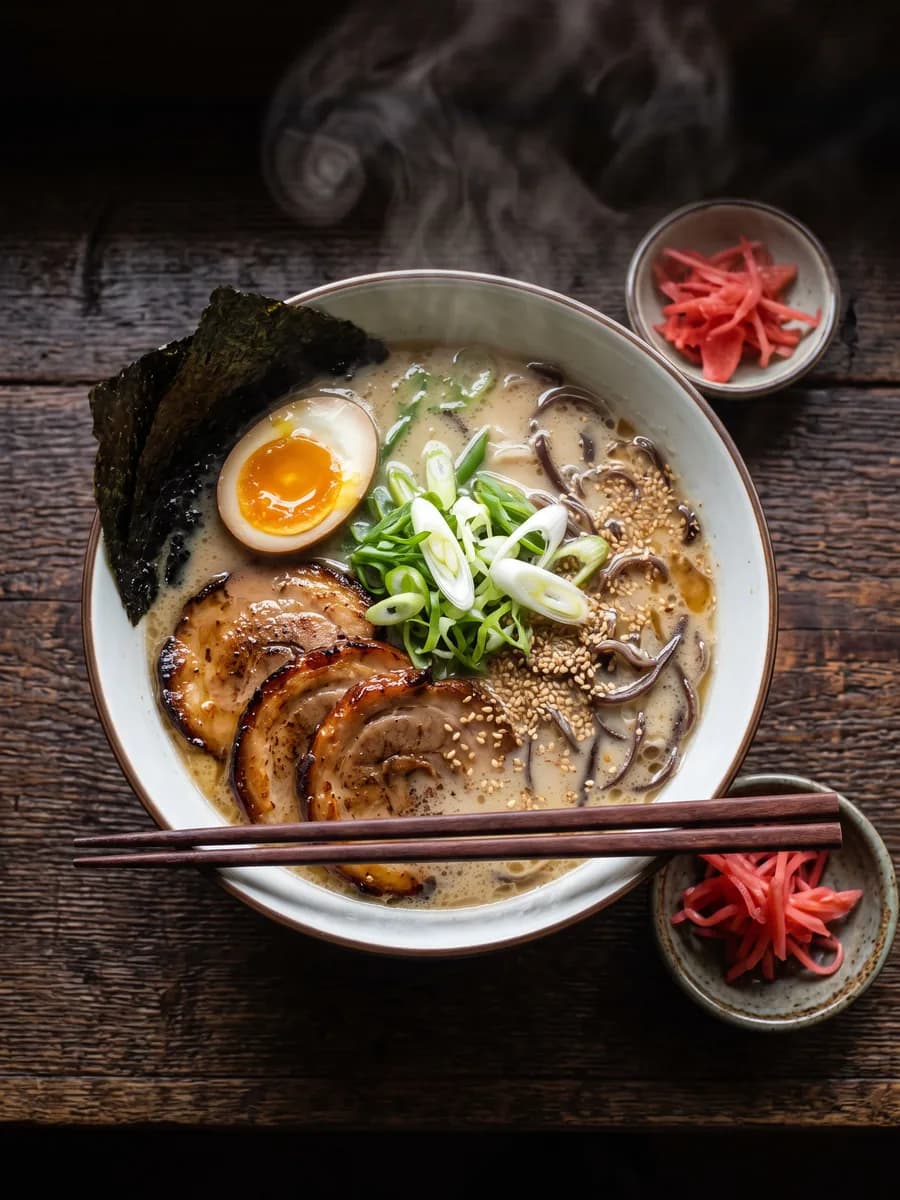
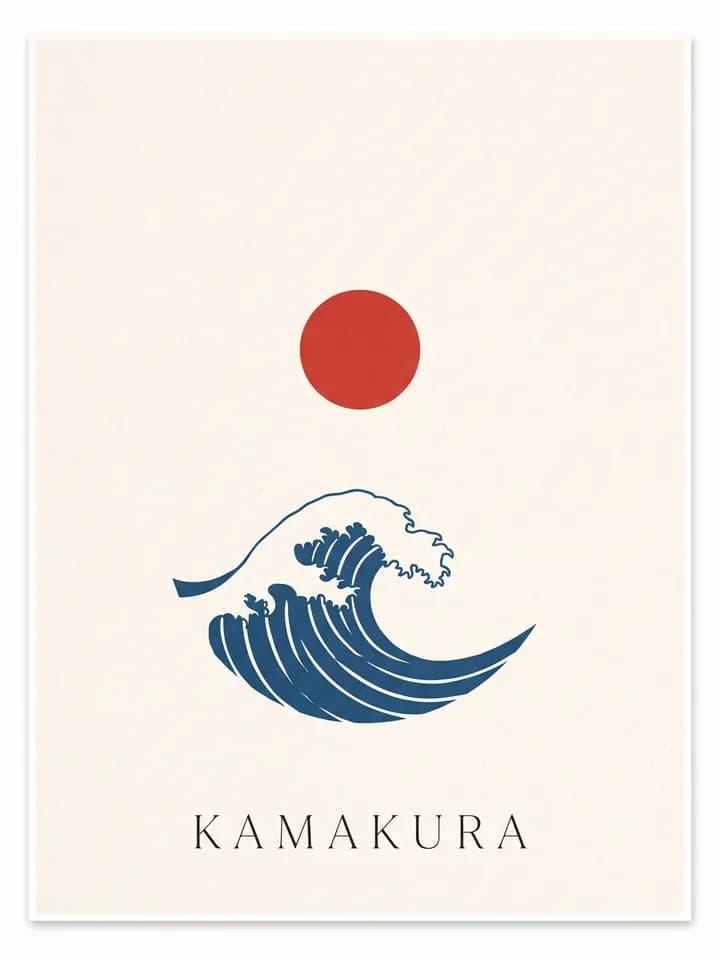
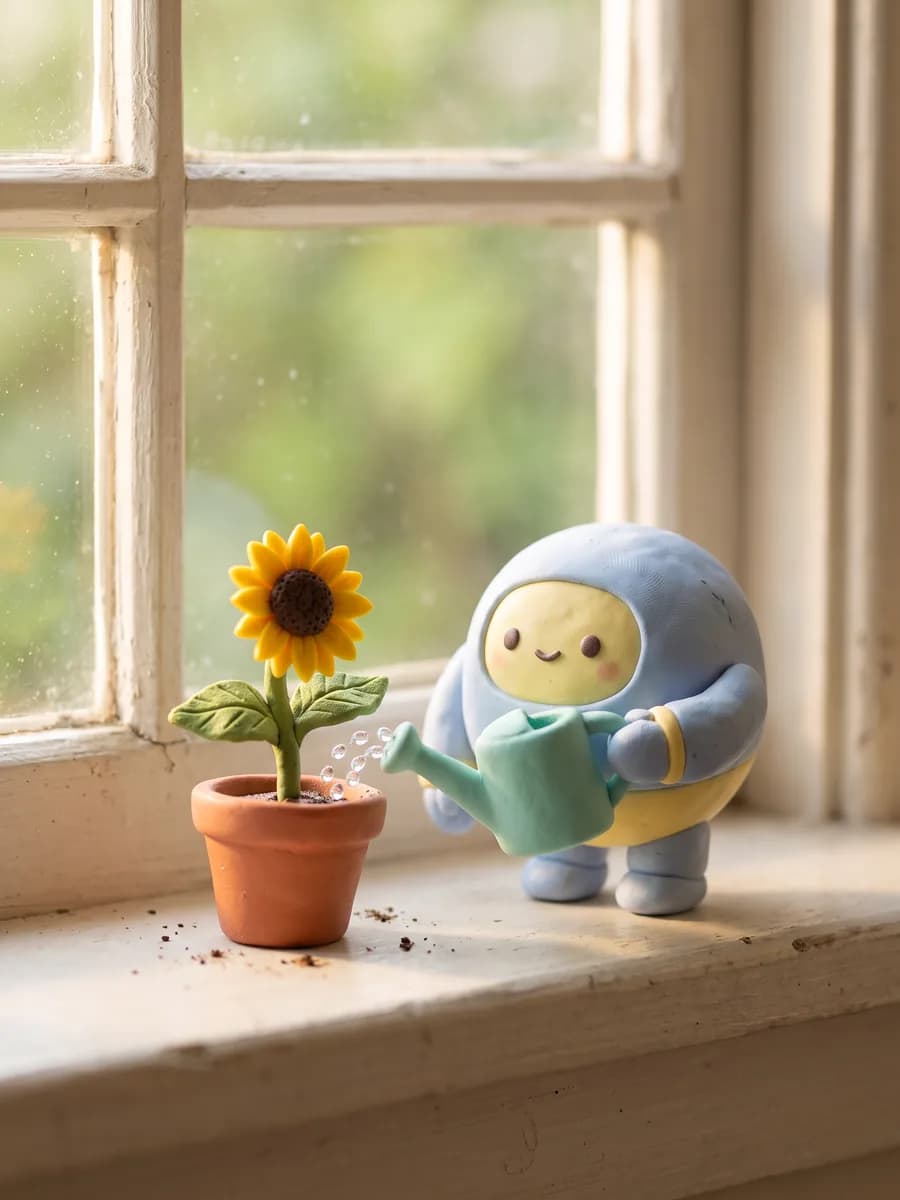
Posters, infographics and photos from one model

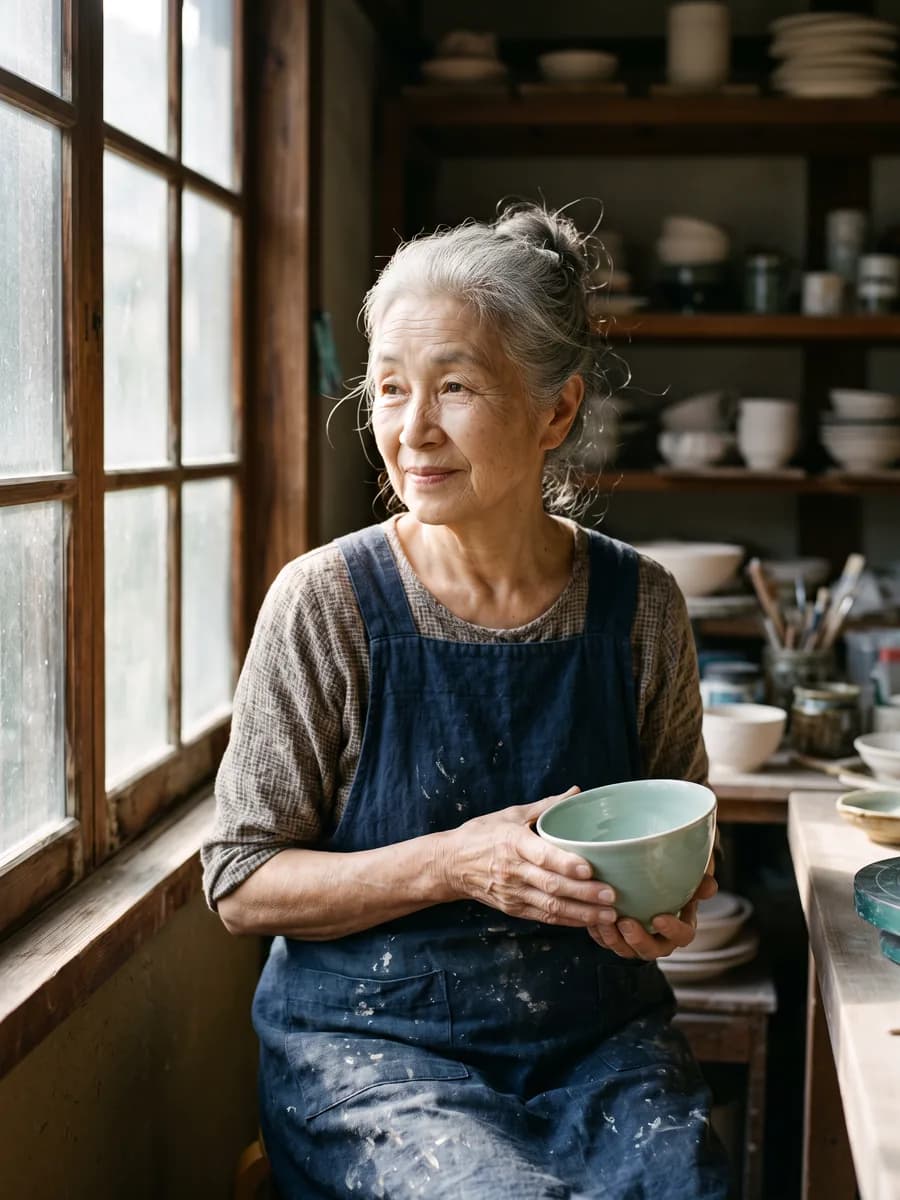
Every image here was made with Nano Banana 2.1. Open one to reuse its prompt

Change one thing, keep the rest

No masks or brushes. Say what to change and everything else stays put

  • Change text

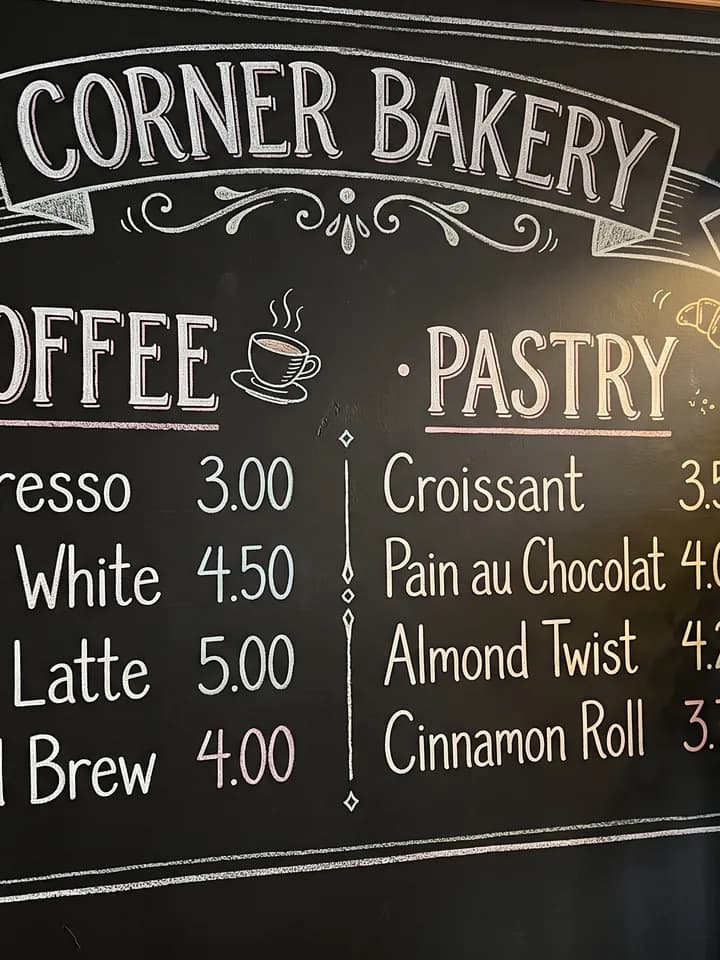
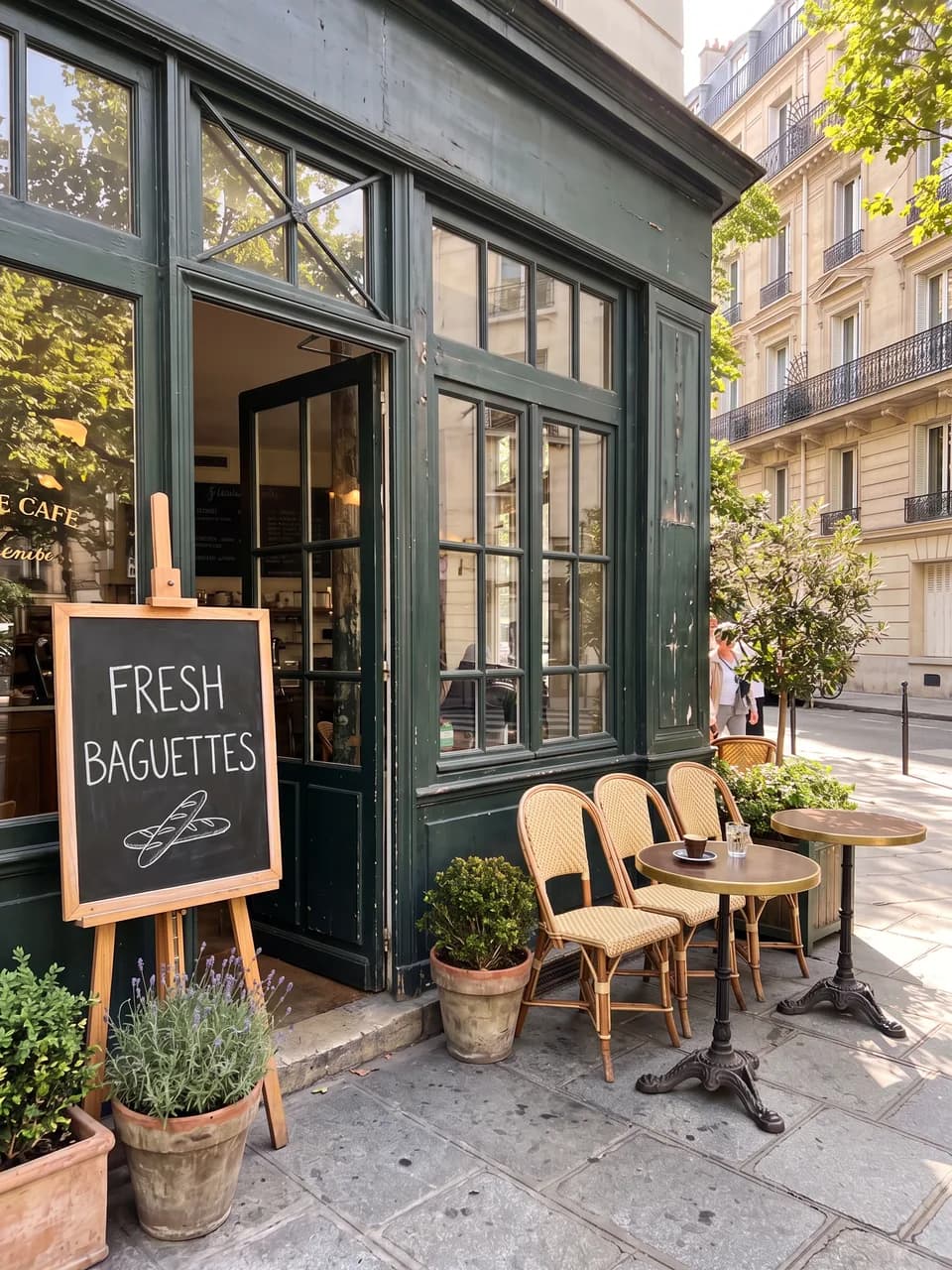
    The chalkboard now reads FRESH BAGUETTES, storefront and light untouched

  • Remove people

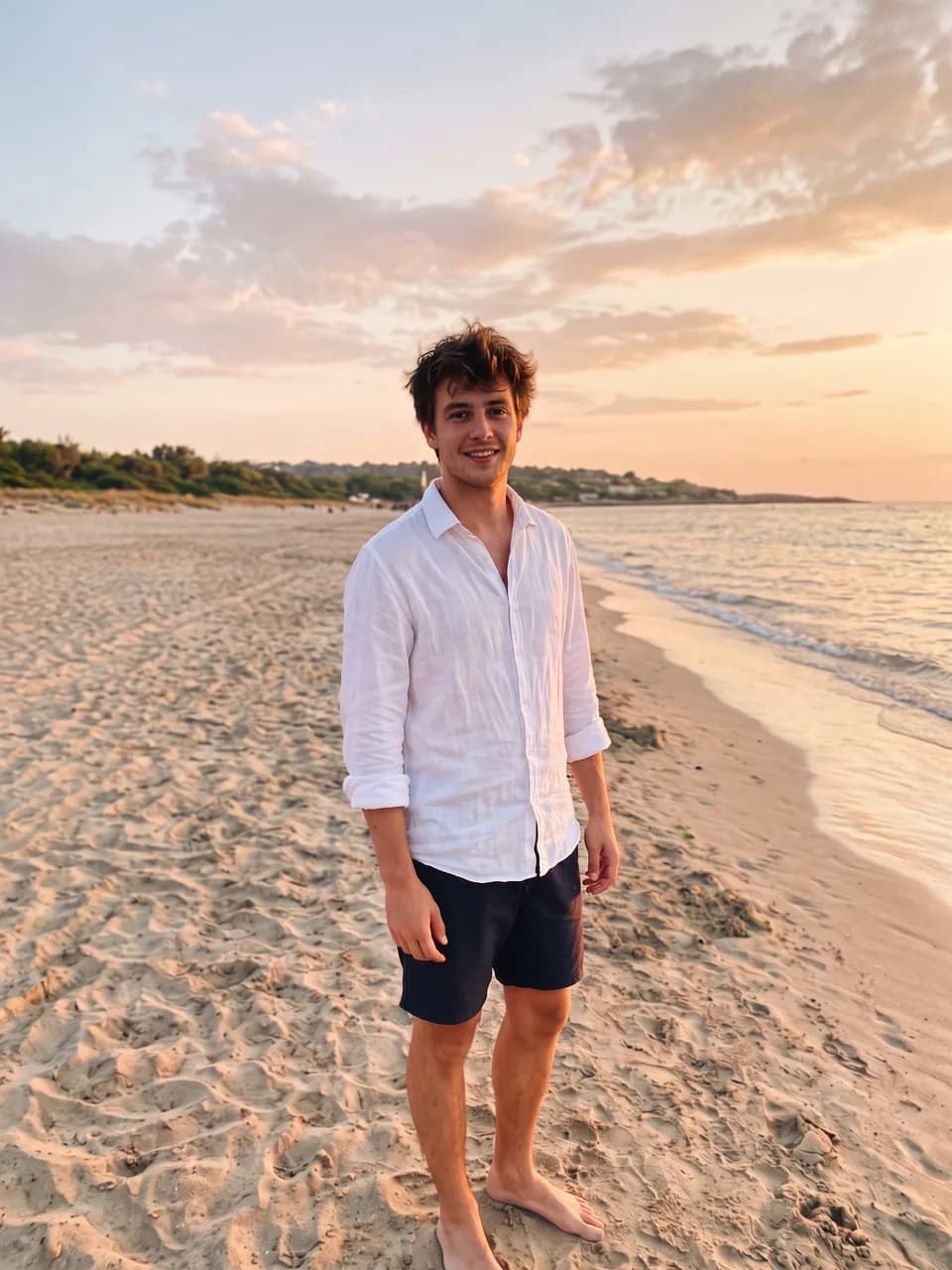
    Tourists and clutter gone, the man stays exactly as he was

  • Recolor

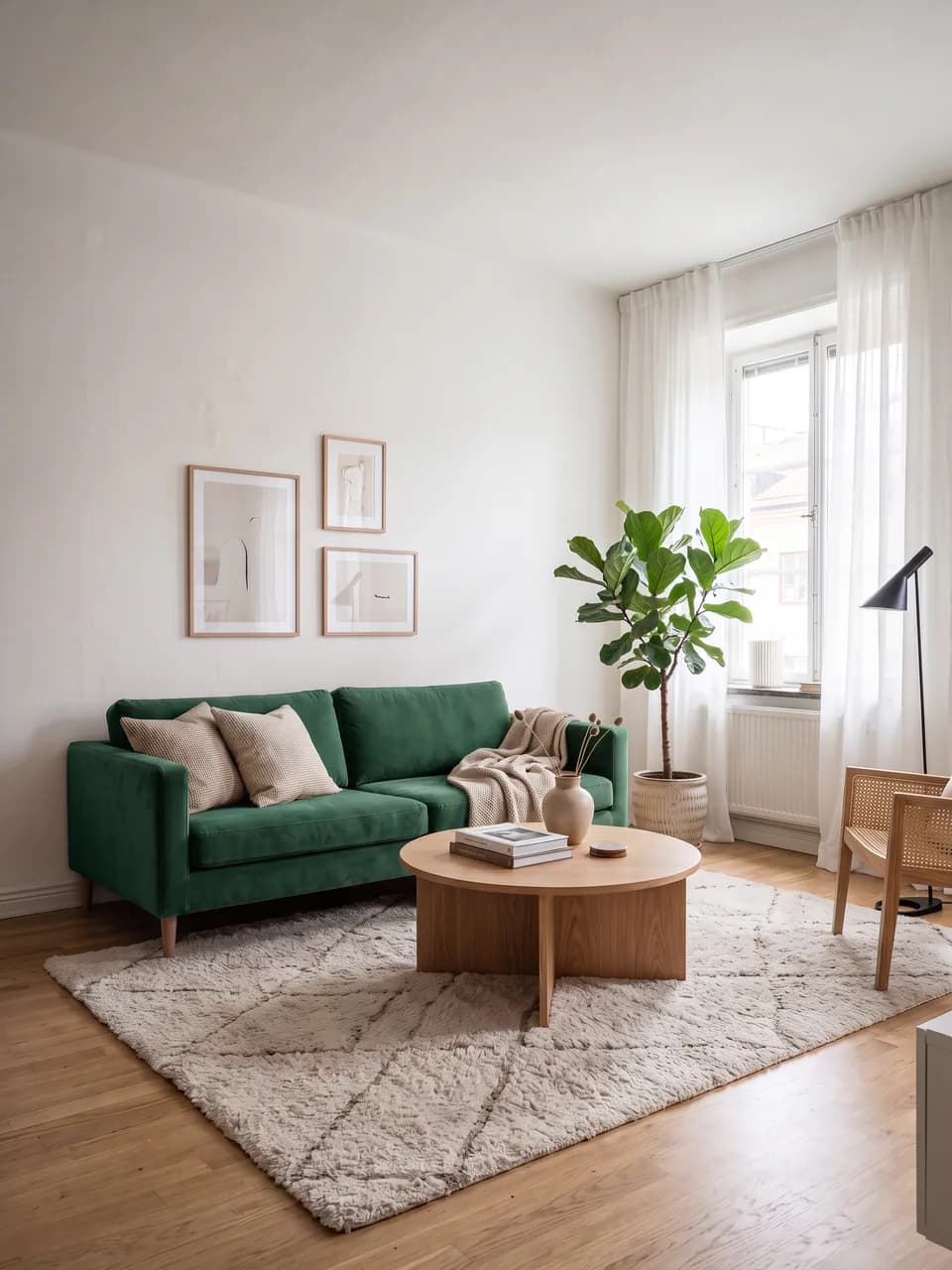
    The sofa turns emerald velvet, the rest of the room stays the same

Same person, any scene

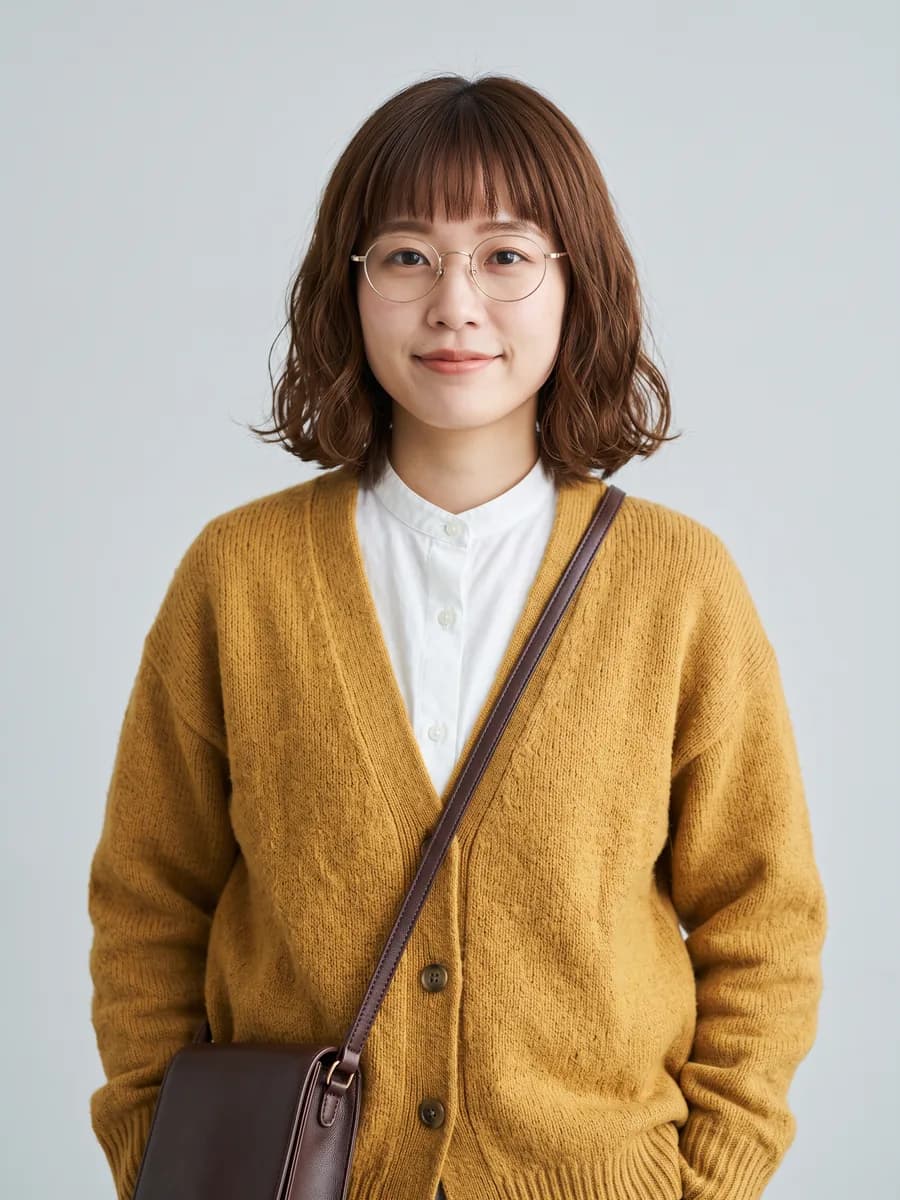
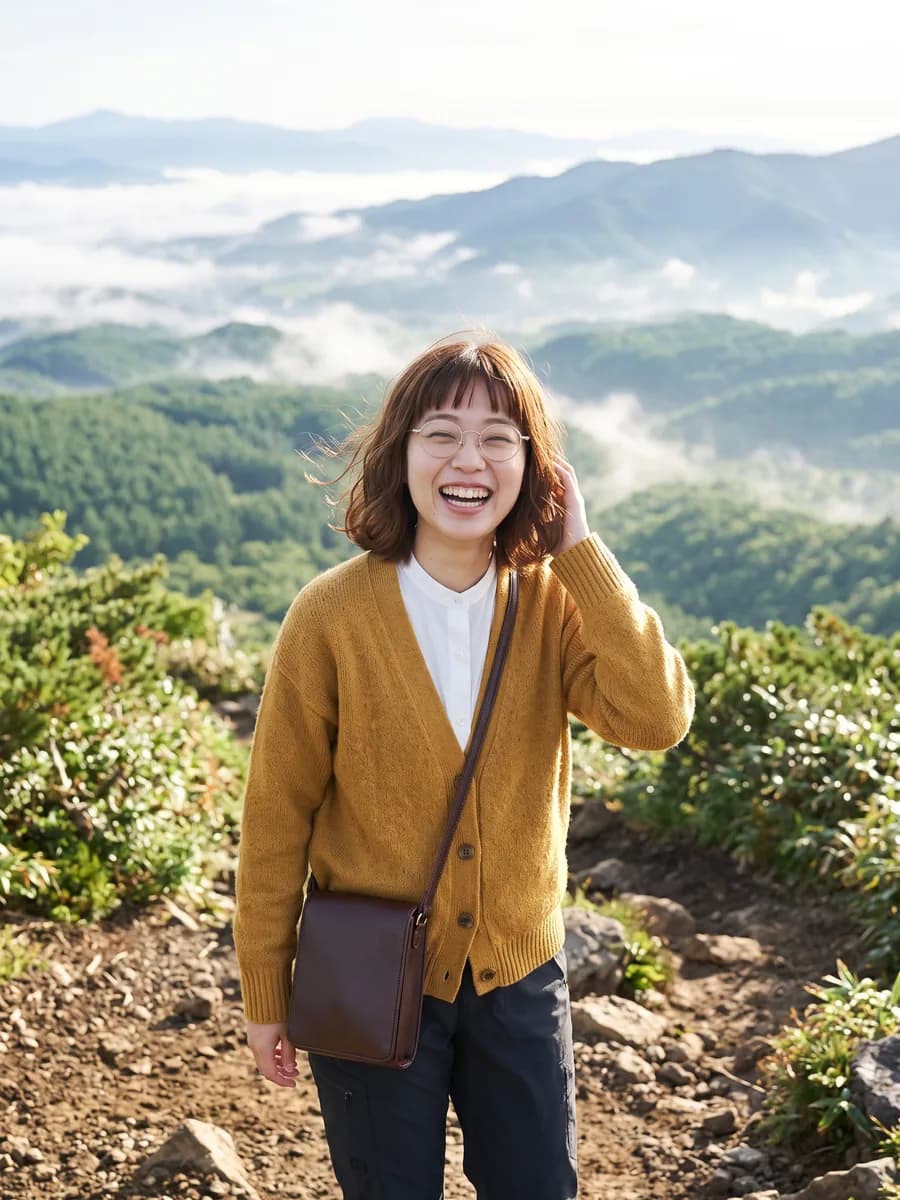
Upload one reference and the face, hair, glasses and outfit carry into every image

  • Reference photo of a young woman with a chestnut bob, round glasses and a mustard cardigan
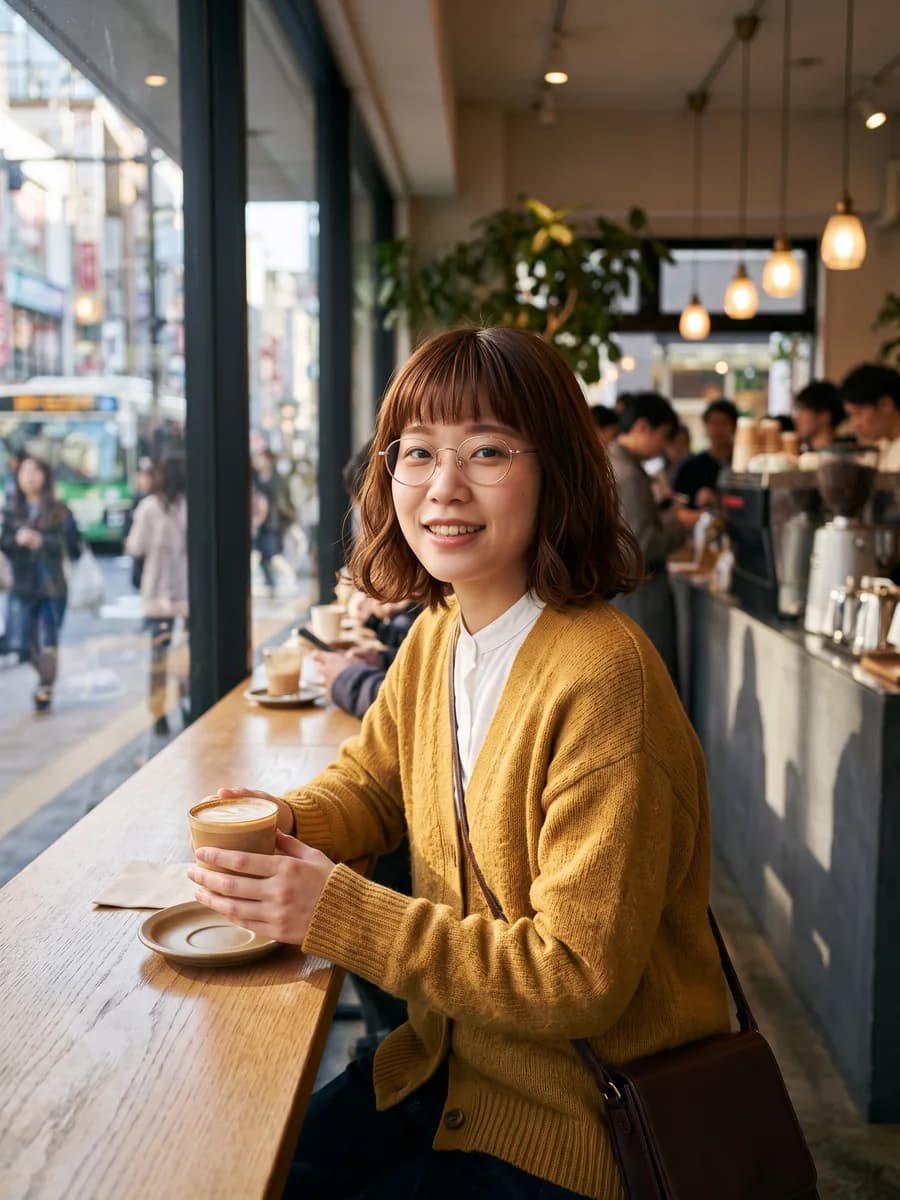
  • The same woman holding a latte in a Tokyo coffee shop
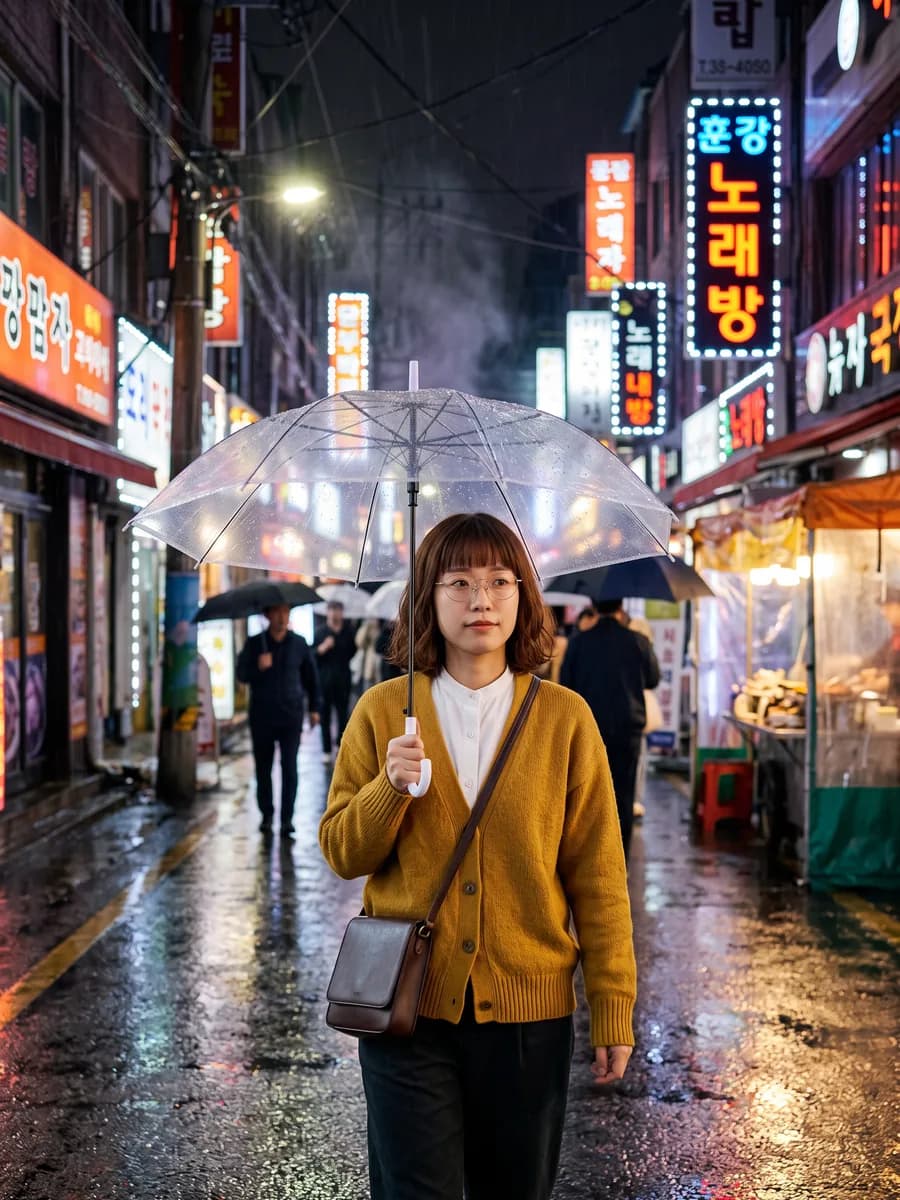
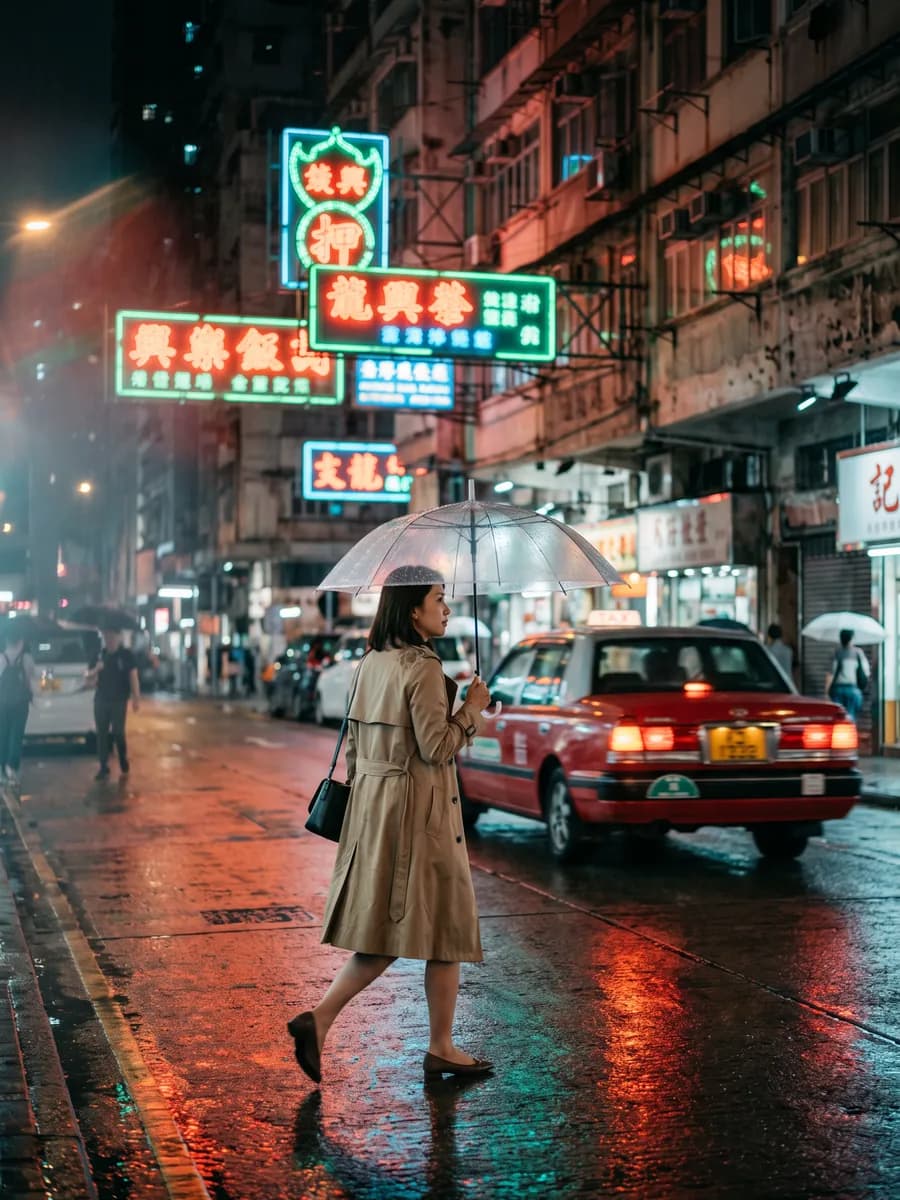
  • The same woman with a clear umbrella in a rainy Seoul alley at night
  • The same woman laughing on a mountain trail
Try this reference

Many references, one image

Use up to 14 references and keep up to 4 characters and 10 objects intact

  • Put people and pets in a new scene

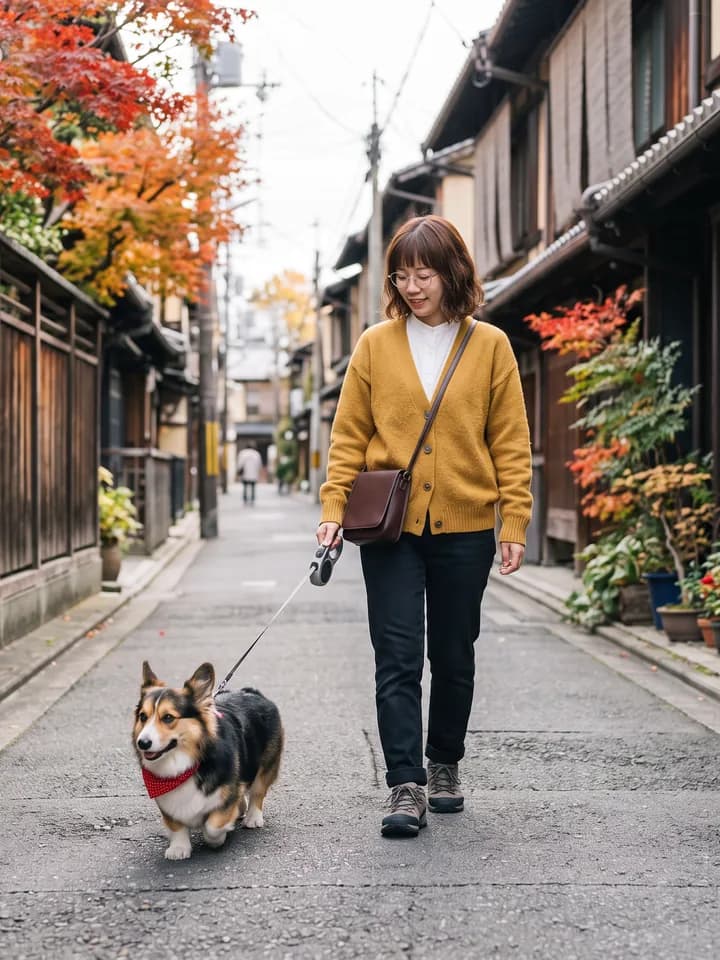
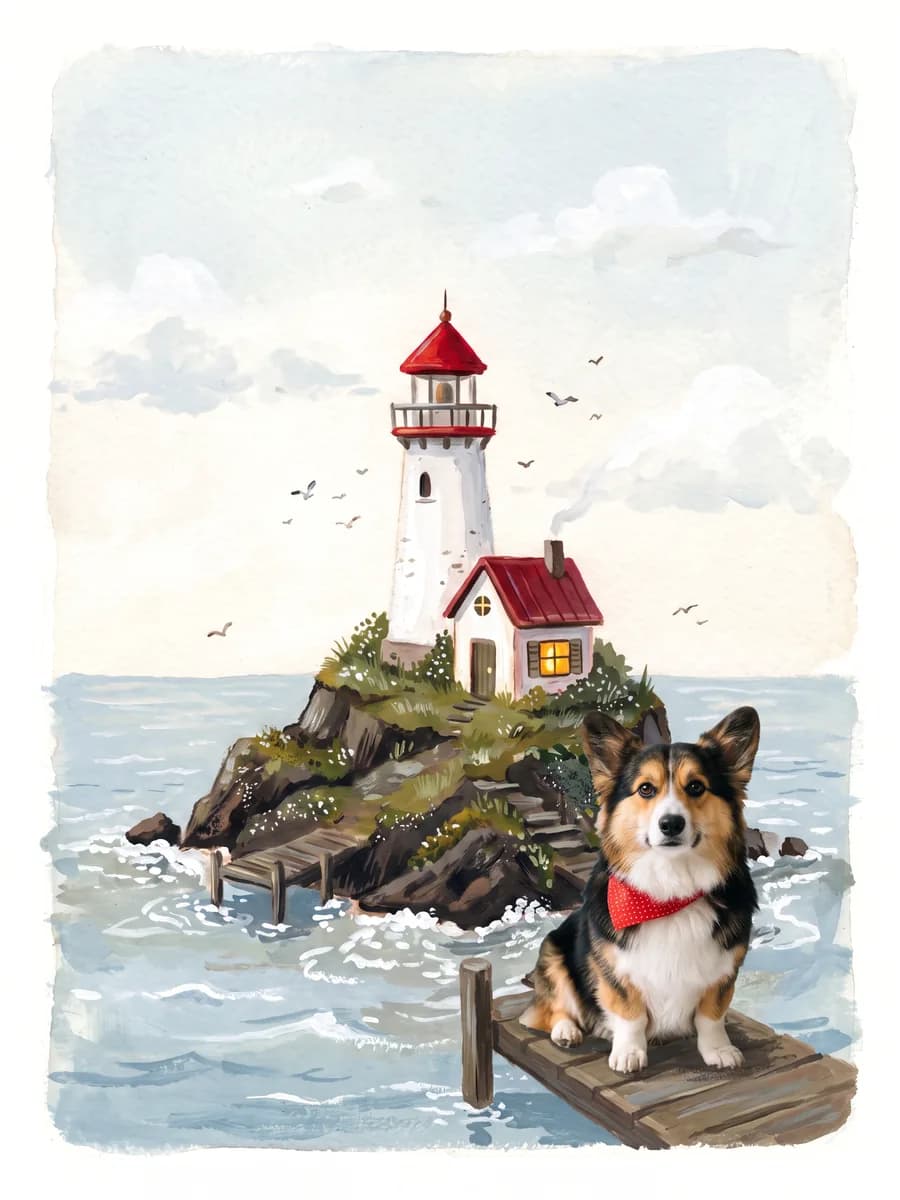
    The woman from image 1 walks the corgi from image 2 down an autumn street in Kyoto, both looking exactly as they do in the references

    Try these references
  • Four references, one ad shot

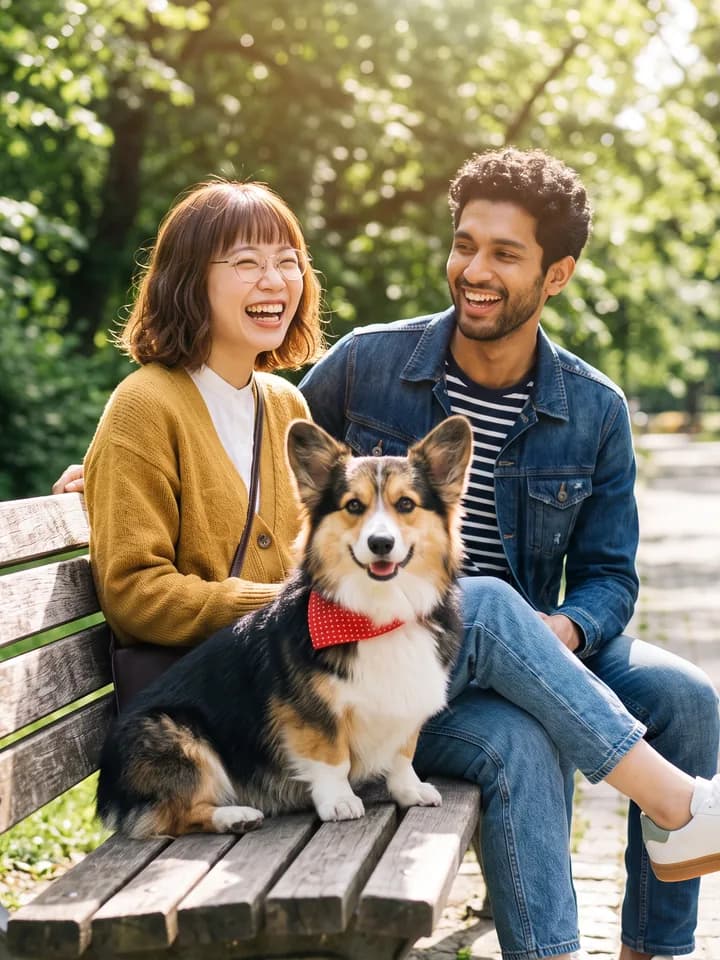
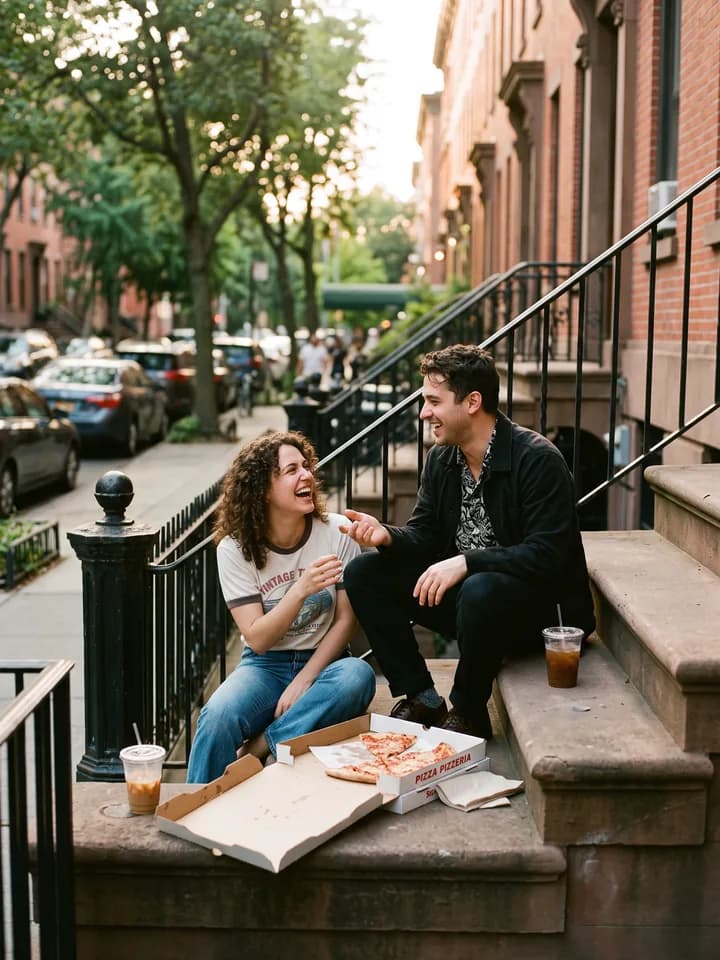
    The two people laugh on a park bench with the corgi between them, both wearing the white sneaker from image 4, with every person, the dog and the shoe unchanged

    Try these references

Extreme aspect ratios, no stitching

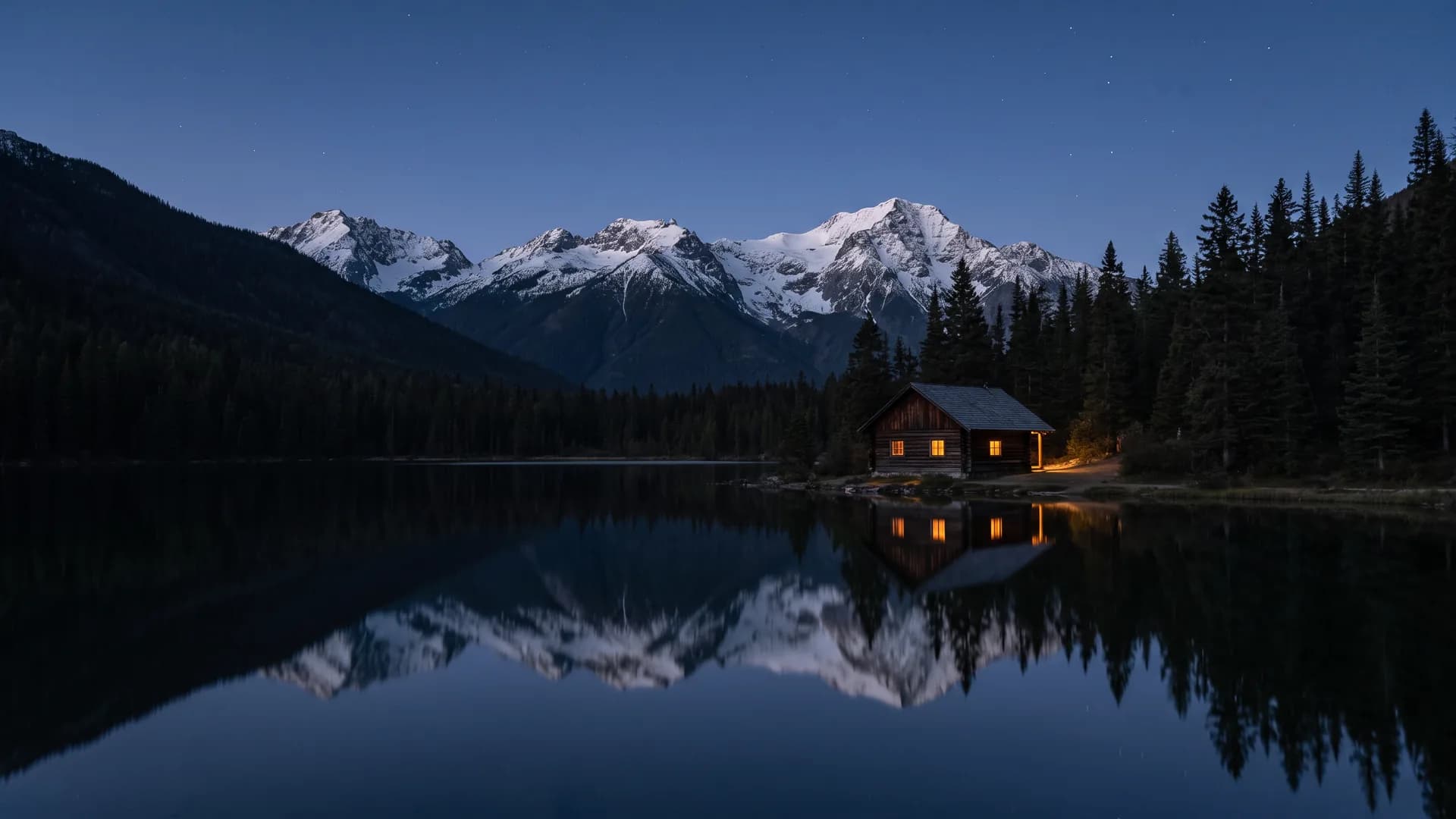
8:1 panoramas and 1:4 long images in one pass, with consistent light and perspective

Make your next image with Nano Banana 2.1

Free credits on sign-up. You see the cost of each image before you generate

What is Nano Banana 2.1?

Nano Banana 2.1 is Google's image generation and editing model released on October 6, 2026, the successor to Nano Banana 2. It keeps Flash-class speed while improving visual design, prompt adherence, character consistency across multi-turn edits, and text rendering. In Pilio you can generate from text, edit with up to 14 reference images, and output 1K, 2K, or 4K without any API setup
  • Better visual design: cleaner layouts, more natural light and texture
  • Edit only what you describe: name the part to change and the rest stays as it was
  • Up to 14 references: keep 4 characters and 10 objects consistent in one scene
  • Wide and tall formats: 1:4 to 8:1 panoramas without the tiling artifacts of earlier versions
14 reference images of four people, a corgi and nine objects combined into one 4K rooftop picnic photo, with every person and object matching its reference up close

Nano Banana 2.1 vs Nano Banana 2 vs GPT Image 2.5

2.1 is the upgrade to Nano Banana 2. Choose GPT Image 2.5 when long text and dense layouts matter most

Nano Banana 2.1

Best for
Fast everyday creation, consistent characters, and local edits
Visual quality
Improved design sense and more natural results
Local editing
More precise: changes only the area you describe
Character consistency
Improved across multi-turn edits
Aspect ratios
Standard ratios plus 1:4 to 8:1 panoramas without tiling artifacts
Output resolution
1K / 2K / 4K
Reference images
Up to 14 (4 characters + 10 objects)

Nano Banana 2

Best for
Fast everyday creation and multi-image references
Visual quality
Good
Local editing
Supported
Character consistency
Supported with references
Aspect ratios
Standard ratios plus 1:8 to 8:1
Output resolution
1K / 2K / 4K
Reference images
Up to 14

GPT Image 2.5

Best for
Text-heavy posters, UI mockups, and polished layouts
Visual quality
Strong, with Sunburst for fine detail
Local editing
Precise edits with Sunburst
Character consistency
Improved subject preservation
Aspect ratios
Standard ratios
Output resolution
1K / 2K / 4K
Reference images
Up to 16

Not sure? Start with Nano Banana 2.1 for speed and consistency, and switch to GPT Image 2.5 for long text and dense layouts

Create with Nano Banana 2.1 in 3 steps

One image, from first prompt to final version

  1. Describe the scene

    Name the subject, setting and style, and put any text in quotes

  2. Add a reference

    Upload a person, pet or product so it appears exactly as it is

  3. Change one thing, then finish

    Edit one detail at a time, like "make it sunset", then download at a higher resolution

Nano Banana 2.1 FAQ

What is Nano Banana 2.1?
Nano Banana 2.1 is Google's image generation and editing model, released on October 6, 2026 as the update to Nano Banana 2. Google says it improves visual design, local editing, subject consistency, and how natural images look
What is the difference between Nano Banana 2.1 and Nano Banana 2?
2.1 keeps the same speed class but follows prompts more closely, keeps characters more consistent across edits, renders text and infographics more cleanly, and fixes tiling artifacts on very wide or tall panoramas. Google is retiring the Nano Banana 2 API model on October 29, 2026, with 2.1 as its replacement
Is Nano Banana 2.1 better than Nano Banana Pro?
In Google's evaluations and early LMArena votes, 2.1 scores higher than Nano Banana Pro on text-to-image, multi-character consistency, and infographics, at a much lower cost. Pro can still look better on some photorealistic shots, and you can switch to Pro in Pilio at any time
Can I use Nano Banana 2.1 for free?
New Pilio accounts get free credits, so you can try Nano Banana 2.1 before buying anything. The credits needed for each image are shown before you submit
Can it edit just part of an image?
Yes. Upload the image and write which part to change, such as “change only the background to a beach at sunset, keep everything else the same”. You describe the area in words; no brush or mask drawing is needed
Can it keep the same character across a series of images?
Yes. Upload references and state what must stay the same. 2.1 accepts up to 14 reference images and keeps up to 4 characters and 10 objects consistent, which helps with comics, storyboards, and product sets
What resolutions and aspect ratios are supported?
You can output 1K, 2K, or 4K. Besides standard ratios, 2.1 supports long formats from 1:4 and 4:1 up to 1:8 and 8:1, useful for banners, website headers, and long posters
Is it good at text and infographics inside images?
Text rendering and infographic layouts are improved over Nano Banana 2, so headlines, labels, and charts are more readable. For long paragraphs or dense multilingual layouts, GPT Image 2.5 is usually the stronger choice
Do generated images contain watermarks?
Images generated by Google include an invisible SynthID digital watermark embedded at the pixel level. It does not affect how the image looks
Do I need an API key or a Google account?
No. Pilio runs Nano Banana 2.1 in the browser. Sign in to Pilio, write a prompt or upload references, and generate