Describe what should change
Swap a product, replace a background, or turn day into night while references guide the subject, style, and sound
MINIMAX H3 · 2K STEREO AUDIO
Generate up to 2K video with native stereo sound from text or multimodal references
Choose an input mode, assign each reference a job, and confirm the output settings
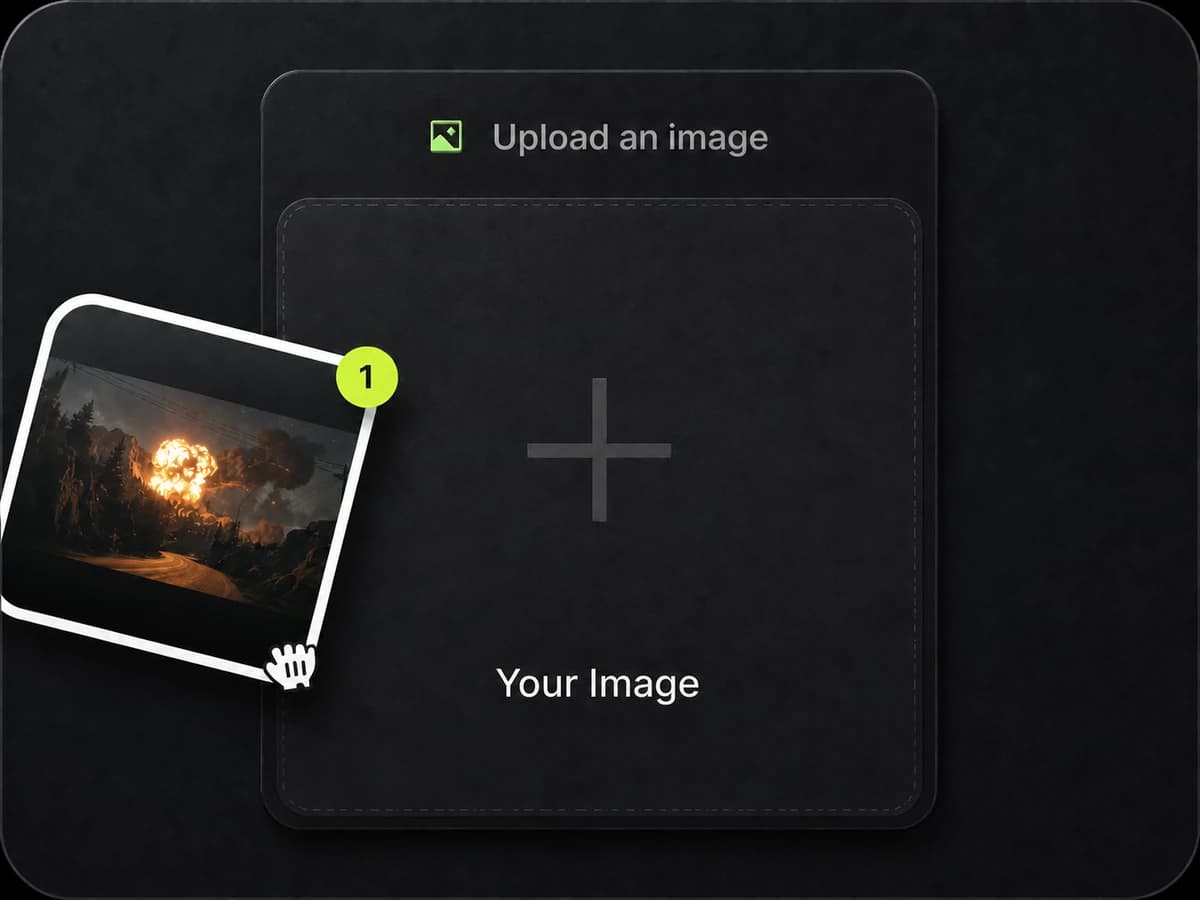
Start from text, a first frame, first and last frames, or multimodal references
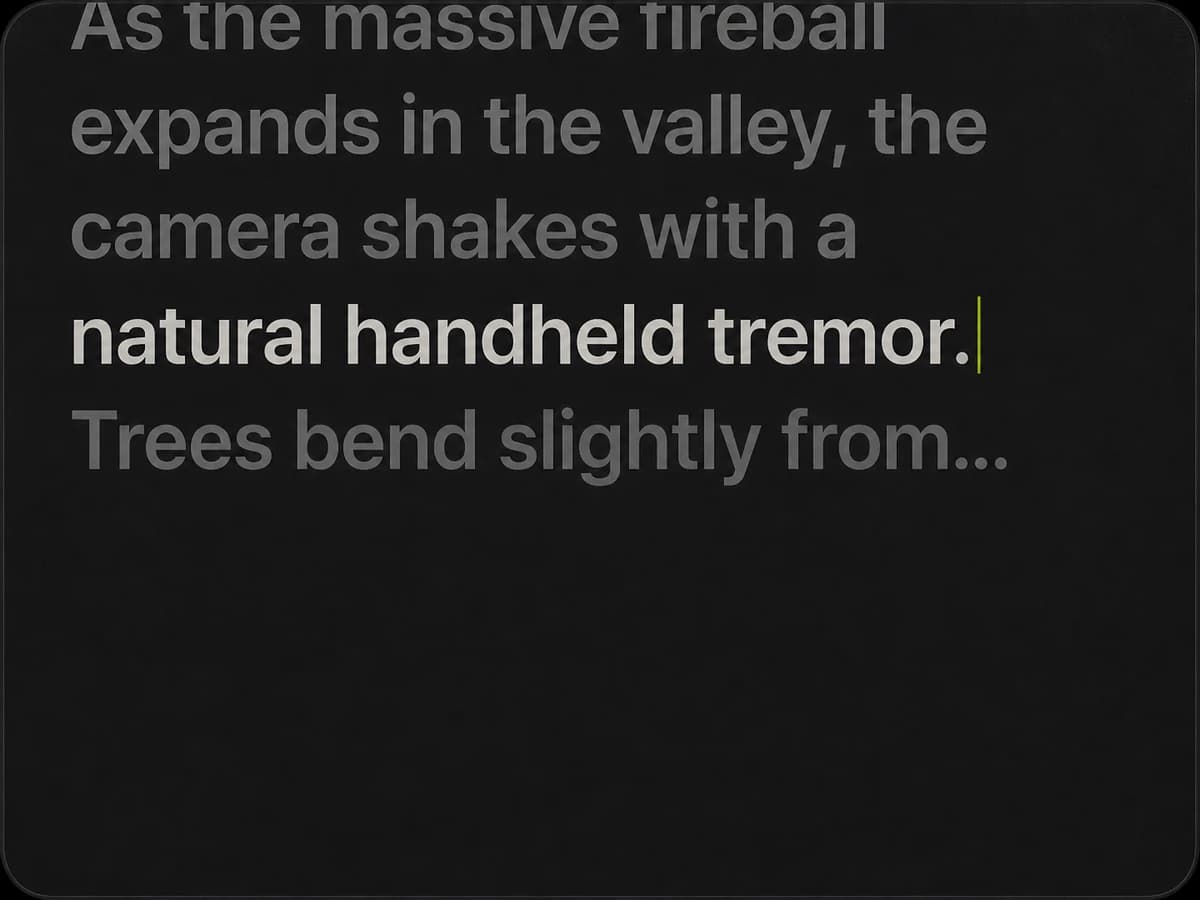
Direct subject, motion, sound, and camera with each reference; a prompt is required and supports up to 7,000 characters
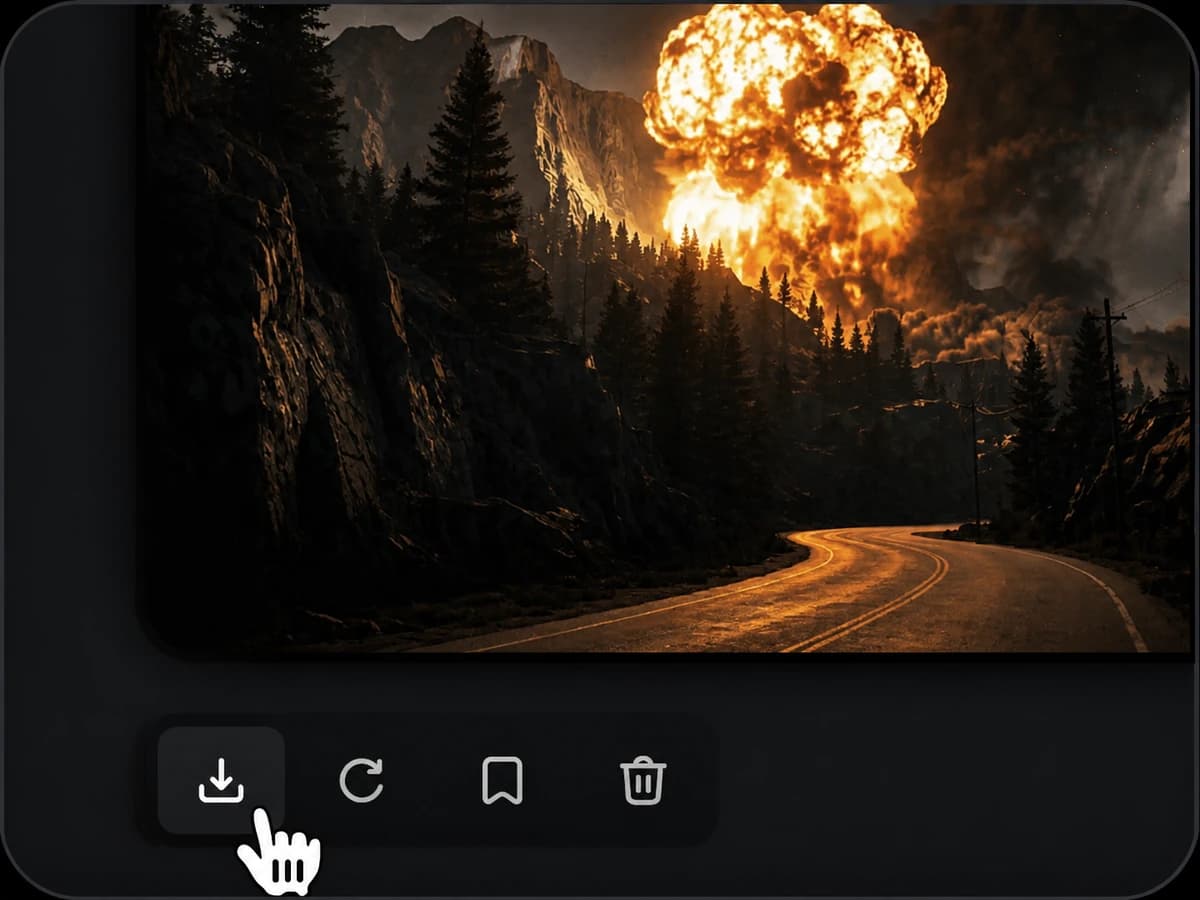
Choose 4–15 seconds, 768p or 2K, then review estimated credits before submitting
Bring picture, motion, and sound into a single generation
Swap a product, replace a background, or turn day into night while references guide the subject, style, and sound
Use H3 for packaging copy, subtitles, HUDs, and motion graphics, then review text frame by frame before publishing
Fabric falls, water breaks, crowds move on their own, and characters keep their centre of gravity as they move
Up to 9 images, 3 clips, and 3 audio tracks; a reference recording guides sound style and tone when paired with an image or clip
Explore MiniMax H3 generation quality and dynamic performance across creative scenarios
Use product images to lock the subject and packaging, then generate a clip with voice or ambience
Choose the generation mode, reference media, duration, resolution, and aspect ratio supported by Pilio
Text, frames, multimodal
Start with a prompt, one opening frame, paired first and last frames, or a multimodal reference pack
4–15 seconds
Choose any whole-second duration in the supported range
768p or 2K
The default is 768p, with optional 2K output at 24 FPS
Adaptive or 6 fixed ratios
Text-only runs need an explicit 21:9, 16:9, 4:3, 1:1, 3:4, or 9:16; adaptive needs references, and frames follow your uploaded image
Up to 9 images
Guide subjects, products, locations, style, props, and other visual anchors
3 videos + 3 audio files
Use up to 12 files in total; an audio reference cannot be used on its own
It is the same model. Hailuo is MiniMax's video model family and H3 is the third generation, also written Hailuo 3, Hailuo 3.0, or Hailuo H3
Yes, text-to-video mode needs no uploaded reference media and generates video with native stereo sound from a prompt
Use both when the opening and ending compositions are known and you want motion between them; the output then follows your uploaded image ratio
Yes, H3 generates native stereo sound with the picture; an audio reference can guide sound style, tone, or rhythm but cannot be used on its own
MiniMax lists stable dialogue support for Arabic, Chinese, English, French, German, Italian, Japanese, Korean, Portuguese, Russian, and Spanish, with varying support for additional languages
Pilio supports every whole second from 4 through 15, with 768p and 2K output at 24 FPS
Kling 3.0 offers up to 4K and multi-shot controls, while MiniMax H3 emphasizes multimodal references and native stereo audio; choose based on output, references, and budget
MiniMax released H3 with open weights, but on Pilio there is nothing to download and no GPU to configure, so you generate straight from the browser
Use up to 9 images, 3 videos, and 3 audio files, with 12 files total; audio references require an image or video, and a prompt is required with up to 7,000 characters
Estimated credits vary with duration, resolution, image count, and reference-video length and are shown before submission
Check text, interfaces, and complex motion frame by frame before publishing, and generate a few candidates for demanding shots
Commercial use depends on the current MiniMax license, Pilio terms, and your rights to uploaded and generated media; review the applicable terms before publishing
Start from a prompt or multimodal references, choose 4–15 seconds and 768p/2K, and use the free credits added after signup