Native audio
Generate dialogue, ambience, and action sounds alongside the visuals, reducing the need to assemble separate audio layers in post
Kling 3.0 · 4K
Use a prompt, first frame, or reference images to create a complete video with coherent shots, natural motion, and native audio
Generate VideoFree credits on signup · Up to 15 s · Standard / Pro / 4K · Optional native audio
Move from an idea to a complete shot in three clear steps
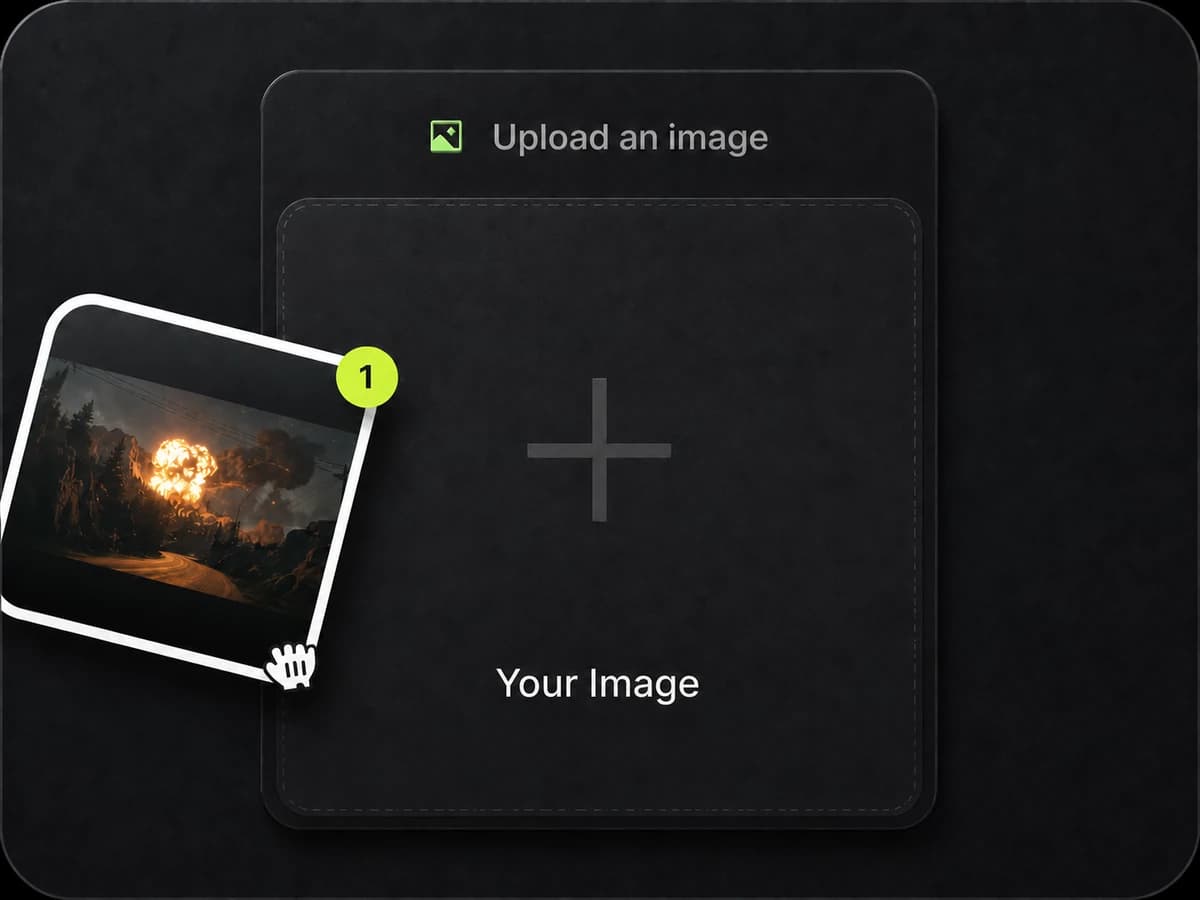
Upload a first frame, a first-and-last-frame pair, or reference images to anchor the character, product, and composition
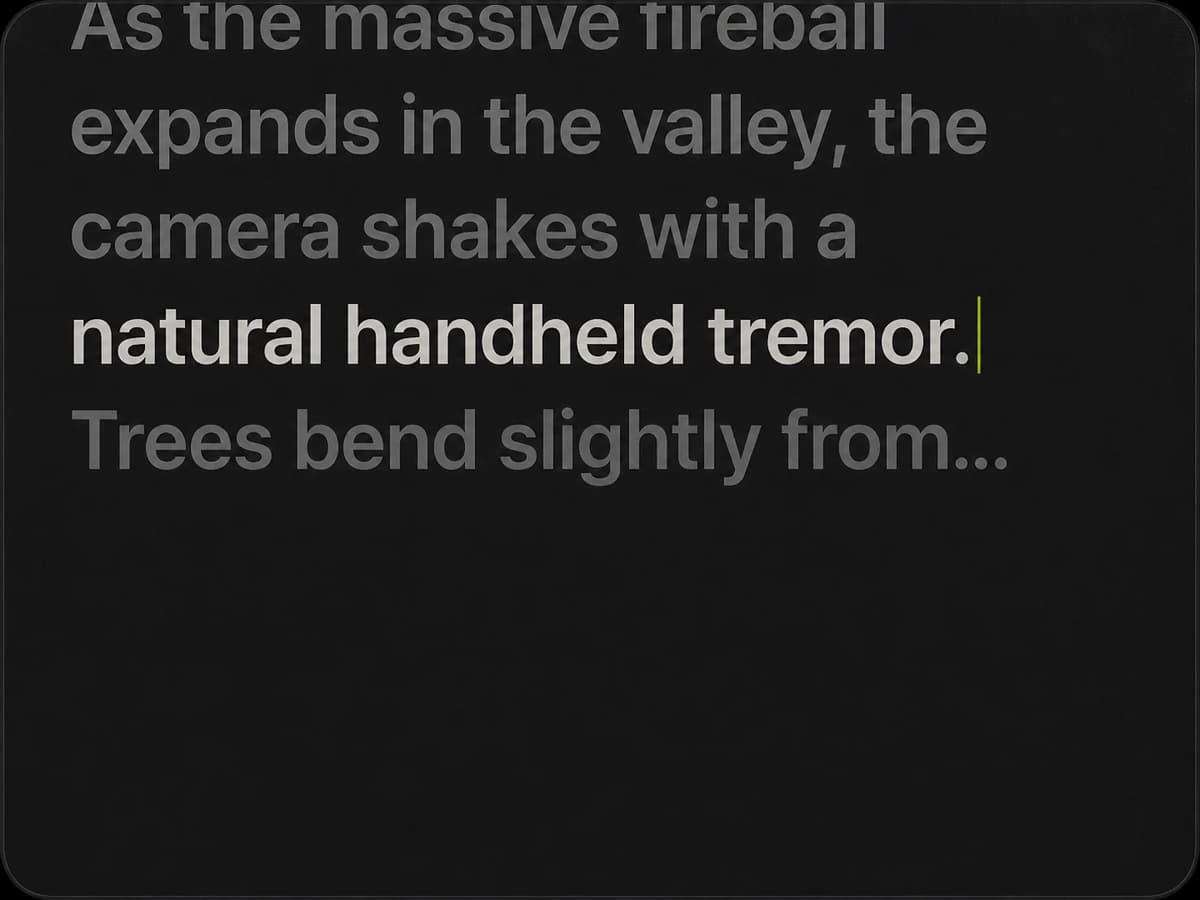
Describe the scene, action, camera movement, timing, and sound in natural language
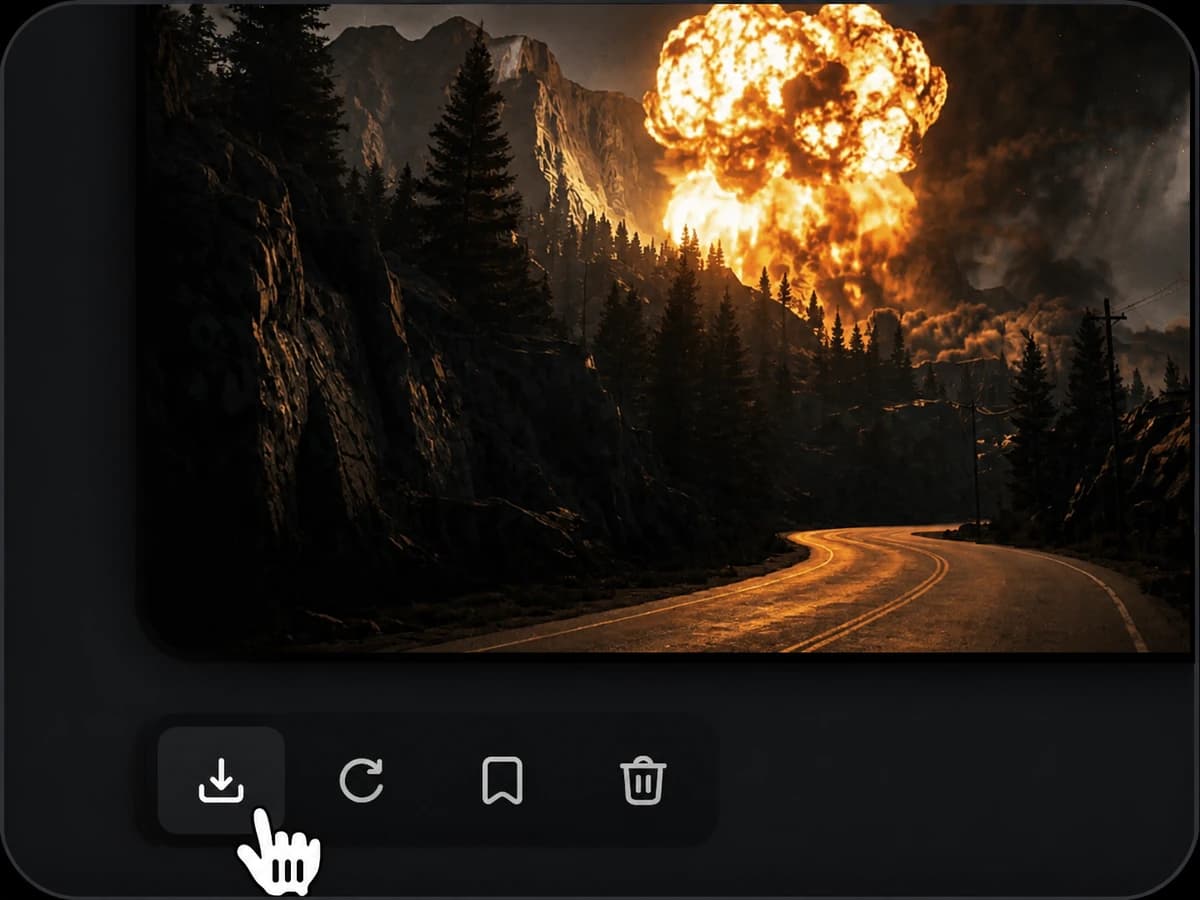
Set duration, aspect ratio, output mode, and audio, then generate the complete shot
Turn one prompt into a usable video sequence
Generate dialogue, ambience, and action sounds alongside the visuals, reducing the need to assemble separate audio layers in post
Describe shot size, perspective, and camera progression in one prompt so multiple narrative beats stay connected
Weight shifts, cloth, hair, fluids, and contact responses follow more believable motion logic
Use custom duration for fuller actions, longer takes, and multi-beat sequences instead of a momentary loop
Switch examples to see the cinematic shots, macro details, and epic action Kling 3.0 can create
Capture fine insect textures, dew drops on petals, and subtle breeze motion in close-up shots
Solo creators, brands, and production teams can all start with one clearly defined shot
The generation capabilities and controls currently available in Pilio
Text to video and image to video
Start from text, a first frame, a first-and-last-frame pair, or reference images
Up to 2 images
Supports JPG, PNG, and WebP images
1:1, 9:16, and 16:9
Covers square, vertical, and landscape delivery
3–15 seconds
Choose the exact length that fits the shot
Standard, Pro, and 4K
Choose the output mode that fits your target quality and resolution
Optional
Generate synchronized sound or keep the result picture-only
On Pilio
Bring your current prompt and reference images into Studio, then set duration, aspect ratio, output mode, and audio
Generate a video with Kling 3.0Answers to the most common questions before you generate
Kling 3.0 puts more emphasis on generating visuals, sound, continuous action, and multi-shot storytelling together, reducing the work of assembling a complete sequence across multiple tools.
Yes. Choose text to video and describe the subject, scene, action, camera, lighting, sound, and final beat.
Pilio currently supports durations from 3 to 15 seconds, with the exact length selected for each shot.
Start from a first frame, a first-and-last-frame pair, or up to two reference images to anchor a character, product, and visual direction.
Yes. 4K is available for high-resolution delivery and uses more credits than Standard or Pro mode.
You can request native audio synchronized with the picture, or turn audio generation off when you plan to add your own voice and mix.
Kling 3.0 maintains the appearance, clothing, and facial features of characters across multi-shot sequences, reducing visual drift between cuts.
When native audio is enabled, dialogue is automatically aligned with character lip movements, reducing the need for post-production dubbing.