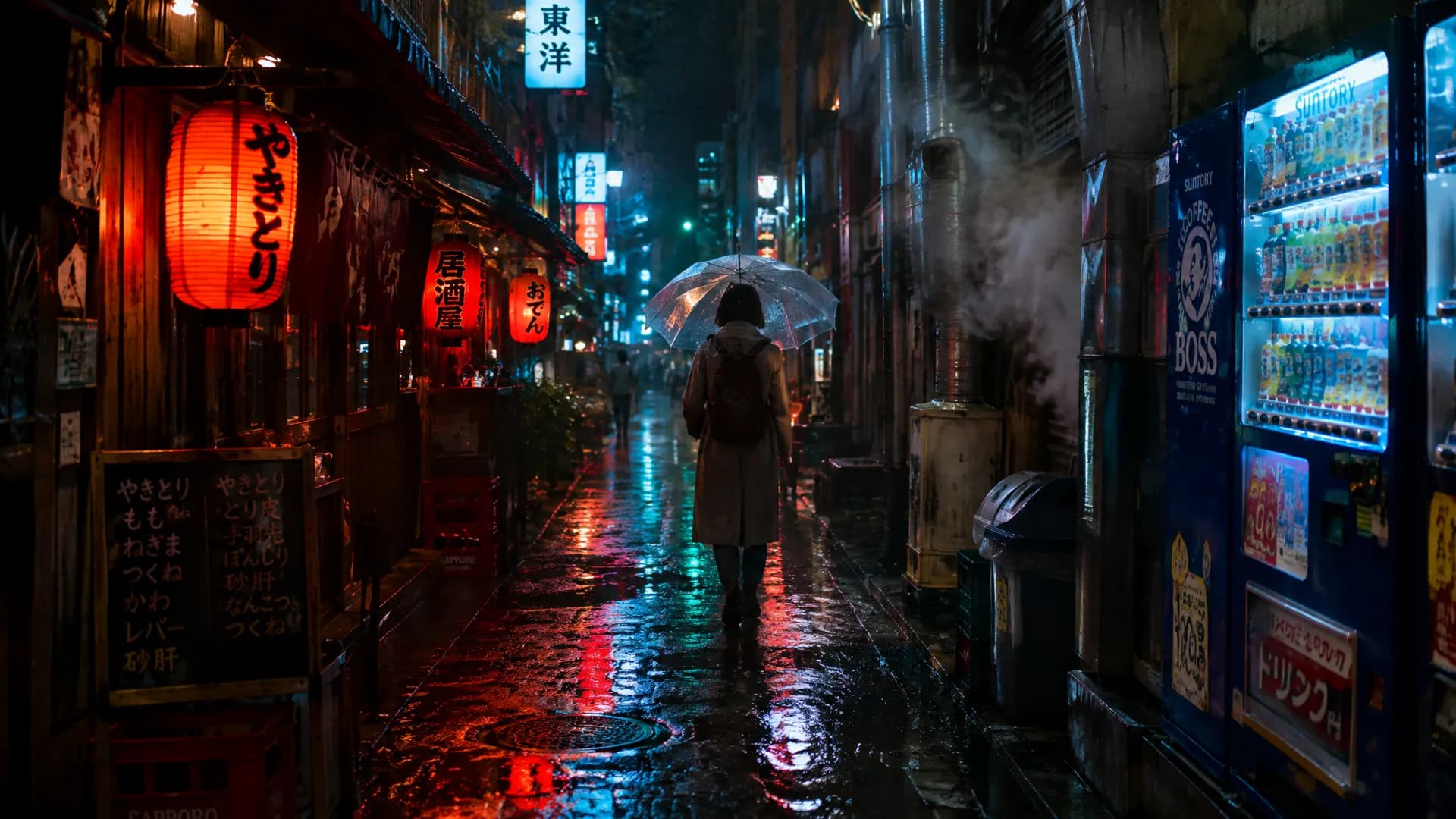
Create and edit images with GPT Image 2.5

Flare for fast everyday images. Sunburst for fine detail and precise edits. New accounts get 10 free credits for two 1K images

One prompt, a whole new look

All made with GPT Image 2.5. Open one to start from the same prompt

Change one thing, keep the rest

Say what to change and Sunburst keeps the people, framing and light

  • Change a color

    Coat turned burgundy, same person, street and light

  • Clean up the background

    Messy desk swapped for a studio backdrop, sneaker untouched

  • Edit the text

    Headline changed to AUTUMN MENU, layout and prices kept

Combine people, places and products

Upload up to 16 references and describe how they fit together

  • Put a person in a new place

    Seat the woman from the first image cross-legged on a washing machine in the laundromat, keep her outfit, camera and expression

    Try these references
  • Stage a product in a real scene

    Put this ceramic mug on the oak breakfast table, filled with hot coffee, keep its shape and glaze exactly

    Try these references

Flare for speed, Sunburst for detail

Switch any time in the same workspace, both cost the same on Pilio

Your next image starts with one sentence

New accounts get 10 free credits for two 1K images

What is GPT Image 2.5?

GPT Image 2.5 is OpenAI's image model released in September 2026, offered in two versions. Flare is tuned for speed, with up to 50% lower latency than GPT Image 2 at similar quality. Sunburst is tuned for quality, spending more time on intricate detail and precise edits. Both improve subject preservation from reference photos and multi-turn editing. In Pilio you can generate from text, edit with up to 16 reference images, and output 1K, 2K, or 4K in the same workspace
  • Flare: GPT Image 2 quality with up to 50% lower latency
  • Sunburst: keeps fine detail and edits only what you ask
  • Up to 16 reference images with steadier subjects
  • 1K, 2K or 4K output, from 5 credits per image
16 stationery product references combined into one 4K shop display, every label still sharp up close

GPT Image 2.5 Flare vs Sunburst vs GPT Image 2

All three are available in the same workspace. Pick by speed, detail, and cost

GPT Image 2.5 Flare

Best at
Fast everyday images, social content, quick drafts
Speed
Up to 50% lower latency than GPT Image 2
Credits per image (1K / 2K / 4K)
5 / 8.34 / 13.34
Reference images
Up to 16

GPT Image 2.5 Sunburst

Best at
Fine detail, campaign visuals, precise multi-step edits
Speed
Slower, spends more time on detail
Credits per image (1K / 2K / 4K)
5 / 8.34 / 13.34
Reference images
Up to 16

GPT Image 2

Best at
Text-heavy layouts at the lowest cost
Speed
Baseline
Credits per image (1K / 2K / 4K)
From 3 at 1K (standard quality)
Reference images
Up to 16

Start with Flare. Use Sunburst when detail or edit precision matters, and GPT Image 2 when cost matters most

How to use GPT Image 2.5 in 3 steps

One image, from prompt to final

  1. Describe the image

    Name the subject, setting, light and style, and add references if you have them

  2. Pick Flare or Sunburst

    Draft fast with Flare, then switch to Sunburst for fine detail and precise edits

  3. Refine, then finalize

    Change one thing at a time, like “make it golden hour”, then download at a higher resolution

GPT Image 2.5 FAQ

What is the difference between Flare and Sunburst?
Flare is the faster, lighter model with image quality comparable to GPT Image 2. Sunburst is the quality model: it takes longer but holds intricate detail and changes only what you ask for in busy scenes. Both cost the same in Pilio
Can I use GPT Image 2.5 for free?
Signing up is free, and new accounts receive 10 credits after first verification. GPT Image 2.5 costs 5 credits per 1K image, so the free credits cover two images. Add more credits with a credit pack or plan
How is GPT Image 2.5 better than GPT Image 2?
OpenAI reports sharper detail, stronger style adherence, better subject preservation from reference photos, and more reliable multi-turn editing. Flare is also up to 50% faster. GPT Image 2 remains cheaper at 1K, so it is still a good choice for high-volume drafts
Can I edit photos with GPT Image 2.5?
Yes. Upload up to 16 reference images and describe what to change, such as "replace the background with a beach" or "keep the logo unchanged". Sunburst is the better choice when the rest of the image must stay the same
What resolutions and aspect ratios are supported?
Pilio offers 1K, 2K, and 4K output with aspect ratios 1:1, 3:2, 2:3, 4:3, 3:4, 16:9, 9:16, and 21:9. Test at 1K first, then raise the resolution for the final version
Can I use generated images commercially?
Commercial use depends on OpenAI's terms, Pilio's Terms of Service, and your rights to uploaded and generated media. Check the applicable terms before using images in ads or product pages