SEEDANCE 2.5 · TEXT / IMAGE / VIDEO / AUDIO → VIDEO

Direct a complete shot with Seedance 2.5

Write a shot description or bring reference assets to generate 4–30 second clips with sound

Open Studio

Direct every shot into place

Use prompts to control camera and pacing, use references to lock characters, products, and sound direction

Native picture and sound

Dialogue, ambience, and action sound are generated with the picture instead of attached later

Multimodal references

Use image, video, and audio references to direct characters, locations, motion, and sound separately

Character and scene continuity

Keep characters, props, and environment relationships coherent throughout a continuous action

Product details and material fidelity

Showcase multi-color variants, micro textures, and moving highlights with commercial product precision

See what these shots can do

Urban character narrative, orbital space combat, music performance, and 30-second continuous long takes — all generated by Seedance 2.5

Urban character story

Follow a pink-haired character through Shanghai and use movement and location changes to build a continuous story

Seedance creative direction examples

Compare real generated clips across products, characters, crowd scenes, sci-fi action, and athletic camera work

Create a coherent shot up to 30 seconds in 3 steps

Decide what each reference controls, then connect action, camera, pacing, and sound with one directing prompt
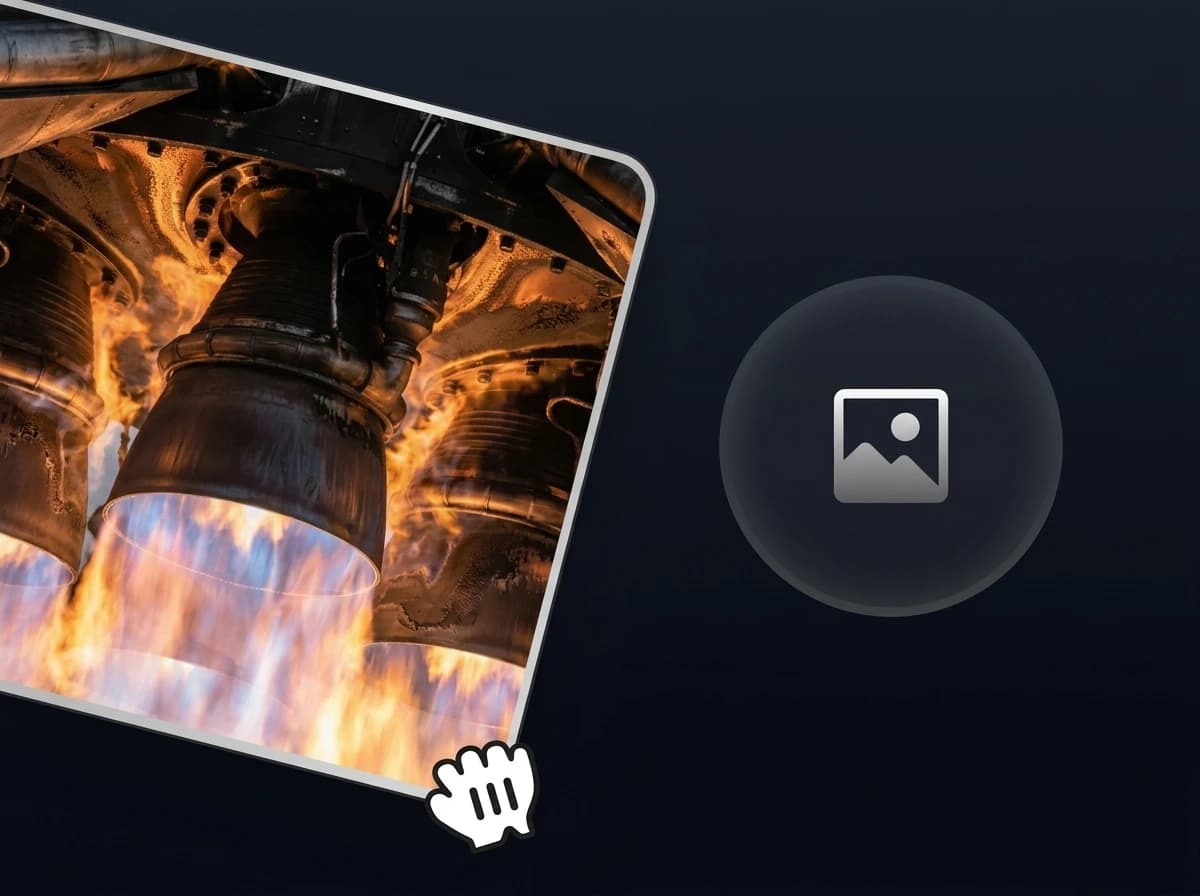
  1. Add the references
    STEP 01

    Add the references

    Upload frames, characters, products, motion video, or audio and say what each input controls
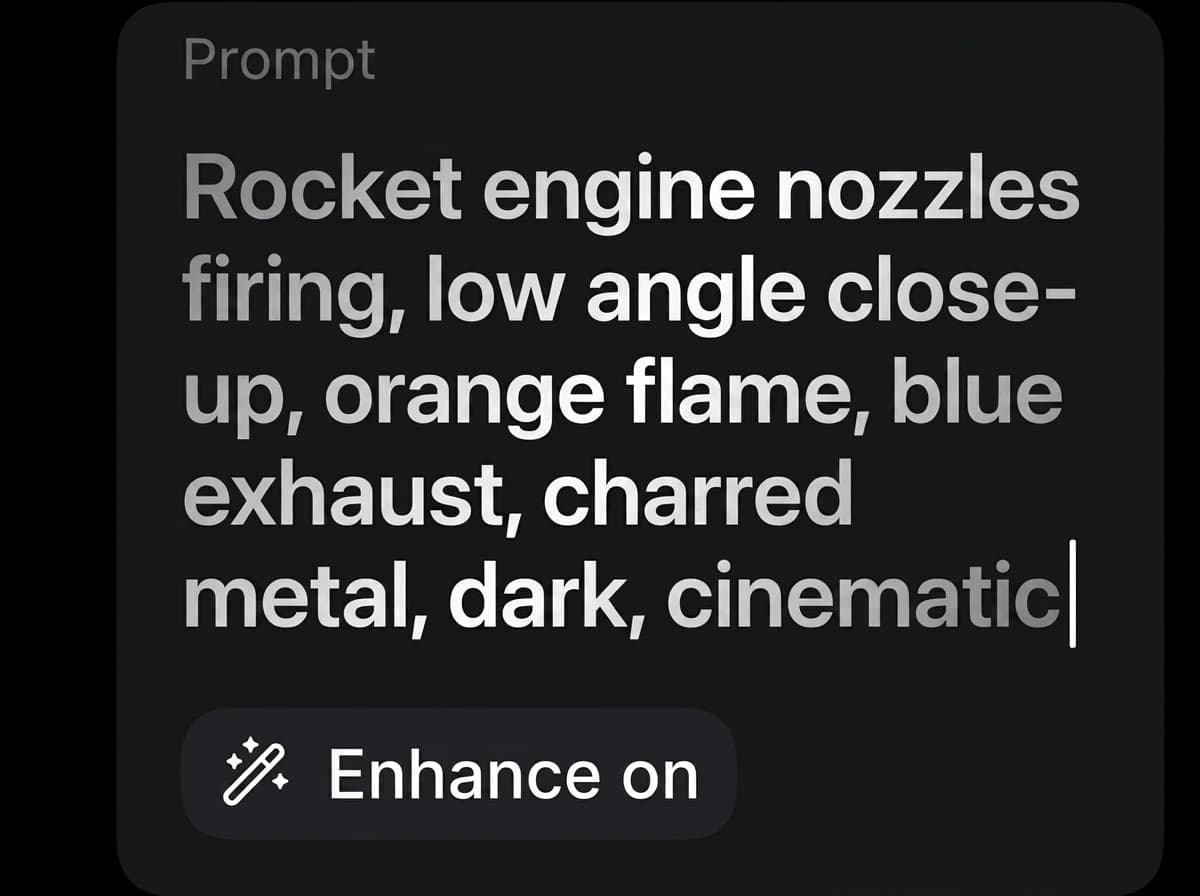
  2. Write the prompt like a shot list
    STEP 02

    Write the prompt like a shot list

    Describe subject, action, camera, light, pacing, and sound in sequence
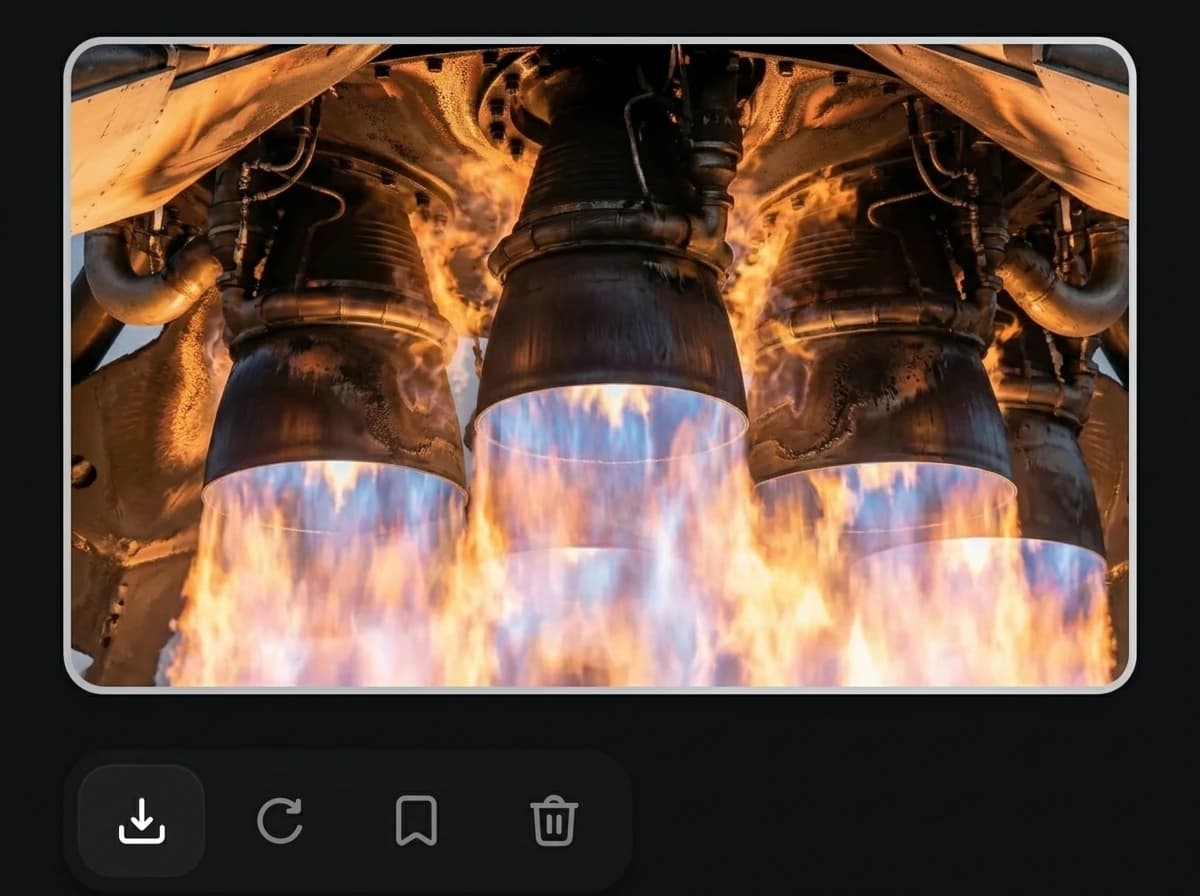
  3. Calibrate, then raise quality
    STEP 03

    Calibrate, then raise quality

    Test a shorter 480p draft first, then generate at 720p / 1080p or extend the duration

Seedance 2.5 model specifications

Generation controls currently available in Pilio

Model

Seedance 2.5

An AI video model for short-form generation, frame-guided transitions, and multimodal reference workflows

Generation modes

Text / frames / multimodal references

Supports text-to-video, first-frame, first-and-last-frame, and multimodal reference modes

Reference inputs

Up to 30 images / 10 videos / 10 audio files

Use visual, motion, and sound references together in multimodal reference mode

Aspect ratios

Adaptive, 16:9, 4:3, 1:1, 3:4, 9:16, 21:9

Covers landscape ads, vertical social clips, square posts, portraits, and cinematic framing

Resolution

480p / 720p / 1080p

Choose output clarity based on iteration speed and delivery needs

Duration

4–30 seconds

Fits product ads, social shorts, character motion, brand openers, and storyboard clips

Generated audio

Optional

Enable or disable generated audio before submitting the task

PILIO STUDIO

Start creating with Seedance 2.5

Bring your prompt and references into Pilio Studio and generate the first shot

Open Studio

Seedance 2.5 FAQ

What is Seedance 2.5?
Seedance 2.5 is an AI video generation model for creating 4–30 second clips from text, frames, and multimodal references. It is suited to product ads, social videos, character motion, brand openers, and storyboards.
Can I create both text-to-video and image-to-video?
Yes. Start with a text prompt, guide the opening with a first frame, define a transition with first and last frames, or use the multimodal reference mode.
What references can I use?
The multimodal mode supports up to 30 images, 10 videos, and 10 audio files. Frame modes use images to guide the opening or both ends of the sequence.
Can Seedance 2.5 generate audio?
Yes. Generated audio can be enabled or disabled before you submit the task.
Which ratios, resolutions, and durations are available?
Pilio currently exposes 4–30 second duration, 480p / 720p / 1080p resolution, and adaptive, 16:9, 4:3, 1:1, 3:4, 9:16, and 21:9 aspect ratios.
When should I choose Seedance 2.5 instead of an image model?
Choose Seedance 2.5 when you need motion, camera direction, a frame-to-frame transition, multimodal references, or generated audio. Choose an image model for static posters, packaging, UI, or infographics.
What projects fit Seedance 2.5?
It is designed for short-form workflows such as product films, social clips, action concepts, brand openers, and storyboard sequences where references need to guide subject, motion, or sound.
Which Seedance 2.5 settings should I choose?
Use 480p and a shorter duration for faster exploration, then move to 720p / 1080p or a longer sequence when the concept is ready. The Studio shows available settings before submission.
What is multimodal reference mode?
It lets images, video, and audio guide different parts of the same generation. In the prompt, state what each reference should control: subject, product, style, motion, composition, rhythm, or sound.
Can references help keep a character or product consistent?
Reference images and videos can guide identity, appearance, composition, and motion. Results still vary, so use clear, compatible references and review each generated clip before final delivery.
Does Seedance 2.5 support audio reference input?
Yes. Multimodal reference mode accepts MP3 and WAV audio files, up to the current ten-file limit.
Can Seedance 2.5 extend or edit an existing video?
A reference video can guide motion or composition for a new generation, but Seedance 2.5 is not a frame-accurate video editor. Use a dedicated editor for precise cuts, subtitles, compositing, or finishing.
What kind of prompt works best for Seedance 2.5?
Describe the subject, scene, action, camera movement, lighting, pacing, and sound. When using references, explicitly assign each file a role so the sequence has one clear direction.
How is Seedance 2.5 generation priced?
Credit use varies with resolution, duration, and whether video references are included. Pilio shows the estimated cost in Studio before you submit.