
Menu

GPT Image 2

OpenAI's native image model — strong prompt control, multilingual typography, multi-reference editing

4K HDStrong prompt followingBroad style coverageNatural text-image fusionStronger multilingual type
Describe the scene, subject, style, and any on-image text you want GPT Image 2 to render
0 / 32000

GPT Image 2 Free AI Image Generator | Strong Text Rendering

GPT Image 2 by OpenAI is a free-to-start AI image generator on Pilio for strong text rendering, posters, packaging, UI mockups, product shots, and multilingual layouts. See examples, copy prompts, compare with Nano Banana 2 and Midjourney, and generate online with free credits

“Design a 21:9 European Gothic mystery movie poster”

Why GPT Image 2 is worth using

“A museum-grade calligraphy excerpt inspired by Wang Xizhi's Lantingji Xu...”

Complex typography and text rendering

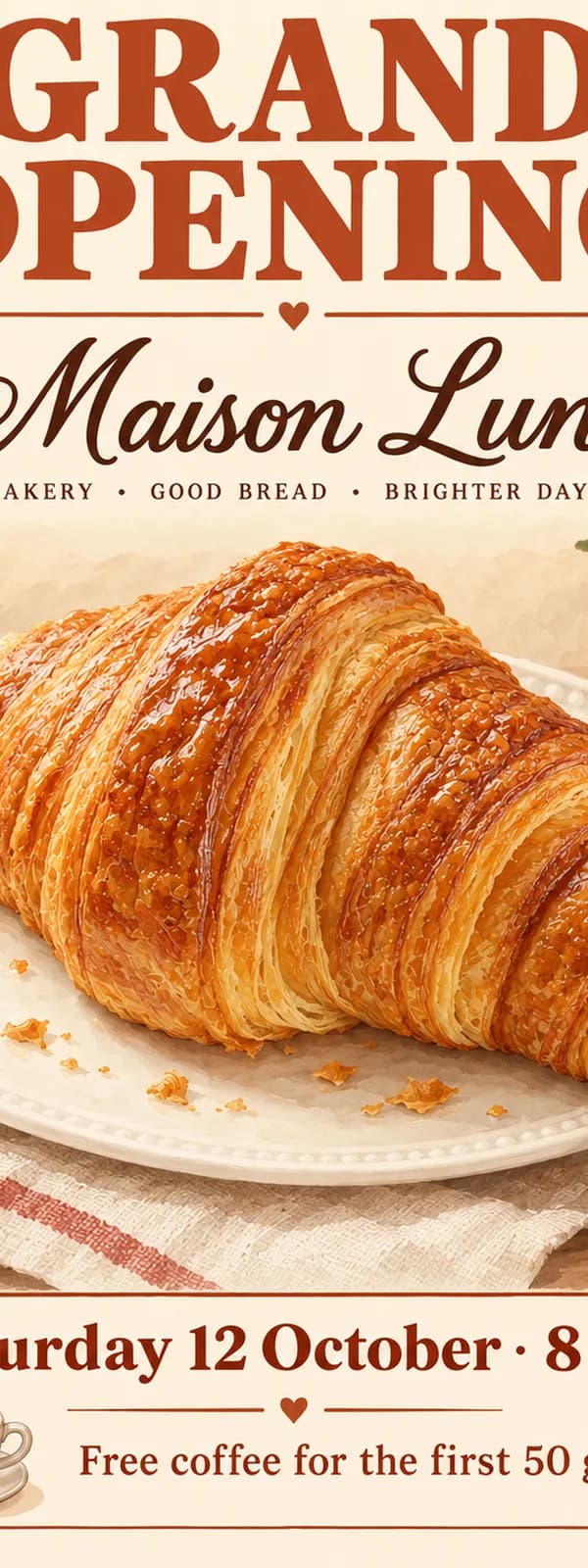
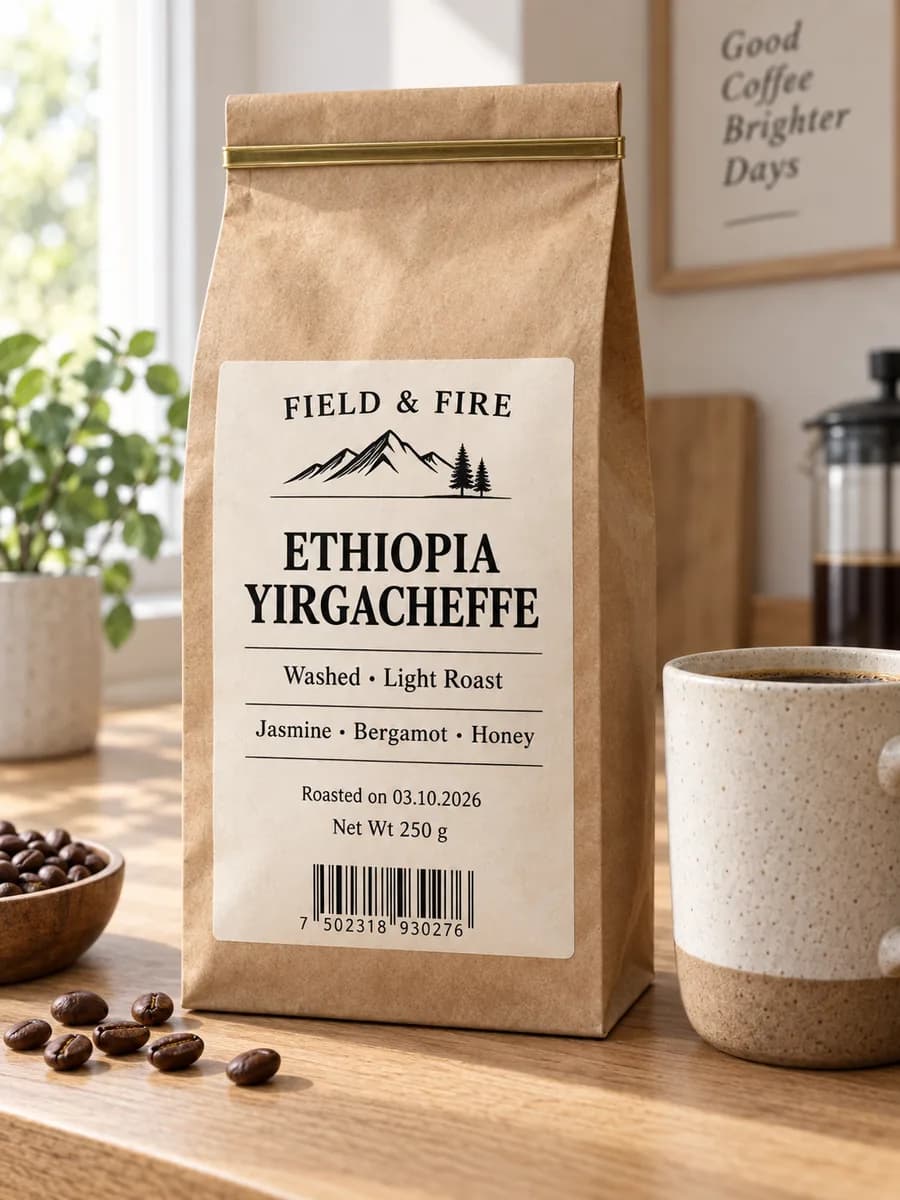
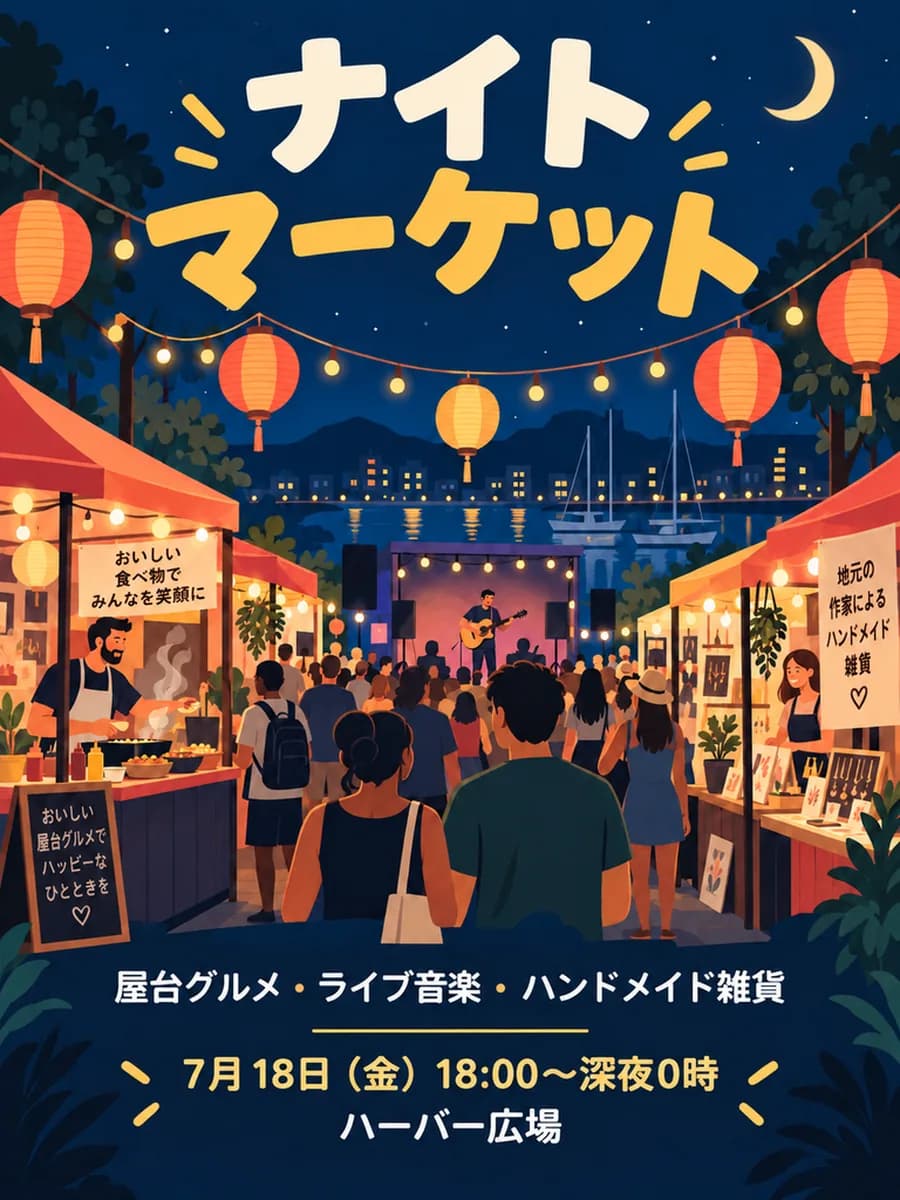
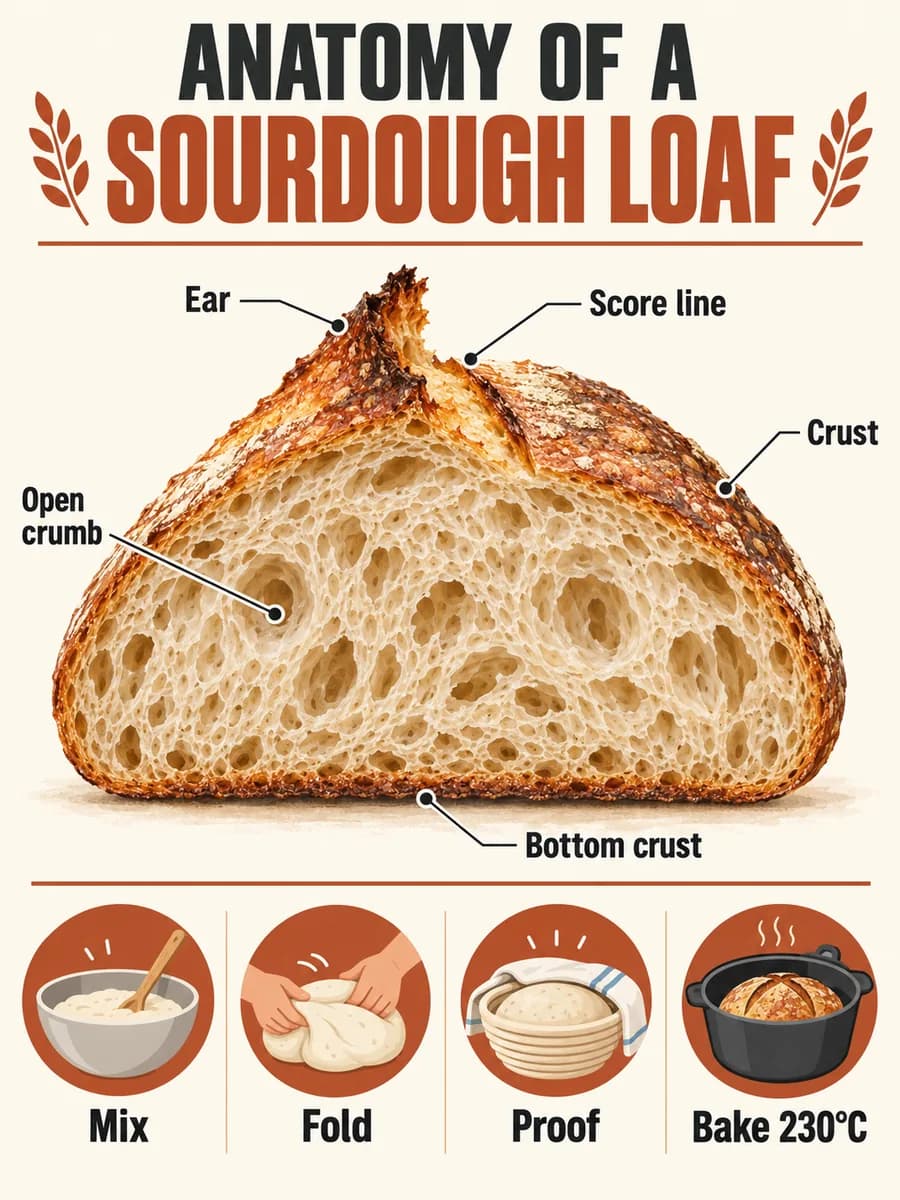
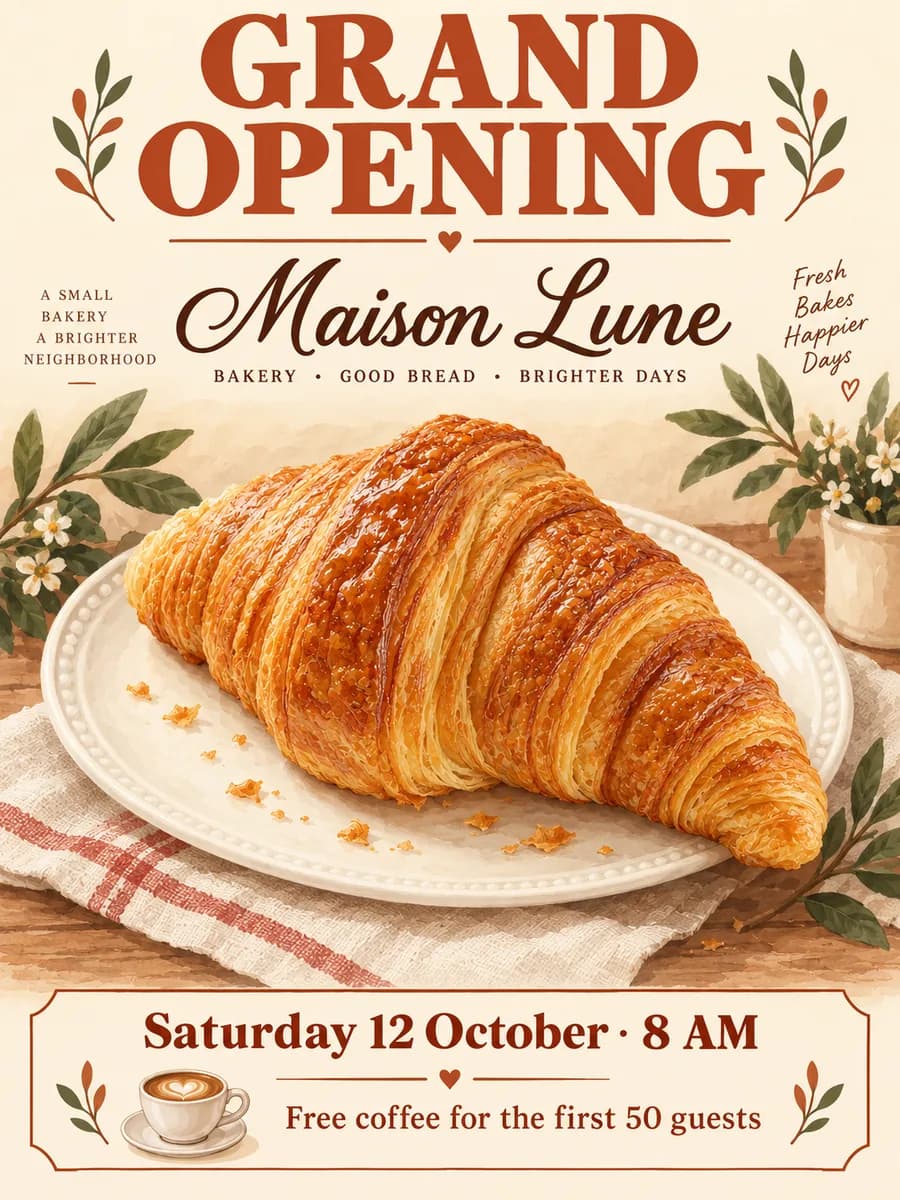
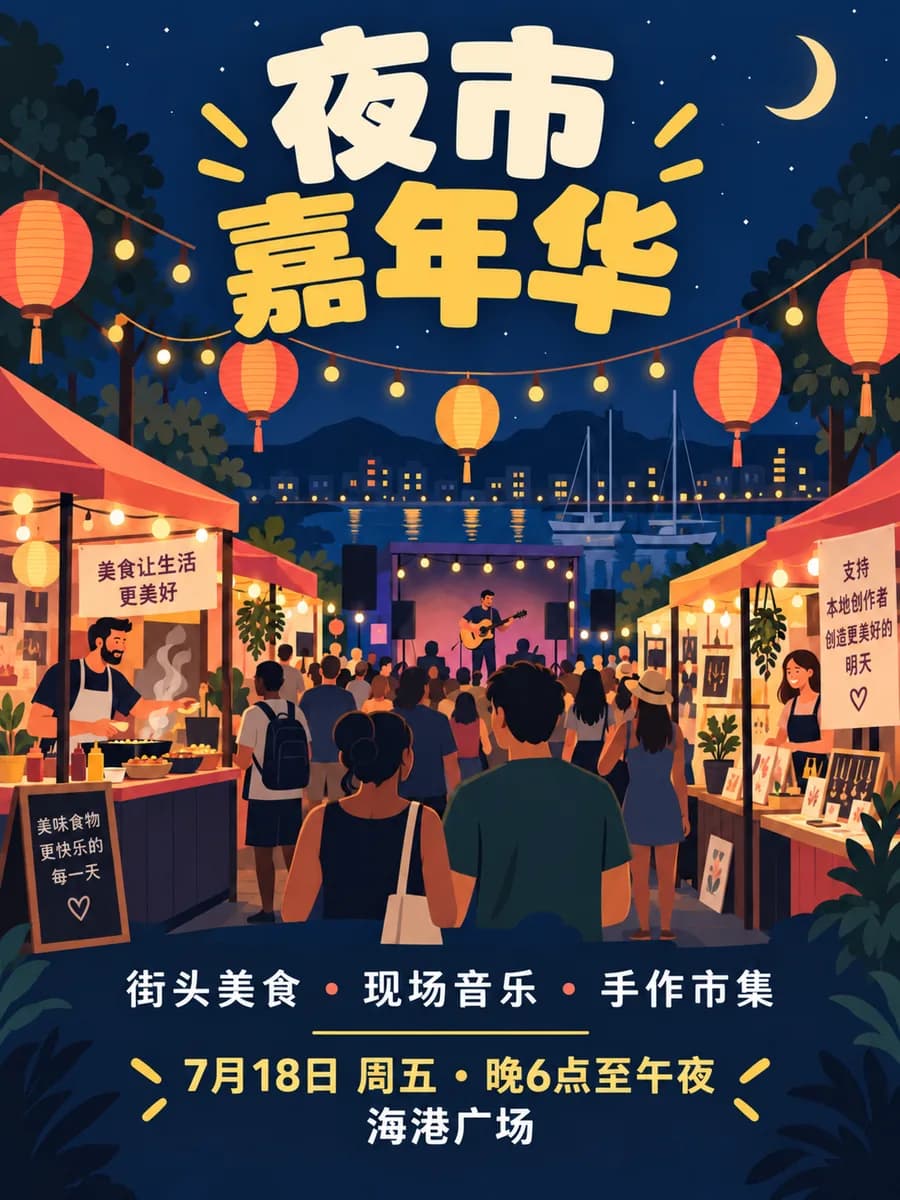
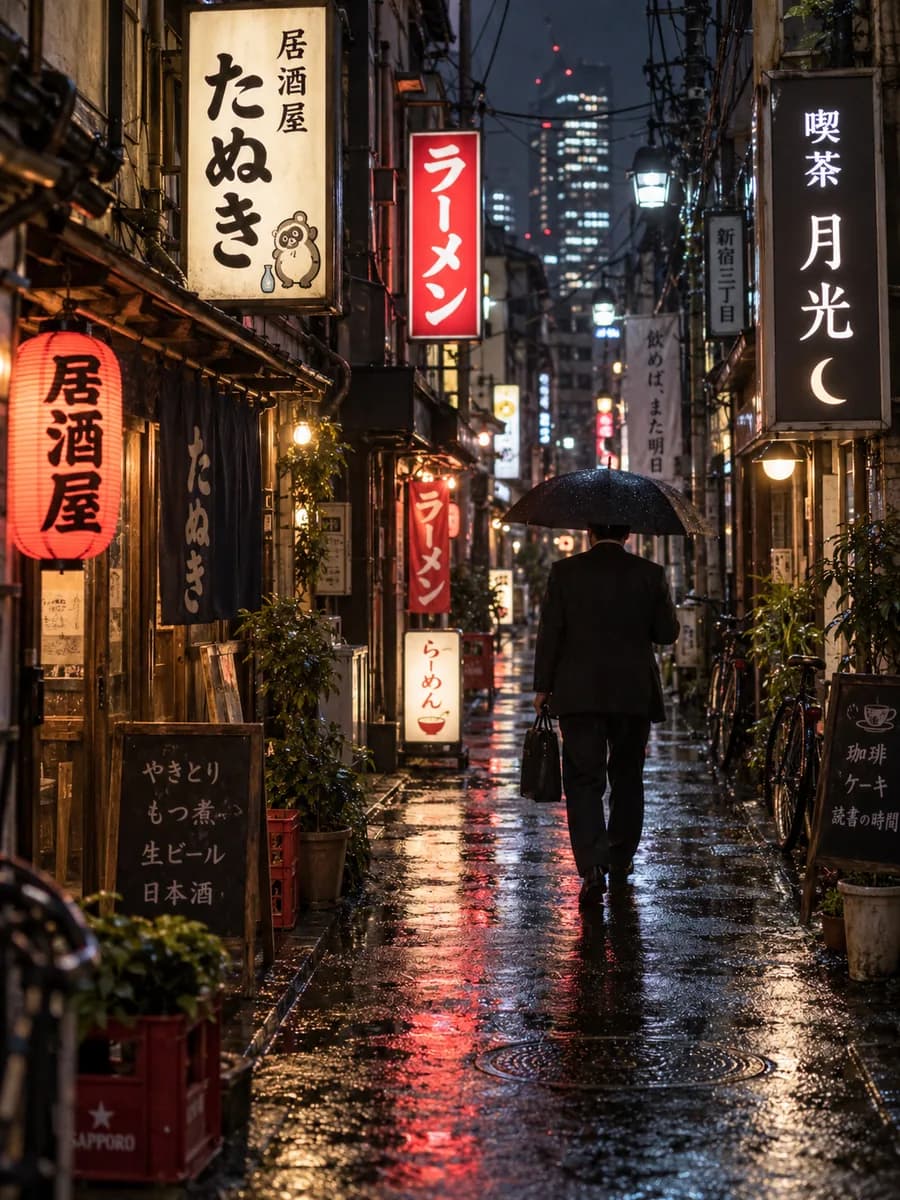
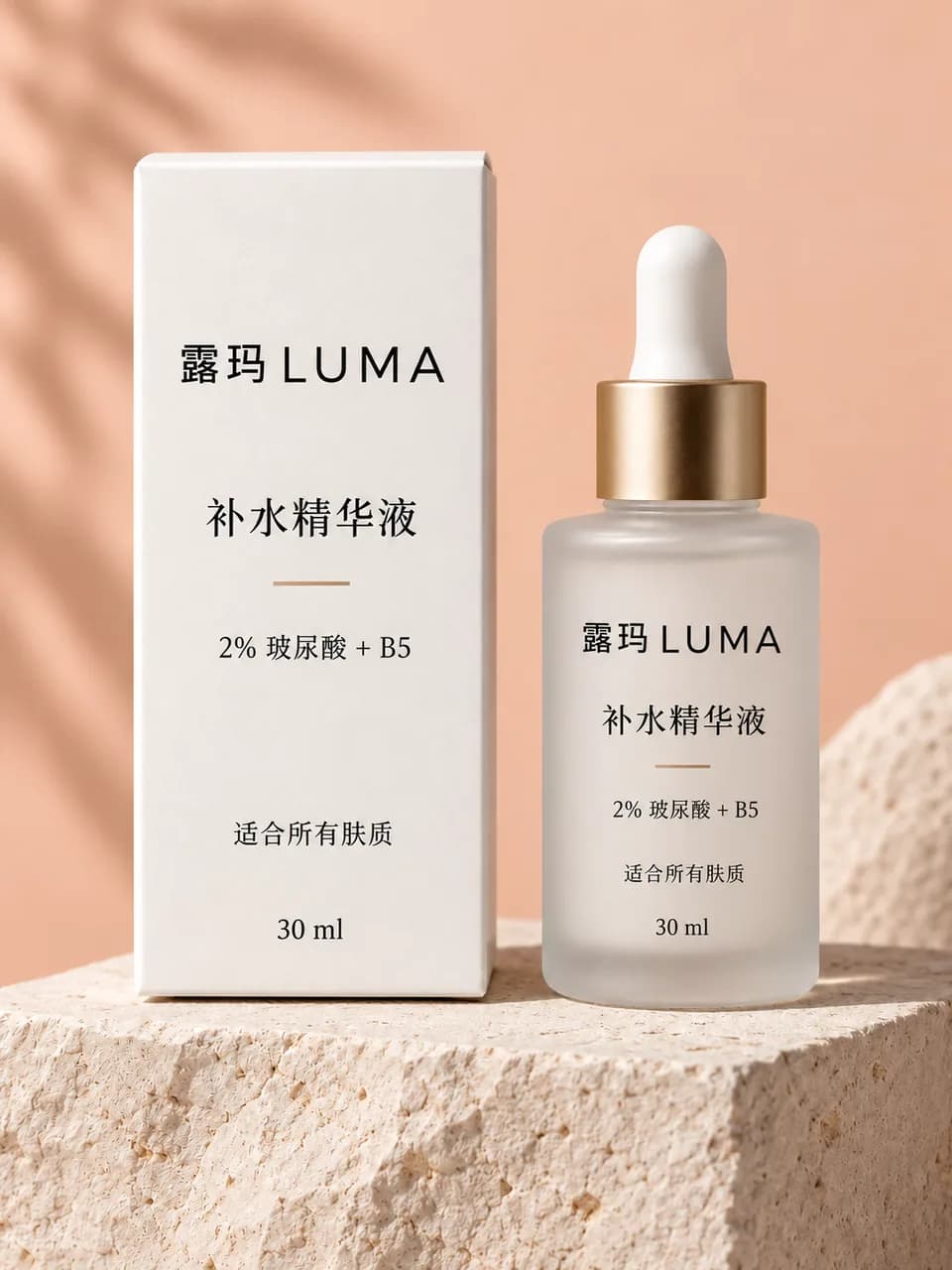
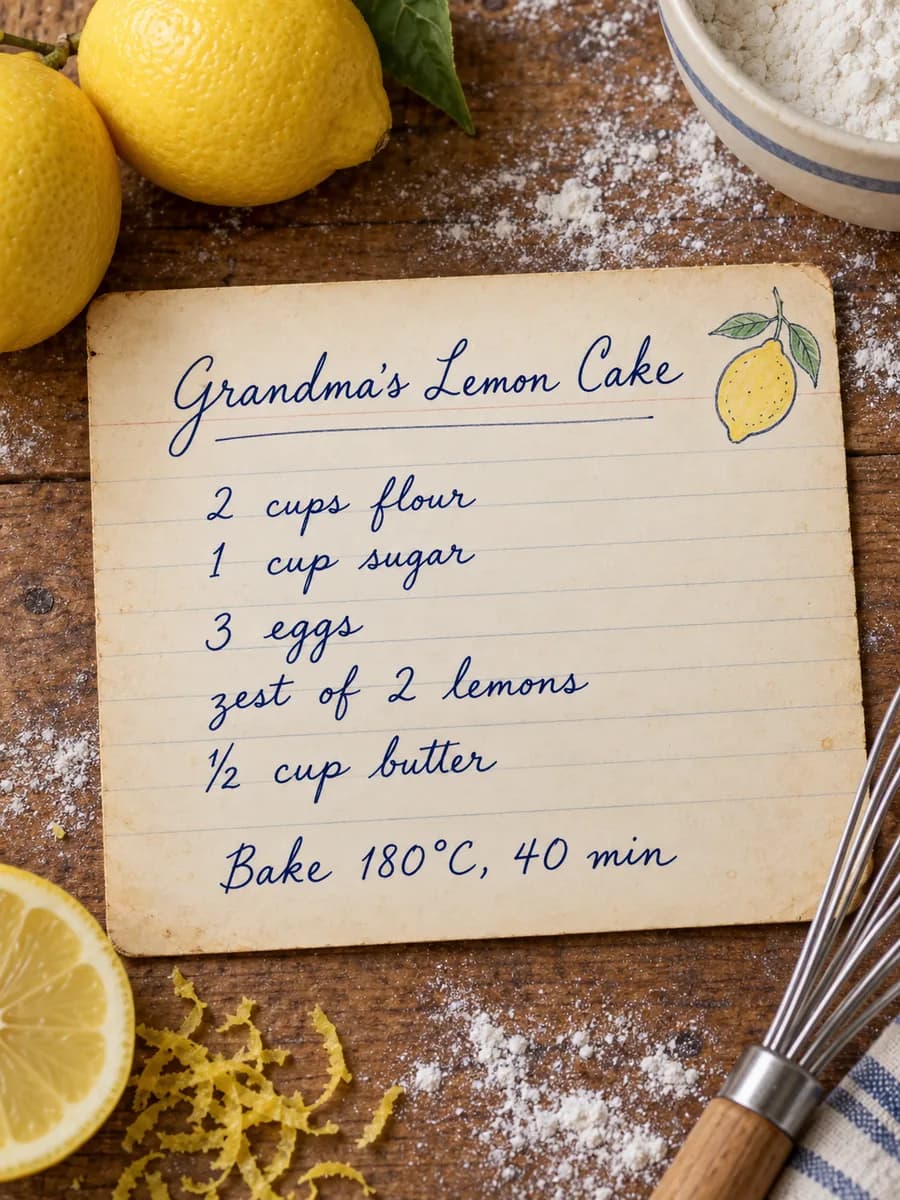
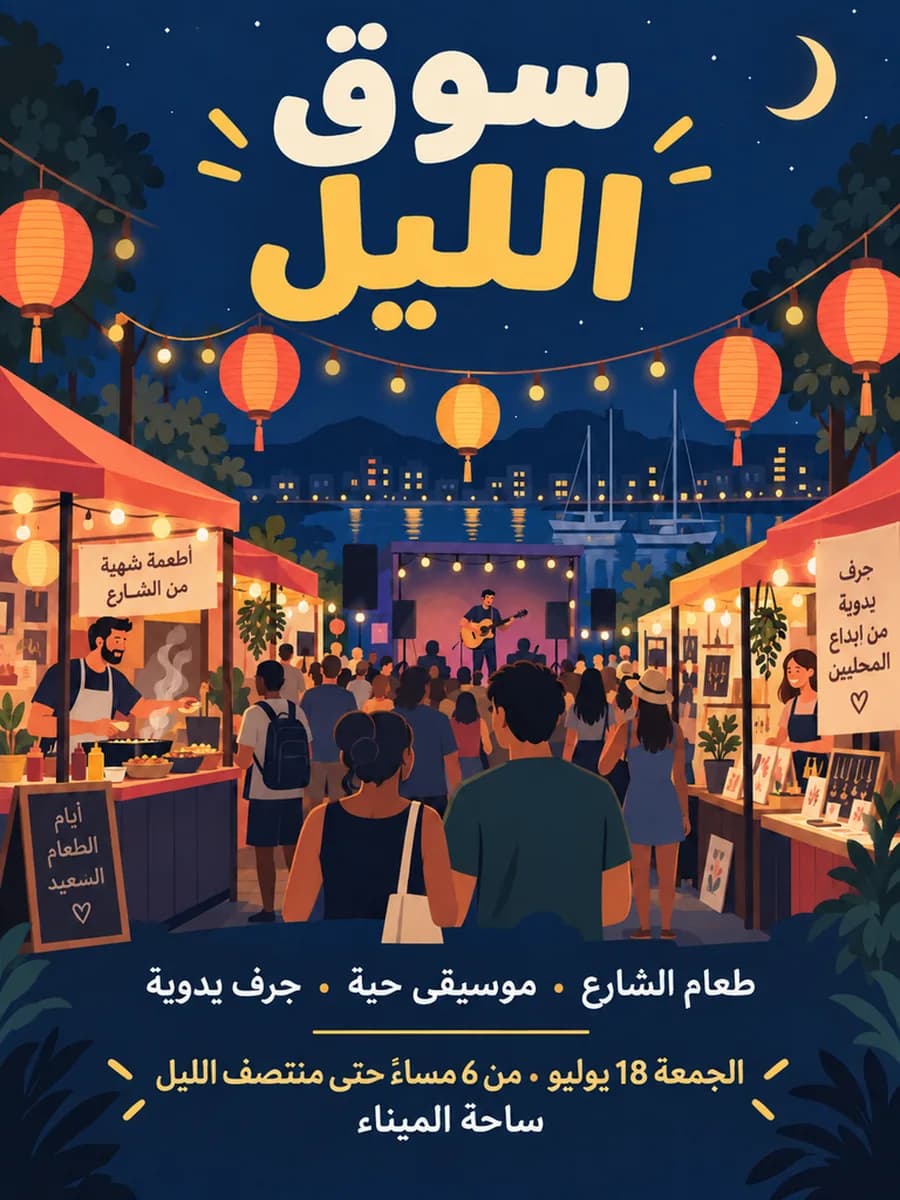
A strong image-text engine for multi-line headlines, dense body copy, product labels, ingredient panels, UI strings, and calligraphic scripts across 48+ languages, including Chinese, Japanese, Korean, Arabic, Hebrew, and Cyrillic. From a single-word logo to a full newspaper spread, it is designed for clearer spelling, sharper text, and more even spacing. 48+ languages · dense text · calligraphy · logo · newspaper layouts

“A 16:9 Japanese art-house romance movie poster titled 「最後の切符 / Saigo no...”

Strong prompt following

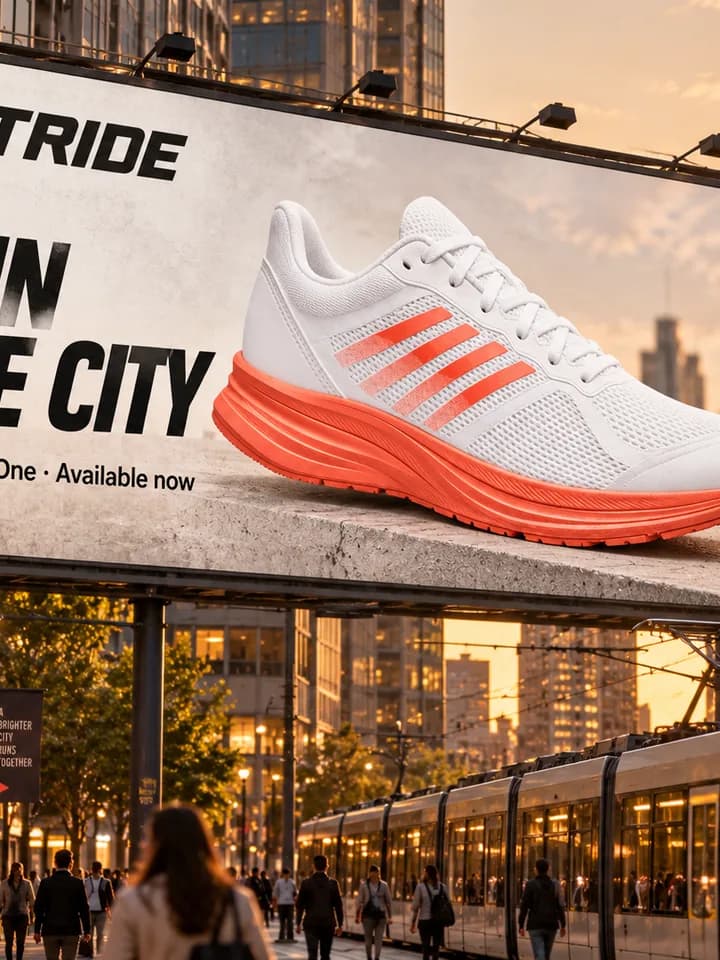
GPT Image 2 handles complex, multi-constraint prompts covering spatial placement ("put the cup to the left of the laptop"), lighting conditions ("golden hour, side light, long shadow"), mood, camera angle, lens simulation, and blended styles. Detailed prompts usually lead to more controlled results. Image Arena leader · multi-constraint prompts · camera simulation · style blending

“A 16:9 anime character design sheet titled "ADELE"”

Full-spectrum visual design

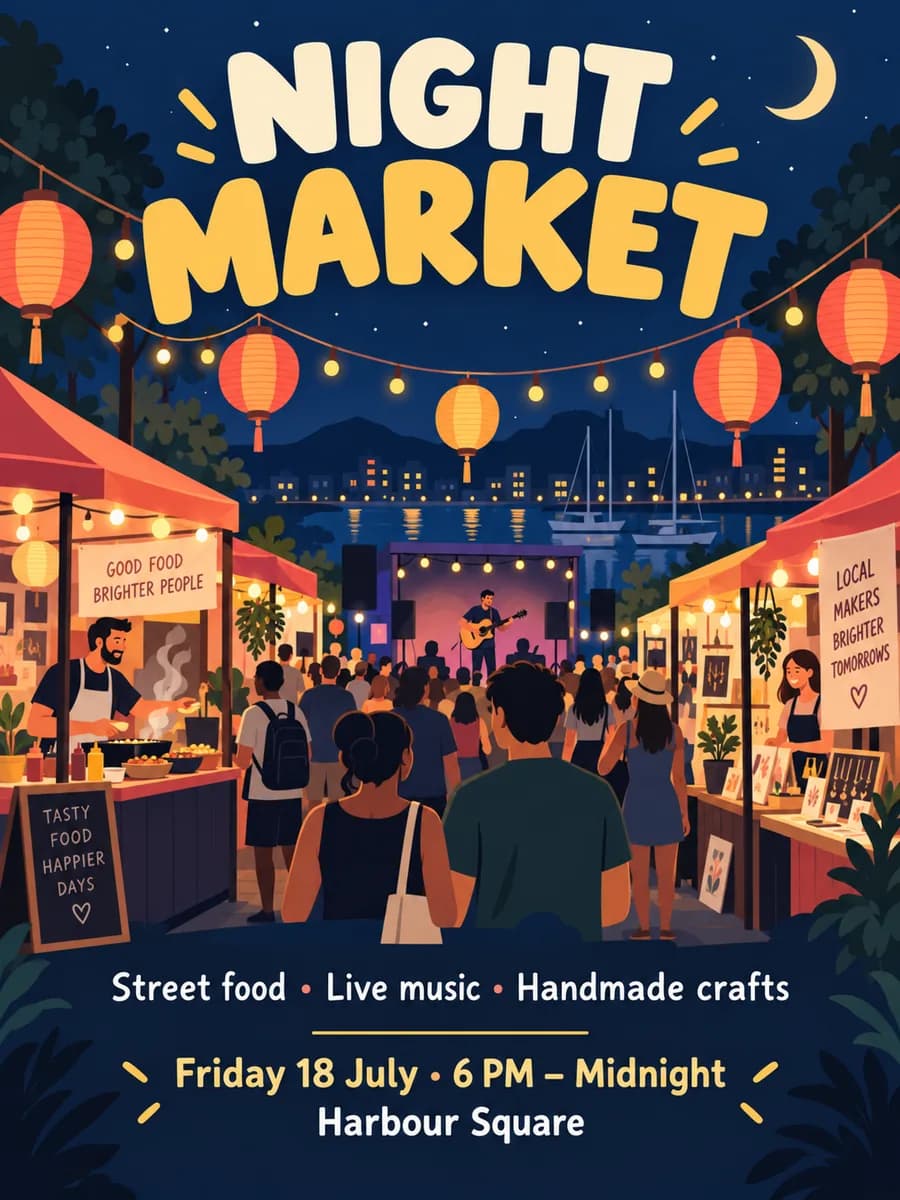
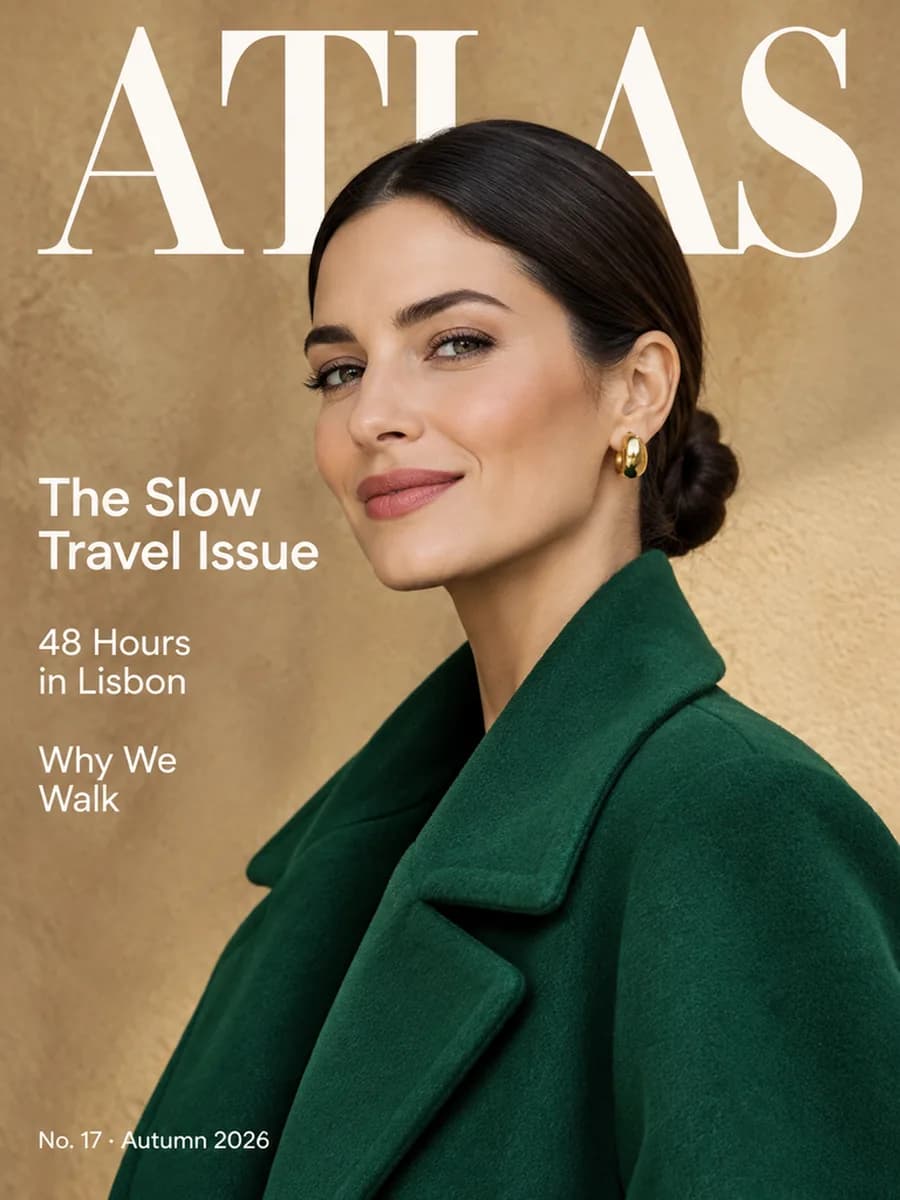
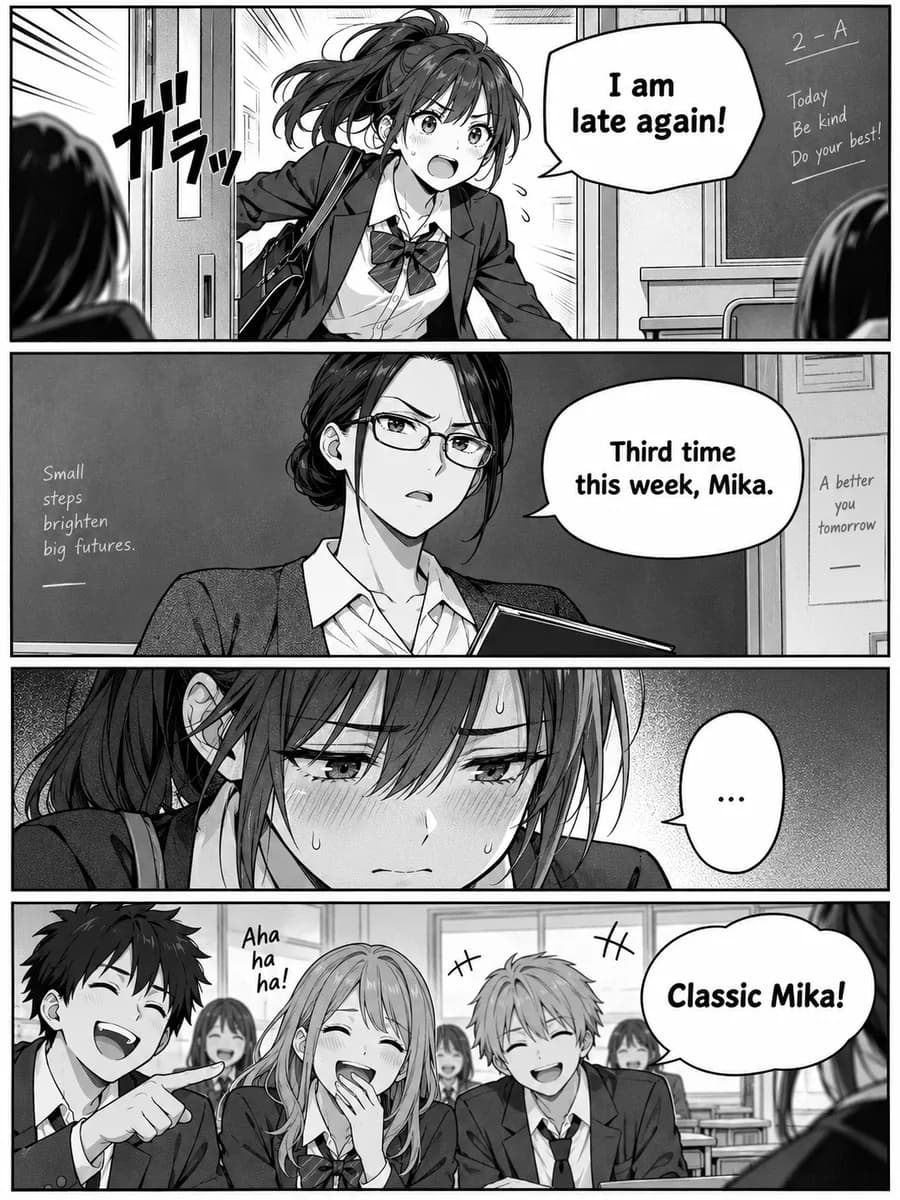
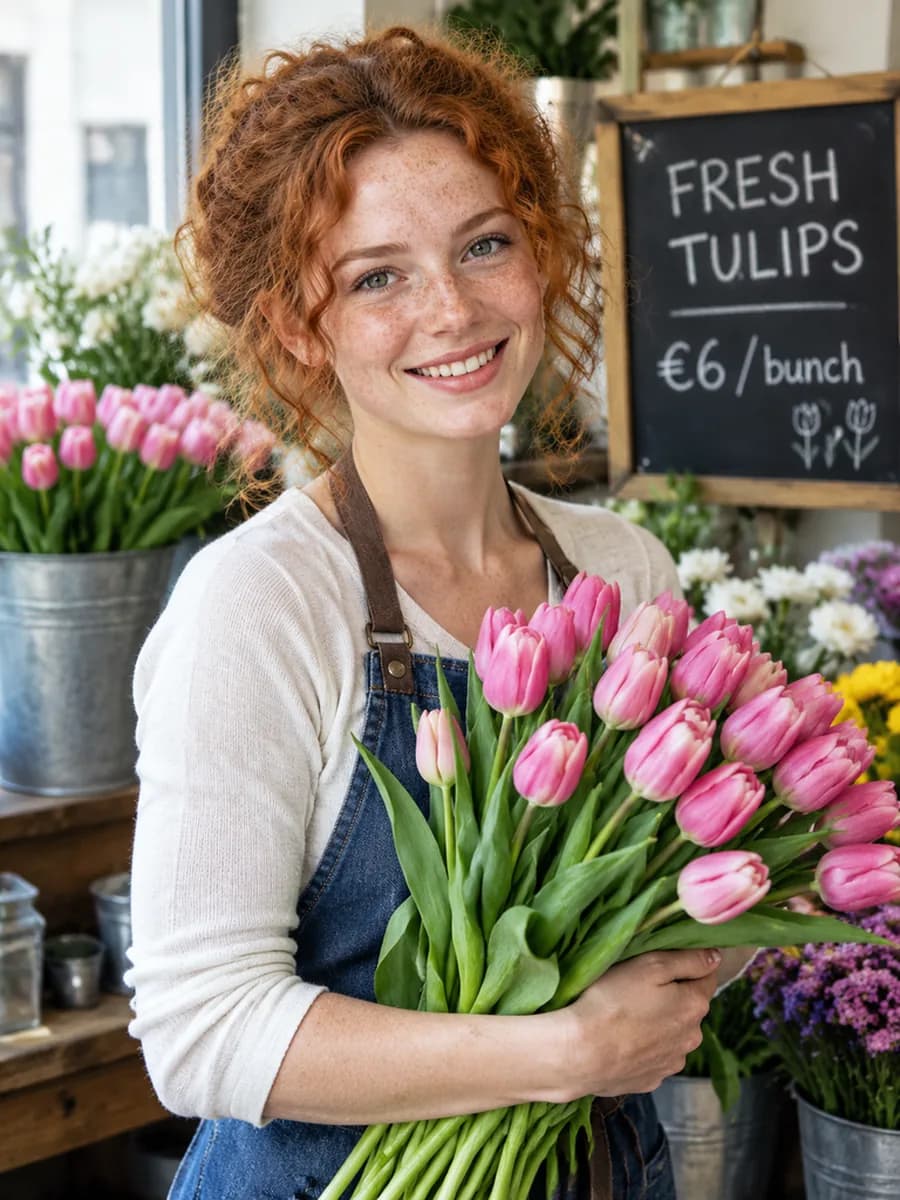
One model, many visual styles. Pore-level photoreal portraits. Clean brand-ready flat vector illustration. Watercolor, oil painting, ink wash, pixel art, isometric 3D, low-poly, vaporwave, anime, manga — switch styles with one prompt. No fine-tuning, no LoRA, no style preset required. Photoreal · vector · watercolor · 3D · anime · pixel art · broad style coverage

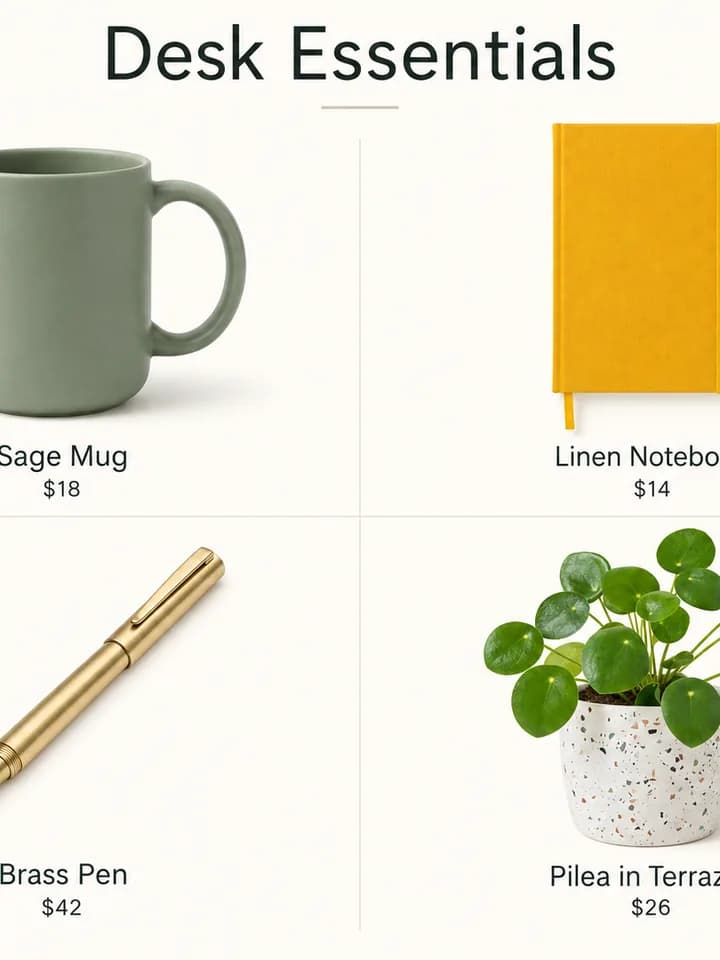
“A Japanese department-store-style product lookbook poster with four flor...”

Professional graphic and UI design

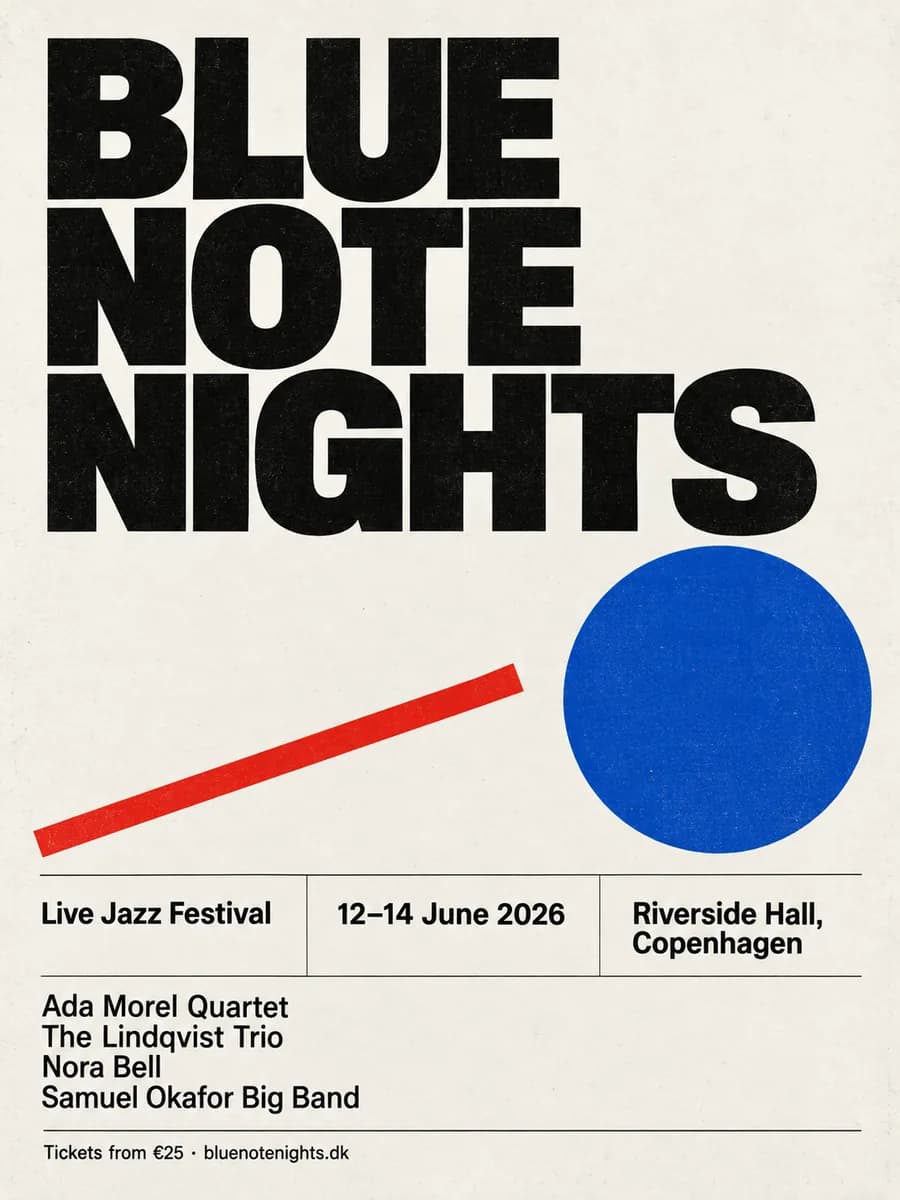
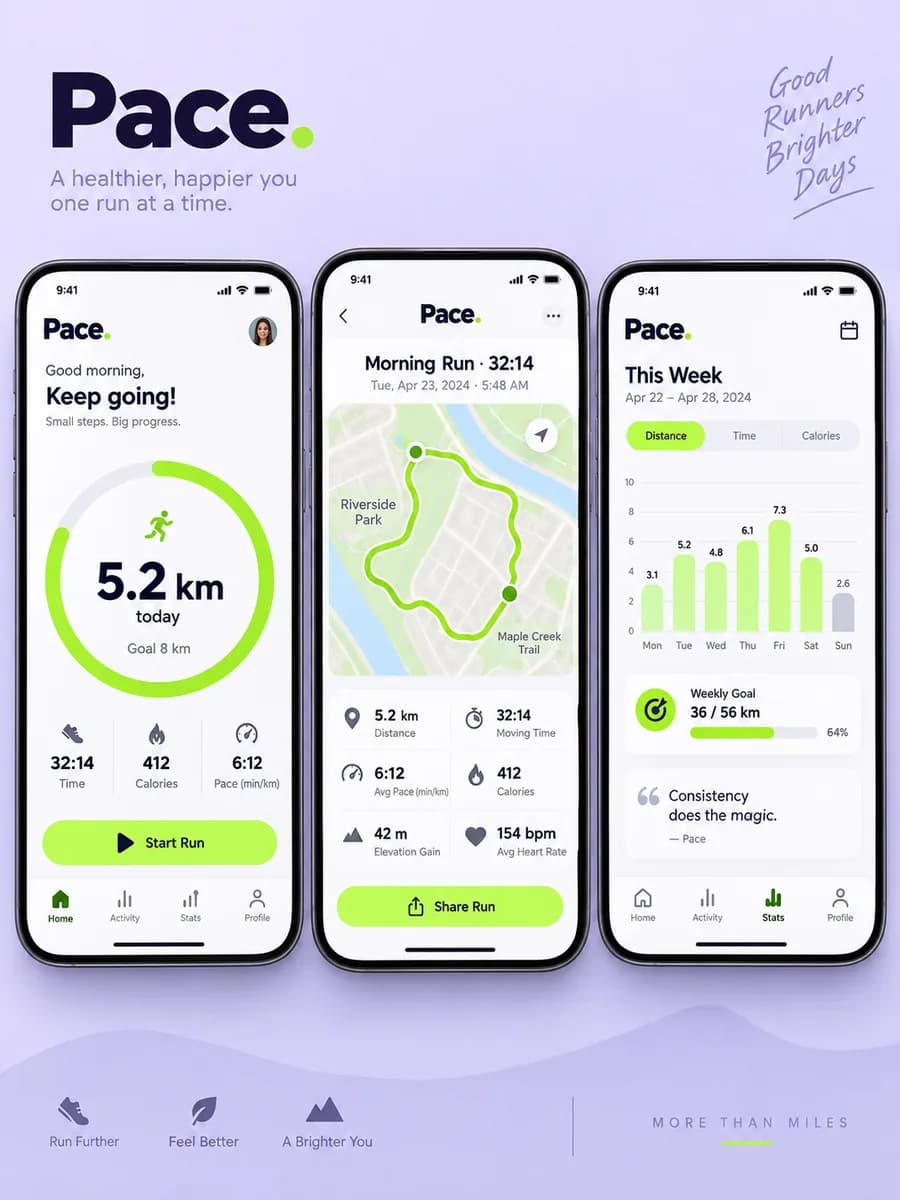
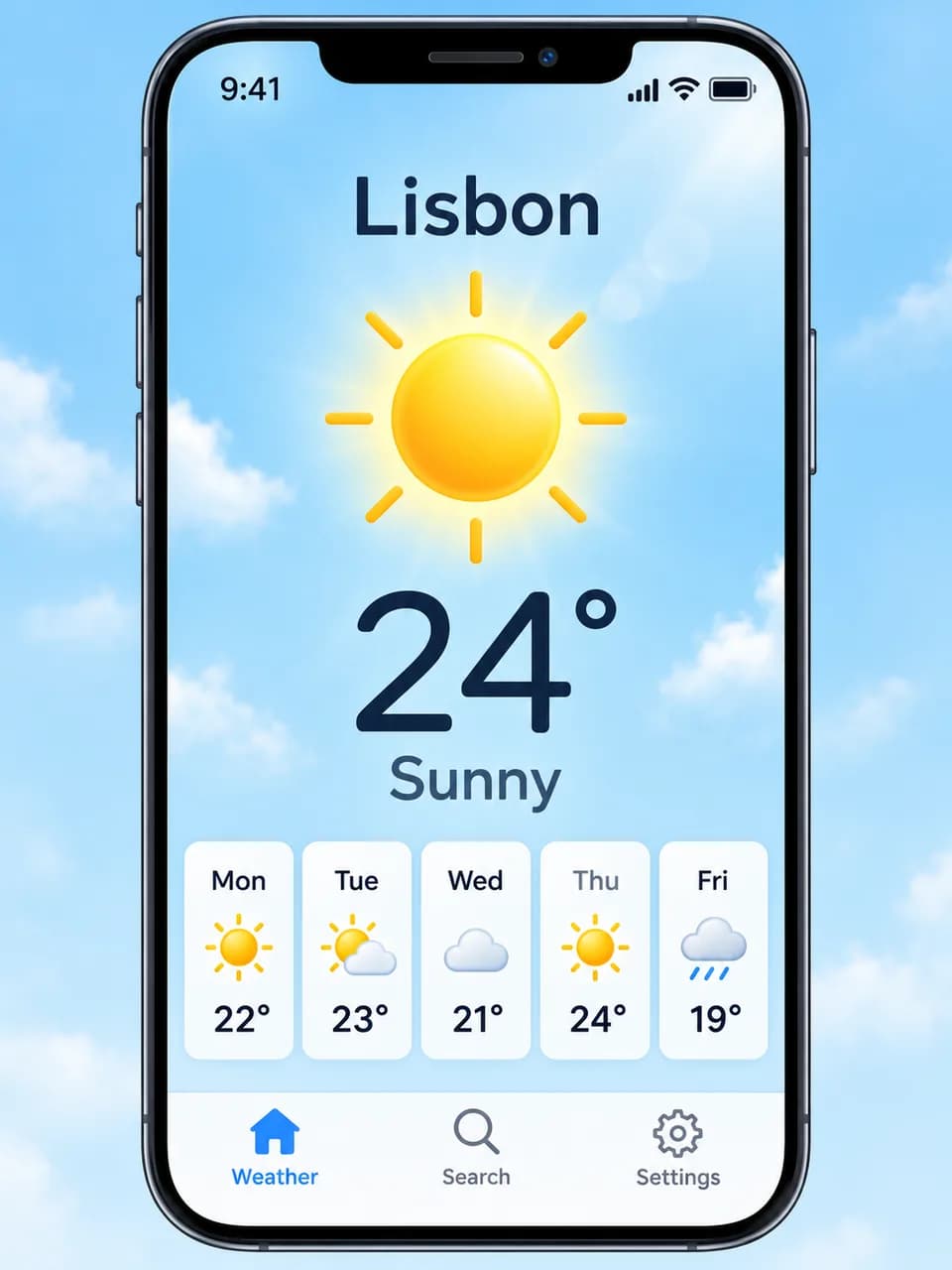
Generate ready-to-use design assets in one pass: complex multi-layer marketing posters, app UI mockups with functional layout, style-consistent icon sets, packaging with barcodes and fine print, business cards, presentation slides, data-visualization infographics, and wireframes. Poster design · UI mockups · icon sets · packaging · infographics

GPT Image 2 vs Nano Banana 2

Both models are strong, but they are strongest at different jobs

GPT Image 2

On-image text
Newspapers, posters, UI, formulas — print-ready after review
Grids / alphabets
100-cell object grids and A-Z animal charts follow the rules strictly
Infographics / research
Better suited to structured, fact-oriented infographic prompts
Character consistency
Multi-reference guided editing
Portraits / materials
Add "photorealism" and material quality improves sharply
Style cloning
Tends to drift away from the original style
Size and aspect ratio
Preset ratios plus auto sizing

Nano Banana 2

On-image text
Often prettier, but long text fails more easily
Grids / alphabets
Sometimes skips cells or merges entries
Infographics / research
Visually pleasing, but the facts aren't always reliable
Character consistency
Up to 14 reference images — more flexible composition
Portraits / materials
Looks more like a real photograph by default
Style cloning
Swaps the subject, keeps the original brush strokes
Size and aspect ratio
14 presets, including 1:8 and 8:1

Choose GPT Image 2 (gpt-image-2) for on-image text, multilingual layouts, infographics, posters, packaging, and comic pages. Choose Nano Banana 2 for style exploration, realism, and fast direction-finding. Compared with GPT Image 1 (gpt-image-1), GPT Image 2 pushes further on multi-constraint prompting, long-layout composition, and 48+ language typography

Model specifications

Technical parameters for developers and power users

Model

GPT Image 2

OpenAI's most capable autoregressive multimodal image model (2026)

Max resolution

4K (longest edge 3840)

Native output from 1K to 4K (longest edge ≤3840, total pixels ≤8.29M / 8,294,400)

Aspect ratio

Preset ratios + auto

1:1 · 3:2 · 2:3 · 3:4 · 4:3 · 4:5 · 5:4 · 16:9 · 9:16 · 21:9 · auto; arbitrary custom sizes are not available in the current workspace

Generation time

10s – 60s

Complex prompts can take up to around 2 minutes, depending on resolution and thinking budget

Output format

WebP

Delivered as WebP by default for the best quality-to-size ratio

Text languages

48+ languages

Supports CJK, Arabic, Hebrew, Cyrillic, Latin and more

Edit mode

Multi-reference guided editing

Upload one or more reference images to guide composition, style, identity, and product details. Local mask editing is only described where the active workflow exposes it.

Quality tier

low · medium · high

OpenAI's official three quality tiers, ranging from fast drafts to delivery-grade output

Sizing

Up to 3840 px longest edge

Use preset ratios or auto sizing, with output up to 3840 px on the longest edge depending on the selected resolution

GPT Image 2 FAQ

How is GPT Image 2 billed?
GPT Image 2 is billed by credits — you spend credits per generated image. New accounts get free credits to try it out, and you can find the latest plans and credit packs for individuals and teams on the pricing page
What is GPT Image 2? Is it the same model behind image generation in ChatGPT?
GPT Image 2 (gpt-image-2) is OpenAI's next-generation native image model, released in April 2026, and the engine behind the new ChatGPT image generator experience. It directly inherits OpenAI's prompt understanding and instruction-following strengths, and is built for multi-constraint reasoning, multilingual on-image typography, and long-form design delivery
Is Image 2 GPT, GPT Image2, ChatGPT Image2, or OpenAI Image2 the same thing?
Yes — Image 2 GPT, GPT Image2, ChatGPT Image2, and OpenAI Image2 all refer to the same new OpenAI image model family and the latest ChatGPT image generation capability. The official names are GPT Image 2 and gpt-image-2; the other spellings are common alternative names you may see online
Where can I use GPT Image 2 online?
You can use GPT Image 2 online in Pilio's image workbench. Start with a prompt, add optional reference images, choose aspect ratio, resolution, quality, and output count, then generate posters, UI mockups, product shots, comic panels, or multilingual text layouts without switching tools
Why are people searching for Image 2 GPT and ChatGPT Image2?
New model names often spread before the official spelling settles in. Image 2 GPT, GPT Image2, ChatGPT Image2, OpenAI Image2, and GPT image generator all point to the same latest OpenAI image model that powers ChatGPT image generation — known officially as GPT Image 2 (gpt-image-2)
How is GPT Image 2 different from GPT Image 1?
Compared with GPT Image 1 (gpt-image-1), GPT Image 2 (gpt-image-2) is much stronger at multi-constraint prompt following, 48+ language text rendering, photoreal materials and lighting, and long-form layouts such as posters, packaging, comic pages, and editorial spreads. In many professional design scenarios, it can deliver a finished result in one pass instead of repeated iteration
Which resolutions, aspect ratios, and output formats are supported? 4K / transparent background?
Pilio exposes fixed aspect ratios and supported resolutions from the current workbench. Download formats follow the generated output and current browser support, and transparent-background export is not available for every request.
How should I choose between GPT Image 2, DALL-E 3, Midjourney, and Nano Banana 2?
GPT Image 2 is strong at multilingual typography and longer layouts, but dense text still needs review. For legal, packaging, or production copy, check spelling and layout before publishing.
How does text rendering compare to Midjourney, Ideogram, and FLUX?
GPT Image 2 supports 48+ languages and can accurately render multi-line headlines, dense paragraphs, logos, and calligraphic text. Kerning, spelling, and layout are stronger than Midjourney, Ideogram, and FLUX, which makes it a better fit for design work that depends on high-quality typography
Can it handle graphic design, UI design, comic storyboards, and photorealistic portraits?
Yes. GPT Image 2 is strong at print ads, packaging, UI mockups, comic storyboards, photoreal portraits, and product rendering. It supports complex layouts and multilingual mixed typography, which makes it suitable for professional design workflows
How well does it follow prompts? Does it support mixed-language typesetting?
Yes. GPT Image 2 has very strong prompt understanding and can follow detailed descriptions and many fine-grained requirements well. Mixed-language typesetting is supported, so it works well for international branding, education, and multi-market campaigns
How do reference images work? Can it compose from multiple references?
Each run supports multiple reference images. Upload clear, focused images and describe exactly what each reference should preserve or influence, then state what you want to change in the prompt
How fast is it, and how is it billed?
Most prompts finish within 10-60 seconds; complex prompts can take up to about 2 minutes. New accounts get free credits, and billing is charged per generated image with flexible packs for both individuals and teams
Can I use the images commercially? Do they contain watermarks?
Outputs have no visible watermark. Commercial use depends on your rights in the prompt, reference materials, subjects, brands, and applicable policies or laws. OpenAI may embed invisible provenance signals that do not affect the visible result