Anime Star Eye AI

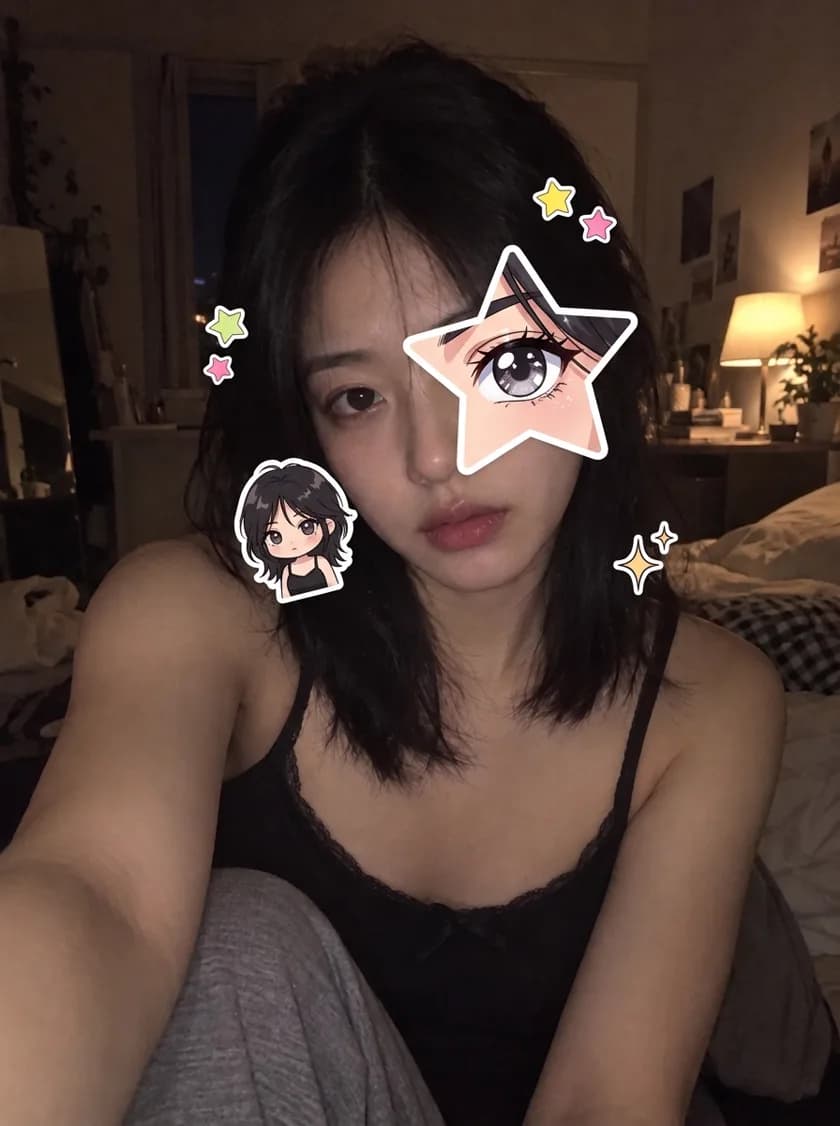
Upload one selfie and get the anime eye trend photo: a star over one eye that shows your own anime twin, with chibi stickers around your face.

Make my star eye photo

Add your selfie in the editor, then press Generate. The prompt is already filled in.
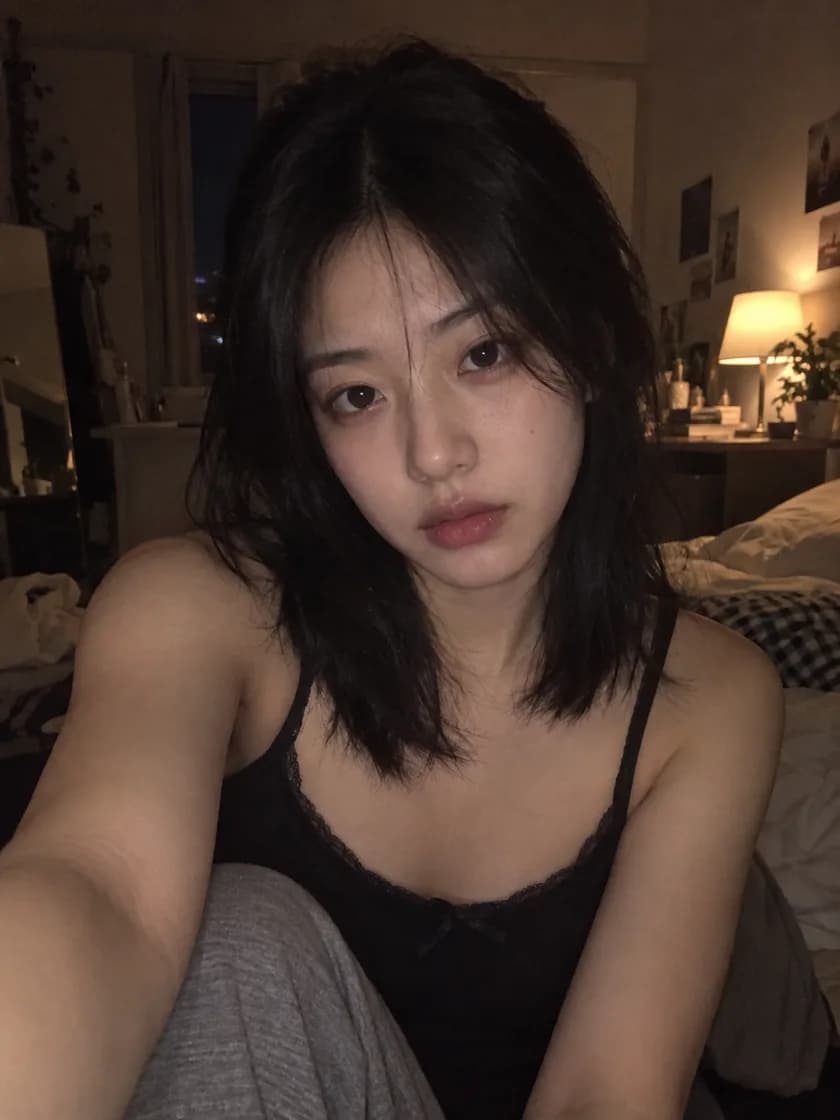
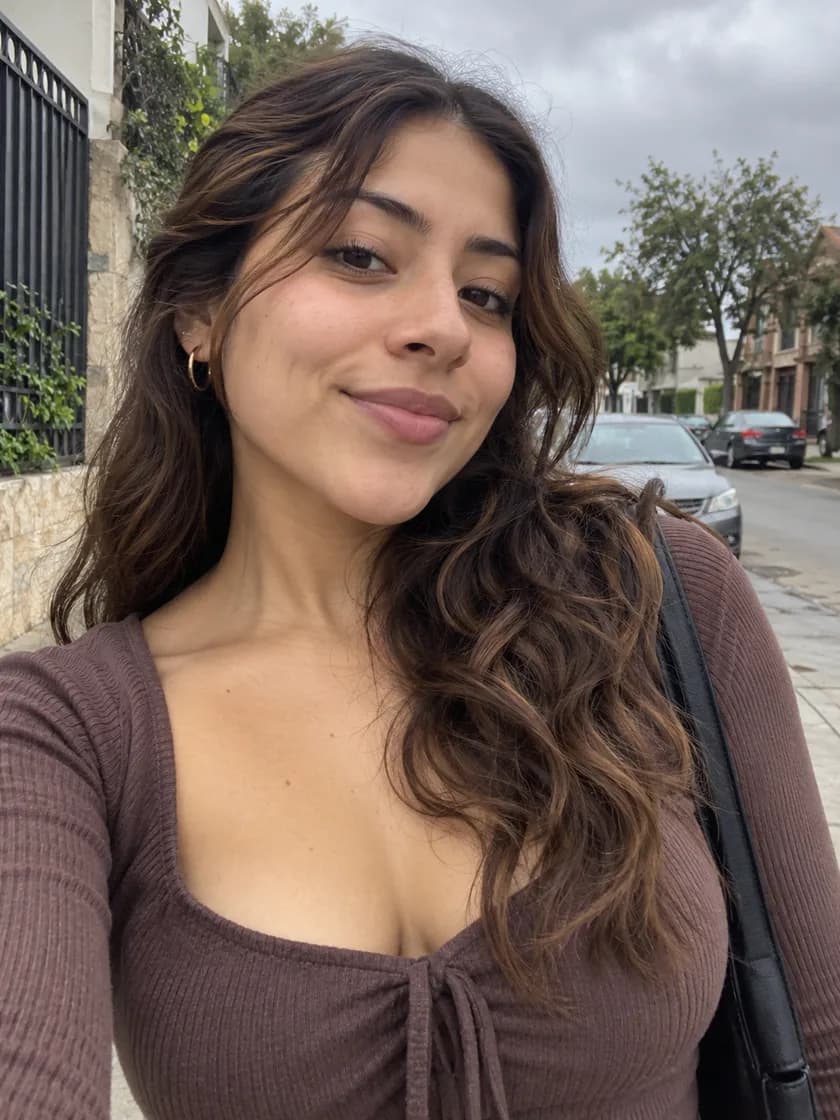
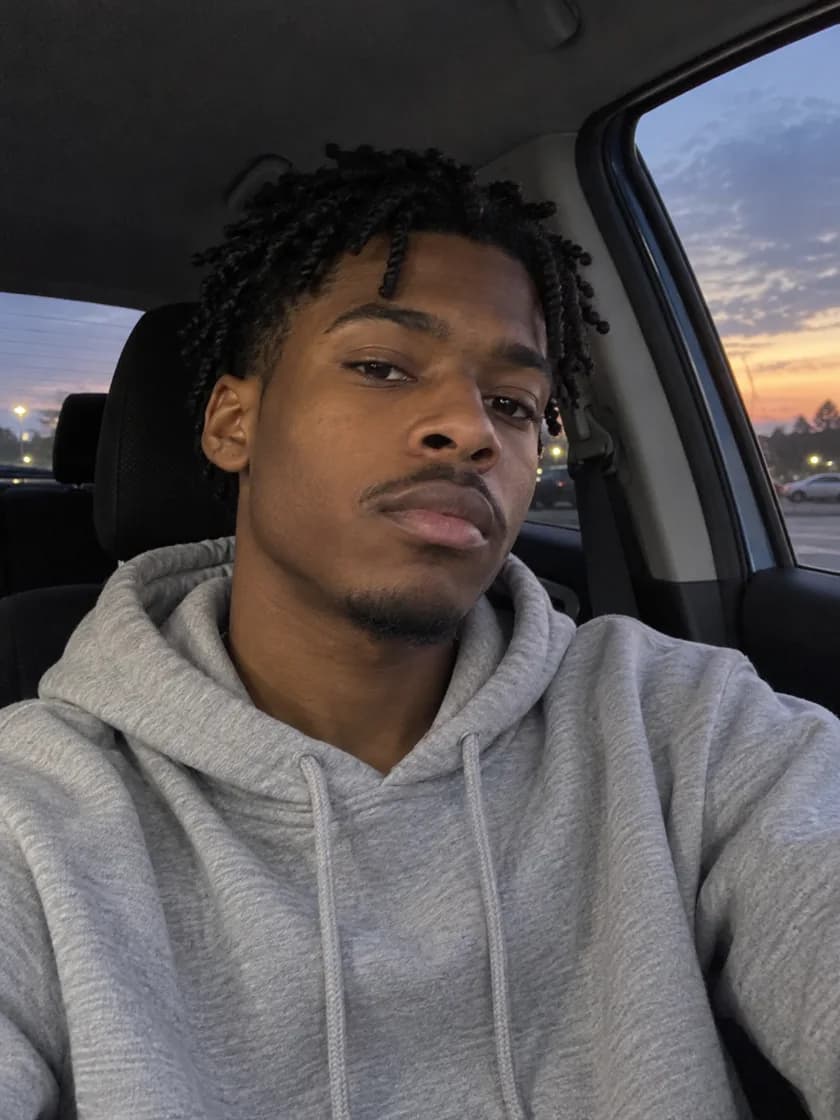
Original selfie before the anime star eye edit
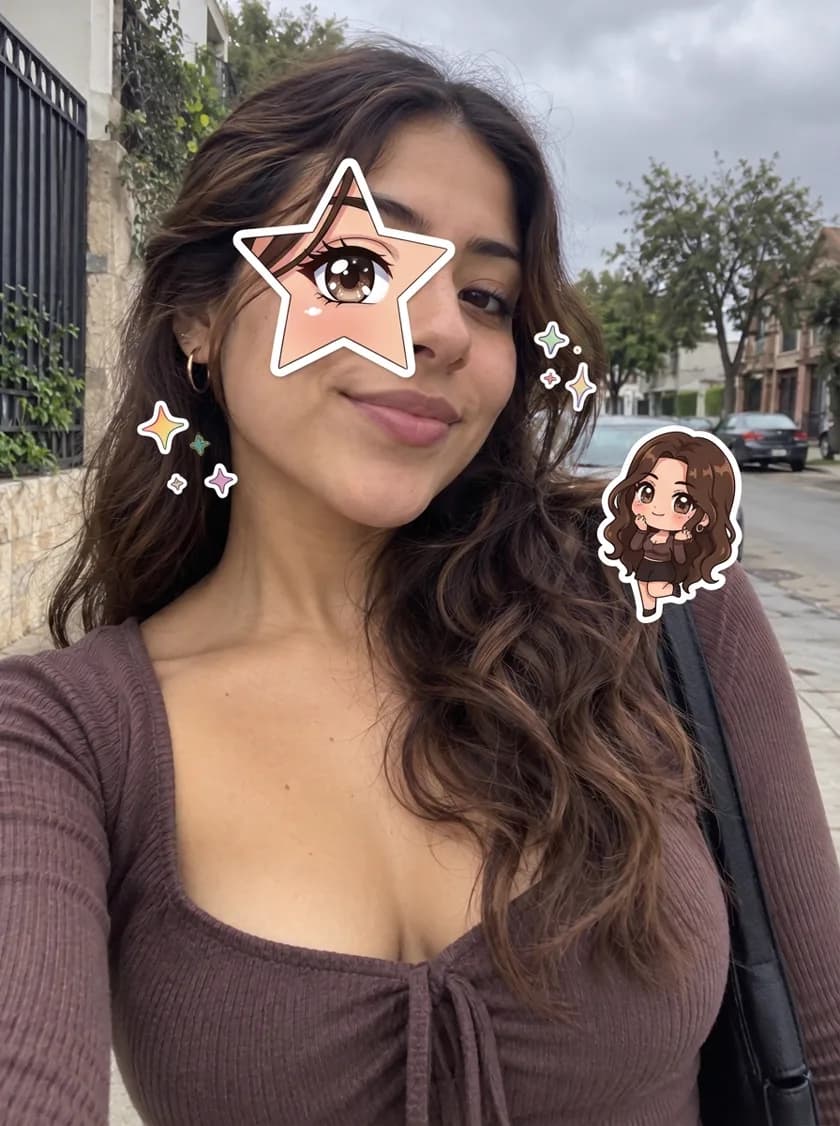
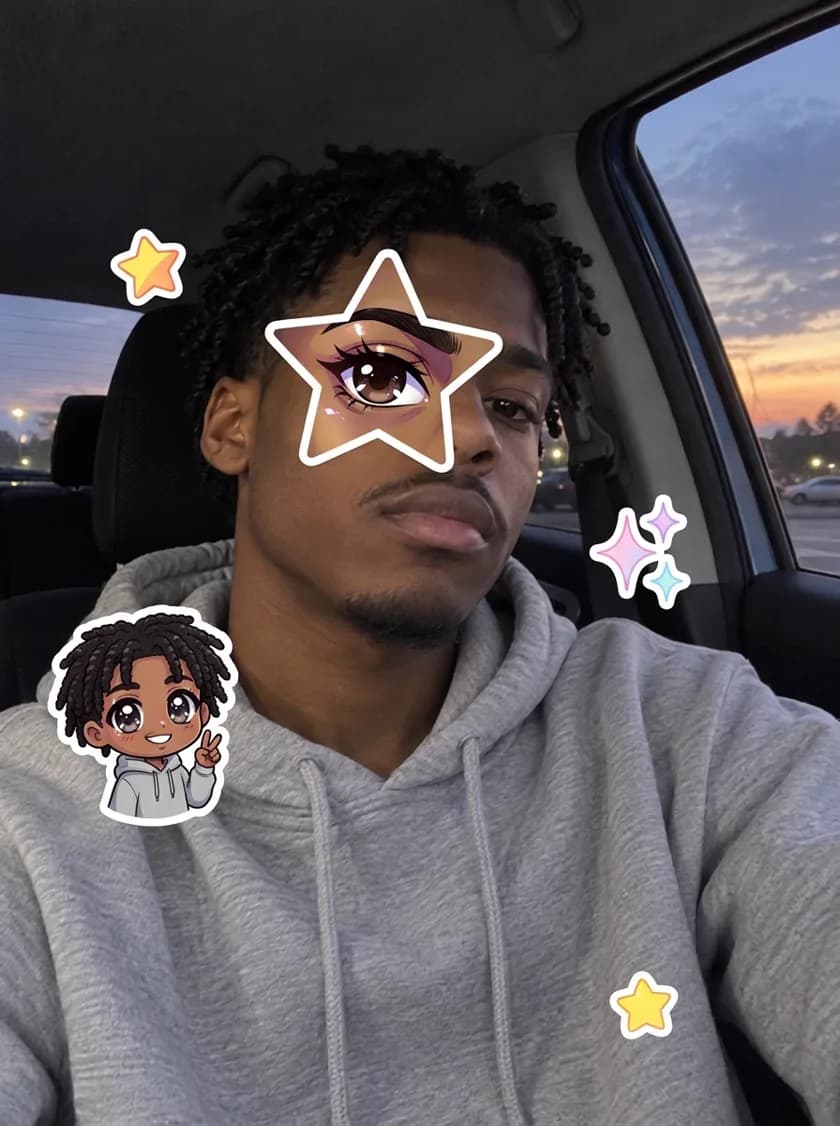
Selfie with a star-shaped anime eye over one eye and chibi stickers

Same photo, one star added

Each pair is the original selfie and the result. Your face, lighting and background stay as they were; only the star, the anime eye and the stickers are new.
What is the anime star eye trend?

It is a TikTok photo format that took off in October 2026. You post a moody selfie with a star-shaped cut-out over one eye. Inside the star sits the matching eye of your anime version, and a few small anime stickers float around your face.

Doing it by hand means finding an anime character who looks like you, screenshotting their eye, cutting a star in an editing app and placing stickers one by one. Here the anime eye and the chibi sticker are drawn from your own face, so the anime twin really is you and no existing character is copied.

How to do the anime eye trend

  1. Pick a clear selfie

    Face the camera with both eyes visible. Darker, moody photos match the trend best.

  2. Add it and generate

    Open the editor, add your selfie as the reference image and press Generate. The star eye prompt is already filled in.

  3. Adjust and post

    Want the star over the other eye or more stickers? Edit the prompt and run it again, then download and post.

Anime star eye FAQ

Is the anime star eye generator free?
New accounts get free credits on sign-up, which cover your first star eye photo. After that each photo uses credits at the Nano Banana 2.1 rate shown in the editor.
Which AI model makes the star eye photo?
Nano Banana 2.1. We tested it against GPT Image 2 and GPT Image 2.5 on the same selfies: it drew the clearest anime eye inside the star and left the rest of the photo untouched.
Will it change my face or background?
No. The prompt asks the model to keep your face, hair, clothes, lighting and background as they are and only add the star, the anime eye and the stickers.
Does it use characters from existing anime?
No. The eye inside the star and the chibi sticker are an original anime version of you, so you are not posting someone else's character.
How is this different from an anime eyes filter?
An anime eyes filter works live in the camera and enlarges both eyes. The star eye trend is a still photo: your real face stays real, and only one eye is swapped for an anime one inside a star.
Can I put the star over the other eye or change the stickers?
Yes. The prompt opens in the editor, so you can ask for the left or right eye, a different star color, hearts instead of stars, or more stickers.

Find your anime twin

One selfie, one star, about a minute.

Make my star eye photo