AI Character Swap
Add a short clip and one photo of the character. The same scene plays back with your character in it: same moves, same camera, same light
Your video
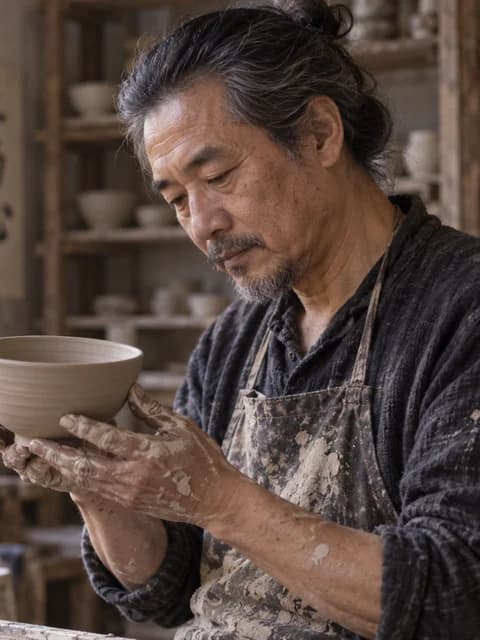
New character
This is a real result. Swap in your own video or character to make yours
Result
Same clip, new character
Original clip, the character photo, and the swapped result. Nothing else in the frame was touched

What changes and what stays
Only the person changes. Their face, hair, clothes and build come from your character photo, while the walk, the gestures, the timing and the expressions follow the original clip. The street, the room, the light and every camera move are the original footage, so the result does not look like a new AI scene.
In clips with more than one person, write who to replace, like “the woman on the left” or “the man in the red jacket”. Everyone else stays as they were, and so do animals and objects.
The swapped clip has the same length and framing as yours and comes back at 480p without sound, so you can lay the original audio back on in any editor.
Use footage you shot or have the rights to, and photos of yourself or of people who agreed to it. Swapping a real person into content they did not agree to, sexual content and impersonation are refused.
How to swap a character in a video
Add your clip
An MP4 of 4 to 15 seconds where the person is clearly visible. Steady shots with one main person give the cleanest result.
Add the character
One clear photo of the new character: a person, a portrait you made with AI or a costume shot. Face and outfit should be easy to see.
Swap and download
It usually takes 2 to 4 minutes. Compare the result with your original on the page, then download the MP4.