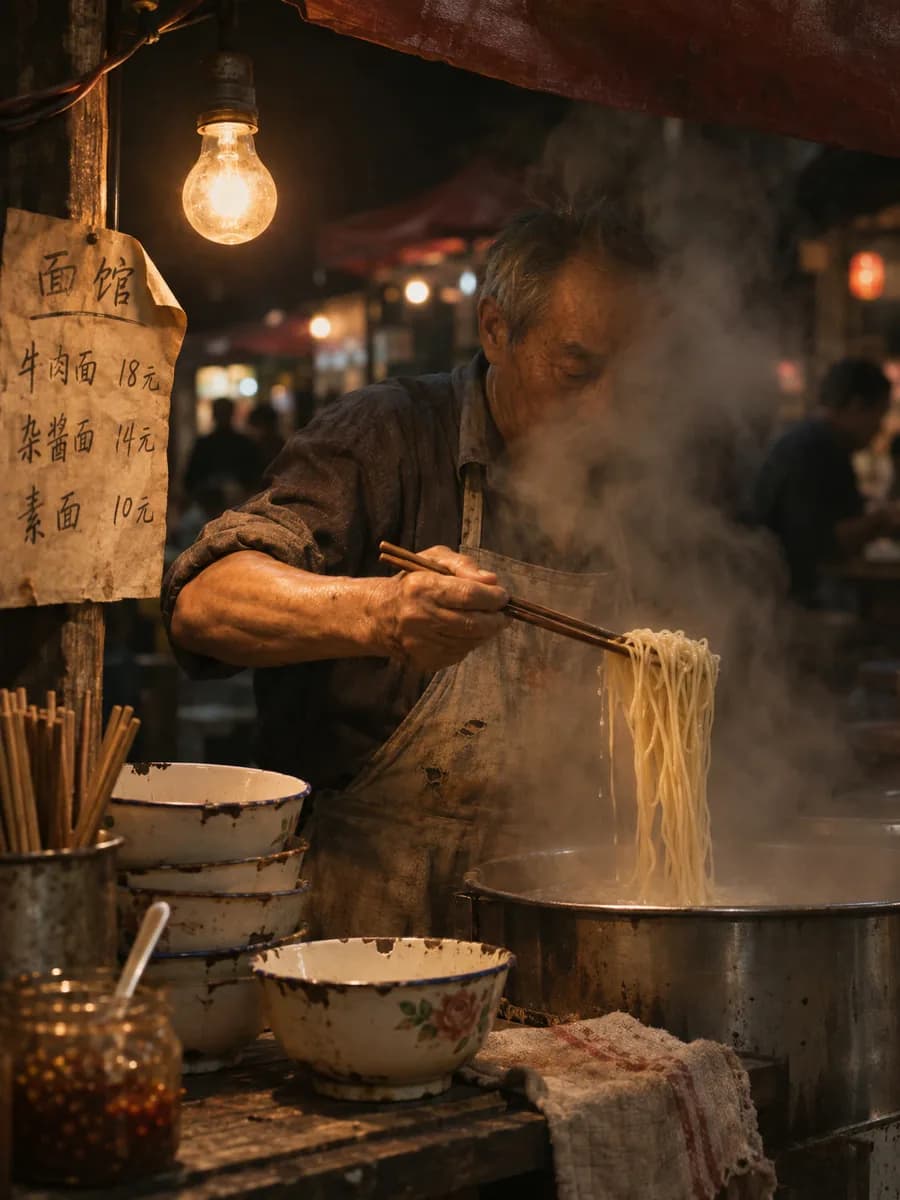
GPT Image 2.6

OpenAI's newest image model lays out panels, type and placement before it draws. New accounts get 6 free credits for three 1K images

Where planning the layout first pays off

Every image is an unedited 2.6 original. Each button reuses the same prompt

  • Sprite sheets that play as they are

    Six frames in order on a 2×3 grid. On the right, the same Flare original played frame by frame
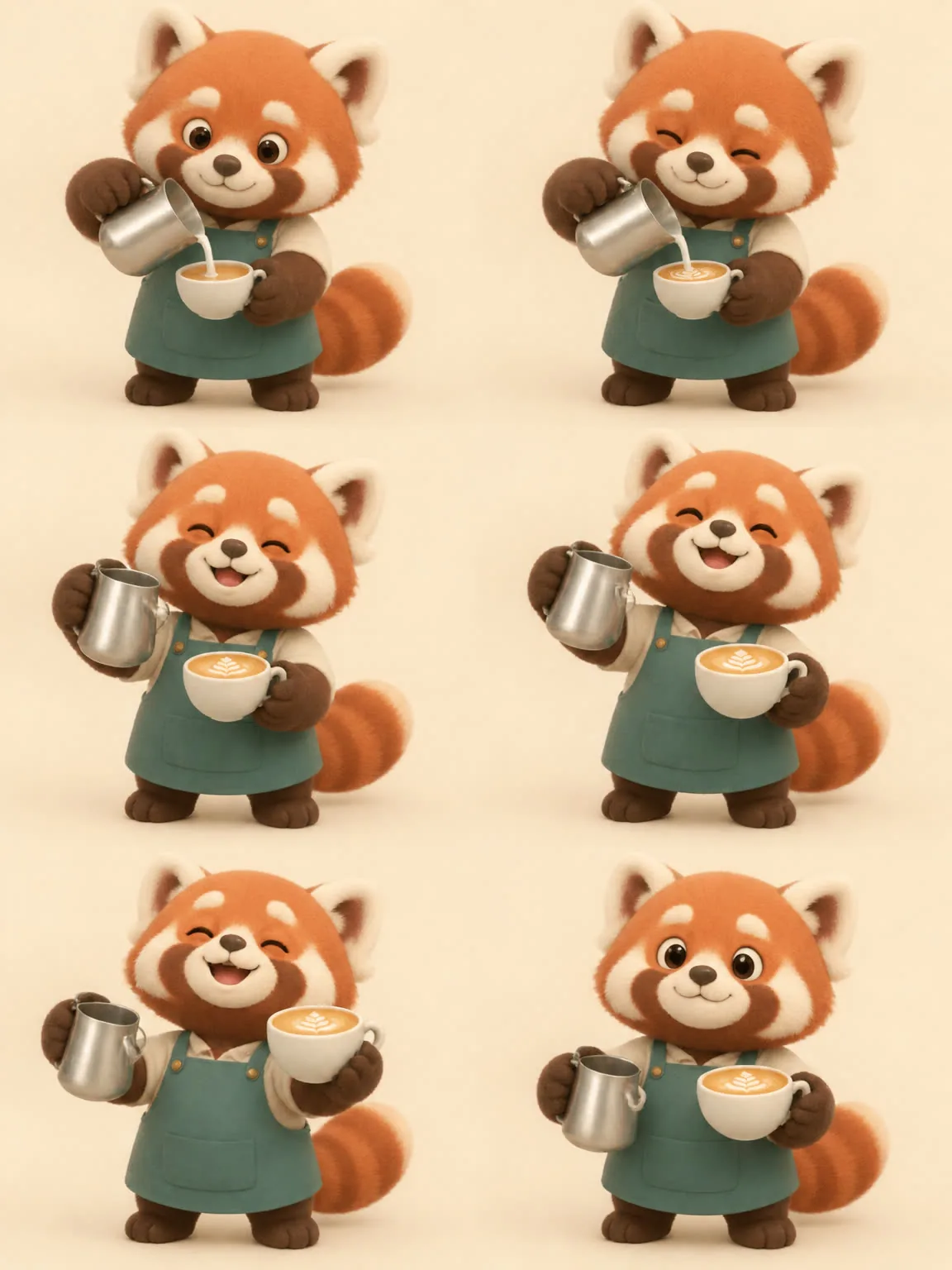
    Six-frame red panda barista sprite sheet made with GPT Image 2.6 Flare
  • One character, nine expressions on one page

    The prompt lists nine moods in order. Sunburst draws one per cell and keeps the face and tie the same
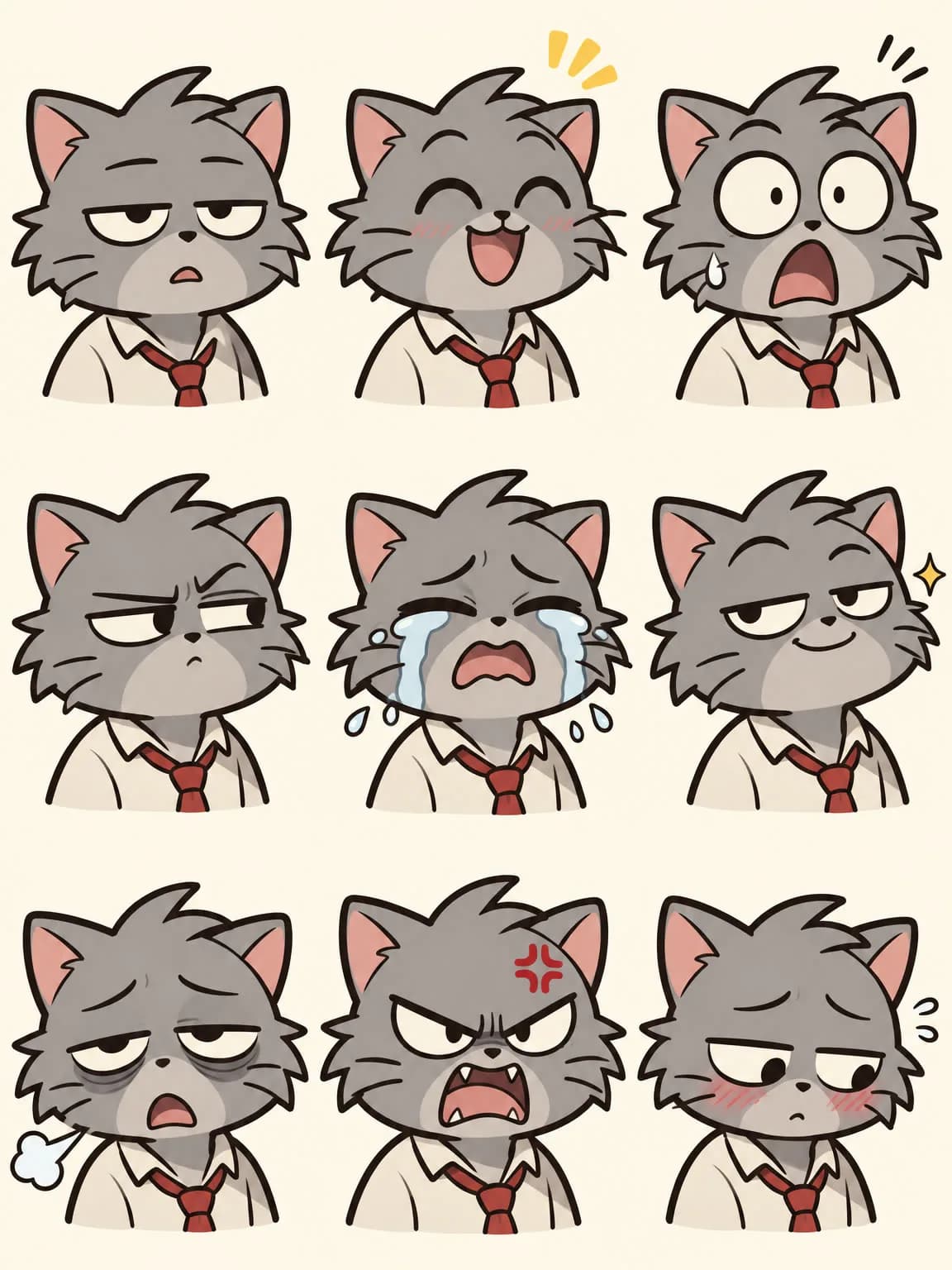
    Grey office cat expression sheet in a 3 by 3 grid made with GPT Image 2.6 Sunburst
    1. Bored
    2. Delighted
    3. Shocked
    4. Suspicious
    5. Crying
    6. Smug
    7. Exhausted
    8. Furious
    9. Shy
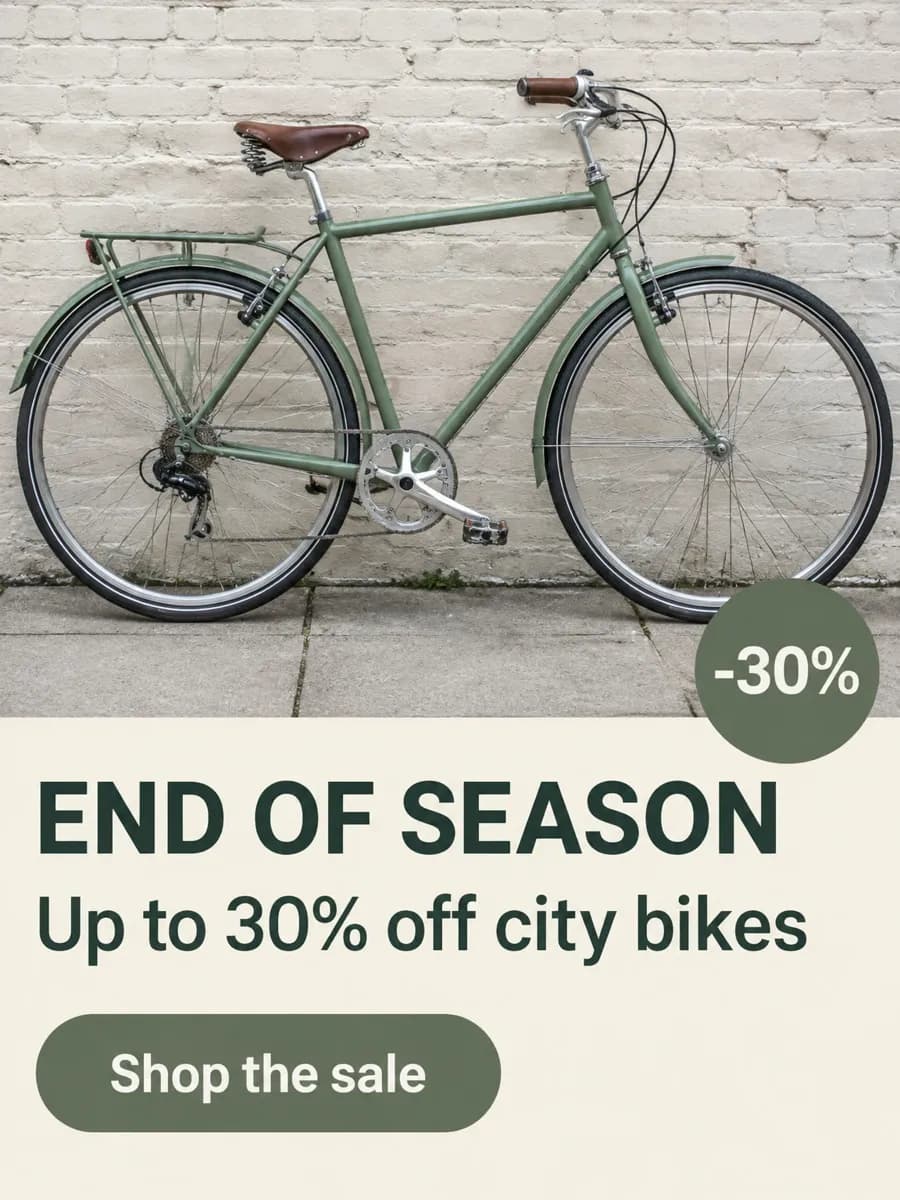
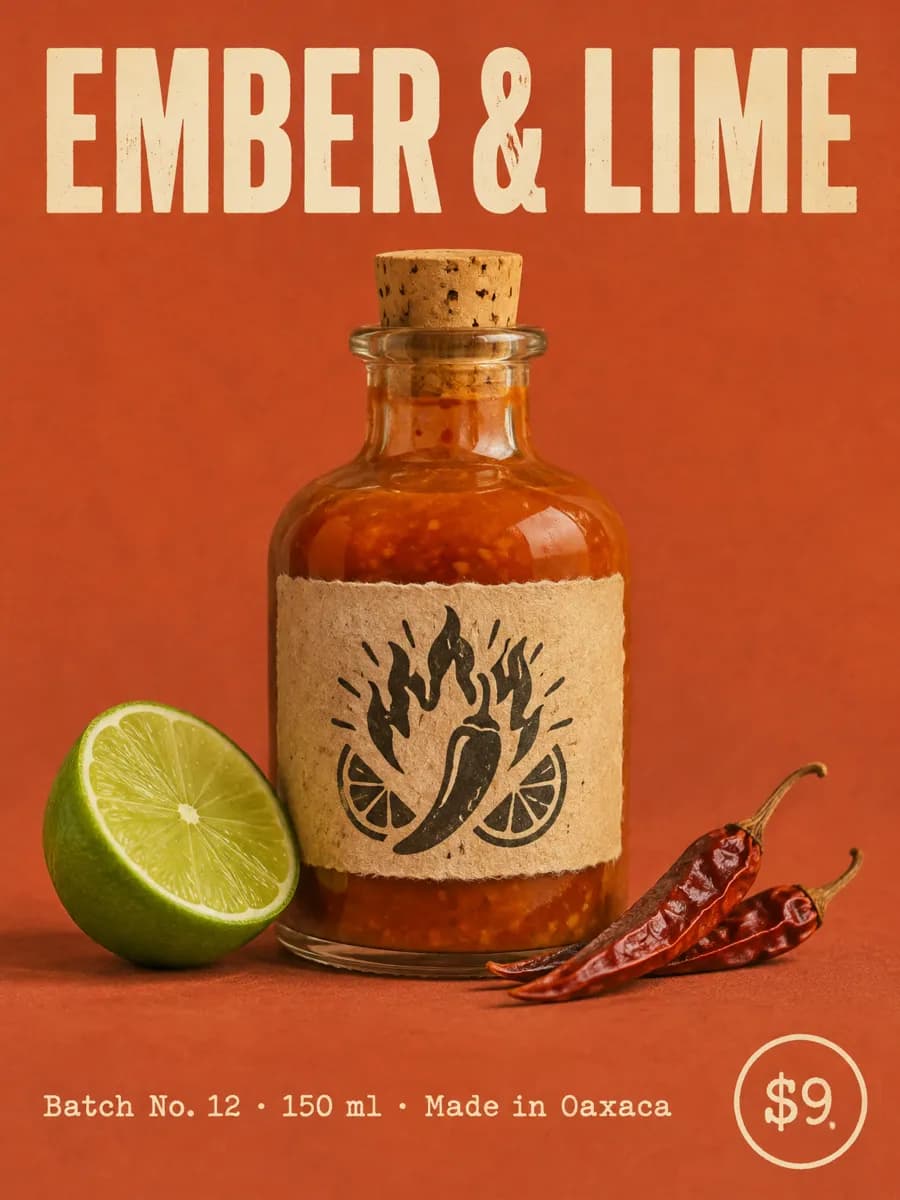
  • Every line of ad copy lands where you wrote it

    Write the headline, subline, button and badge into the prompt, and each quoted line takes its own spot

    • END OF SEASON
    • Up to 30% off city bikes
    • Shop the sale
    • -30%

Four Flare runs, and each one has everything you listed

Same flea-market prompt four times: headline, date line, sticker, lamps, records, plants and the bike made every version

  1. Run 1: globe and teapot on the table

    Run 1: globe and teapot on the table

  2. Run 2: red bike up front

    Run 2: red bike up front

  3. Run 3: clothes rack in the middle

    Run 3: clothes rack in the middle

  4. Run 4: teal awnings behind

    Run 4: teal awnings behind

Try this prompt with Flare

More GPT Image 2.6 work

Flare and Sunburst originals. Open one to reuse its prompt and version

GPT Image 2.6, 2.5 or 2

All three run in the same workspace. Pick by the image you need
Lay out your next page in one prompt

New accounts get 6 free credits for three 1K images

Before you use GPT Image 2.6

What is GPT Image 2.6?
It is the image model OpenAI released in November 2026, in two versions: Sunburst for detailed work and Flare for fast iteration. Unlike 2.5, it plans panels, text and object placement before drawing; on Pilio it outputs 1K, 2K or 4K stills, animated GIFs or SVG files, at the same price for both versions.
What's new in GPT Image 2.6 compared with 2.5?
OpenAI added a planning step before rendering (the complexity setting), plus SVG and animated GIF output in its API. On Pilio the planning step runs at its default high level, and you can pick GIF or SVG output in Studio. GPT Image 2.5 stays available for multi-turn edits and cheaper 2K/4K
Can I create SVG files or animated GIFs here?
Yes. In Studio settings, switch Output format to GIF or SVG. A GIF is a 512×512 loop of 4, 9 or 16 frames and can start from text or reference images. An SVG is a vector file at 1K or 2K, made from text only. Each costs 5.46 credits, or 14.07 for a 2K SVG
Can I change the complexity level?
No. Pilio always uses OpenAI's default, high. OpenAI notes that lower levels can suit small, focused edits such as swapping a background, so for those GPT Image 2.5 is a good alternative
How many credits does GPT Image 2.6 use?
Flare and Sunburst cost the same: 2 credits per 1K image, 11 for 2K and 14 for 4K. New accounts get 6 credits after first verification, enough for three 1K images
What's the difference between Flare and Sunburst?
OpenAI positions Flare for fast iteration and Sunburst for detailed visual work. Draft with Flare, then rerun the version you like with Sunburst; you can switch any time. When you finalize, add the chosen Flare draft as a reference image so Sunburst keeps its layout.
How many reference images can I upload?
Up to 10 per run, in JPG, PNG or WebP. If you need more, GPT Image 2.5 takes up to 16
Can it output transparent PNGs?
Not on Pilio yet, so every image has a background. Generate on a plain background and cut it out with the background remover