
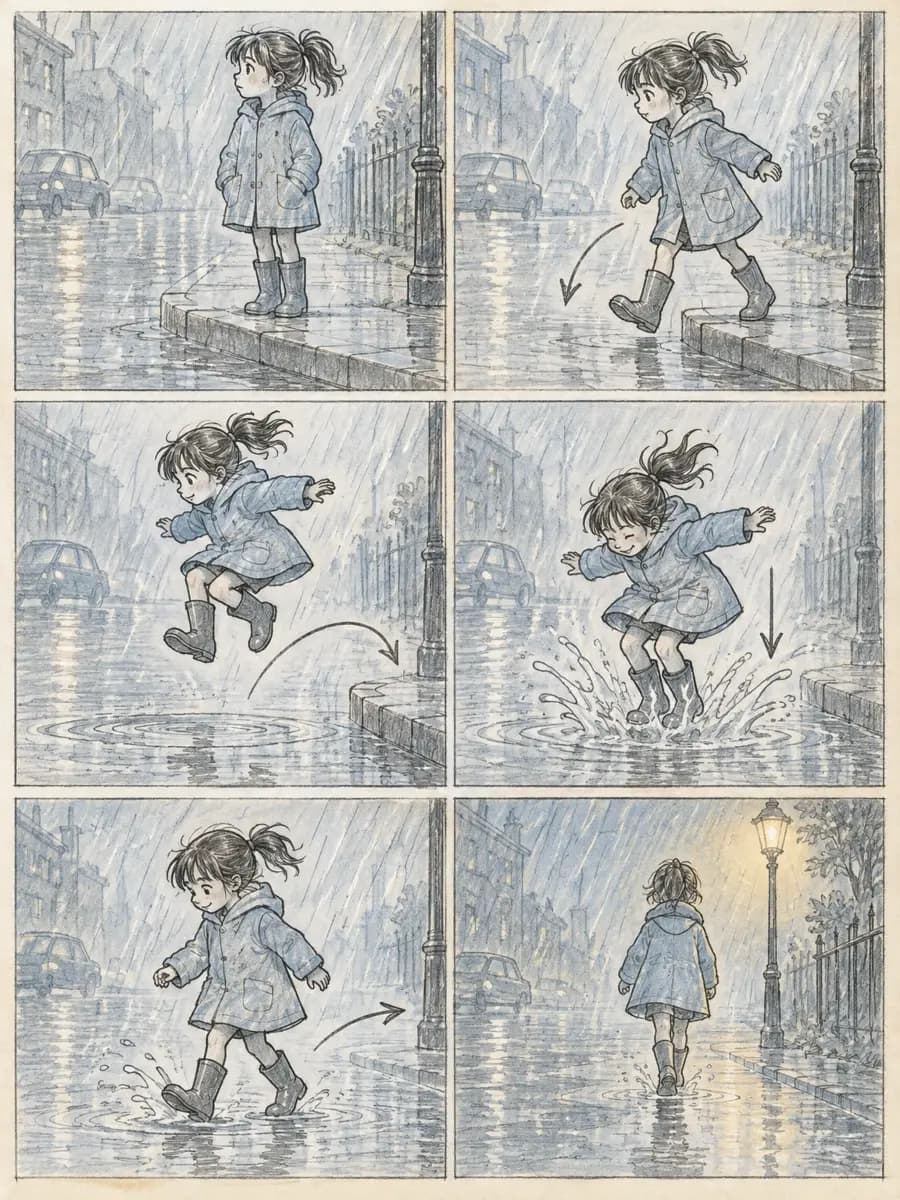
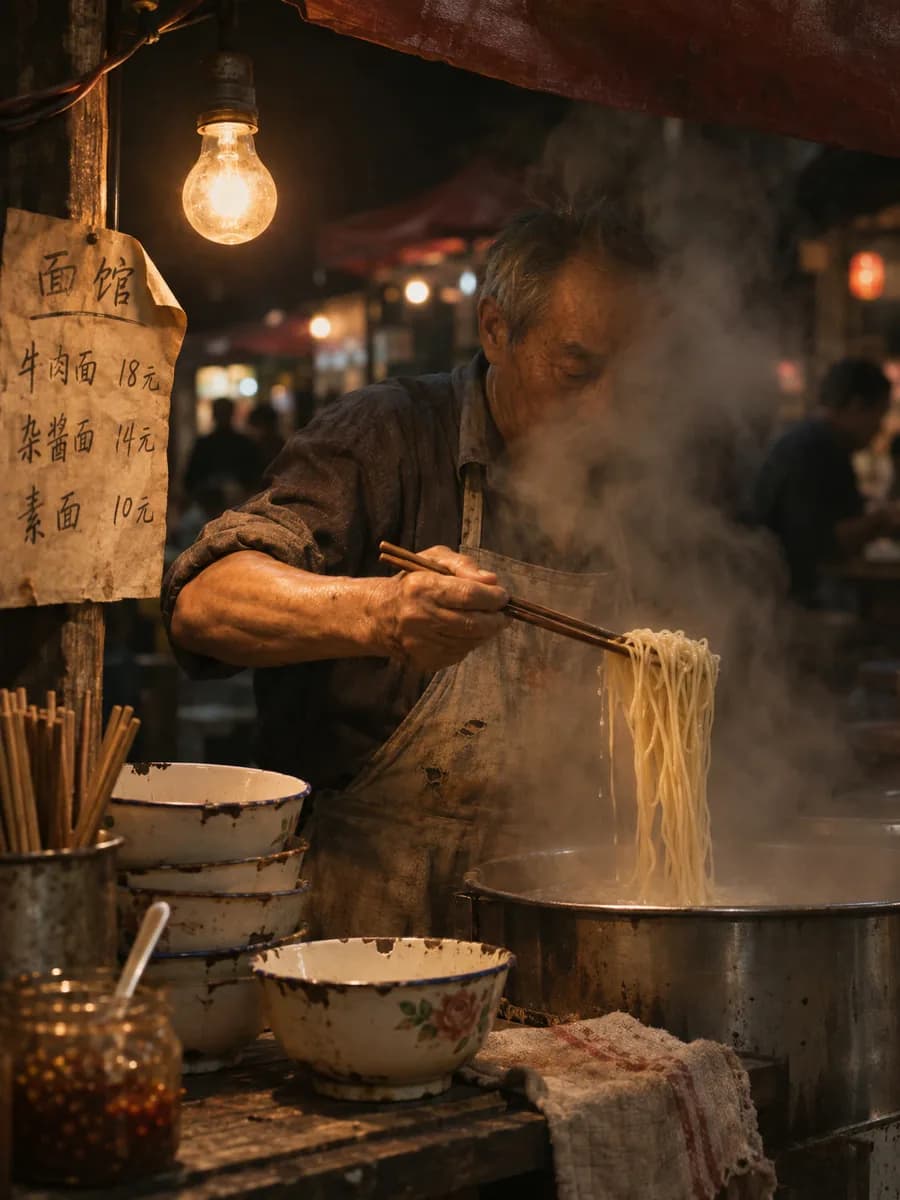
GPT Image 2.6
OpenAI's newest image model lays out panels, type and placement before it draws. New accounts get 6 free credits for three 1K images
Where planning the layout first pays off
Every image is an unedited 2.6 original. Each button reuses the same prompt
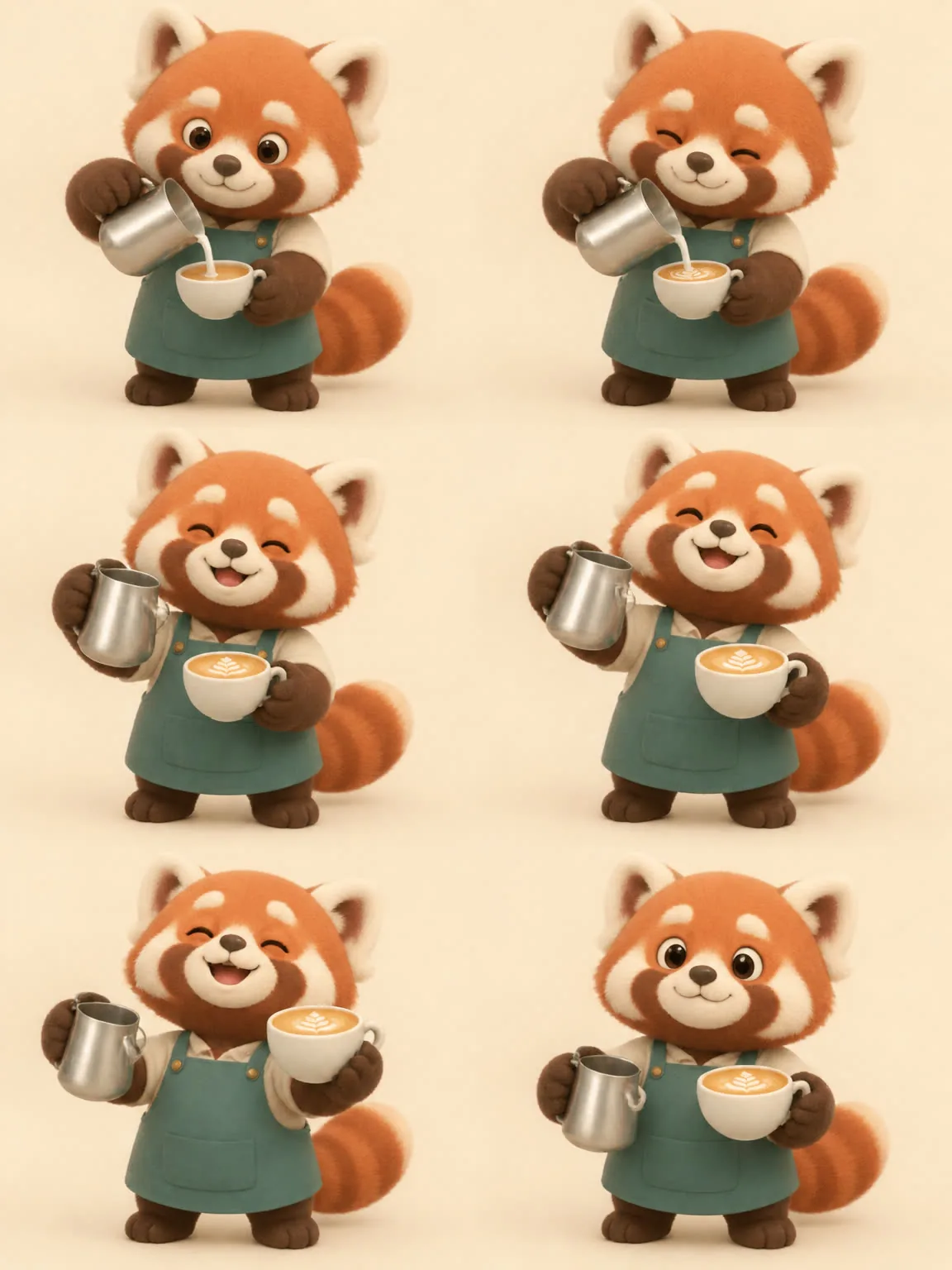
Sprite sheets that play as they are
Six frames in order on a 2×3 grid. On the right, the same Flare original played frame by frame
One character, nine expressions on one page
The prompt lists nine moods in order. Sunburst draws one per cell and keeps the face and tie the same
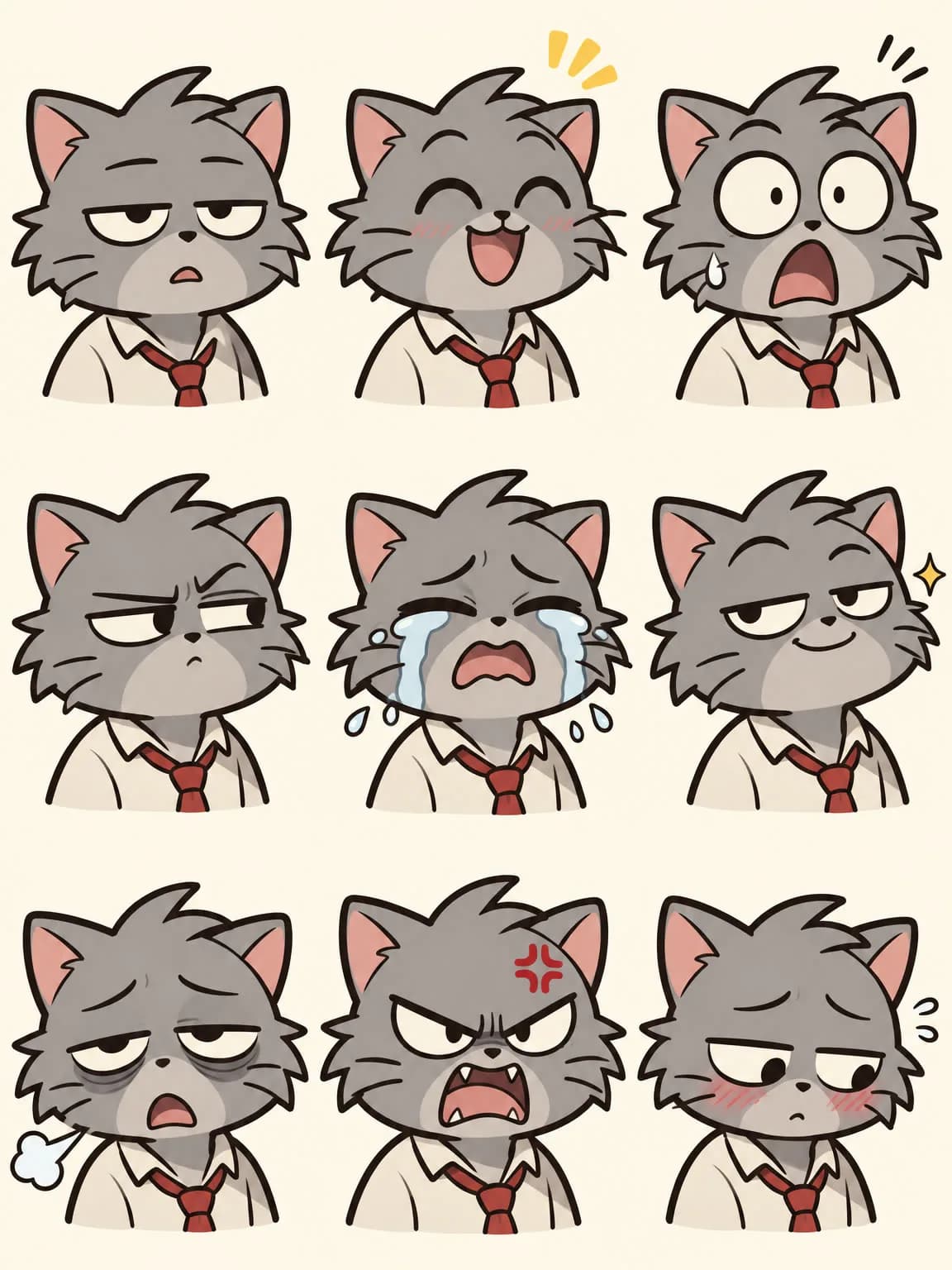
- Bored
- Delighted
- Shocked
- Suspicious
- Crying
- Smug
- Exhausted
- Furious
- Shy
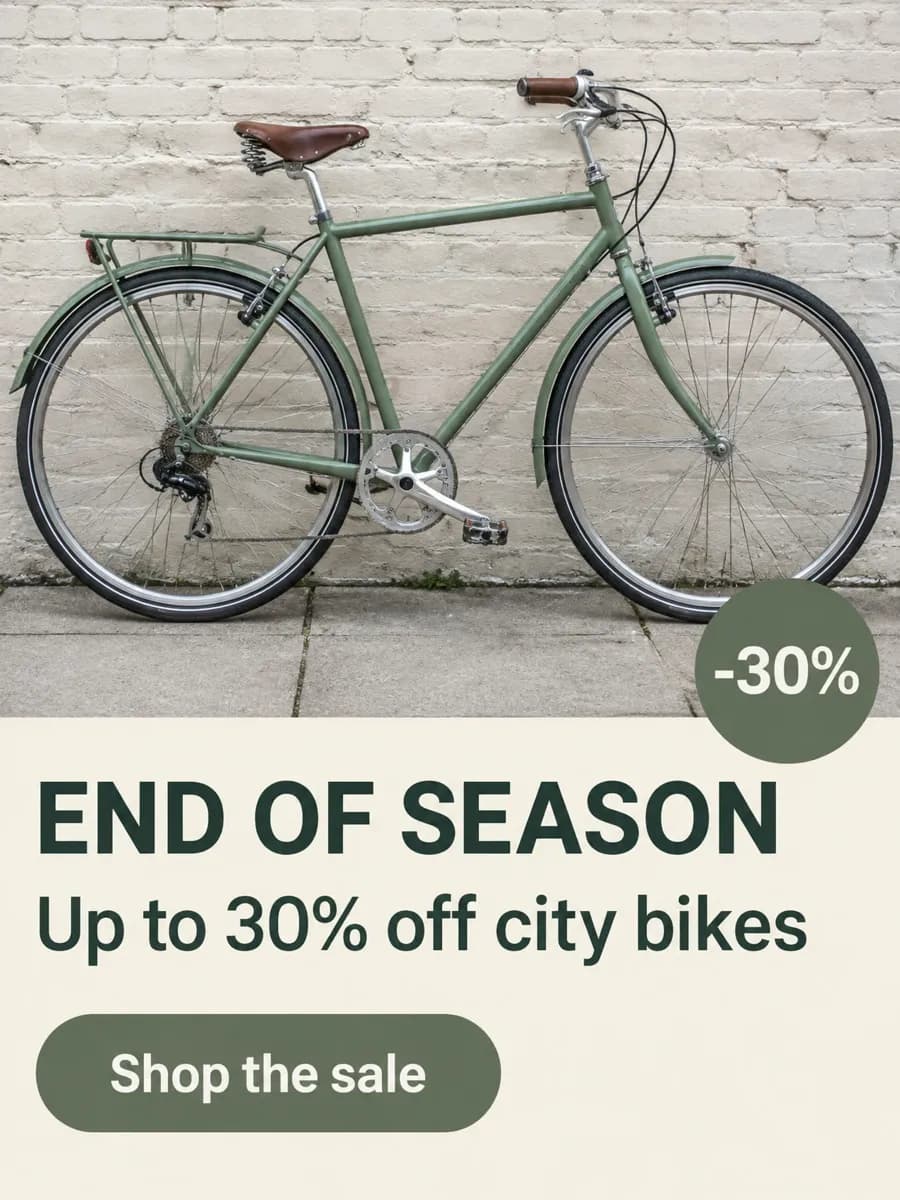
Every line of ad copy lands where you wrote it
Write the headline, subline, button and badge into the prompt, and each quoted line takes its own spot
- END OF SEASON
- Up to 30% off city bikes
- Shop the sale
- -30%
Four Flare runs, and each one has everything you listed
Same flea-market prompt four times: headline, date line, sticker, lamps, records, plants and the bike made every version
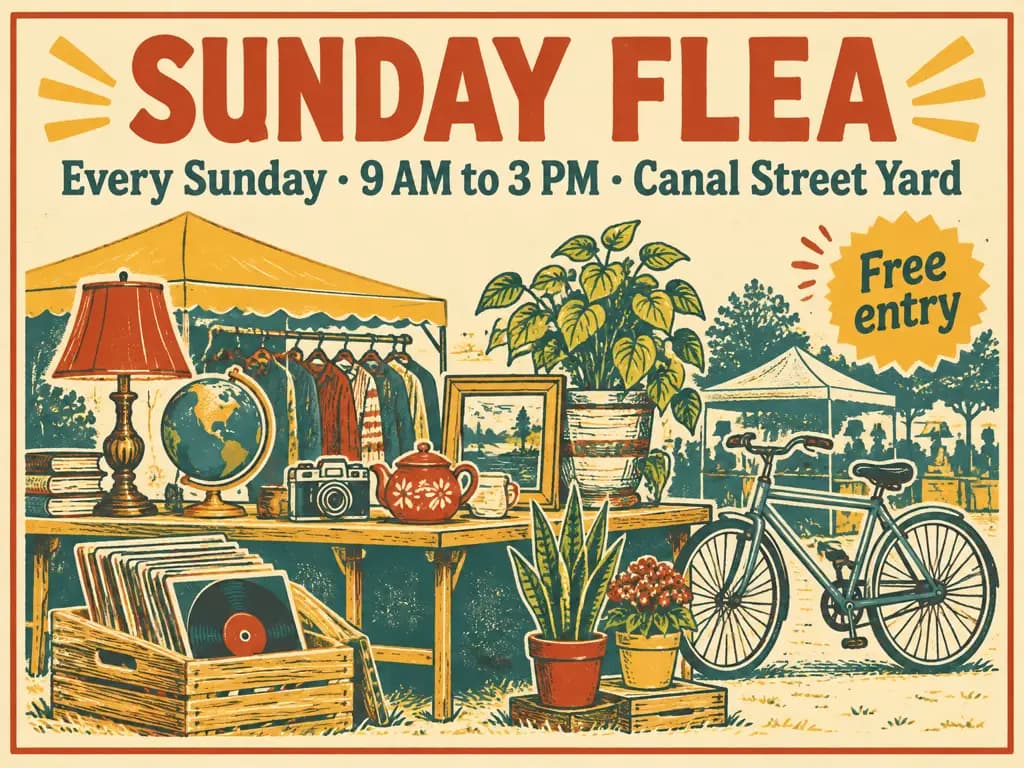
Run 1: globe and teapot on the table
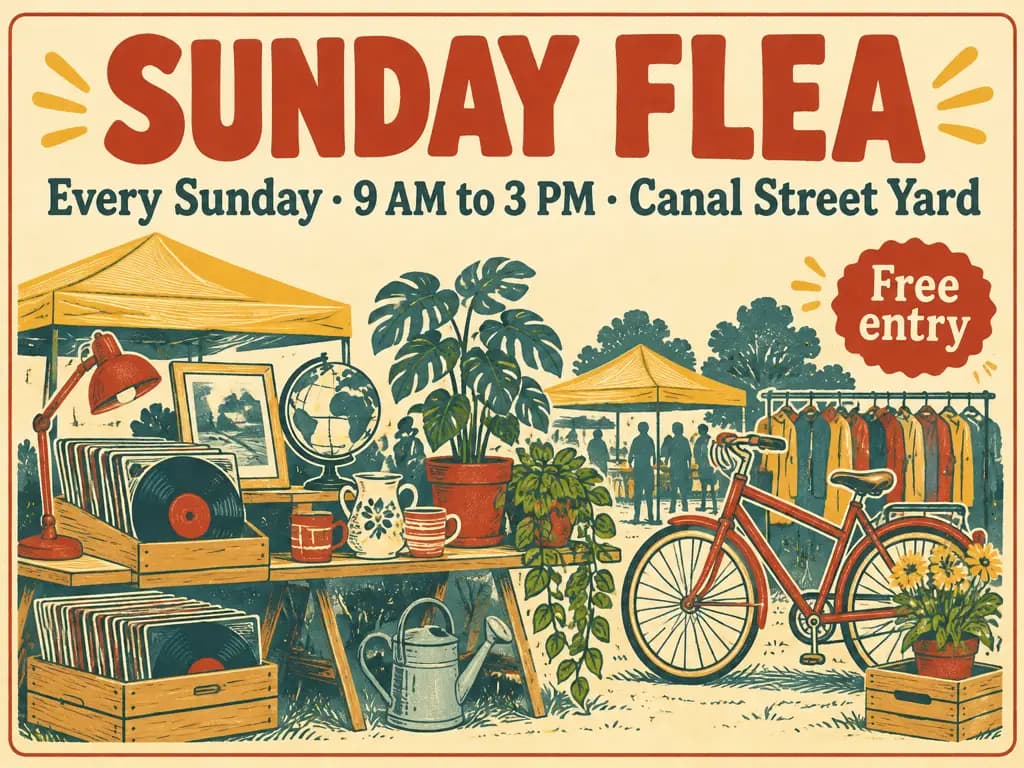
Run 2: red bike up front
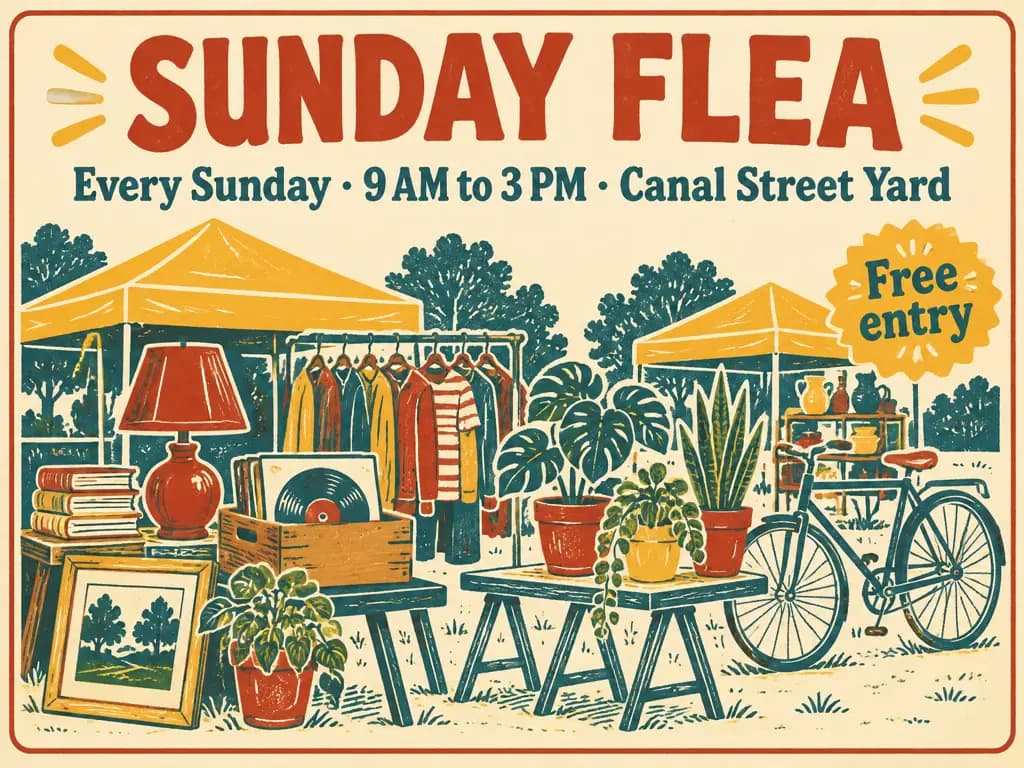
Run 3: clothes rack in the middle
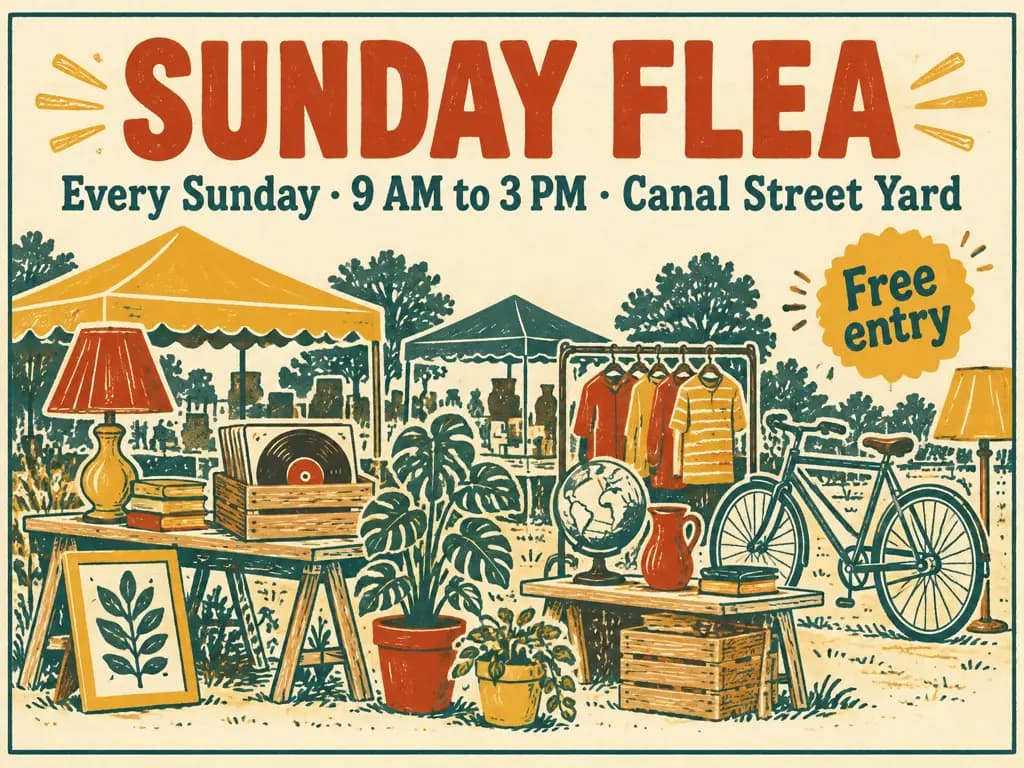
Run 4: teal awnings behind
More GPT Image 2.6 work
Flare and Sunburst originals. Open one to reuse its prompt and version
GPT Image 2.6, 2.5 or 2
All three run in the same workspace. Pick by the image you need
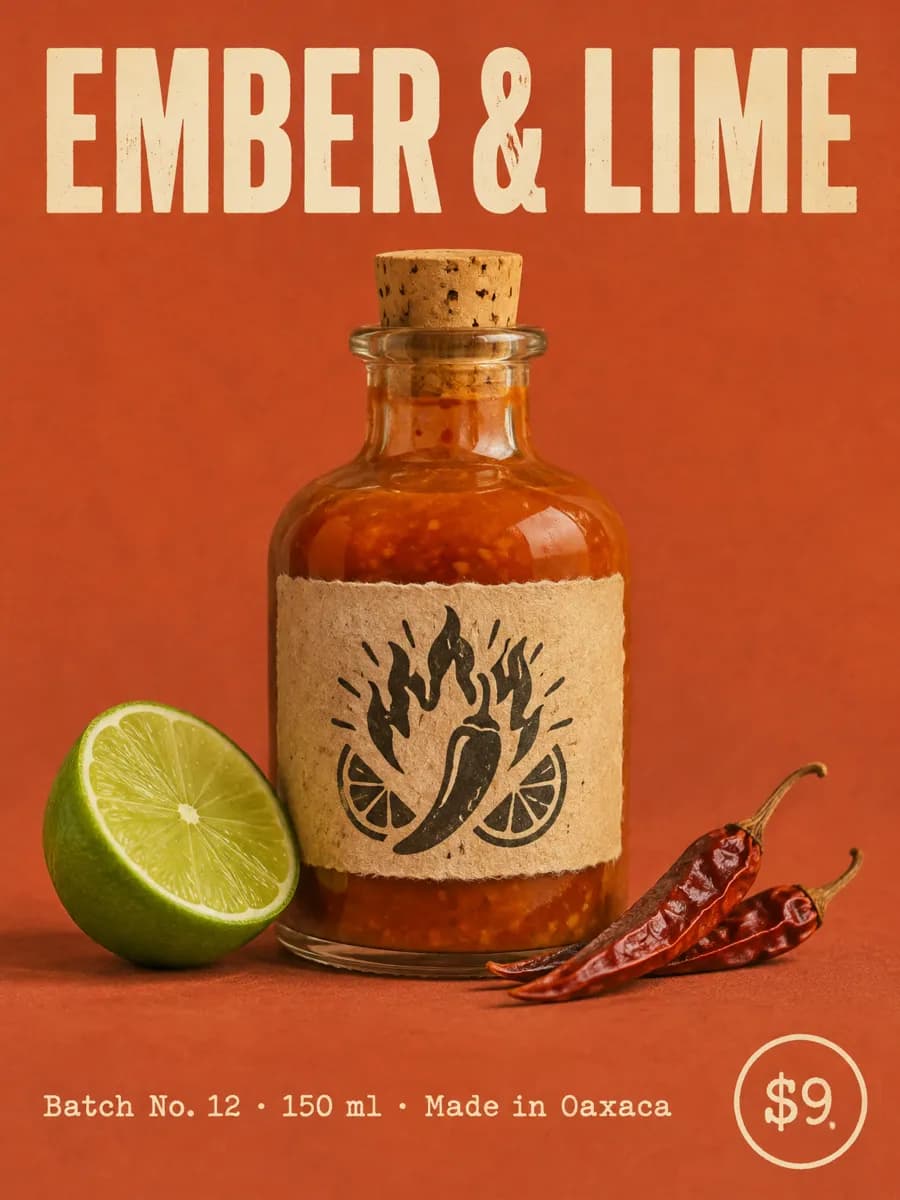
GPT Image 2.6
Plans the layout first. Best for storyboards, sprite sheets and layered ads
Create with GPT Image 2.6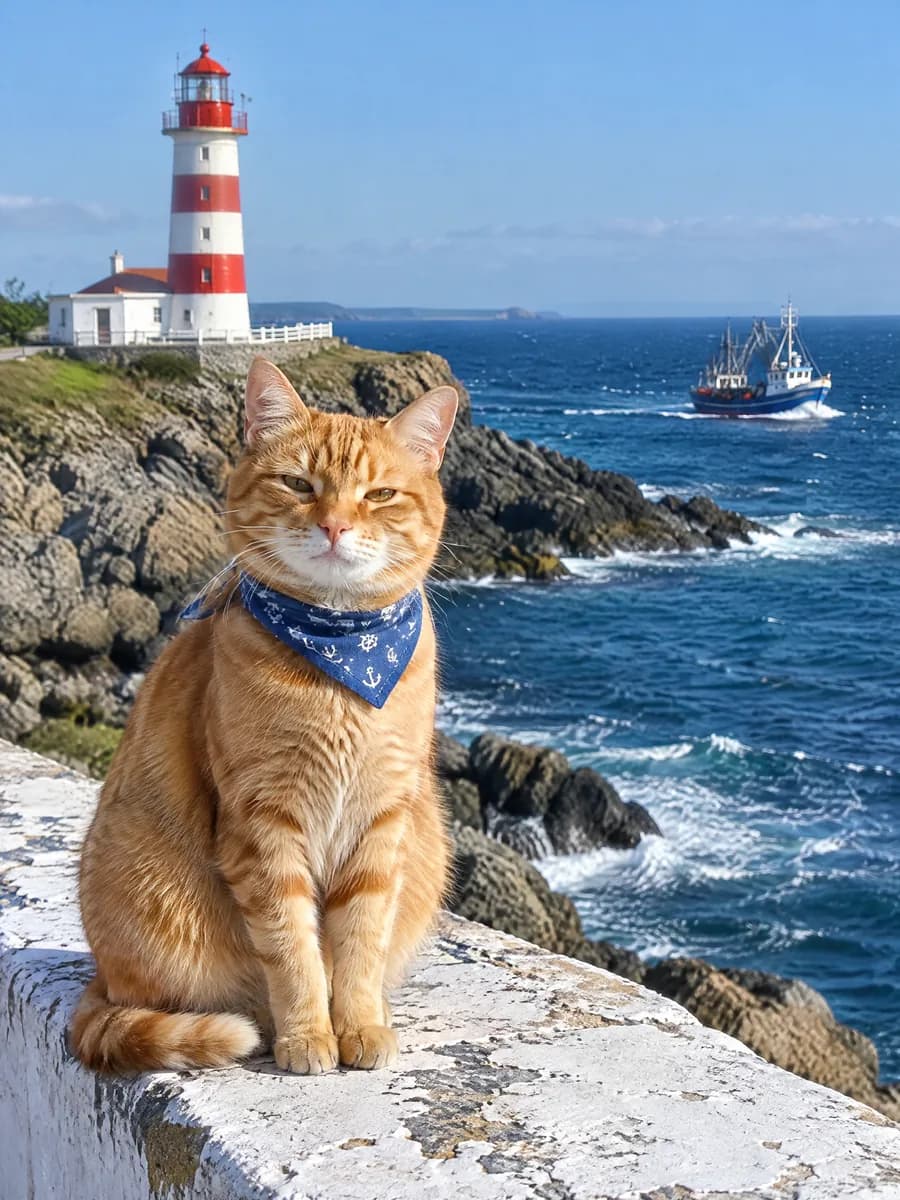
GPT Image 2.5
Keeps people consistent across many edits, with cheaper 2K and 4K than 2.6
Explore GPT Image 2.5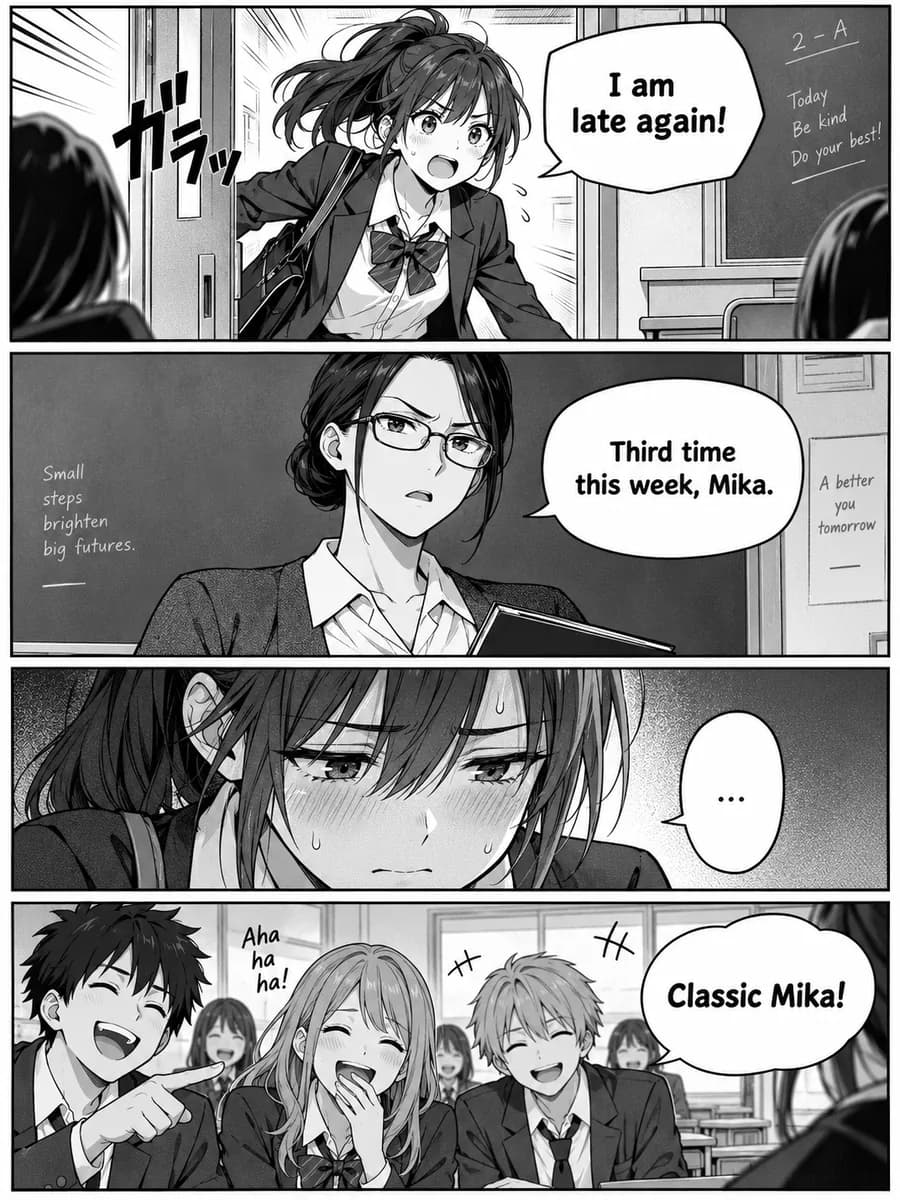
GPT Image 2
Choose quality from low to high, with up to 16 reference images
Explore GPT Image 2
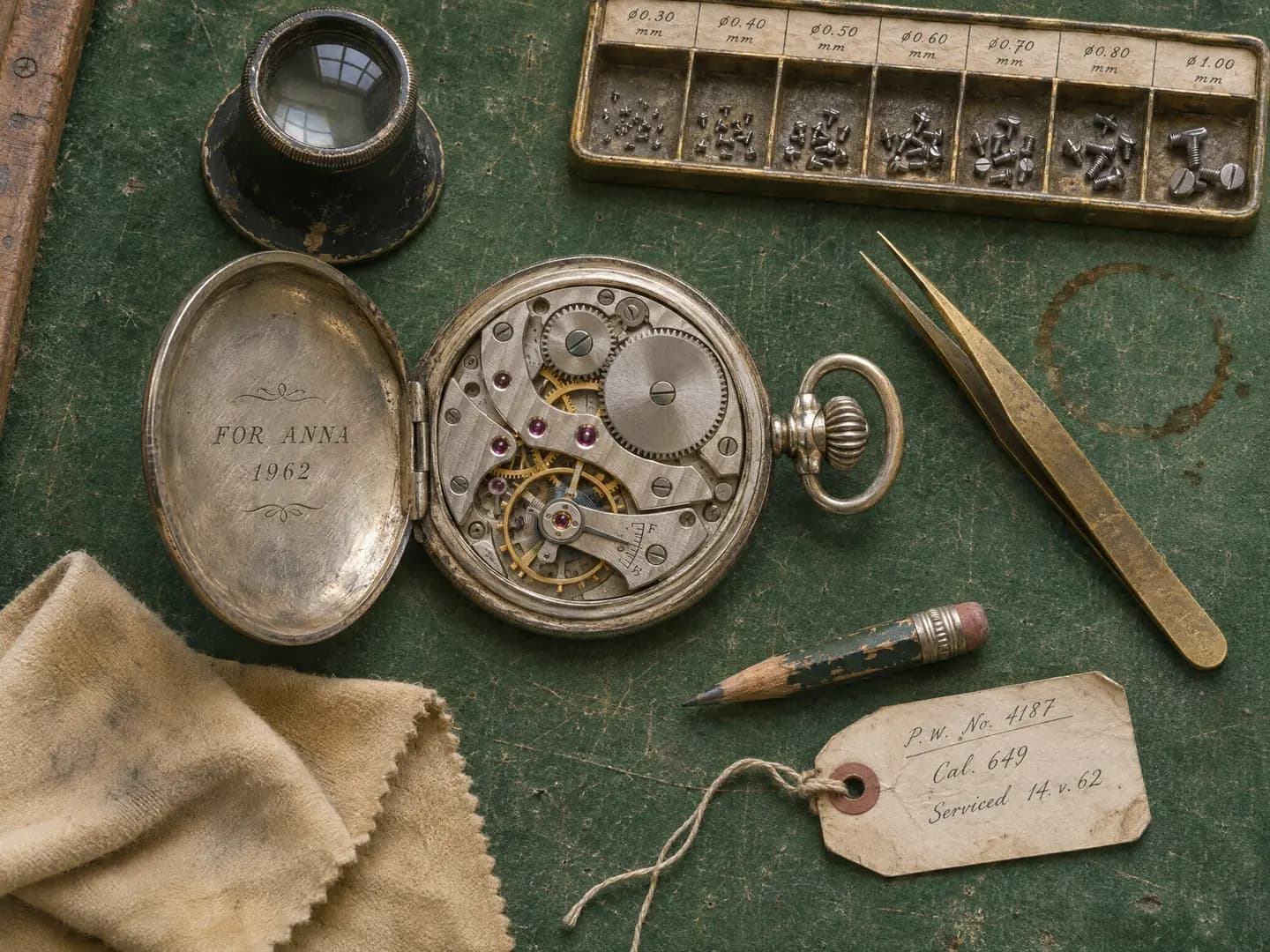
Lay out your next page in one prompt
New accounts get 6 free credits for three 1K images