


GPT Image 2.5 Flare
- Best for
- Everyday images, quick drafts
- Speed
- Up to 50% lower latency than GPT Image 2
- Credits per image (1K / 2K / 4K)
- 2 / 7 / 11
- Quality setting
- auto only
- Images per run
- 1
- Reference images
- Up to 16
OpenAI's newest image model keeps your subject and earlier changes through round after round of edits. New accounts get 12 free credits for six 1K images
Every image here was made with GPT Image 2.5. Open one to reuse its prompt for your own version
Say only what changes each round. Sunburst keeps the person and every earlier edit


Flare cuts latency by up to 50% vs GPT Image 2, Sunburst edits more precisely, and both cost the same on Pilio
Everyday images, social content and quick drafts
Generate with FlareFine detail, campaign visuals and precise edits
Generate with Sunburst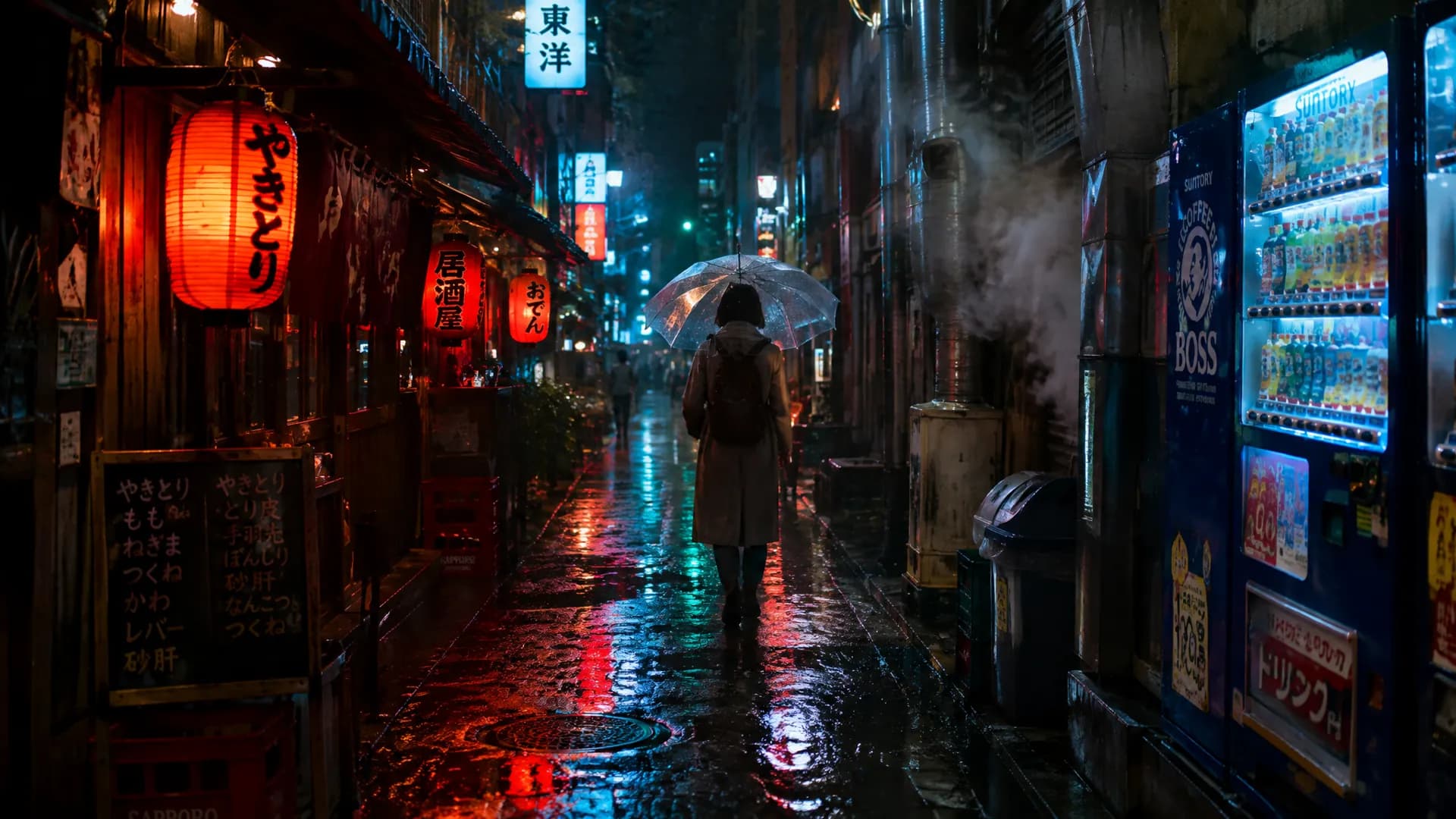
New accounts get 12 free credits for six 1K images
All three run in the same workspace. Pick by speed, edit precision and cost
| Feature | GPT Image 2.5 Flare | GPT Image 2.5 Sunburst | GPT Image 2 |
|---|---|---|---|
| Best for | Everyday images, quick drafts | Complex detail, precise multi-turn edits | Text-heavy layouts, lowest 1K cost |
| Speed | Up to 50% lower latency than GPT Image 2 | Slower, spends more time on detail | Baseline |
| Credits per image (1K / 2K / 4K) | 2 / 7 / 11 | 2 / 7 / 11 | 2 / 7 / 11 (more on high) |
| Quality setting | auto only | auto only | auto, low, medium, high |
| Images per run | 1 | 1 | 1, 2 or 4 |
| Reference images | Up to 16 | Up to 16 | Up to 16 |
Draft with Flare; switch to Sunburst for multi-turn edits and detail; use GPT Image 2 when you need several images per run or the lowest cost
One image, from a single description to a sunset version
Spell out subject, scene and light, and pick 3:4
Flare is fast, so try a few and keep the best composition
Ask only for the light to change; cat, lighthouse and waves stay put. Upscale to 4K when it's right