GPT Image 2.5: fast drafts with Flare, edit after edit with Sunburst

OpenAI's newest image model keeps your subject and earlier changes through round after round of edits. New accounts get 12 free credits for six 1K images

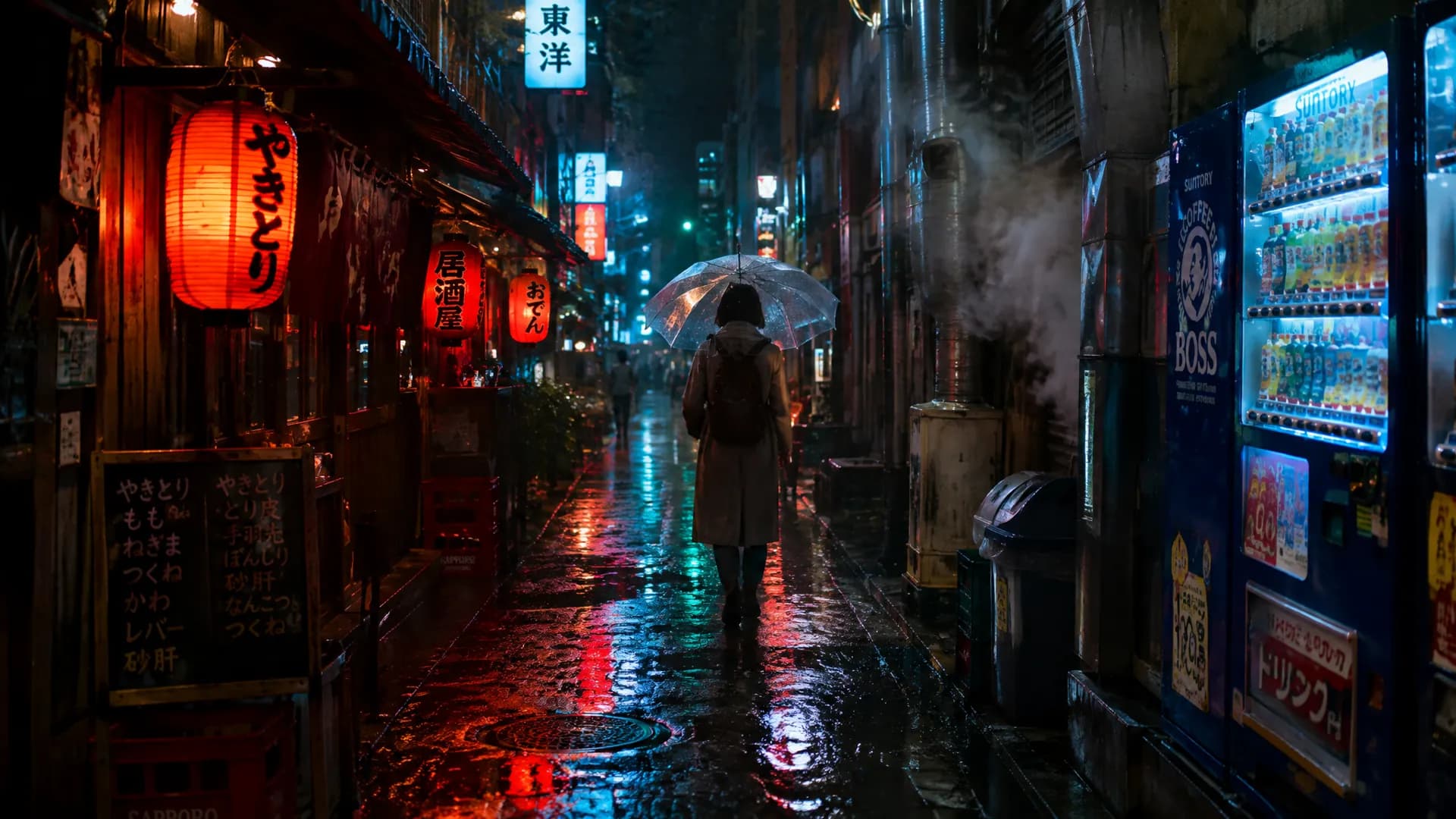
Direct flash, film, window light: lighting that looks shot, not rendered

Every image here was made with GPT Image 2.5. Open one to reuse its prompt for your own version

Four rounds of edits, and he's still the same person

Say only what changes each round. Sunburst keeps the person and every earlier edit

  1. Start: white tee and red bike

    Start: white tee and red bike

  2. Swap to a striped Breton shirt

    Swap to a striped Breton shirt

  3. Fill the basket with sunflowers

    Fill the basket with sunflowers

  4. Turn the backdrop sage green

    Turn the backdrop sage green

  5. Seat a French bulldog by the wheel

    Seat a French bulldog by the wheel

Keep editing this image

Flare for speed, Sunburst for detail

Flare cuts latency by up to 50% vs GPT Image 2, Sunburst edits more precisely, and both cost the same on Pilio

Start with a 2-credit draft from Flare

New accounts get 12 free credits for six 1K images

GPT Image 2.5: OpenAI's faster model with steadier edits

GPT Image 2.5 is the image model OpenAI released in September 2026, in two versions: Flare and Sunburst. According to OpenAI, it renders more natural lighting and richer textures, follows edit instructions more reliably across turns and preserves subjects from reference images better. Flare cuts latency by up to 50% vs GPT Image 2; Sunburst spends more time on complex detail and precise edits. On Pilio both cost the same and output 1K, 2K or 4K
  • Flare: up to 50% lower latency than GPT Image 2
  • Sunburst: changes only what you ask, even in busy scenes
  • Multi-turn edits keep every earlier change
  • 1K / 2K / 4K from 2 credits, same price for both
16 stationery product references combined into one 4K shop display, every label still sharp up close

GPT Image 2.5 Flare vs Sunburst vs GPT Image 2

All three run in the same workspace. Pick by speed, edit precision and cost

GPT Image 2.5 Flare

Best for
Everyday images, quick drafts
Speed
Up to 50% lower latency than GPT Image 2
Credits per image (1K / 2K / 4K)
2 / 7 / 11
Quality setting
auto only
Images per run
1
Reference images
Up to 16

GPT Image 2.5 Sunburst

Best for
Complex detail, precise multi-turn edits
Speed
Slower, spends more time on detail
Credits per image (1K / 2K / 4K)
2 / 7 / 11
Quality setting
auto only
Images per run
1
Reference images
Up to 16

GPT Image 2

Best for
Text-heavy layouts, lowest 1K cost
Speed
Baseline
Credits per image (1K / 2K / 4K)
2 / 7 / 11 (more on high)
Quality setting
auto, low, medium, high
Images per run
1, 2 or 4
Reference images
Up to 16

Draft with Flare; switch to Sunburst for multi-turn edits and detail; use GPT Image 2 when you need several images per run or the lowest cost

A cat on the sea wall: drafted with Flare, finished with Sunburst

One image, from a single description to a sunset version

  1. Describe the cat, lighthouse and morning sun

    Spell out subject, scene and light, and pick 3:4

  2. Run Flare four times, keep one

    Flare is fast, so try a few and keep the best composition

  3. Switch to Sunburst for a sunset

    Ask only for the light to change; cat, lighthouse and waves stay put. Upscale to 4K when it's right

Before you use GPT Image 2.5

What's the difference between Flare and Sunburst?
Flare is faster and lighter, good for drafts and everyday images. Sunburst takes longer but keeps complex detail and changes only what you ask in busy scenes. Both cost the same on Pilio and you can switch any time
Will the person or earlier edits drift after several rounds?
OpenAI says 2.5 follows edit instructions more reliably across turns. Use the last result as the reference image each round and describe only that round's change; use Sunburst when the scene is busy. The four-round edit on this page was made exactly that way
How many credits does GPT Image 2.5 use? How far do free credits go?
Flare and Sunburst cost the same: 2 credits per 1K image, 7 for 2K and 11 for 4K. New accounts get 12 credits after first verification, enough for six 1K images
How is GPT Image 2.5 better than GPT Image 2?
According to OpenAI, 2.5 has more natural lighting and richer textures, preserves reference subjects better, holds up across multi-turn edits and is up to 50% faster. GPT Image 2 is cheaper at 1K and can return 4 images per run, so it still suits bulk drafting
Can I choose high or max quality?
Not yet. OpenAI's API offers several quality levels, but GPT Image 2.5 on Pilio is fixed at auto, priced by resolution, with one image per run. Aspect ratios: 1:1, 3:2, 2:3, 4:3, 3:4, 16:9, 9:16 and 21:9
Can it output transparent PNGs?
Pilio doesn't offer the transparent background option yet, so every image has a background. For a cutout, generate on a plain background and remove it with a background remover