See a real video cleanup result
The same three-second clip plays in sync: the original keeps the visible Gemini mark at the lower right, while the processed version removes it and preserves the subject, lighting, and motion.
Working with images too? Open the Gemini Image Watermark Remover
Remove the visible mark while keeping the full frame and smooth motion
Restore the marked area frame by frame

Supports 7 formats, videos up to 120 seconds

Cloud processing on any device

Full-frame aware cleanup

Remove a Gemini video watermark in 3 steps

Upload your clip
Choose an MP4, MOV, WebM, AVI, MPG, MPEG, or MKV file up to 120 seconds.

Let AI clean the frames
Pilio processes the visible watermark in the cloud. You do not need to mark the area or keep the tab open.

Download the result
When processing finishes, download the cleaned MP4 from the task result.
Gemini video watermark remover FAQ
Do I need to install software or keep the page open?
Can I process videos exported from Google Flow?
Which formats, length, and output are supported?
How many credits does it cost to process one video?
Are uploaded videos stored?
Will the result keep the original video quality?
Does this remove SynthID?
Can I use it for unrelated logos or moving watermarks?
What if my video is longer than 120 seconds?
Which videos should I use this tool for?
Related Guides
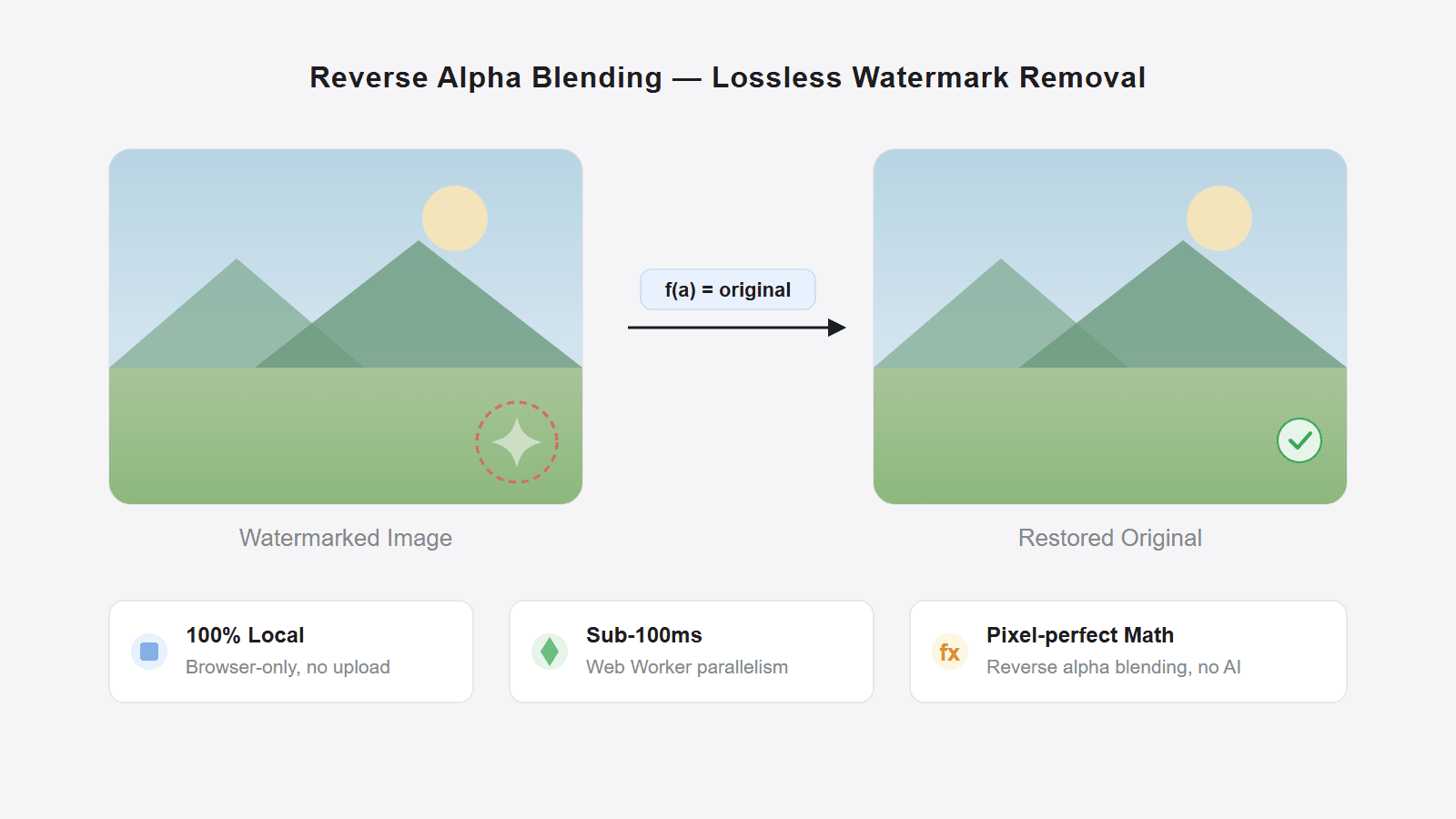
How to remove Gemini watermark: local and hosted workflows
A practical guide to Gemini watermark removal: when to use a local browser tool, when to use Pilio's hosted Gemini cleanup, and what to do with screenshots, videos, or compressed copies.
How Gemini image watermarks work and how to remove them
Learn how Gemini's visible watermark blending works, how reverse formulas differ from AI inpainting, and when an online remover can restore pixels.
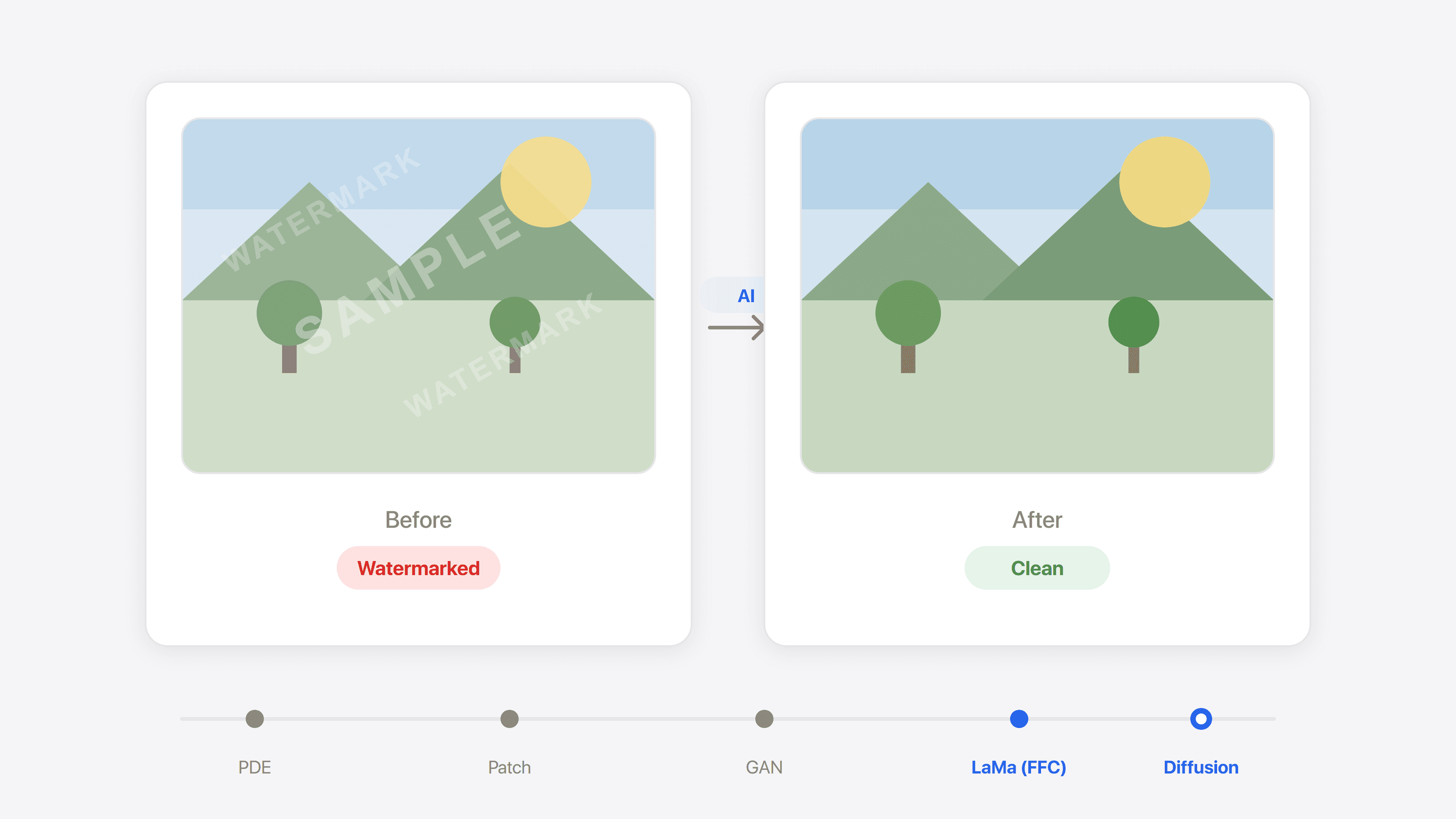
How to remove image watermarks with repair or AI
Compare image watermark removal methods, from traditional patching to diffusion-based AI repair, with tool tradeoffs and a free online option.